
About Lock Screen Widget
Enjoy millions of the latest Android apps, games, music, movies, TV, books, magazines & more. Anytime, anywhere, across your devices.
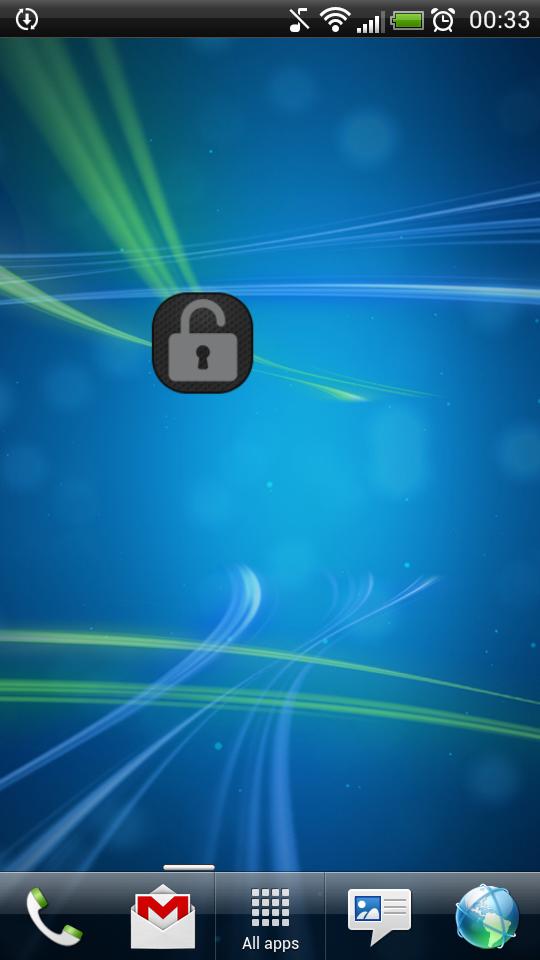
Application "Lock Screen Widget" is a simple widget (1x1) that allows user to easily lock screen.
Before uninstalling the widget make sure to disable admin permissions in Settings -> Security -> Device administrators -> Lock Screen Widget.
How to add widget "Lock Screen Widget" onto your phone's screen:
1. Go to your Home Screen.
2. Long click on empty space on Home Screen.
3. Select "Widgets" from the list.
4. Find widget "Lock Screen Widget".
You have an idea on how to improve "Lock Screen Widget", add a comment below.
Additional APP Information
Latest Version
2.1Uploaded by
Tan'Surachet Saengchat
Requires Android
Android 2.2+
Category
Free Tools AppContent Rating
Unrated · Warning – content has not yet been rated. Unrated apps may potentially contain content appropriate for mature audiences only.
Report
Flag as inappropriateWhat's New in the Latest Version 2.1
Last updated on Sep 19, 2015
This release includes minor bug fixes and general improvements. Update to the latest version for the best experience.
Lock Screen Widget Screenshots


Old Versions of Lock Screen Widget
457.5 KBSep 19, 2015