
Over Lock Screen Widget
Enjoy millions of the latest Android apps, games, music, movies, TV, books, magazines & more. Anytime, anywhere, across your devices.
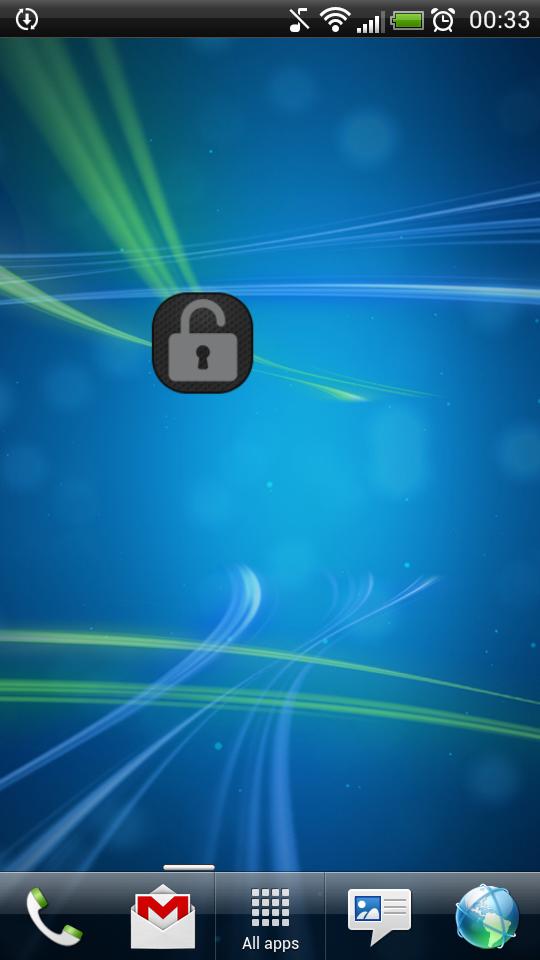
Application "Lock Screen Widget" is a simple widget (1x1) that allows user to easily lock screen.
Before uninstalling the widget make sure to disable admin permissions in Settings -> Security -> Device administrators -> Lock Screen Widget.
How to add widget "Lock Screen Widget" onto your phone's screen:
1. Go to your Home Screen.
2. Long click on empty space on Home Screen.
3. Select "Widgets" from the list.
4. Find widget "Lock Screen Widget".
You have an idea on how to improve "Lock Screen Widget", add a comment below.
Aanvullende APP -informatie
Laatste Versie
2.1Geüpload door
Tan'Surachet Saengchat
Android vereist
Android 2.2+
Categorie
Gratis Tools APPInhoudsbeoordeling
Unrated · Warning – content has not yet been rated. Unrated apps may potentially contain content appropriate for mature audiences only.
Melden
Rapporteer als ongepastWat is er nieuw in de nieuwste versie 2.1
Last updated on Sep 19, 2015
Deze versie bevat kleine bugfixes en algemene verbeteringen. Werk bij naar de nieuwste versie voor de beste ervaring.
Lock Screen Widget Screenshots


Oude versies van Lock Screen Widget
457.5 KBSep 19, 2015