
关于Lock Screen Widget
来 Google Play 网购吧!购买内容之后,立刻就可以在您的 Android 手机或平板电脑上享用,摆脱一切同步烦恼。
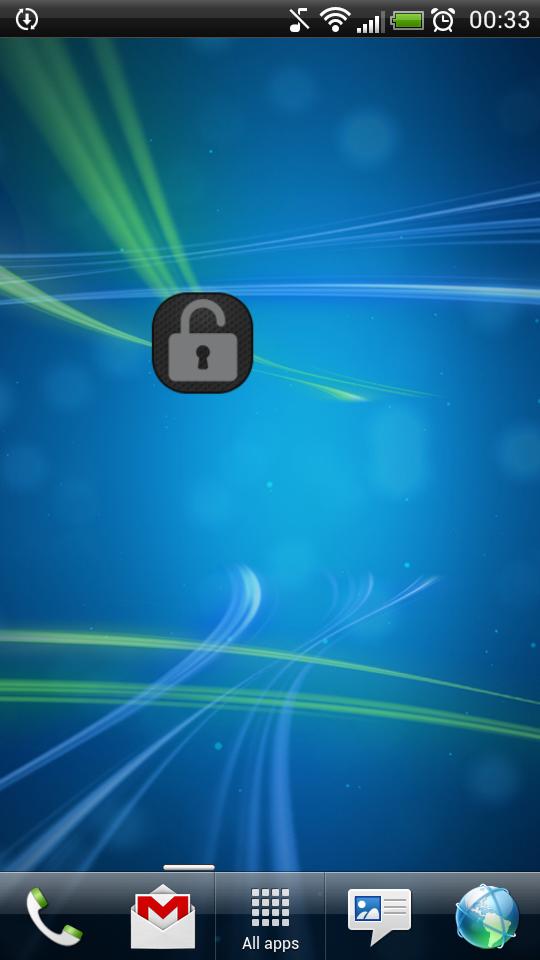
Application "Lock Screen Widget" is a simple widget (1x1) that allows user to easily lock screen.
Before uninstalling the widget make sure to disable admin permissions in Settings -> Security -> Device administrators -> Lock Screen Widget.
How to add widget "Lock Screen Widget" onto your phone's screen:
1. Go to your Home Screen.
2. Long click on empty space on Home Screen.
3. Select "Widgets" from the list.
4. Find widget "Lock Screen Widget".
You have an idea on how to improve "Lock Screen Widget", add a comment below.
更多应用信息
最新版本2.1更新日志
Last updated on 2015年09月20日
此版本包含小幅错误修复和常规改进。请更新至最新版本,以获得更佳体验。
Lock Screen Widget 屏幕截图


Lock Screen Widget历史版本
457.5 KB2015年09月20日