
Lock Screen Widget hakkında
Enjoy millions of the latest Android apps, games, music, movies, TV, books, magazines & more. Anytime, anywhere, across your devices.
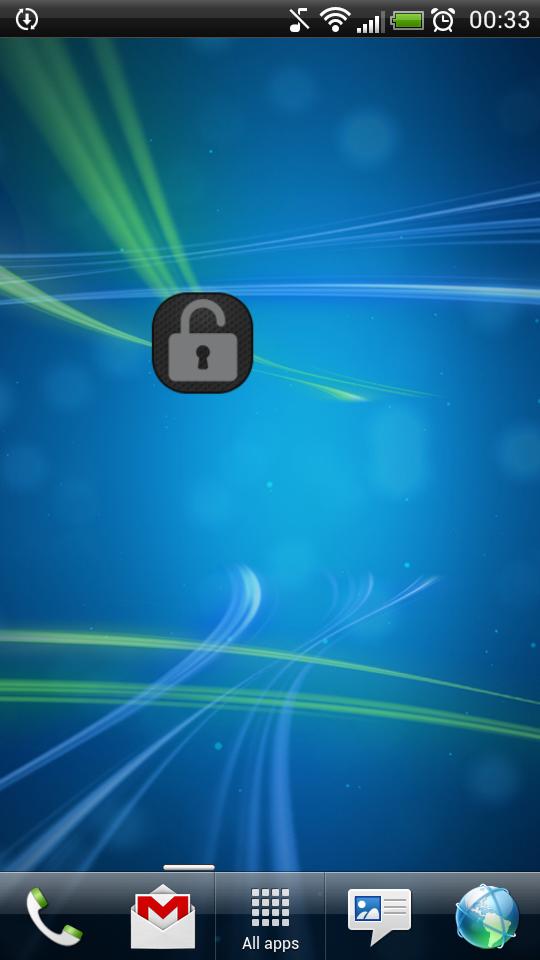
Application "Lock Screen Widget" is a simple widget (1x1) that allows user to easily lock screen.
Before uninstalling the widget make sure to disable admin permissions in Settings -> Security -> Device administrators -> Lock Screen Widget.
How to add widget "Lock Screen Widget" onto your phone's screen:
1. Go to your Home Screen.
2. Long click on empty space on Home Screen.
3. Select "Widgets" from the list.
4. Find widget "Lock Screen Widget".
You have an idea on how to improve "Lock Screen Widget", add a comment below.
Ek UYGULAMA Bilgileri
En Son Sürüm
2.1Yükleyen
Tan'Surachet Saengchat
Gereken Android sürümü
Android 2.2+
Kategori
Ücretsiz Araçlar UYGULAMAİçerik derecelendirmesi
Unrated · Warning – content has not yet been rated. Unrated apps may potentially contain content appropriate for mature audiences only.
Bildir
Uygunsuz olarak işaretleEn son sürümde yeni olan 2.1
Last updated on Sep 19, 2015
Bu sürümde küçük hata düzeltmeleri ve genel iyileştirmeler bulunur. En iyi deneyim için en yeni sürüme güncelleyin.
Lock Screen Widget Ekran görüntüleri


Lock Screen Widget'in eski sürümleri
457.5 KBSep 19, 2015