
Lock Screen Widget 정보
Enjoy millions of the latest Android apps, games, music, movies, TV, books, magazines & more. Anytime, anywhere, across your devices.
Application "Lock Screen Widget" is a simple widget (1x1) that allows user to easily lock screen.
Before uninstalling the widget make sure to disable admin permissions in Settings -> Security -> Device administrators -> Lock Screen Widget.
How to add widget "Lock Screen Widget" onto your phone's screen:
1. Go to your Home Screen.
2. Long click on empty space on Home Screen.
3. Select "Widgets" from the list.
4. Find widget "Lock Screen Widget".
You have an idea on how to improve "Lock Screen Widget", add a comment below.
추가 앱 정보
최신 버전 2.1의 새로운 기능
Last updated on Sep 19, 2015
이 버전에는 사소한 버그 수정과 전반적인 개선 사항이 포함되어 있습니다. 최상의 환경을 위해 최신 버전으로 업데이트하세요.
Lock Screen Widget 스크린 샷
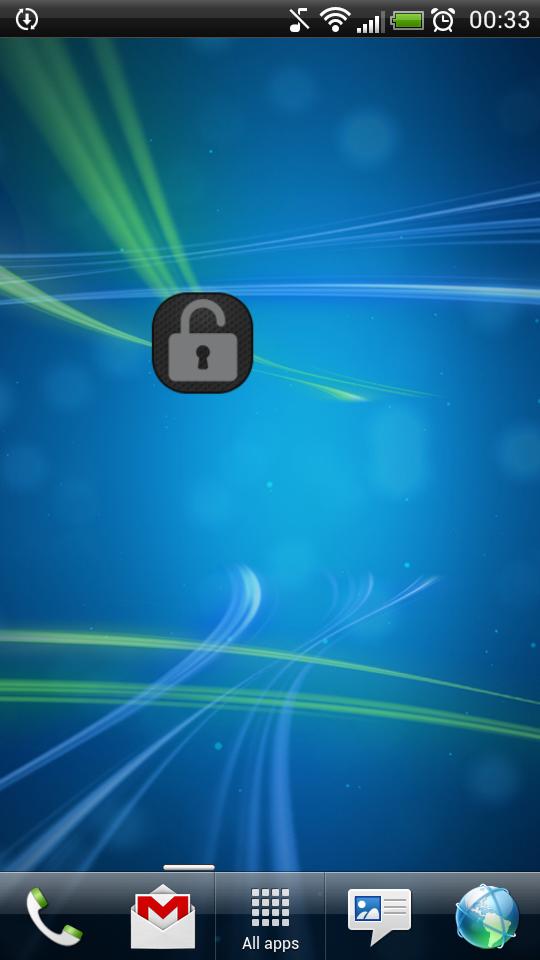


Lock Screen Widget의 오래된 버전
457.5 KBSep 19, 2015