
Mengenai QPyNotebook
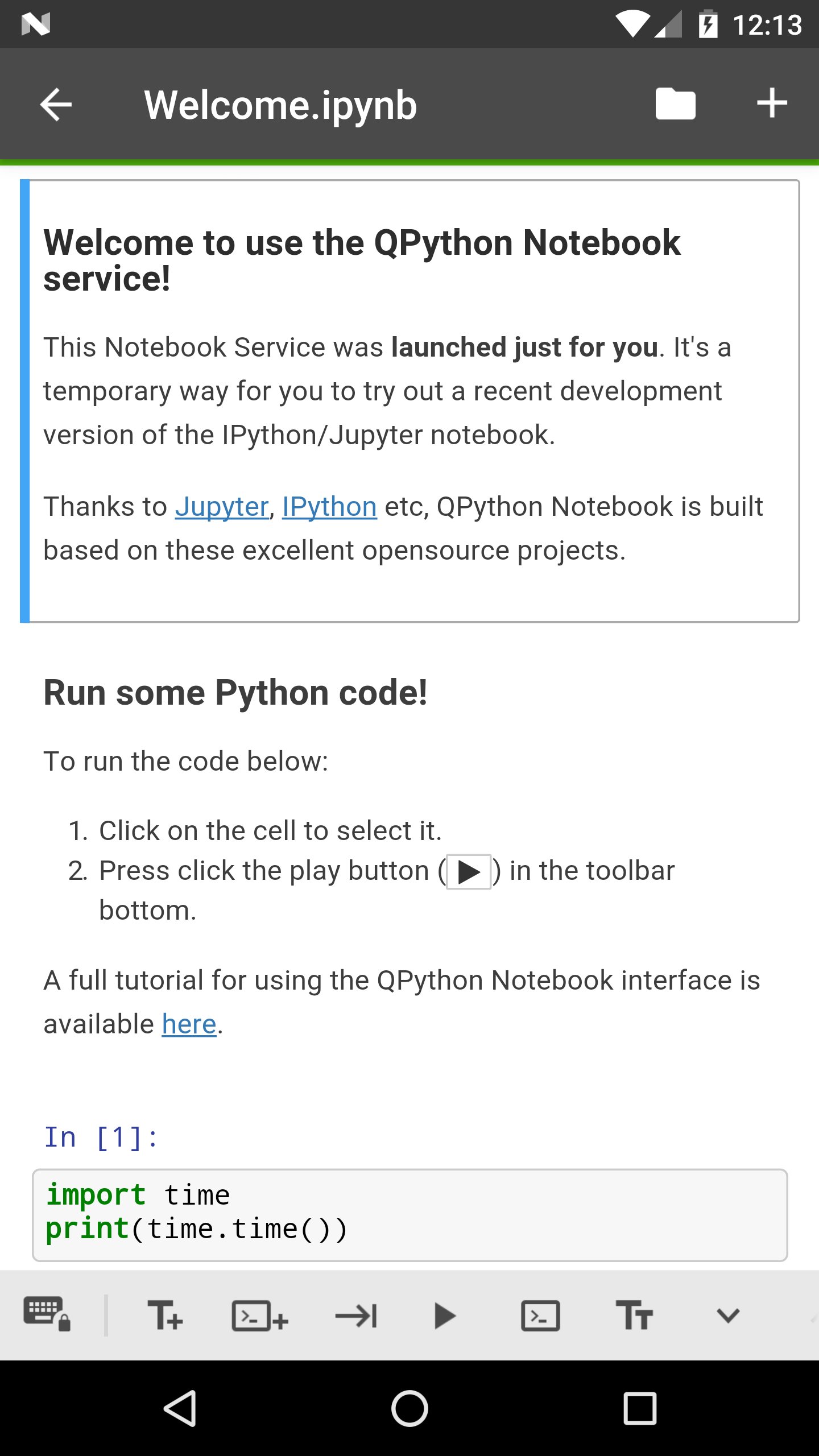
QPyNotebook let you read/write/practise Python code step by step.
QPyNotebook let you read/write/practise Python step by step.
After installing this app, you need follow these steps to enable QPyNotebook with your QPython.
1 Make sure you have installed the newest QPython (>=2.2.0)
2 Check "Install QPyNotebook" from QPython's setting, then it will guide you to install some necessary resources.
3 Start the Explorer from QPython dashboard, find some *.ipynb files (For example notebooks/Welcome.ipynb) to open it, then you will start it with QPyNotebook.
Thanks to Jupyter, IPython etc, QPython Notebook is built based on these excelent opensource projects.
Maklumat APLIKASI tambahan
Versi Terbaru
1.0.1Dimuat naik oleh
Dato Bibichadze
Memerlukan Android
Android 4.0+
Category
PERCUMA Pendidikan APLIKASIPenilaian Kandungan
Everyone
Laporkan
Tandai sebagai tidak sesuaiApa yang baru dalam versi terkini 1.0.1
Last updated on Feb 28, 2018
v1.0.1
You could goto QPython notebook page from QPyNotebook now
Bug fix
v1.0.0
First release, you need to install QPython>=2.2.0
QPyNotebook Tangkapan skrin