




Informazioni su QPyNotebook
QPyNotebook permettono di leggere / scrivere / pratica passo dopo passo il codice Python.
QPyNotebook let you read/write/practise Python step by step.
After installing this app, you need follow these steps to enable QPyNotebook with your QPython.
1 Make sure you have installed the newest QPython (>=2.2.0)
2 Check "Install QPyNotebook" from QPython's setting, then it will guide you to install some necessary resources.
3 Start the Explorer from QPython dashboard, find some *.ipynb files (For example notebooks/Welcome.ipynb) to open it, then you will start it with QPyNotebook.
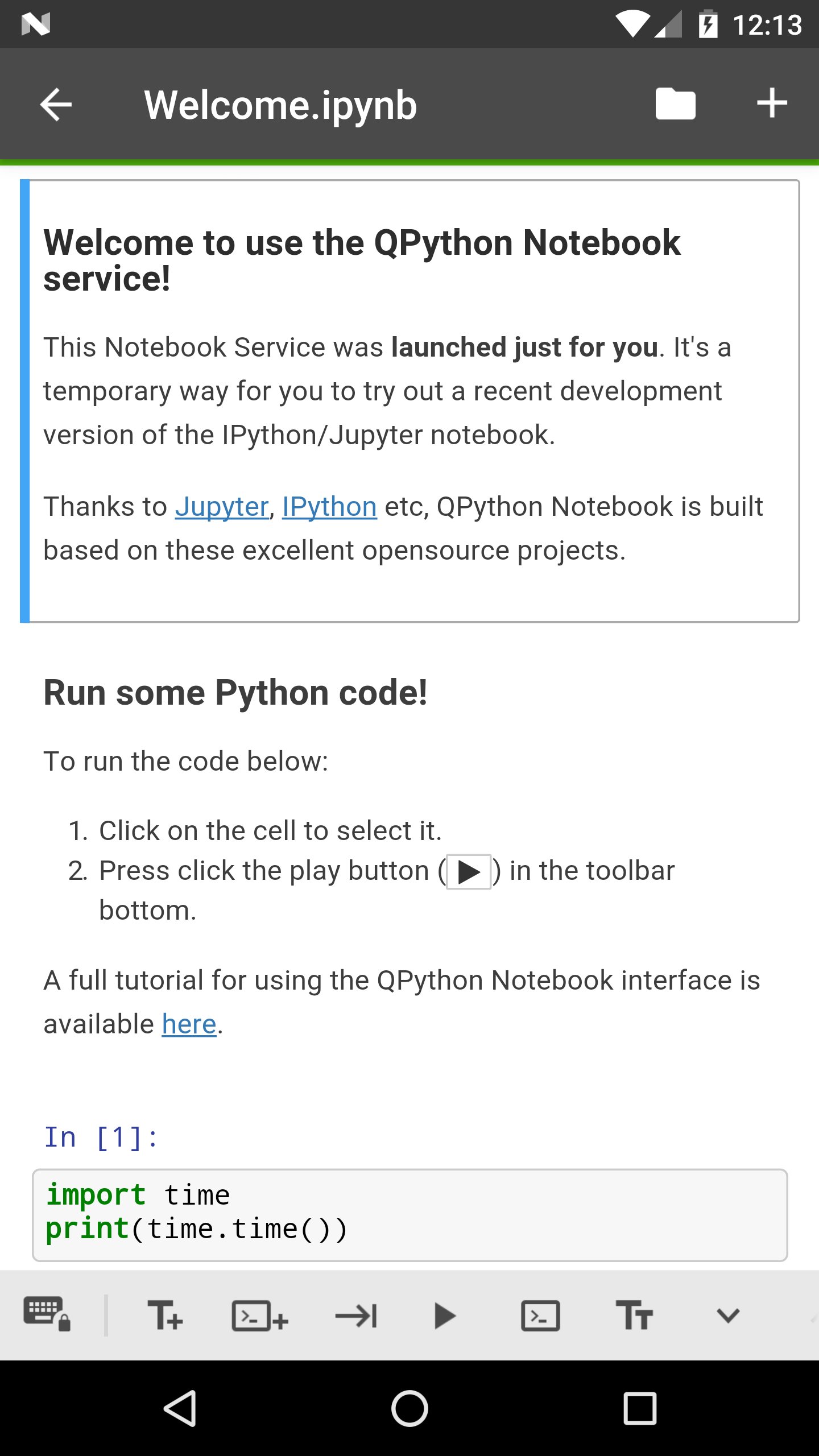
Thanks to Jupyter, IPython etc, QPython Notebook is built based on these excelent opensource projects.
Informazioni APP aggiuntive
Ultima versione
1.0.1Caricata da
Dato Bibichadze
È necessario Android
Android 4.0+
Categoria
Gratuita Istruzione APPClassificazione dei contenuti
Everyone
Segnala
Segna come inappropriataNovità nell'ultima versione 1.0.1
Last updated on Feb 28, 2018
v1.0.1
You could goto QPython notebook page from QPyNotebook now
Bug fix
v1.0.0
First release, you need to install QPython>=2.2.0
QPyNotebook Screenshot



Tag correlati









Articoli popolari nelle ultime 24 ore
- Come scaricare l'APK di Google Play Services ultima versione 24.23.33 (190408-644073686) per Android 2024
- Come scaricare l'APK di Facebook ultima versione 467.1.0.52.83 per Android 2024
- Come scaricare l'APK di Google Traduttore ultima versione 8.10.58.640328148.3-release per Android 2024
- Come scaricare ClasseViva Famiglia APK ultima versione 5.3.3 per Android 2024





Lascia una recensione per QPyNotebook - Python practice step by step (BETA)
Aggiungi recensioni