




Sobre este QPyNotebook
QPyNotebook deixá-lo de leitura / gravação / prática etapa código Python a passo.
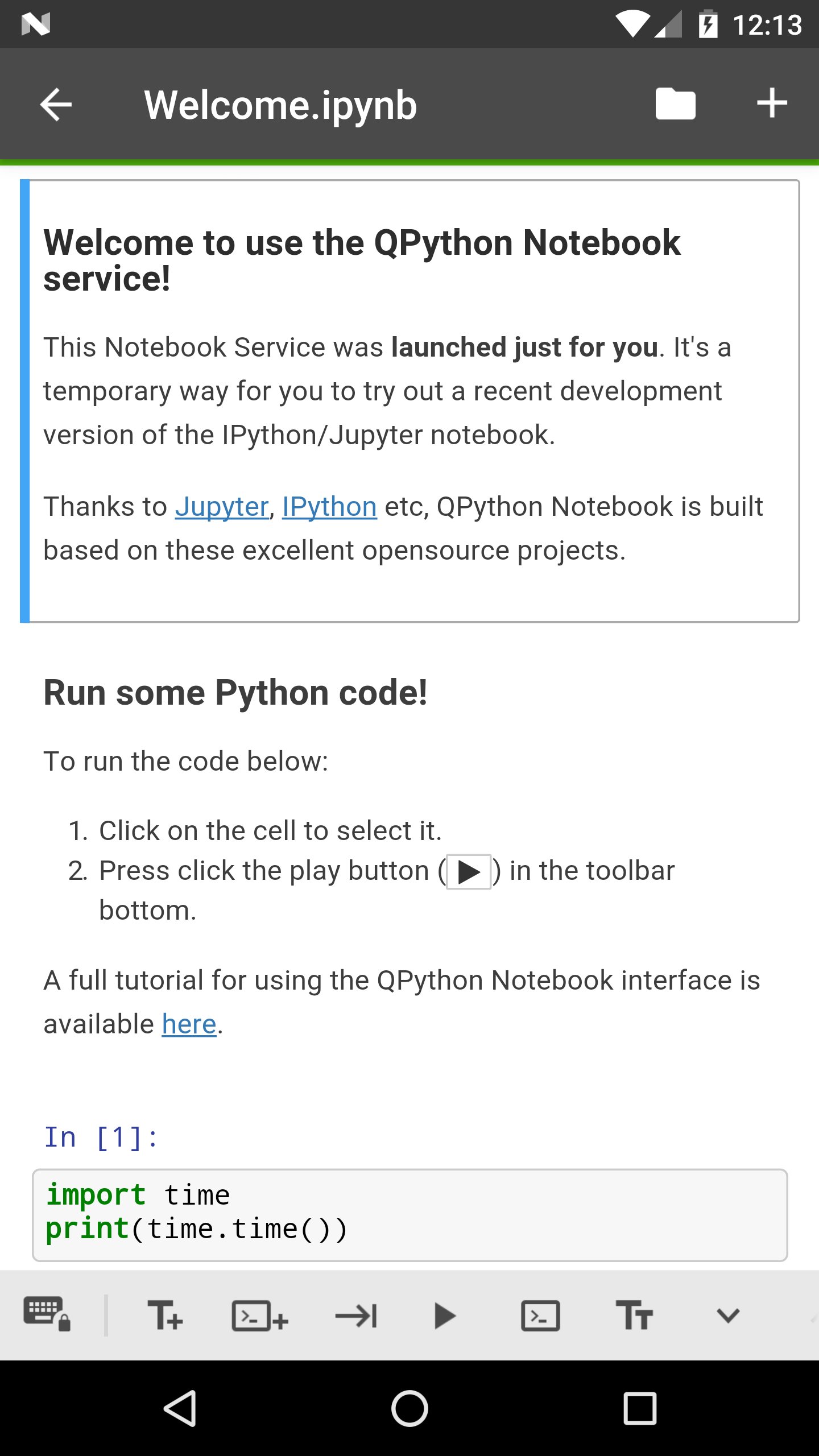
QPyNotebook let you read/write/practise Python step by step.
After installing this app, you need follow these steps to enable QPyNotebook with your QPython.
1 Make sure you have installed the newest QPython (>=2.2.0)
2 Check "Install QPyNotebook" from QPython's setting, then it will guide you to install some necessary resources.
3 Start the Explorer from QPython dashboard, find some *.ipynb files (For example notebooks/Welcome.ipynb) to open it, then you will start it with QPyNotebook.
Thanks to Jupyter, IPython etc, QPython Notebook is built based on these excelent opensource projects.
Informações Adicionais do Aplicativo
Última versão
1.0.1Enviado por
Dato Bibichadze
Requer Android
Android 4.0+
Categoria
Grátis Educação APPClassificação do Conteúdo
Everyone
Relatório
Marcar como inapropriadoNovidades da Última Versão 1.0.1
Last updated on Feb 28, 2018
v1.0.1
You could goto QPython notebook page from QPyNotebook now
Bug fix
v1.0.0
First release, you need to install QPython>=2.2.0
QPyNotebook Capturas de tela



Tags Relacionadas










Artigos Populares nas Últimas 24 Horas
- Como baixar EA Sports FC Mobile 27 apk versão mais recente 27.0.04 para Android 2026
- Como baixar Toca Boca World apk versão mais recente 1.139.1 para Android 2026
- Códigos do EA SPORTS FC MOBILE (setembro de 2026) para resgatar recompensas gratuitas
- Como baixar APKPure apk versão mais recente 3.20.8001 para Android 2026





Deixe uma avaliação para QPyNotebook - Python practice step by step (BETA)
Adicionar Avaliações