




À propos de QPyNotebook
QPyNotebook vous laisse lire / écrire / pratique pas de code Python par étape.
QPyNotebook let you read/write/practise Python step by step.
After installing this app, you need follow these steps to enable QPyNotebook with your QPython.
1 Make sure you have installed the newest QPython (>=2.2.0)
2 Check "Install QPyNotebook" from QPython's setting, then it will guide you to install some necessary resources.
3 Start the Explorer from QPython dashboard, find some *.ipynb files (For example notebooks/Welcome.ipynb) to open it, then you will start it with QPyNotebook.
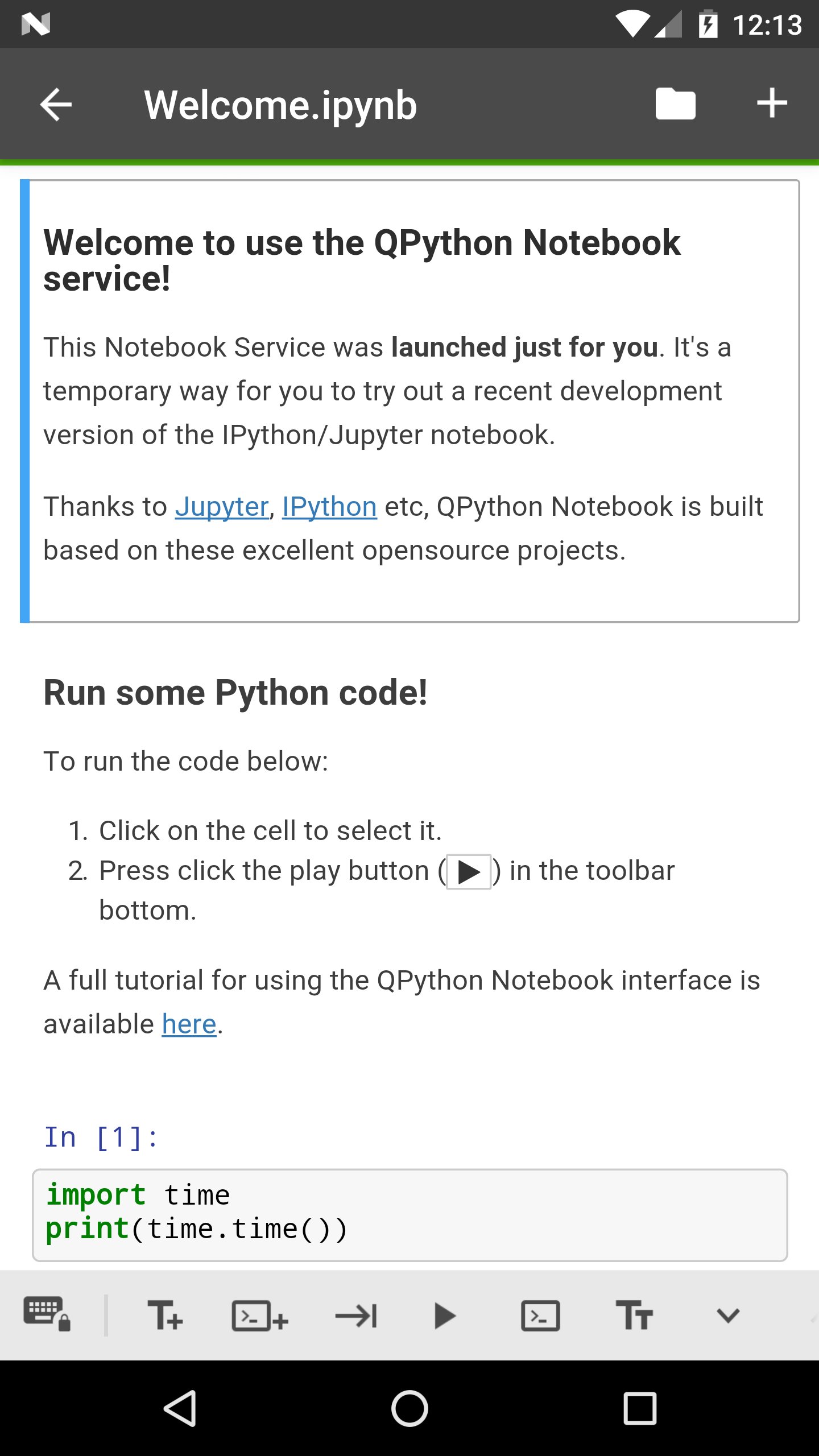
Thanks to Jupyter, IPython etc, QPython Notebook is built based on these excelent opensource projects.
Informations Application supplémentaires
Dernière version
1.0.1Telechargé par
Dato Bibichadze
Nécessite Android
Android 4.0+
Catégories
Gratuit Enseignement APPLICATIONClassification du contenu
Everyone
Signaler
Signaler comme inappropriéQuoi de neuf dans la dernière version 1.0.1
Last updated on Feb 28, 2018
v1.0.1
You could goto QPython notebook page from QPyNotebook now
Bug fix
v1.0.0
First release, you need to install QPython>=2.2.0
QPyNotebook Captures d'écran


Vieilles versions de QPyNotebook
7.9 MBFeb 28, 2018
7.9 MBFeb 12, 2018

Balises associées










Articles populaires dans les dernières 24 heures
- Instructions pour télécharger la dernière version 19.23.33 de YouTube APK pour Android 2024
- Comment télécharger Netflix APK dernière version 8.126.0 build 7 50767 pour Android 2024
- Comment télécharger Null's Brawl APK dernière version 55.228 pour Android 2024
- Comment télécharger la dernière version 13.3.0.42 de Snapchat APK pour Android 2024





Laissez un avis pour QPyNotebook - Python practice step by step (BETA)
Ajouter des avis