




Acerca del QPyNotebook
QPyNotebook deje de leer / escribir / práctica código Python paso a paso.
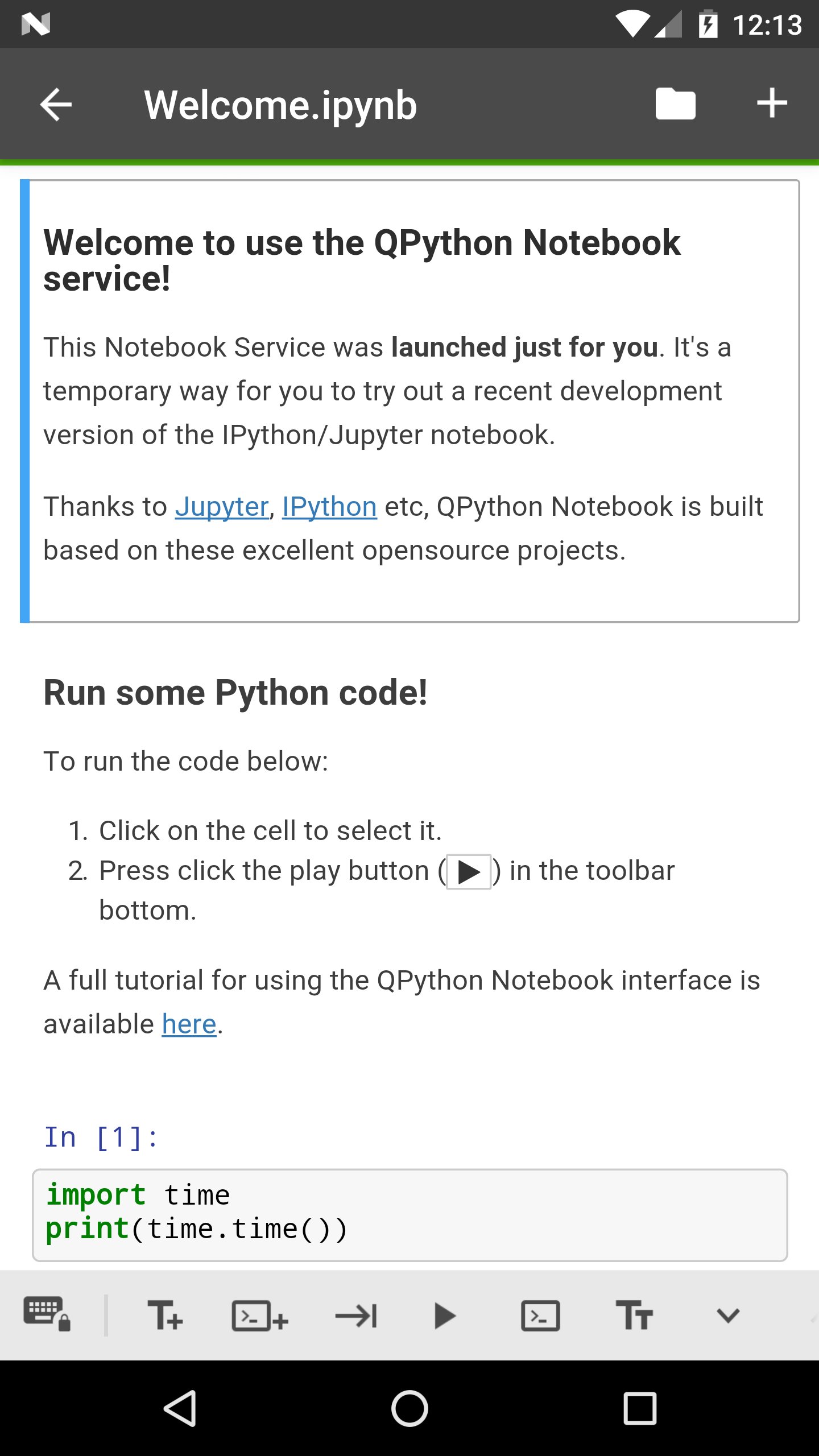
QPyNotebook let you read/write/practise Python step by step.
After installing this app, you need follow these steps to enable QPyNotebook with your QPython.
1 Make sure you have installed the newest QPython (>=2.2.0)
2 Check "Install QPyNotebook" from QPython's setting, then it will guide you to install some necessary resources.
3 Start the Explorer from QPython dashboard, find some *.ipynb files (For example notebooks/Welcome.ipynb) to open it, then you will start it with QPyNotebook.
Thanks to Jupyter, IPython etc, QPython Notebook is built based on these excelent opensource projects.
Información Adicional de Aplicación
Última Versión
1.0.1Presentado por
Dato Bibichadze
Requisitos
Android 4.0+
Categoría
Gratis Educación APPClasificación de contenido
Everyone
Reportar
Marcar como inapropiadoNovedades de Última Versión 1.0.1
Last updated on 28/02/2018
v1.0.1
You could goto QPython notebook page from QPyNotebook now
Bug fix
v1.0.0
First release, you need to install QPython>=2.2.0
QPyNotebook Capturas de pantalla


Versiones Antiguas de QPyNotebook
Todas las versiones
Tags Relacionados






Artículos Populares en las Últimas 24 Horas
- Clive Barker's Hellraiser: Revival ya tiene demo en Steam antes del 8 de octubre
- Pre-descarga de Aniimo ya está disponible para Android y iOS antes del 23 de septiembre
- Silent Hill: Townfall: Fecha, plataformas, precio y análisis
- Call of Duty: Mobile Temporada 9, Nightmare, llega el 22 de octubre de 2026





Dejar una reseña para QPyNotebook - Python practice step by step (BETA)
Añadir reseñas