




Über QPyNotebook
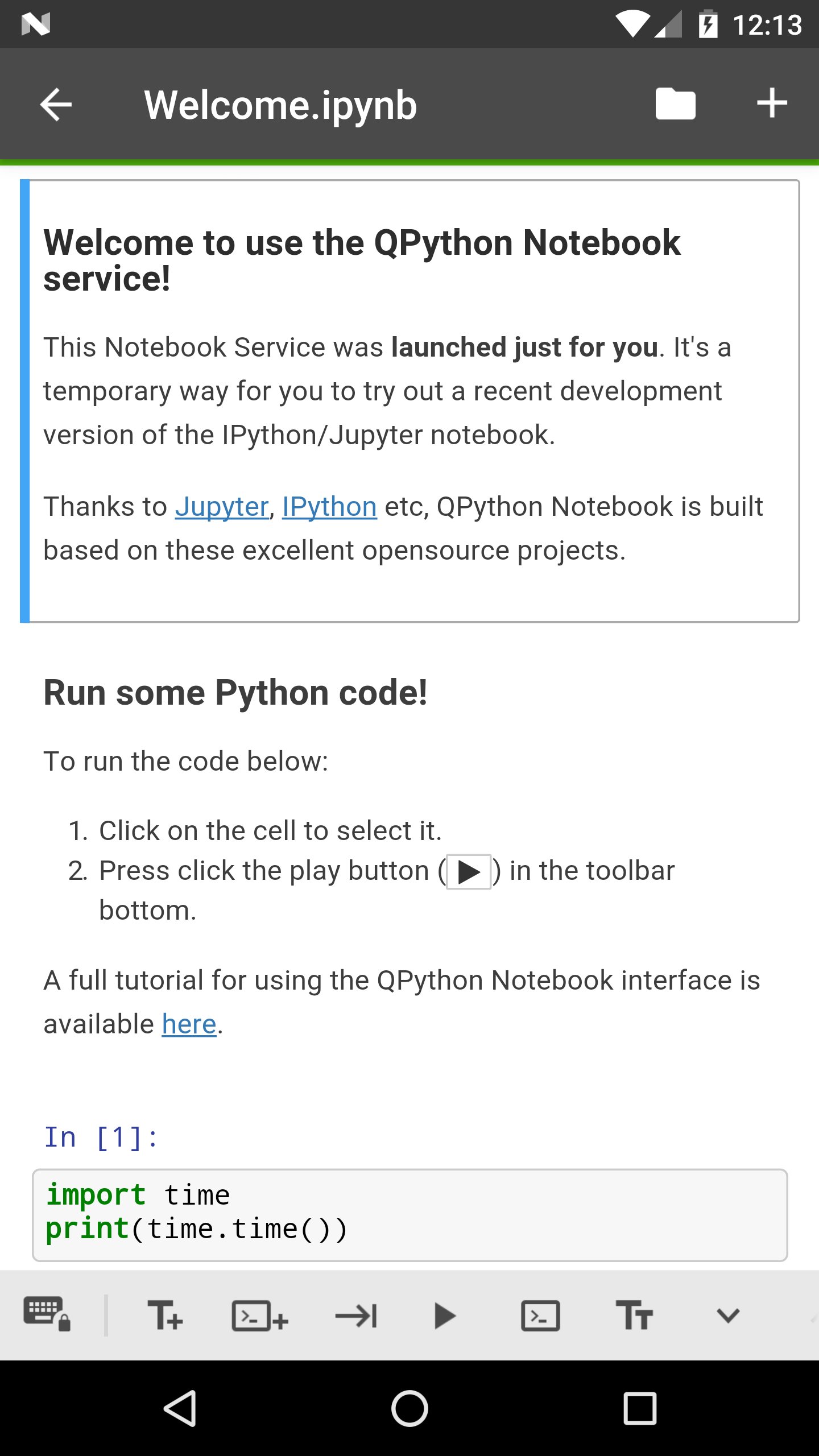
QPyNotebook können Sie lesen / schreiben / Praxis Schritt Python-Code für Schritt.
QPyNotebook let you read/write/practise Python step by step.
After installing this app, you need follow these steps to enable QPyNotebook with your QPython.
1 Make sure you have installed the newest QPython (>=2.2.0)
2 Check "Install QPyNotebook" from QPython's setting, then it will guide you to install some necessary resources.
3 Start the Explorer from QPython dashboard, find some *.ipynb files (For example notebooks/Welcome.ipynb) to open it, then you will start it with QPyNotebook.
Thanks to Jupyter, IPython etc, QPython Notebook is built based on these excelent opensource projects.
Zusätzliche APP Informationen
Aktuelle Version
1.0.1Von hochgeladen
Dato Bibichadze
Erforderliche Android-Version
Android 4.0+
Kategorie
Gratis Lernen APPAltersfreigabe
Everyone
Was ist neu in der neuesten Version 1.0.1
Last updated on Feb 28, 2018
v1.0.1
You could goto QPython notebook page from QPyNotebook now
Bug fix
v1.0.0
First release, you need to install QPython>=2.2.0
QPyNotebook Screenshots



Verwandte Tags








Beliebte Artikel in den letzten 24 Stunden
- Anleitung zum Download die neueste Version 21.38.124 von YouTube APK für Android 2026
- Anleitung zum Download die neueste Version 7.22.302 von YouTube for Android TV APK für Android 2026
- Anleitung zum Download die neueste Version 17.10.5 von Lidl Plus APK für Android 2026
- Anleitung zum Download die neueste Version 3.20.7901 von APKPure APK für Android 2026





Hinterlassen Sie eine Bewertung für QPyNotebook - Python practice step by step (BETA)
Bewertungen hinzufügen