

關於Latest Sim Data
檢查已註冊的SIM卡,您只需點擊“最新的SIM卡數據”
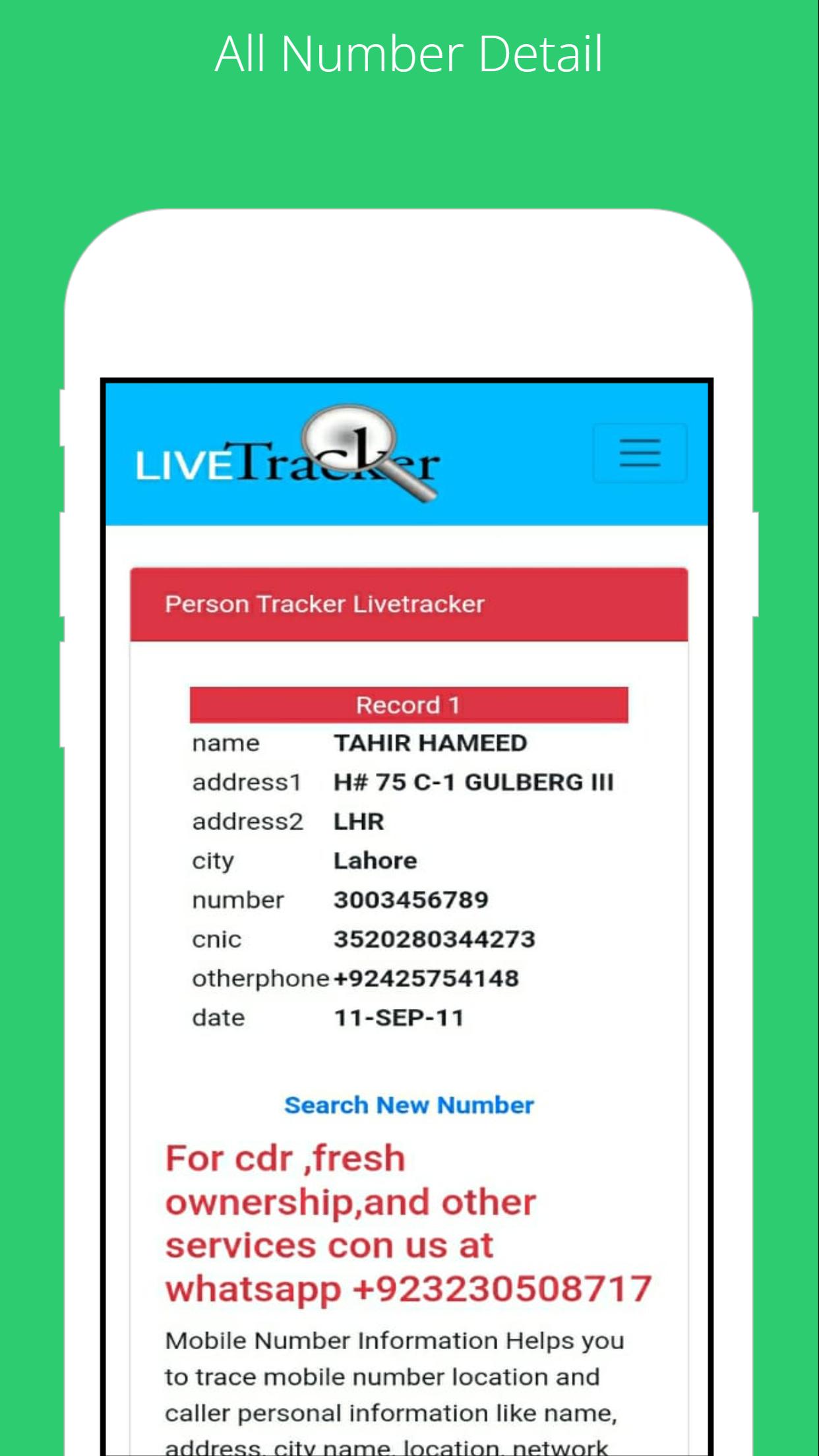
To find the SIM card owner's name and address, open the SIM Owner Details by Pak Data Finder. Enter the mobile number in the given box and tap on the submit button. That’s it, next you will find the name and address of the SIM owner details.
How to check registered sims?
To check the registered sim cards you only need to click on "sim information" to enter your CNIC number to get the complete details of the Sim numbers registered.
By Pak Data Finder app it's now very easier for all registered numbers on your CNIC. It provides the complete details of sim registration. You can also whether there how many Zong, Jazz, Warid, Ufone, and Telenor sims are registered.
最新版本1.0更新日誌
Last updated on 2022年07月22日
此版本包含小幅錯誤修正和一般改善。請更新至最新版本,以獲得最佳體驗。
Latest Sim Data 螢幕截圖





Latest Sim Data歷史版本
7.2 MB2022年07月22日