

Tentang Latest Sim Data
Cek sim card yang terdaftar tinggal klik "Latest Sim Data"
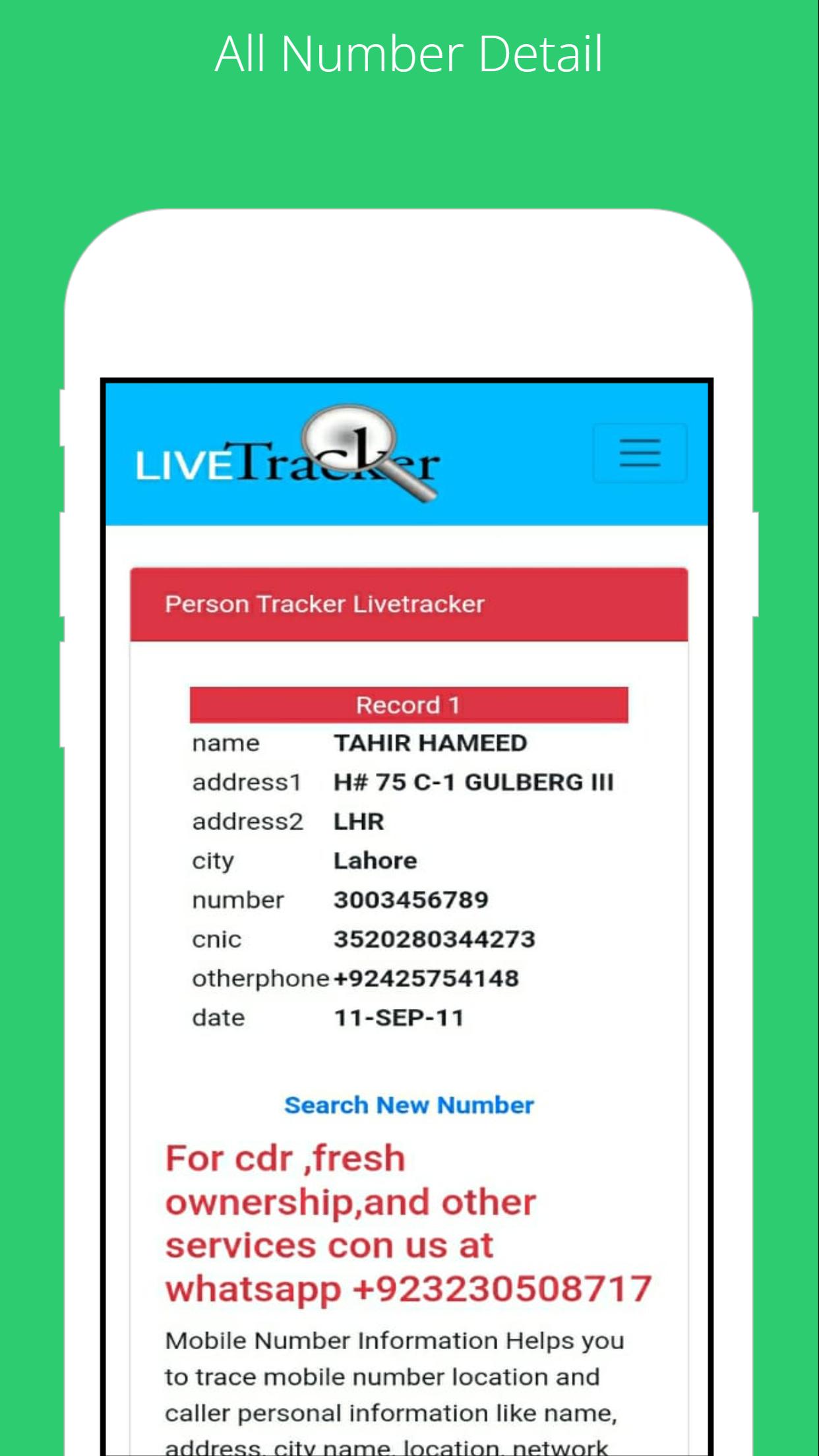
To find the SIM card owner's name and address, open the SIM Owner Details by Pak Data Finder. Enter the mobile number in the given box and tap on the submit button. That’s it, next you will find the name and address of the SIM owner details.
How to check registered sims?
To check the registered sim cards you only need to click on "sim information" to enter your CNIC number to get the complete details of the Sim numbers registered.
By Pak Data Finder app it's now very easier for all registered numbers on your CNIC. It provides the complete details of sim registration. You can also whether there how many Zong, Jazz, Warid, Ufone, and Telenor sims are registered.
Informasi APL tambahan
Versi Terbaru
1.0Diunggah oleh
Abdulrahman Noman
Perlu Android versi
Android 4.1+
Kategori
Gratis Alat APLIKASIRating konten
Everyone
Apa yang baru dalam versi terbaru 1.0
Last updated on Jul 22, 2022
Versi ini berisi perbaikan bug kecil dan peningkatan umum. Update ke versi terbaru untuk mendapatkan pengalaman terbaik.
Latest Sim Data Tangkapan layar





Versi lama Latest Sim Data
7.2 MBJul 22, 2022