

دربارهی Latest Sim Data
Check the registered sim cards you only need to click on "Latest Sim Data"
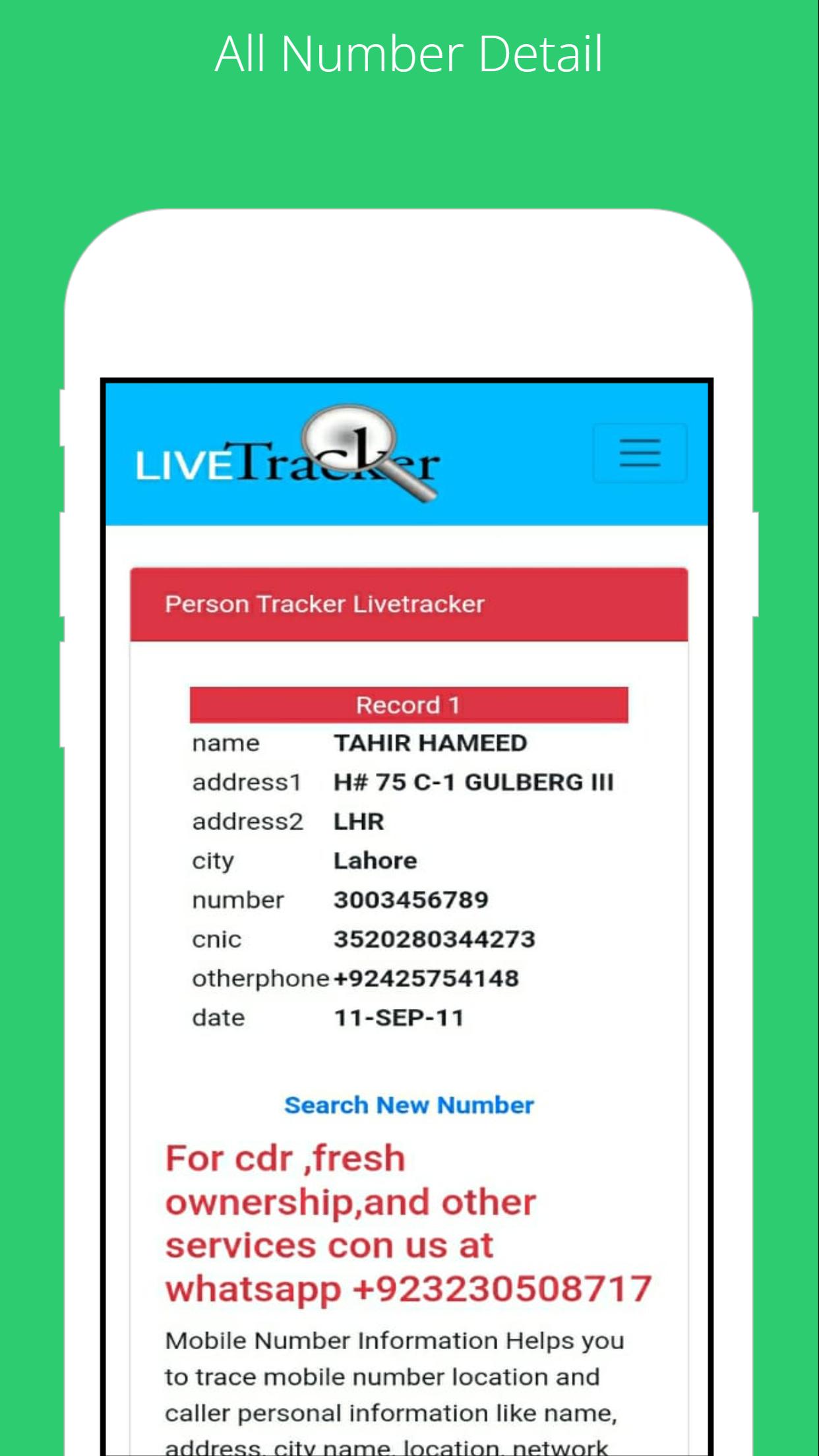
To find the SIM card owner's name and address, open the SIM Owner Details by Pak Data Finder. Enter the mobile number in the given box and tap on the submit button. That’s it, next you will find the name and address of the SIM owner details.
How to check registered sims?
To check the registered sim cards you only need to click on "sim information" to enter your CNIC number to get the complete details of the Sim numbers registered.
By Pak Data Finder app it's now very easier for all registered numbers on your CNIC. It provides the complete details of sim registration. You can also whether there how many Zong, Jazz, Warid, Ufone, and Telenor sims are registered.
اطلاعات تکمیلی برنامه
آخرین نسخه
1.0بارگذاری شده توسط
Abdulrahman Noman
نیاز به اندروید
Android 4.1+
دسته بندی
رایگان برنامه ابزاررتبهبندی محتوا
Everyone
گزارش
گزارش محتوای نامناسبجدیدترین چیست در نسخهی 1.0
Last updated on 22/07/2022
این نسخه شامل رفع اشکالات جزئی و بهبودهای عمومی است. برای بهترین تجربه، برنامه را به جدیدترین نسخه به
Latest Sim Data اسکرین شات ها





نسخههای قدیمی Latest Sim Data
7.2 MB22/07/2022