

Latest Sim Data hakkında
Kayıtlı sim kartlarını kontrol edin, sadece "Son Sim Verileri"ne tıklamanız yeterli
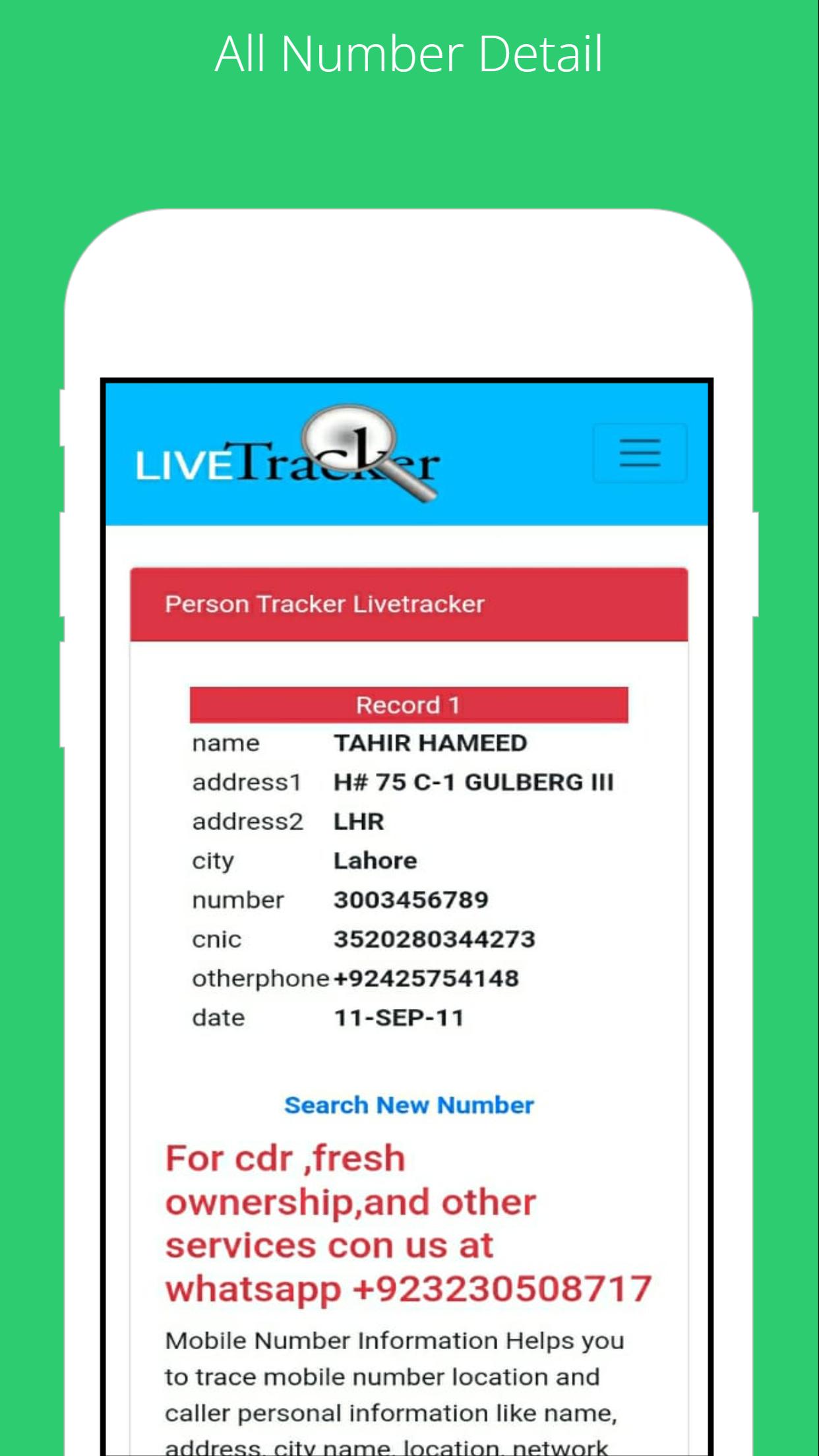
To find the SIM card owner's name and address, open the SIM Owner Details by Pak Data Finder. Enter the mobile number in the given box and tap on the submit button. That’s it, next you will find the name and address of the SIM owner details.
How to check registered sims?
To check the registered sim cards you only need to click on "sim information" to enter your CNIC number to get the complete details of the Sim numbers registered.
By Pak Data Finder app it's now very easier for all registered numbers on your CNIC. It provides the complete details of sim registration. You can also whether there how many Zong, Jazz, Warid, Ufone, and Telenor sims are registered.
Ek UYGULAMA Bilgileri
En Son Sürüm
1.0Yükleyen
Abdulrahman Noman
Gereken Android sürümü
Android 4.1+
Kategori
Ücretsiz Araçlar UYGULAMAİçerik derecelendirmesi
Everyone
Bildir
Uygunsuz olarak işaretleEn son sürümde yeni olan 1.0
Last updated on Jul 22, 2022
Bu sürümde küçük hata düzeltmeleri ve genel iyileştirmeler bulunur. En iyi deneyim için en yeni sürüme güncelleyin.
Latest Sim Data Ekran görüntüleri





Latest Sim Data'in eski sürümleri
7.2 MBJul 22, 2022