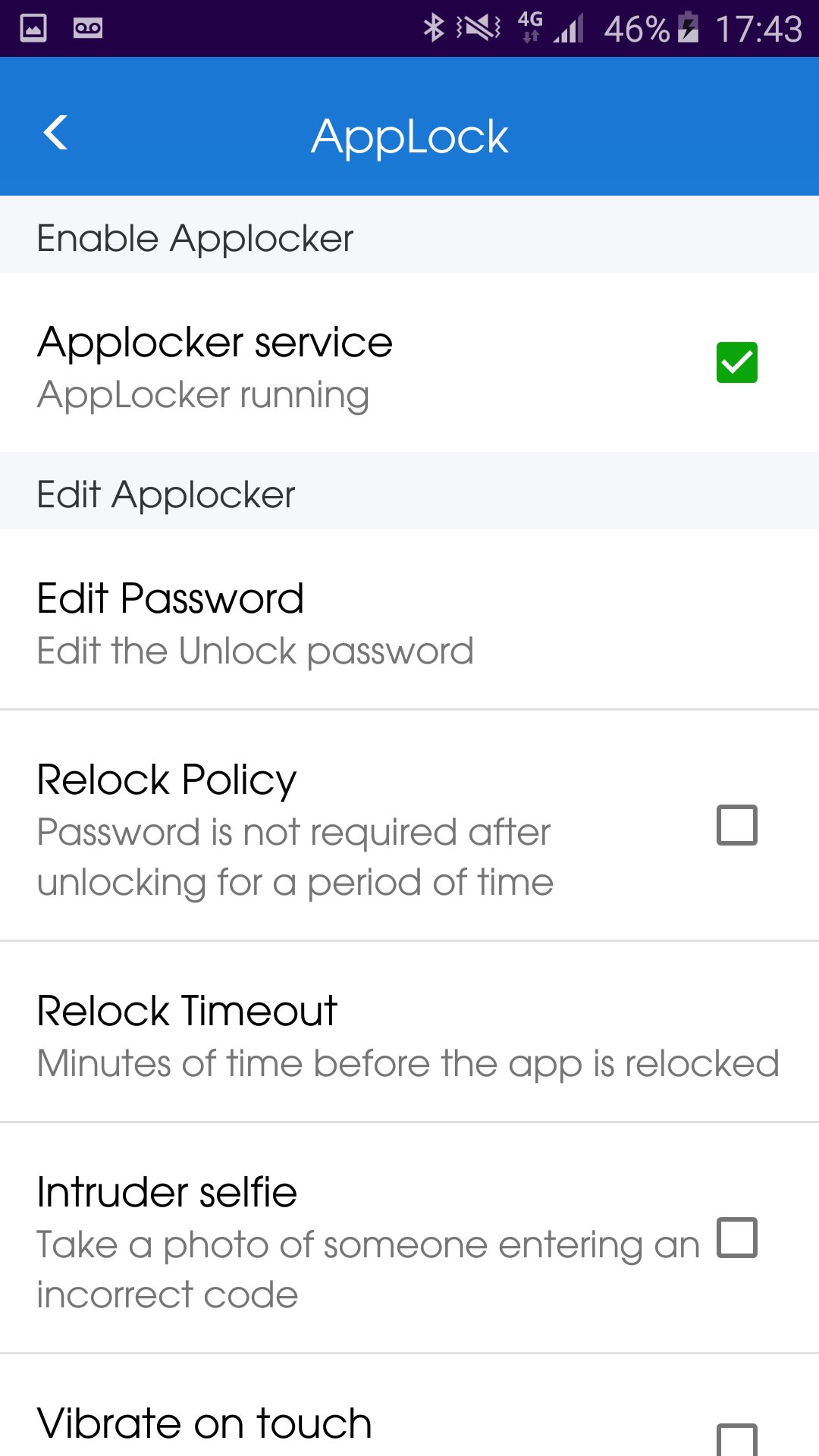

Over AppLock
AppLock - Lock your applications and protect your data
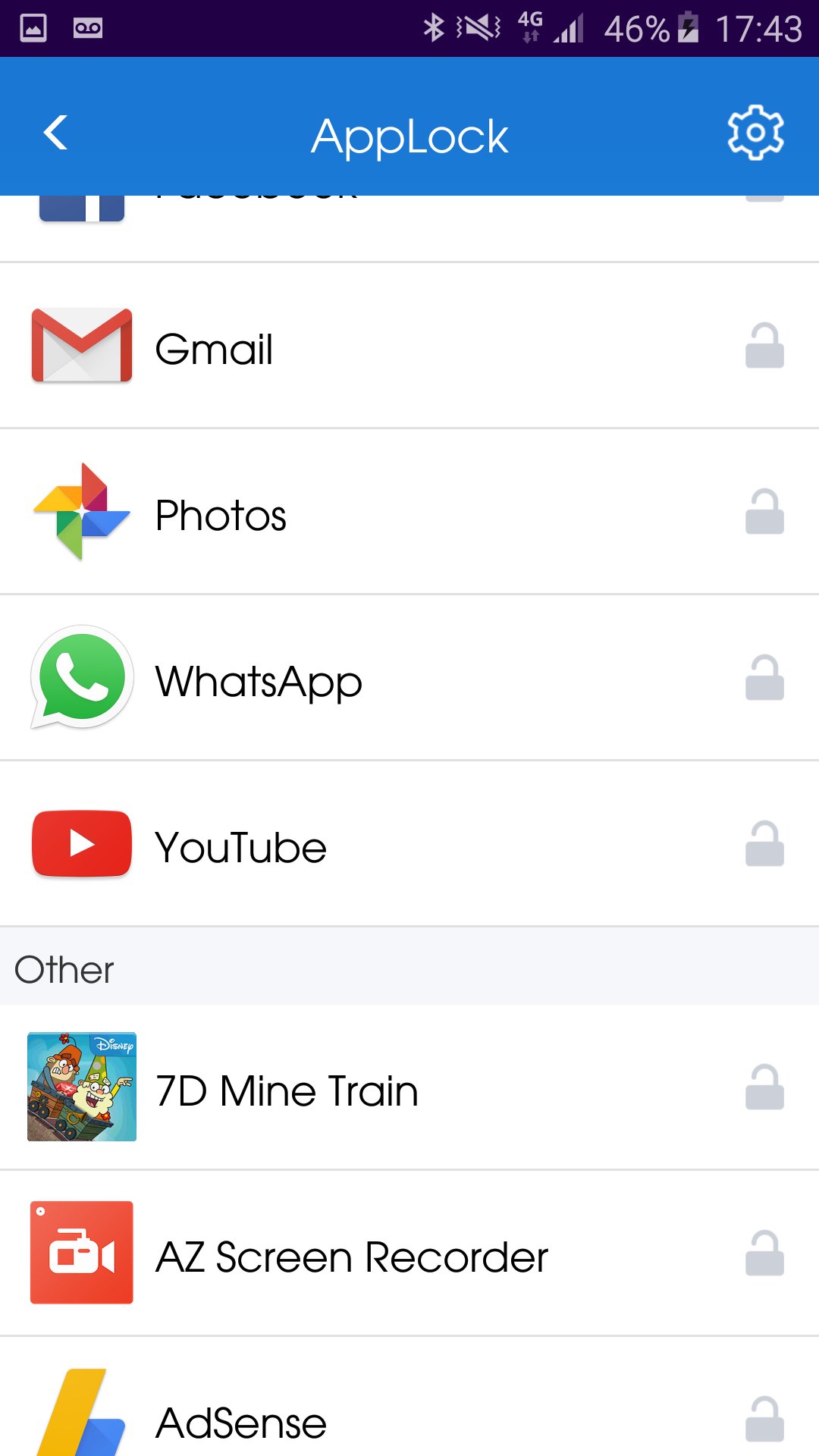
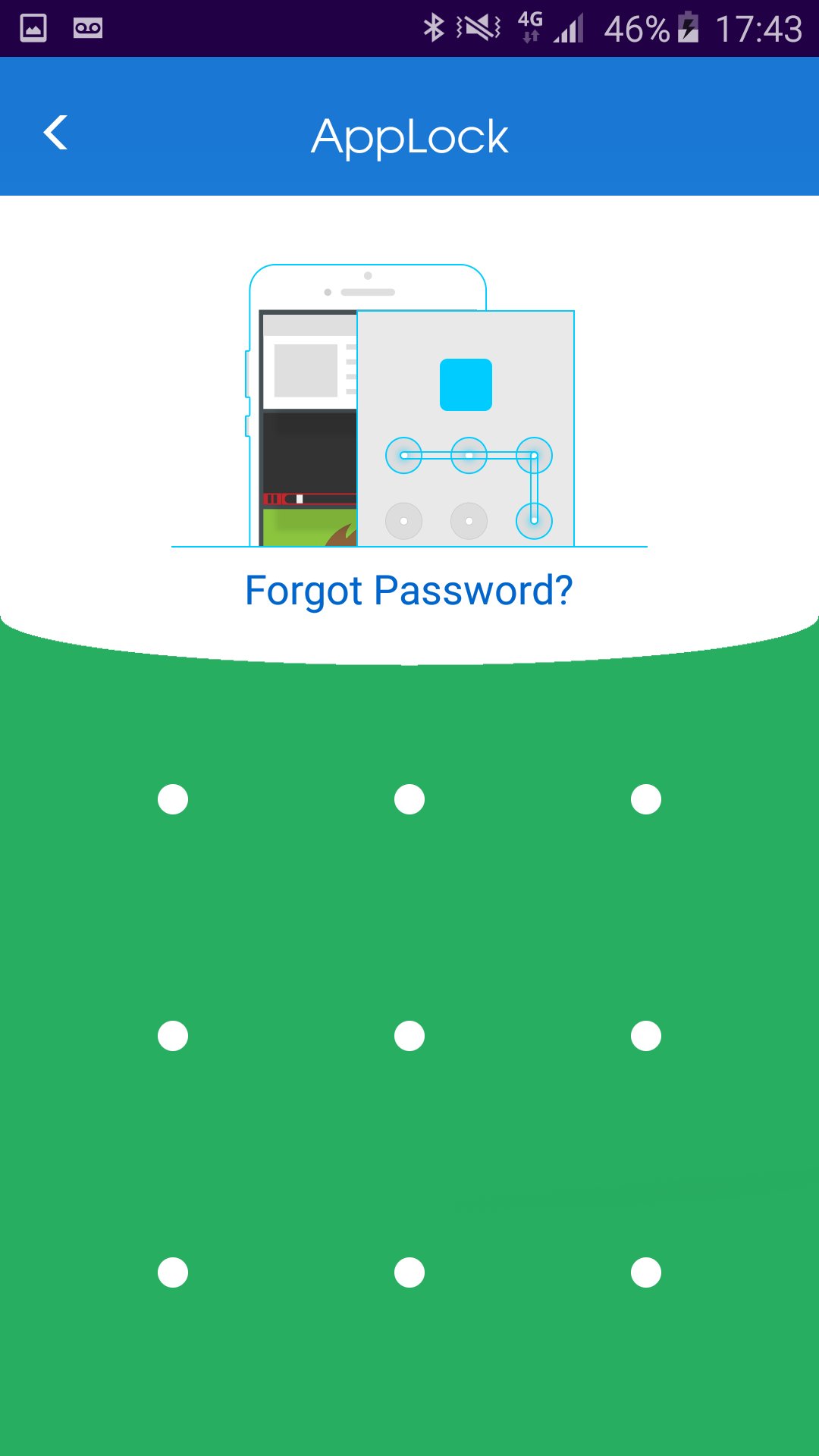
HOW to lock application?
1. Install the AppLock application.
2. Draw a pattern you can remember.
3. Go to "All applications" or "UnLock applications"
4. Checked the application you wish to lock.
HOW to unlock application?
1. Open AppLock application.
2. Draw unlock pattern
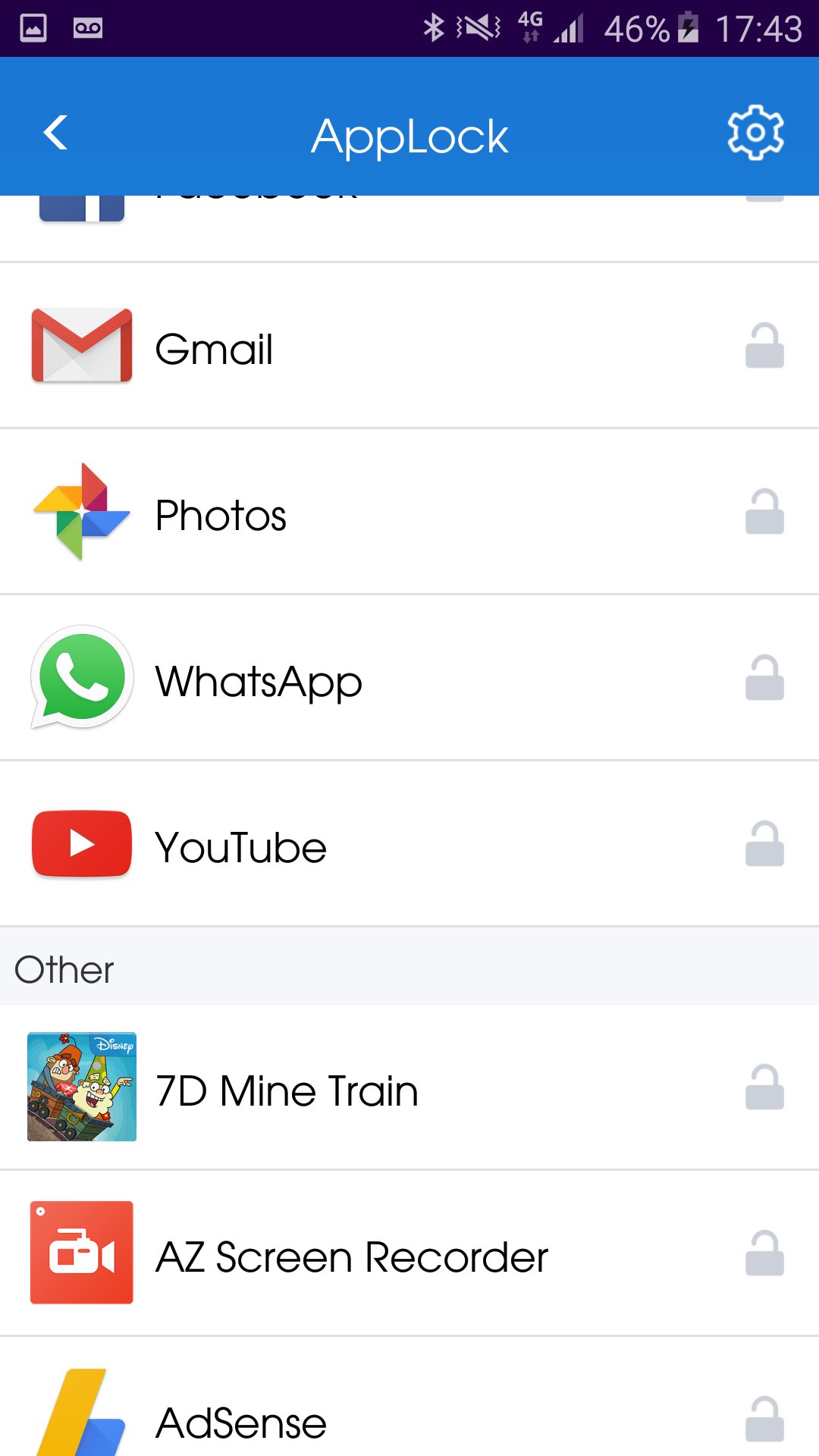
3. Go to "Lock applications".
4. Checked the application you wish to unlock.
HOW to hide AppLock from home screen?
1. Open AppLock application.
2. Go to "Hide application"
3. Wait until the AppLock application close automatically.
You can always contact us by Email: onezoneapps@gmail.com
Subject: AppLock
Powered By OneZoneApps
Aanvullende APP -informatie
Laatste Versie
1.0.0.59Geüpload door
Stiven Cruz
Android vereist
Android 4.1+
Categorie
Gratis Tools APPInhoudsbeoordeling
Everyone
Melden
Rapporteer als ongepastWat is er nieuw in de nieuwste versie 1.0.0.59
Last updated on Jun 20, 2017
Fixed right to left languages.
AppLock Screenshots