
Mengenai AppLock
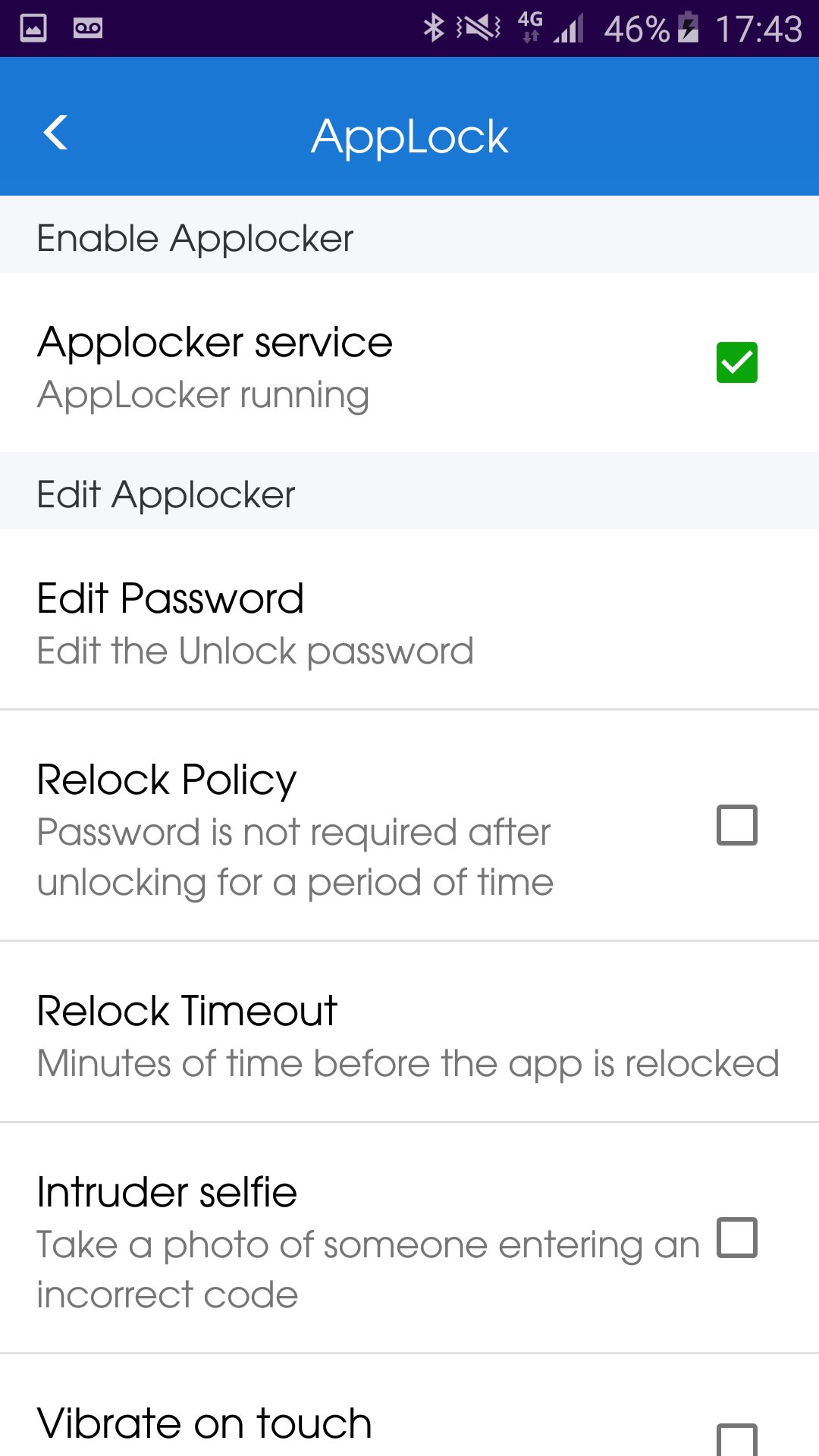
AppLock - Lock your applications and protect your data
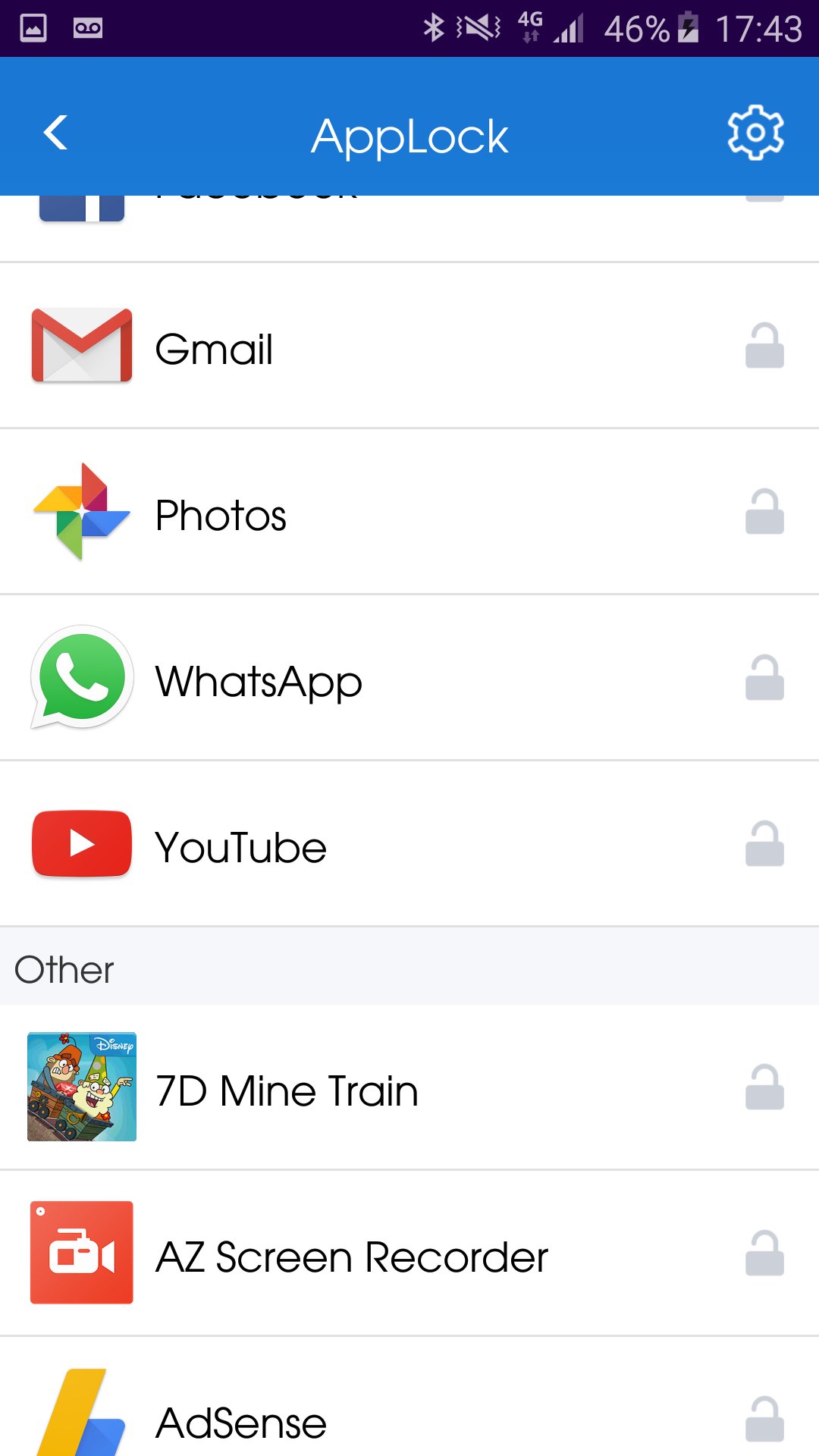
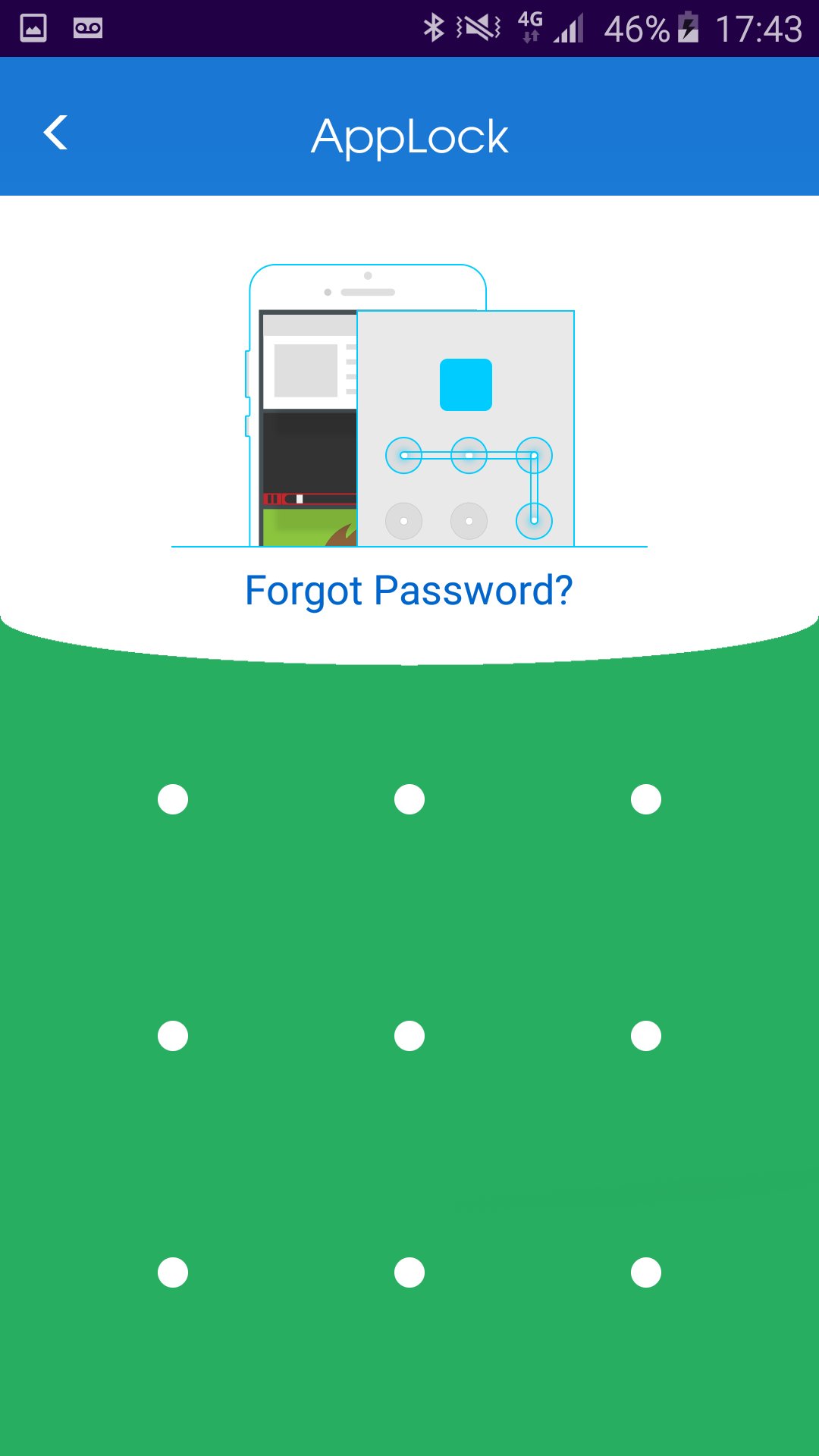
HOW to lock application?
1. Install the AppLock application.
2. Draw a pattern you can remember.
3. Go to "All applications" or "UnLock applications"
4. Checked the application you wish to lock.
HOW to unlock application?
1. Open AppLock application.
2. Draw unlock pattern
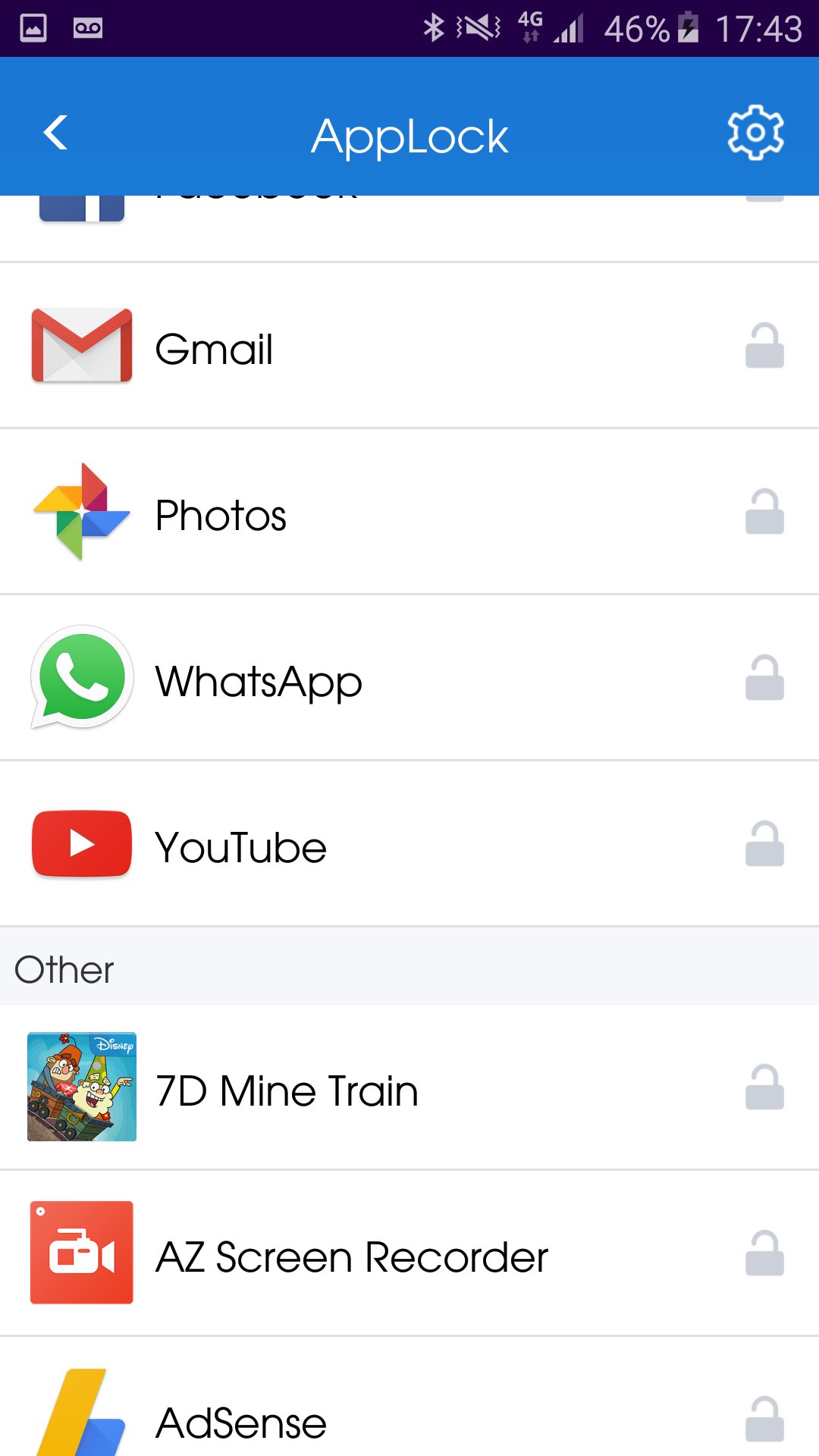
3. Go to "Lock applications".
4. Checked the application you wish to unlock.
HOW to hide AppLock from home screen?
1. Open AppLock application.
2. Go to "Hide application"
3. Wait until the AppLock application close automatically.
You can always contact us by Email: onezoneapps@gmail.com
Subject: AppLock
Powered By OneZoneApps
Maklumat APLIKASI tambahan
Versi Terbaru
1.0.0.59Dimuat naik oleh
Stiven Cruz
Memerlukan Android
Android 4.1+
Category
PERCUMA Alatan APLIKASIPenilaian Kandungan
Everyone
Laporkan
Tandai sebagai tidak sesuaiApa yang baru dalam versi terkini 1.0.0.59
Last updated on Jun 20, 2017
Fixed right to left languages.
AppLock Tangkapan skrin