
Über AppLock
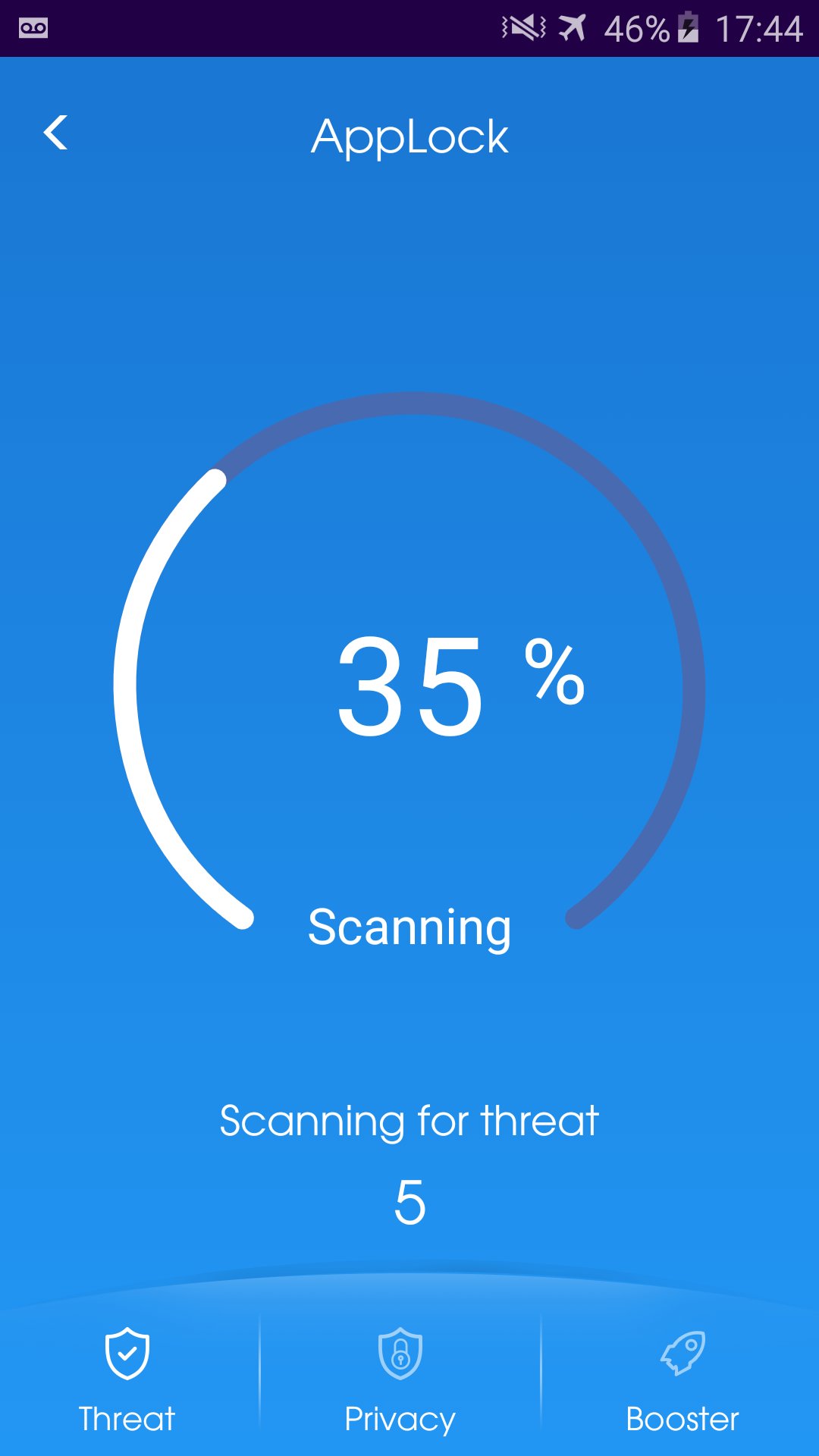
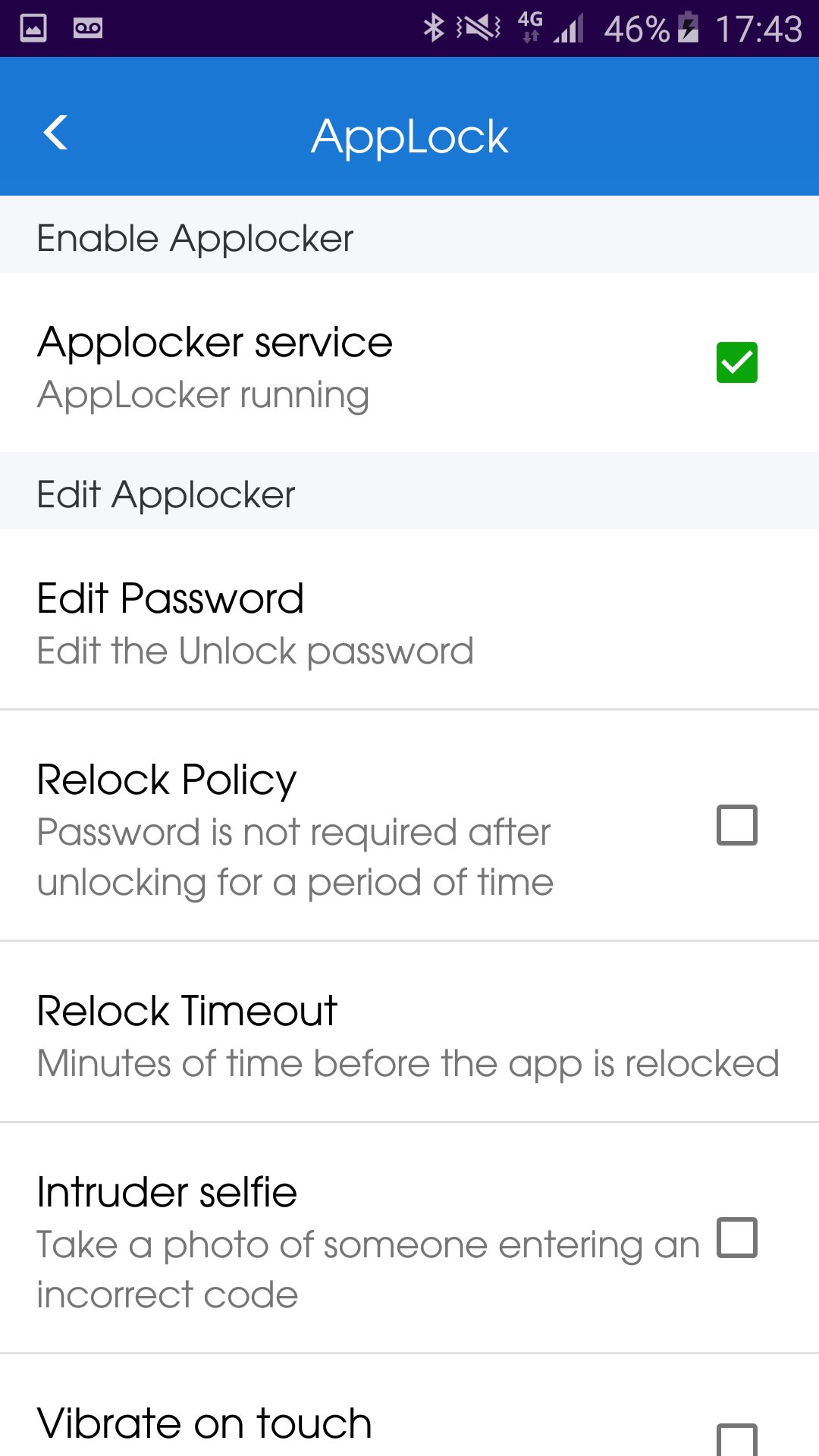
AppLock - Lock your applications and protect your data
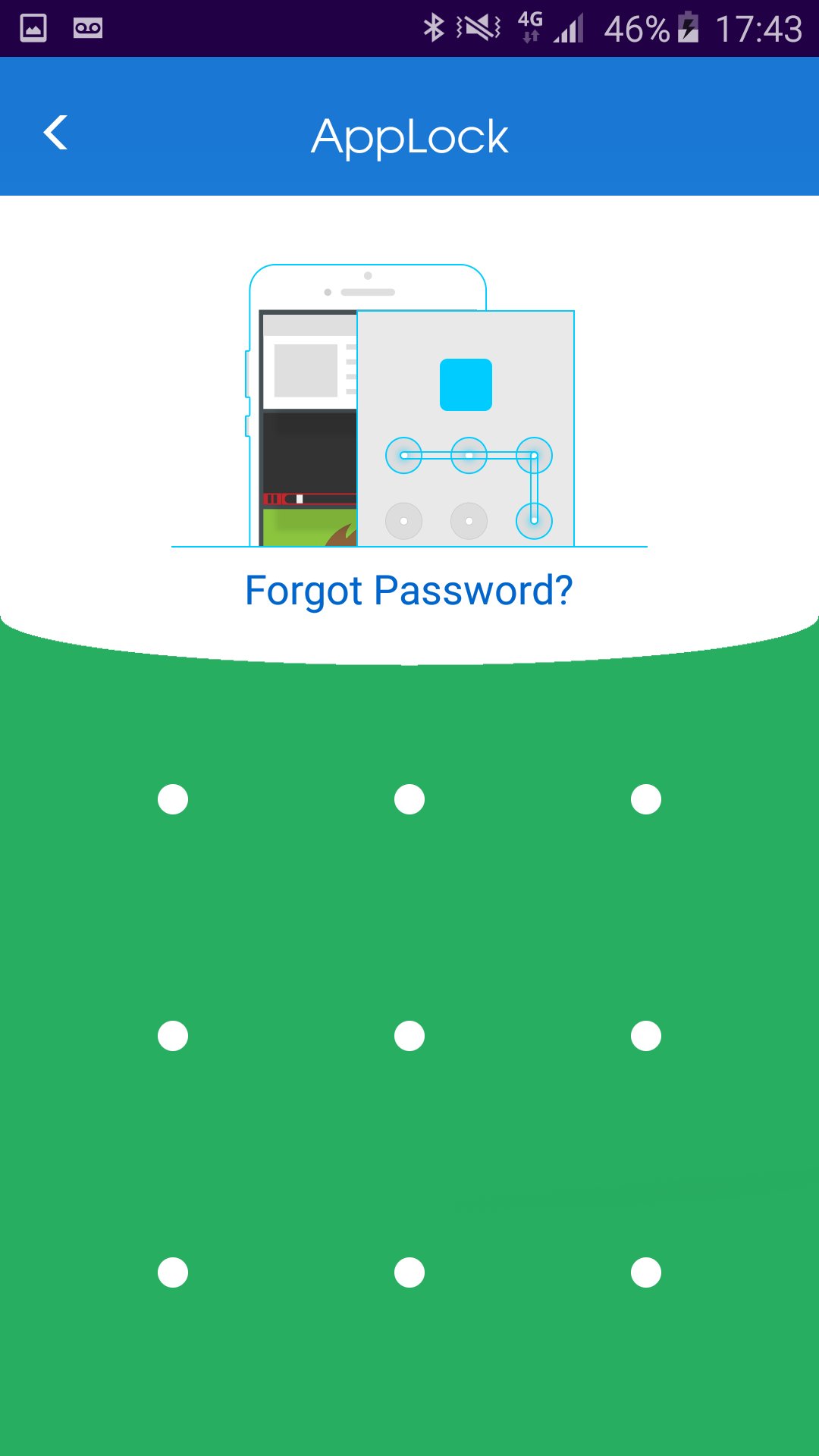
HOW to lock application?
1. Install the AppLock application.
2. Draw a pattern you can remember.
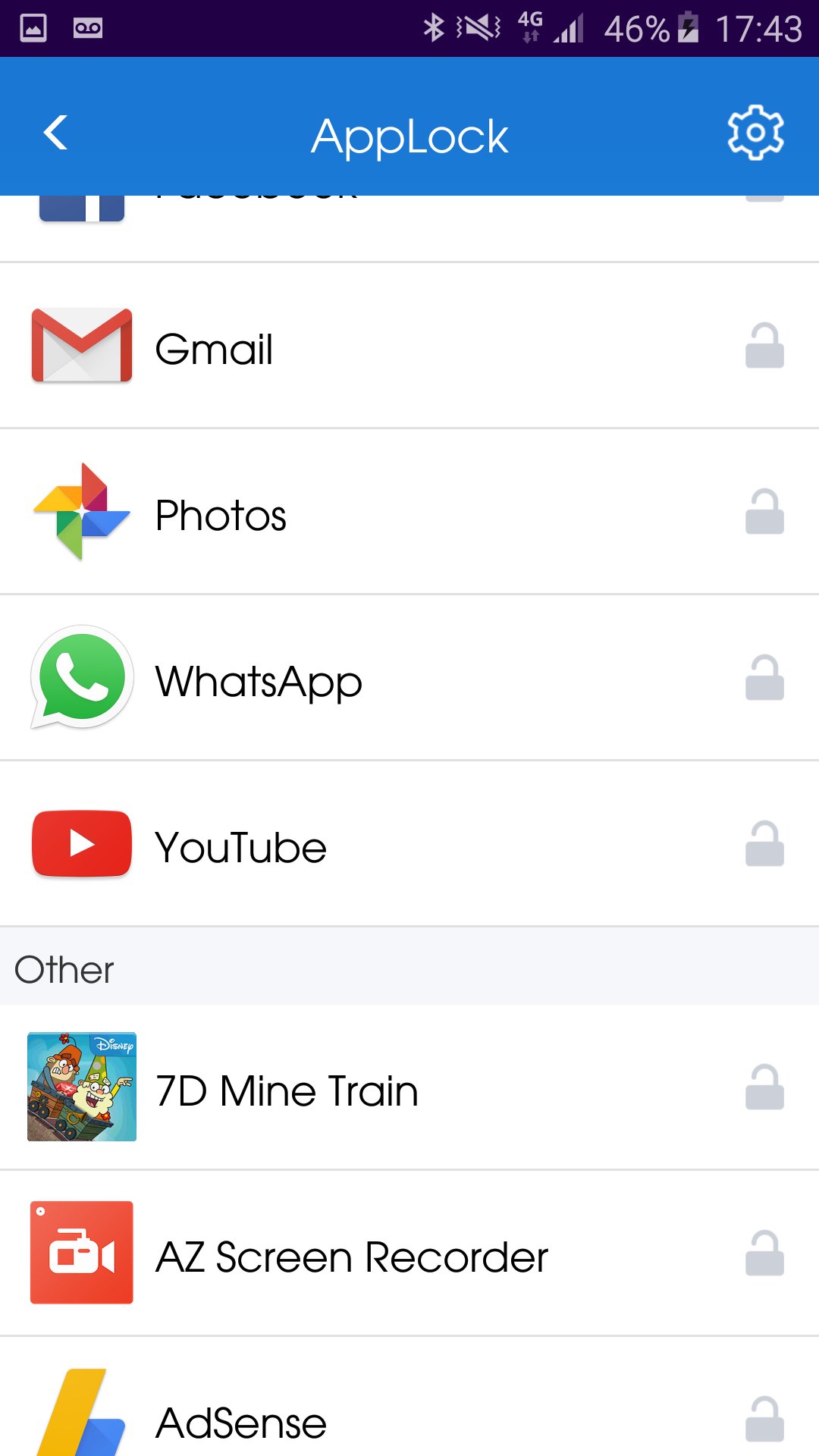
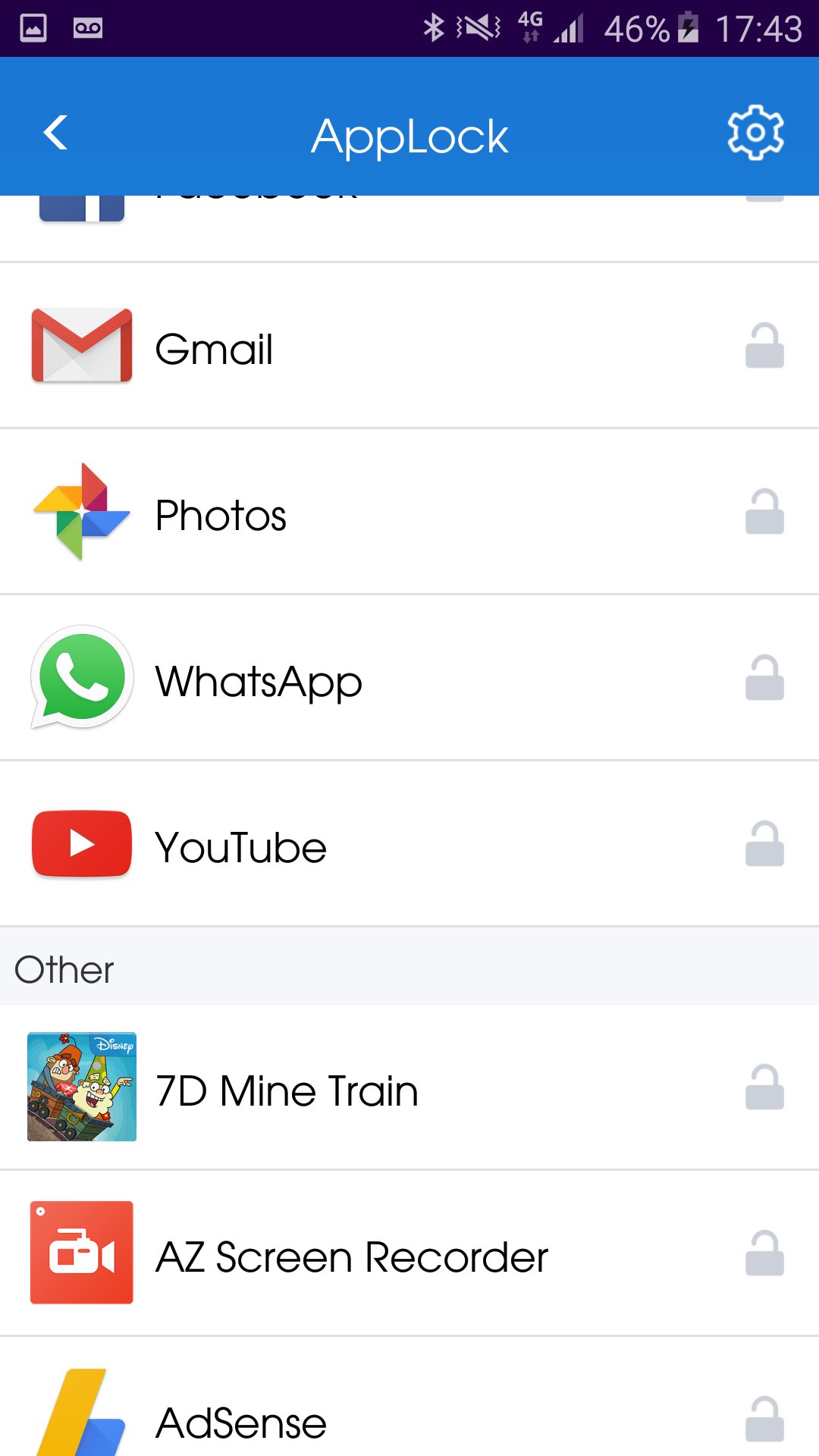
3. Go to "All applications" or "UnLock applications"
4. Checked the application you wish to lock.
HOW to unlock application?
1. Open AppLock application.
2. Draw unlock pattern
3. Go to "Lock applications".
4. Checked the application you wish to unlock.
HOW to hide AppLock from home screen?
1. Open AppLock application.
2. Go to "Hide application"
3. Wait until the AppLock application close automatically.
You can always contact us by Email: onezoneapps@gmail.com
Subject: AppLock
Powered By OneZoneApps
Zusätzliche APP Informationen
Aktuelle Version
1.0.0.59Von hochgeladen
Stiven Cruz
Erforderliche Android-Version
Android 4.1+
Kategorie
Gratis Tools APPAltersfreigabe
Everyone
Was ist neu in der neuesten Version 1.0.0.59
Last updated on Jun 20, 2017
Fixed right to left languages.
AppLock Screenshots



Alte Versionen von AppLock
Alle Versionen
Verwandte Tags









Beliebte Artikel in den letzten 24 Stunden
- Anleitung zum Download die neueste Version von Google Play Store APK für Android 2026
- Anleitung zum Download die neueste Version 21.31.527 von YouTube APK für Android 2026
- Anleitung zum Download die neueste Version 7.16.300 von YouTube for Android TV APK für Android 2026
- Anleitung zum Download die neueste Version 17.7.3 von Lidl Plus APK für Android 2026