
À propos de AppLock
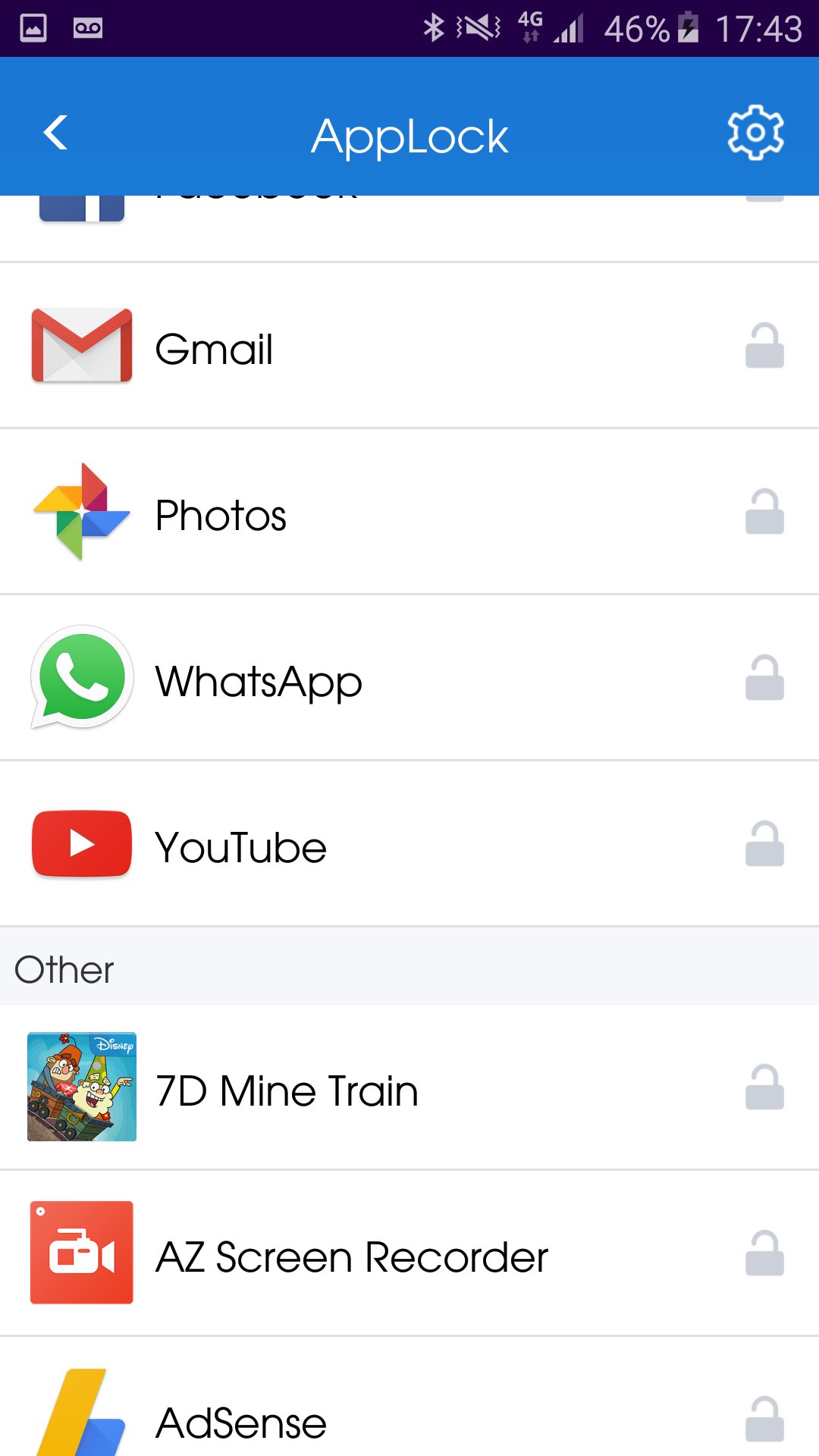
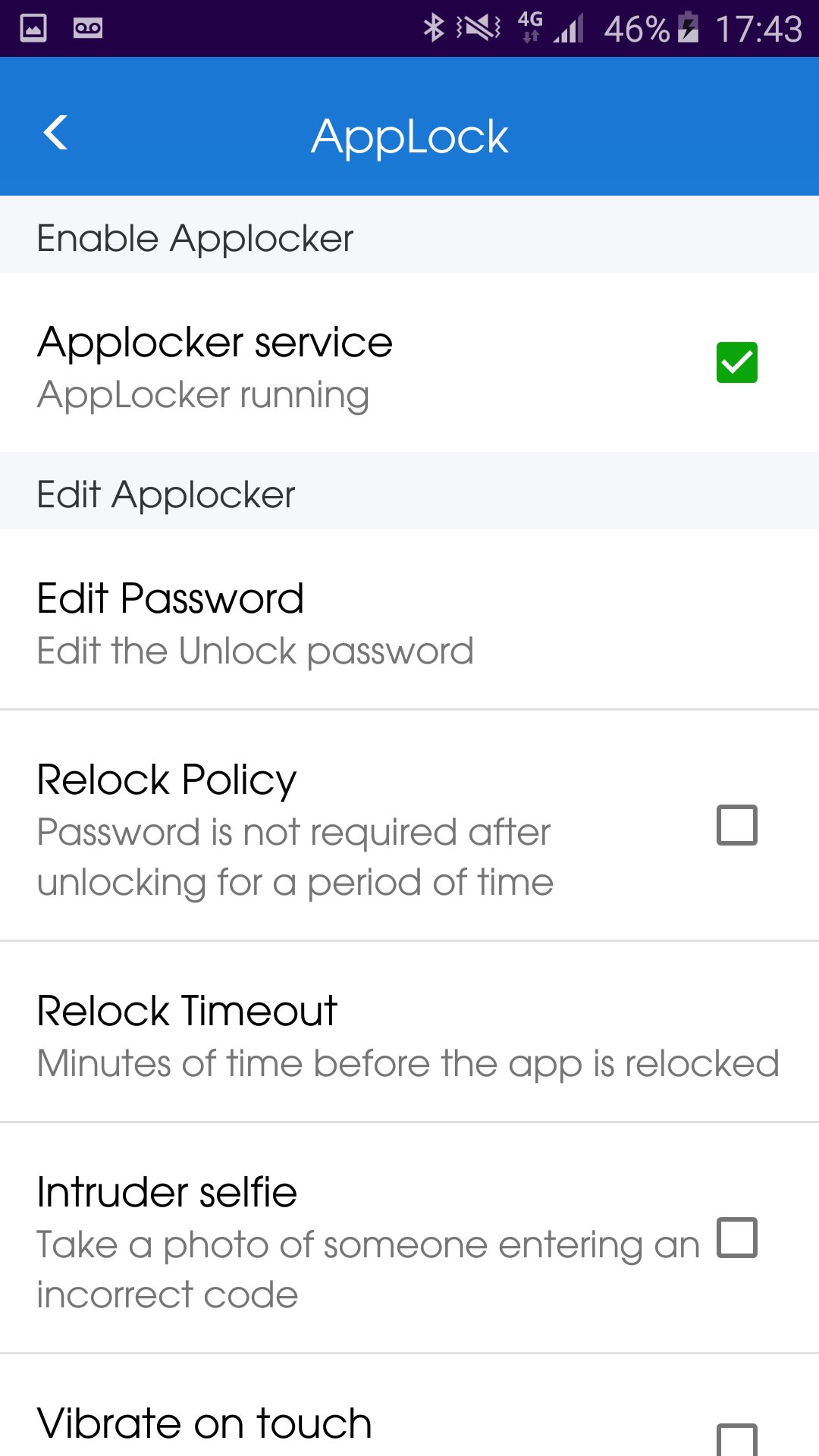
AppLock - Lock your applications and protect your data
HOW to lock application?
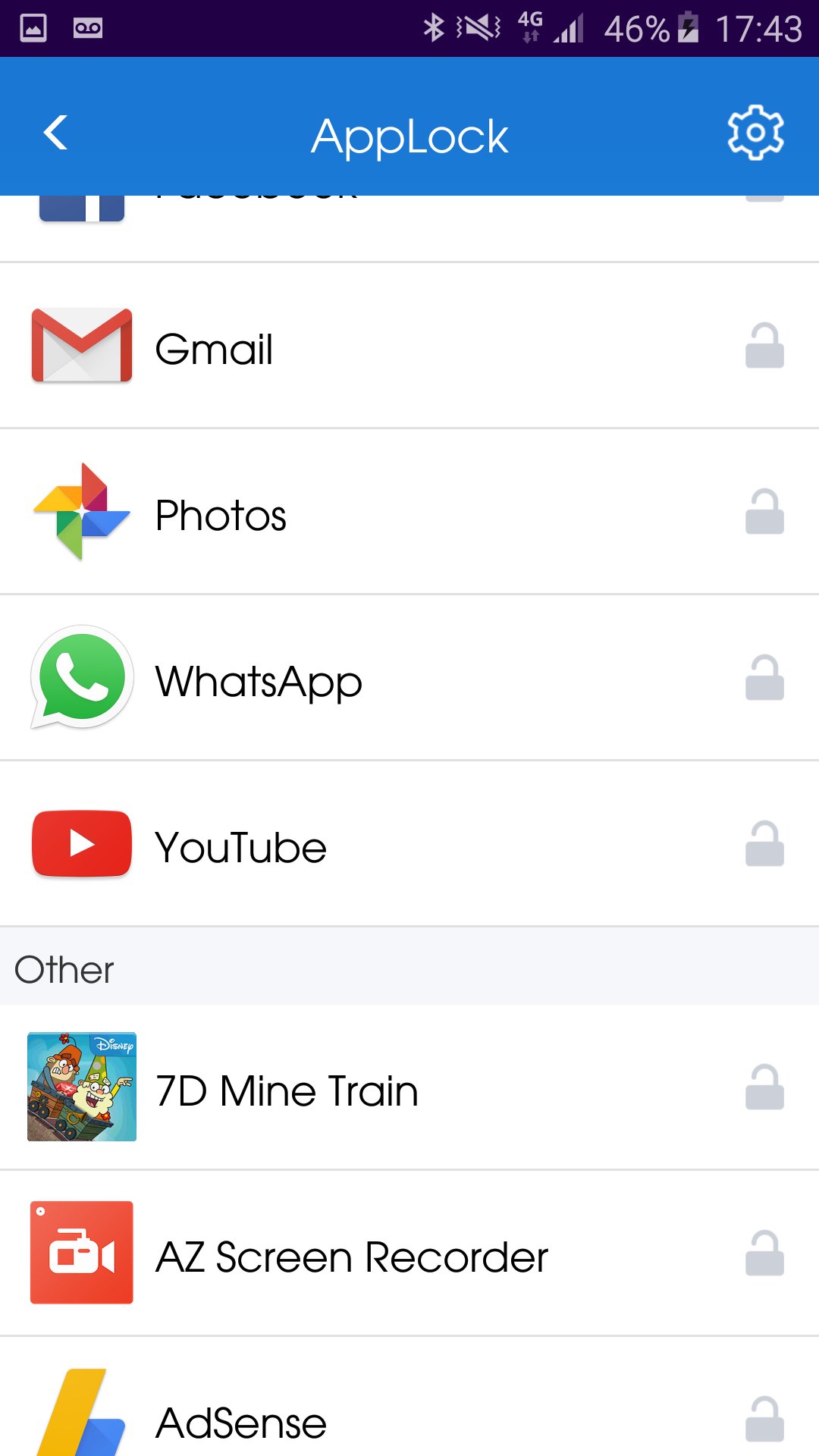
1. Install the AppLock application.
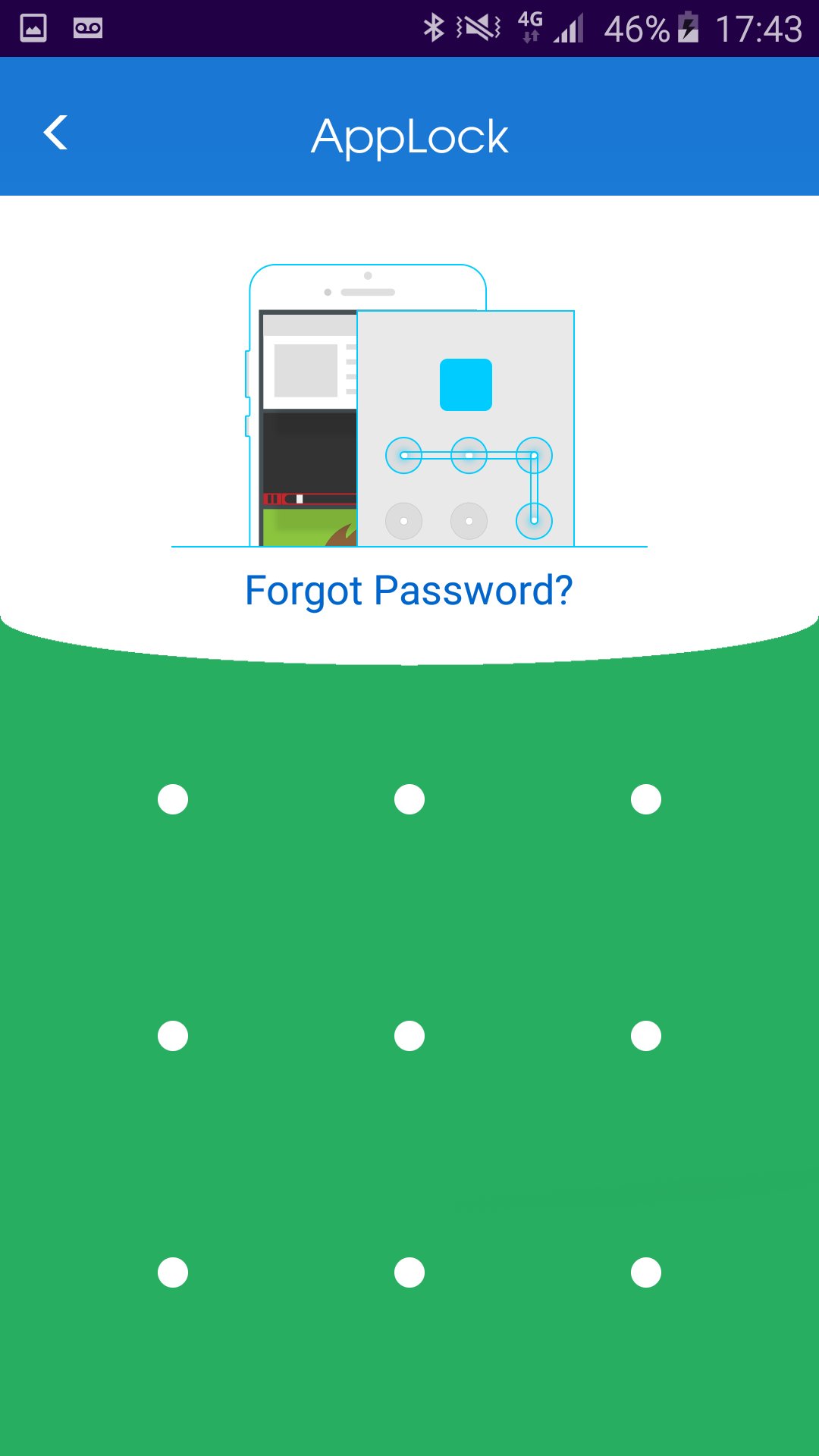
2. Draw a pattern you can remember.
3. Go to "All applications" or "UnLock applications"
4. Checked the application you wish to lock.
HOW to unlock application?
1. Open AppLock application.
2. Draw unlock pattern
3. Go to "Lock applications".
4. Checked the application you wish to unlock.
HOW to hide AppLock from home screen?
1. Open AppLock application.
2. Go to "Hide application"
3. Wait until the AppLock application close automatically.
You can always contact us by Email: onezoneapps@gmail.com
Subject: AppLock
Powered By OneZoneApps
Informations Application supplémentaires
Dernière version
1.0.0.59Telechargé par
Stiven Cruz
Nécessite Android
Android 4.1+
Catégories
Gratuit Outils APPLICATIONClassification du contenu
Everyone
Signaler
Signaler comme inappropriéQuoi de neuf dans la dernière version 1.0.0.59
Last updated on Jun 20, 2017
Fixed right to left languages.
AppLock Captures d'écran



Vieilles versions de AppLock
Toutes les versions
Balises associées




Articles populaires dans les dernières 24 heures
- Instructions pour télécharger la dernière version 19.23.33 de YouTube APK pour Android 2024
- Comment télécharger Netflix APK dernière version 8.126.0 build 7 50767 pour Android 2024
- Comment télécharger la dernière version 13.3.0.42 de Snapchat APK pour Android 2024
- Comment télécharger CapCut - Video Editor APK dernière version 12.6.0 pour Android 2024