
關於EHelp
Ehelp的電子幫助Android應用程序,你可以在任何情況下緊急使用。
Electronic Help an android application so that you will feel while having this application.It will send all the user data when press the button HELP like his/her coordinates.Please Follow the instruction before using this Application
1-First Install the App
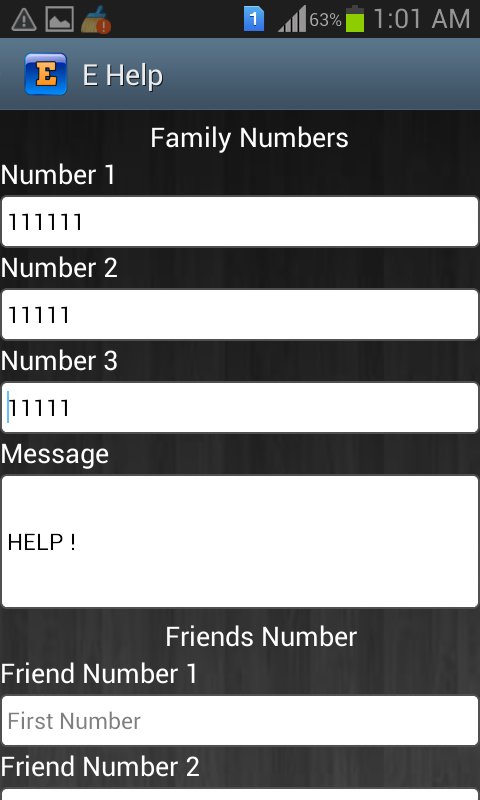
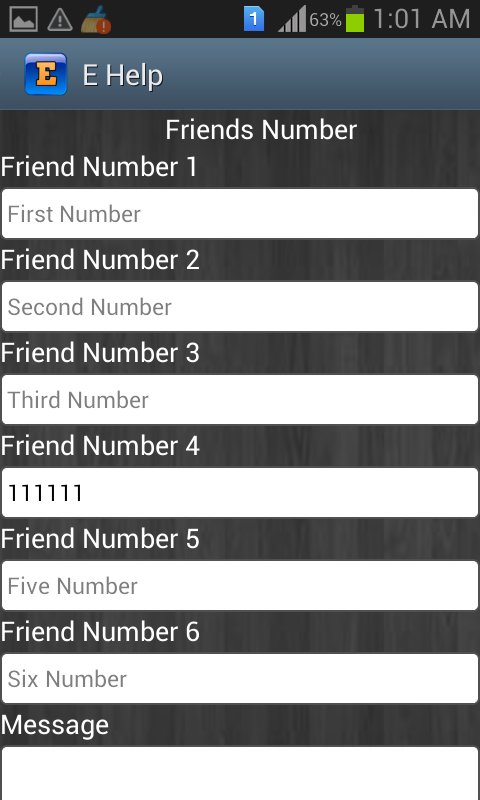
2-After installation Number setting view will display where you should set the numbers like Friends,Family
3-Then Click on Save
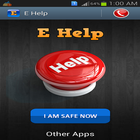
4-Now It will display main view of this app you will find two buttons one is HELP button and the other is I AM SAFE NOW button
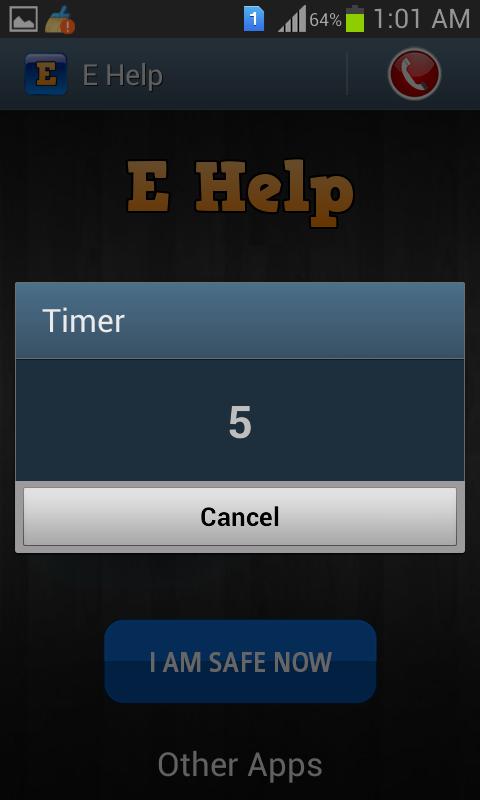
5-when you click on HELP button timer will start and after 6 seconds all messages will be sent.you can cancel it within 6 seconds if unintentionally clicked.
6-Now when you click I AM SAFE NOW button you have to enter the password default password is (1111) and you change it by yourself.
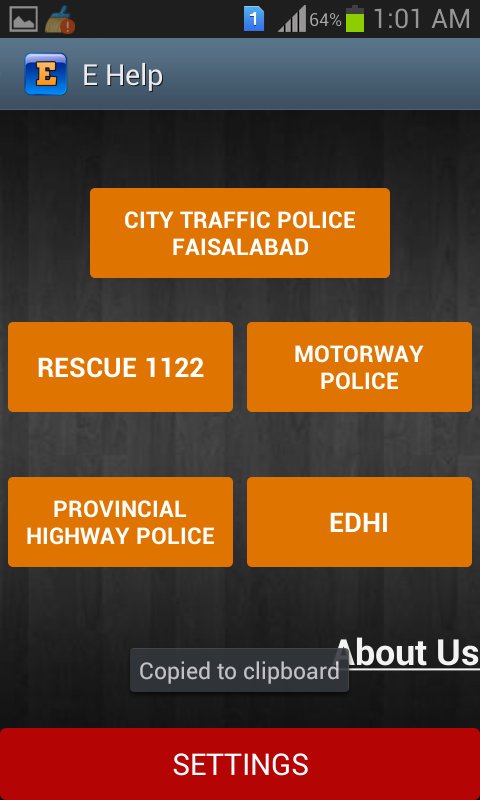
7-On the tab at right side you see an icon when click this icon further things will display like emergency numbers.
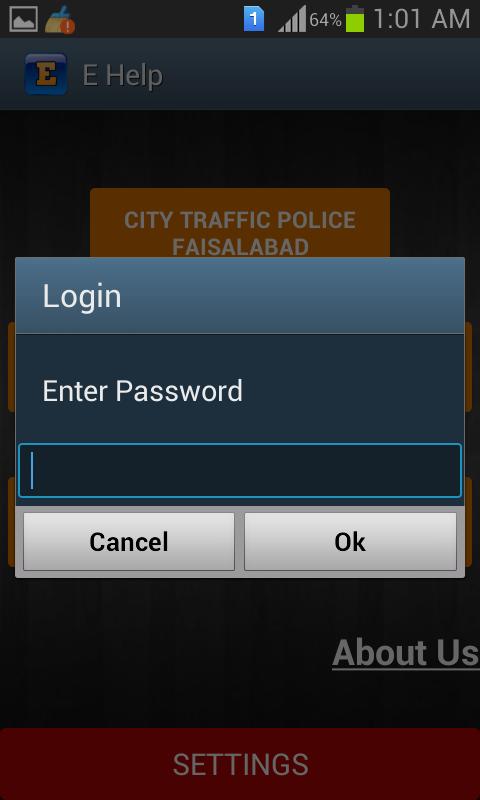
8-When you click on setting button it will ask for password and its default password is (12345).
最新版本1.0更新日誌
Last updated on 2016年04月11日
此版本包含小幅錯誤修正和一般改善。請更新至最新版本,以獲得最佳體驗。
EHelp 螢幕截圖