
เกี่ยวกับ EHelp
Ehelp an Electronic Help Android App which you can use in case of any emergency.
Electronic Help an android application so that you will feel while having this application.It will send all the user data when press the button HELP like his/her coordinates.Please Follow the instruction before using this Application
1-First Install the App
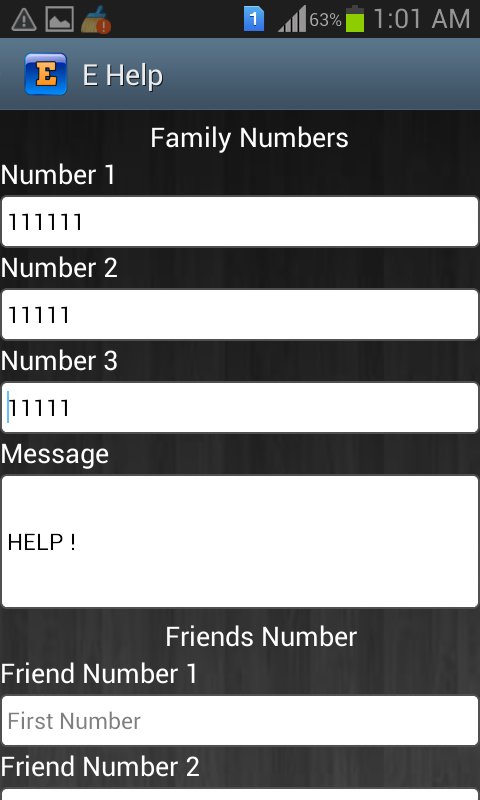
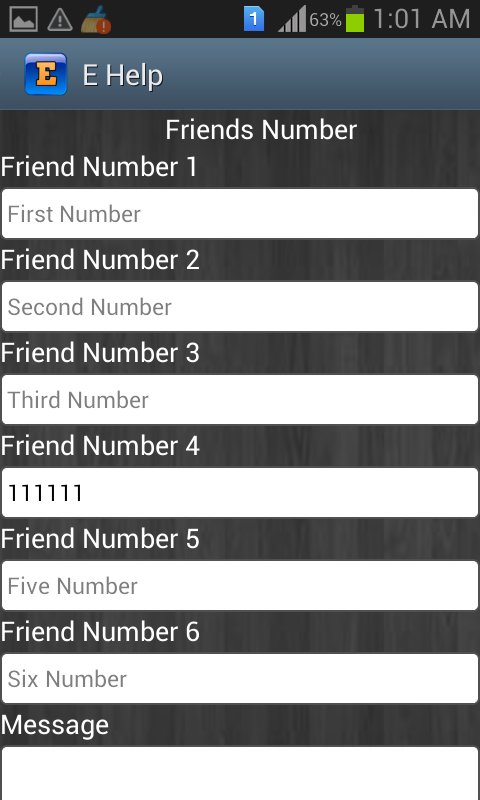
2-After installation Number setting view will display where you should set the numbers like Friends,Family
3-Then Click on Save
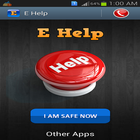
4-Now It will display main view of this app you will find two buttons one is HELP button and the other is I AM SAFE NOW button
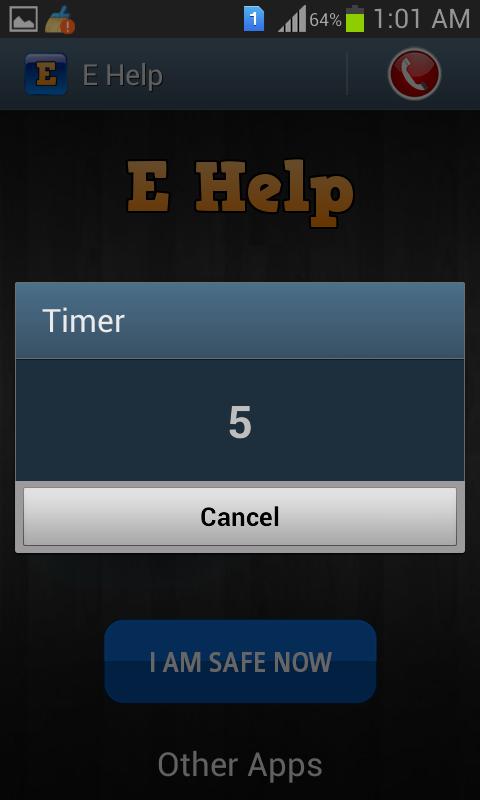
5-when you click on HELP button timer will start and after 6 seconds all messages will be sent.you can cancel it within 6 seconds if unintentionally clicked.
6-Now when you click I AM SAFE NOW button you have to enter the password default password is (1111) and you change it by yourself.
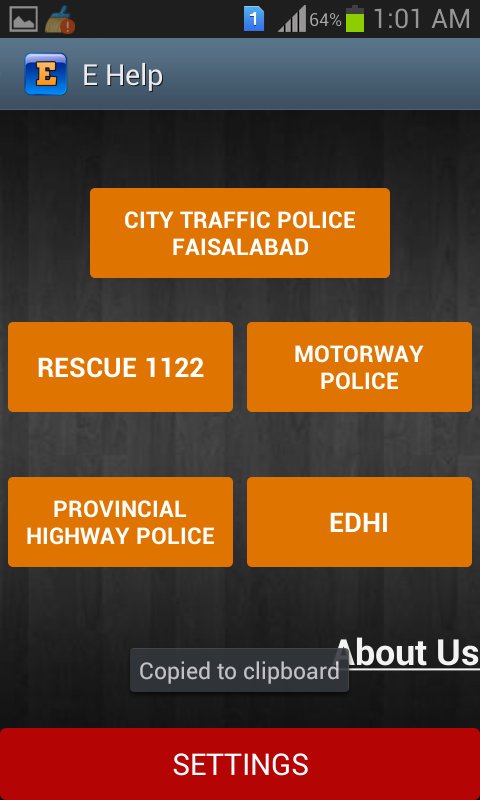
7-On the tab at right side you see an icon when click this icon further things will display like emergency numbers.
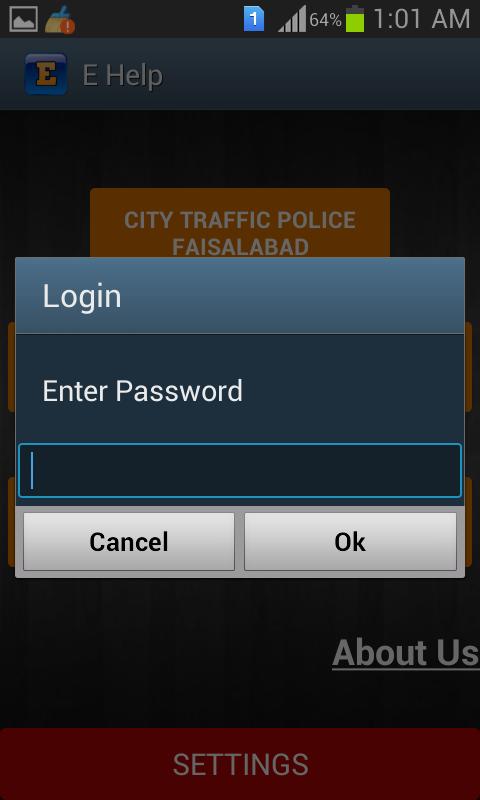
8-When you click on setting button it will ask for password and its default password is (12345).
ข้อมูล แอป เพิ่มเติม
เวอร์ชันล่าสุด
1.0อัปโหลดโดย
Ince Werinussa
ต้องใช้ Android
Android 3.0+
Category
ฟรี การกำหนดค่าส่วนบุคคล แอปการจัดประเภทเนื้อหา
Everyone
รายงาน
ปักธงว่าไม่เหมาะสมมีอะไรใหม่ใน 1.0 เวอร์ชันล่าสุด
Last updated on Apr 11, 2016
เวอร์ชันนี้มีการแก้ไขข้อบกพร่องเล็กน้อยและการปรับปรุงทั่วไป อัปเดตเป็นเวอร์ชันล่าสุดเพื่อประสบการณ์ที่ดีที่สุด
EHelp ภาพหน้าจอ