
EHelp 정보
Ehelp an Electronic Help Android App which you can use in case of any emergency.
Electronic Help an android application so that you will feel while having this application.It will send all the user data when press the button HELP like his/her coordinates.Please Follow the instruction before using this Application
1-First Install the App
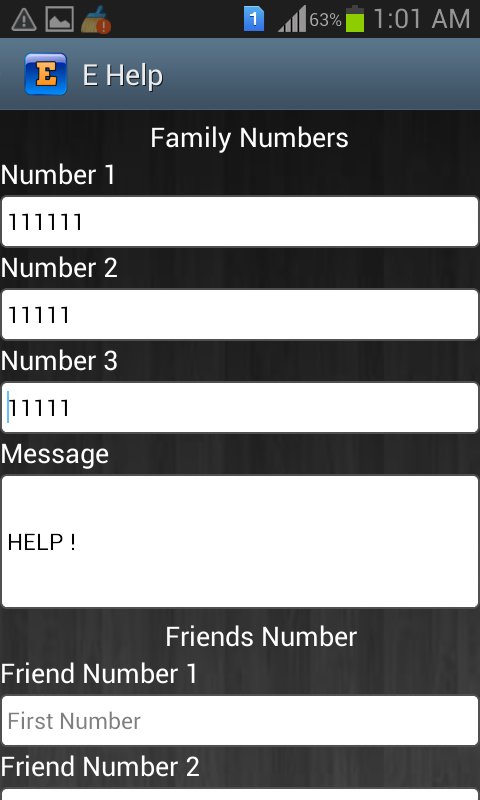
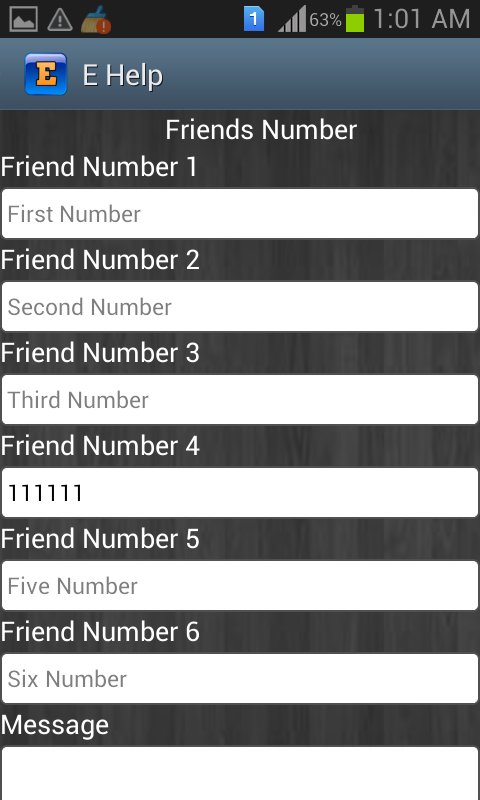
2-After installation Number setting view will display where you should set the numbers like Friends,Family
3-Then Click on Save
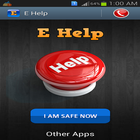
4-Now It will display main view of this app you will find two buttons one is HELP button and the other is I AM SAFE NOW button
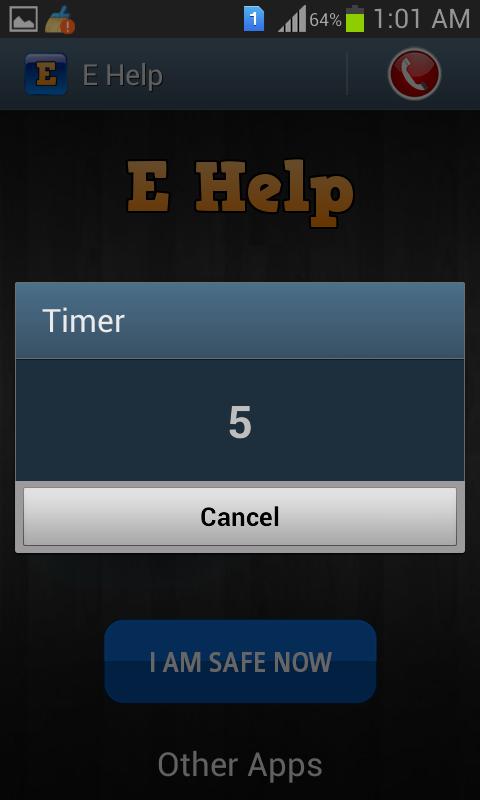
5-when you click on HELP button timer will start and after 6 seconds all messages will be sent.you can cancel it within 6 seconds if unintentionally clicked.
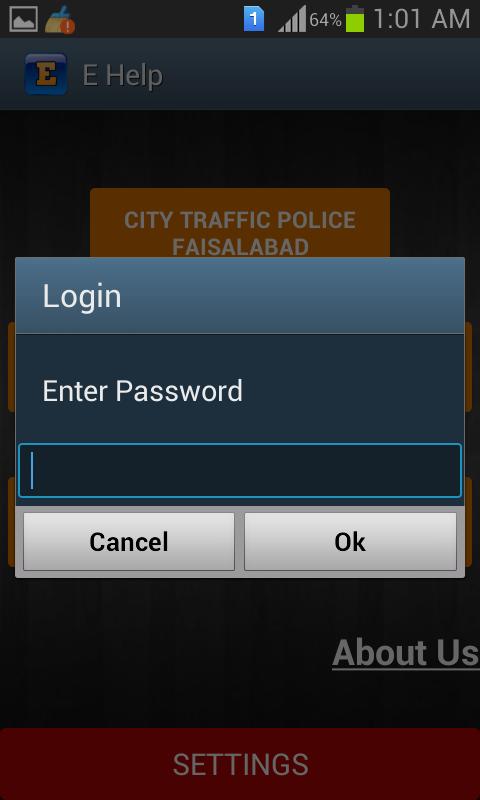
6-Now when you click I AM SAFE NOW button you have to enter the password default password is (1111) and you change it by yourself.
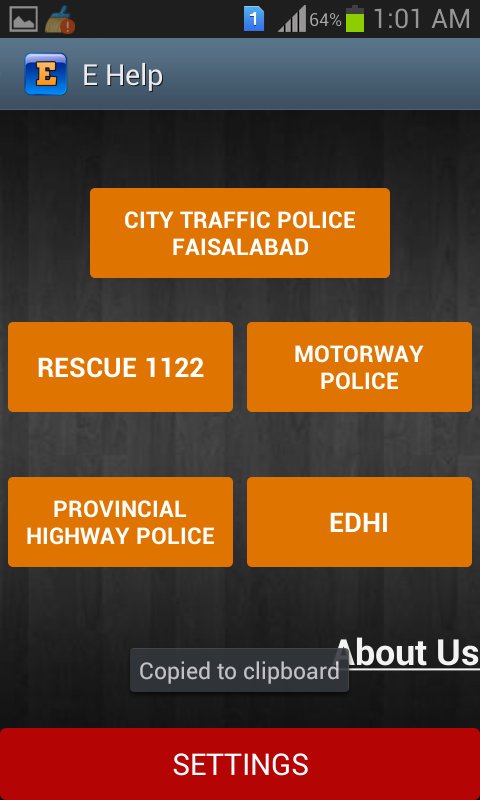
7-On the tab at right side you see an icon when click this icon further things will display like emergency numbers.
8-When you click on setting button it will ask for password and its default password is (12345).
추가 앱 정보
최신 버전 1.0의 새로운 기능
Last updated on Apr 11, 2016
이 버전에는 사소한 버그 수정과 전반적인 개선 사항이 포함되어 있습니다. 최상의 환경을 위해 최신 버전으로 업데이트하세요.
EHelp 스크린 샷