
เกี่ยวกับ Copy Paste
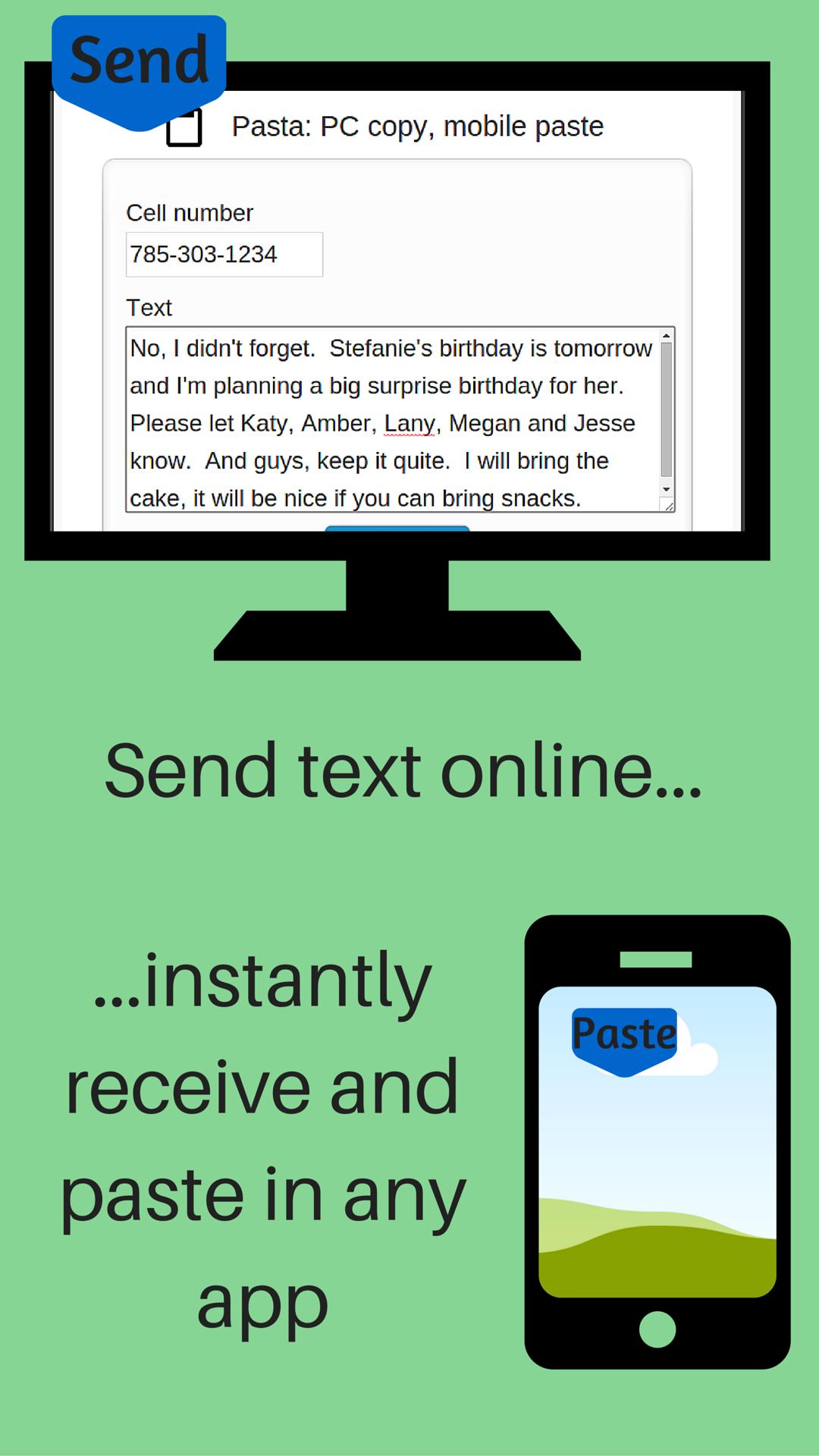
Send URL (link) from your computer web browser to your phone
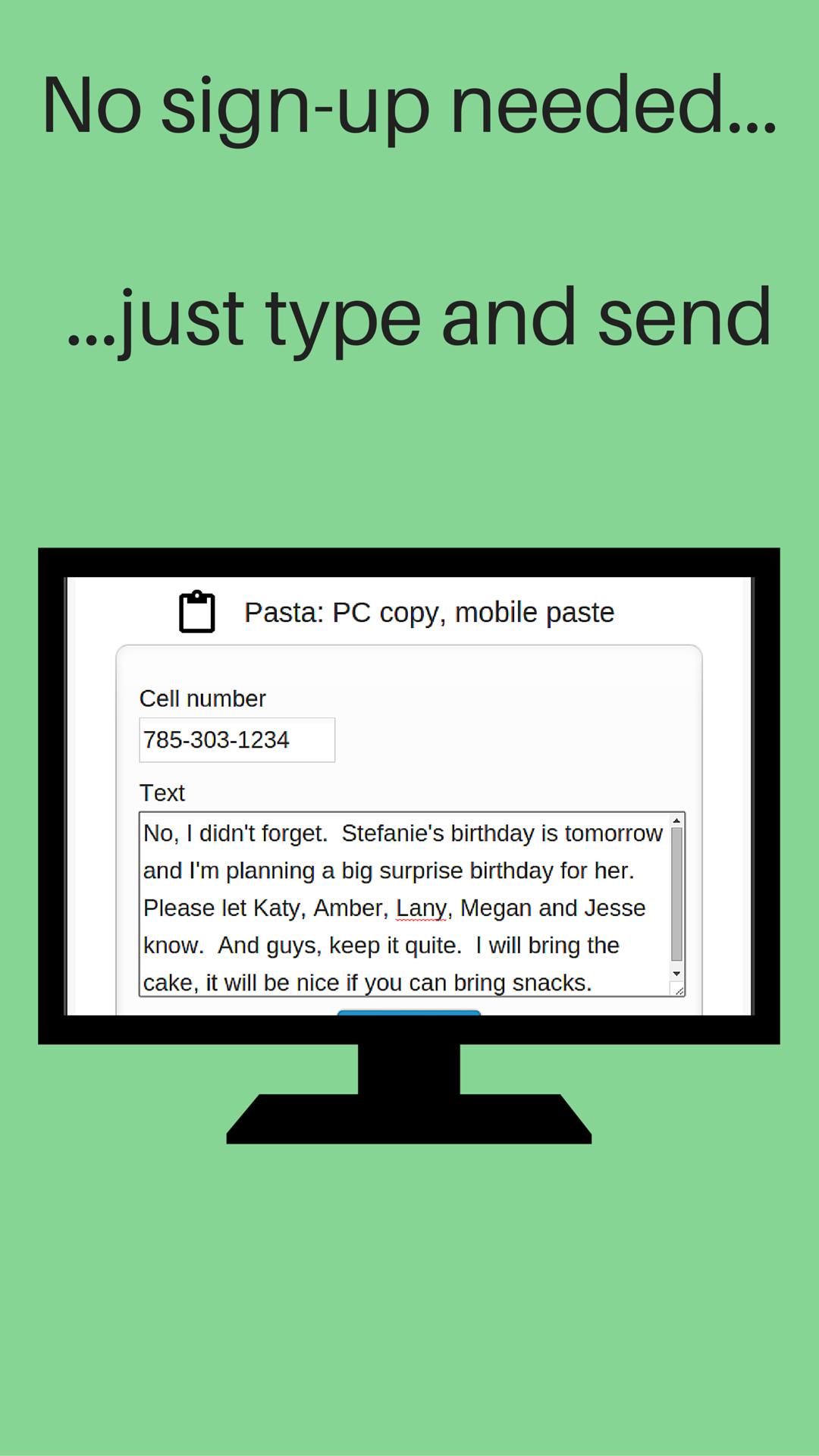
Send URL (link) from your computer to your phone. No sign-up, registration or computer software installation needed. The URL is sent to your phone's clipboard where you can paste it in any app.
After you install Push URL to Phone on your phone:
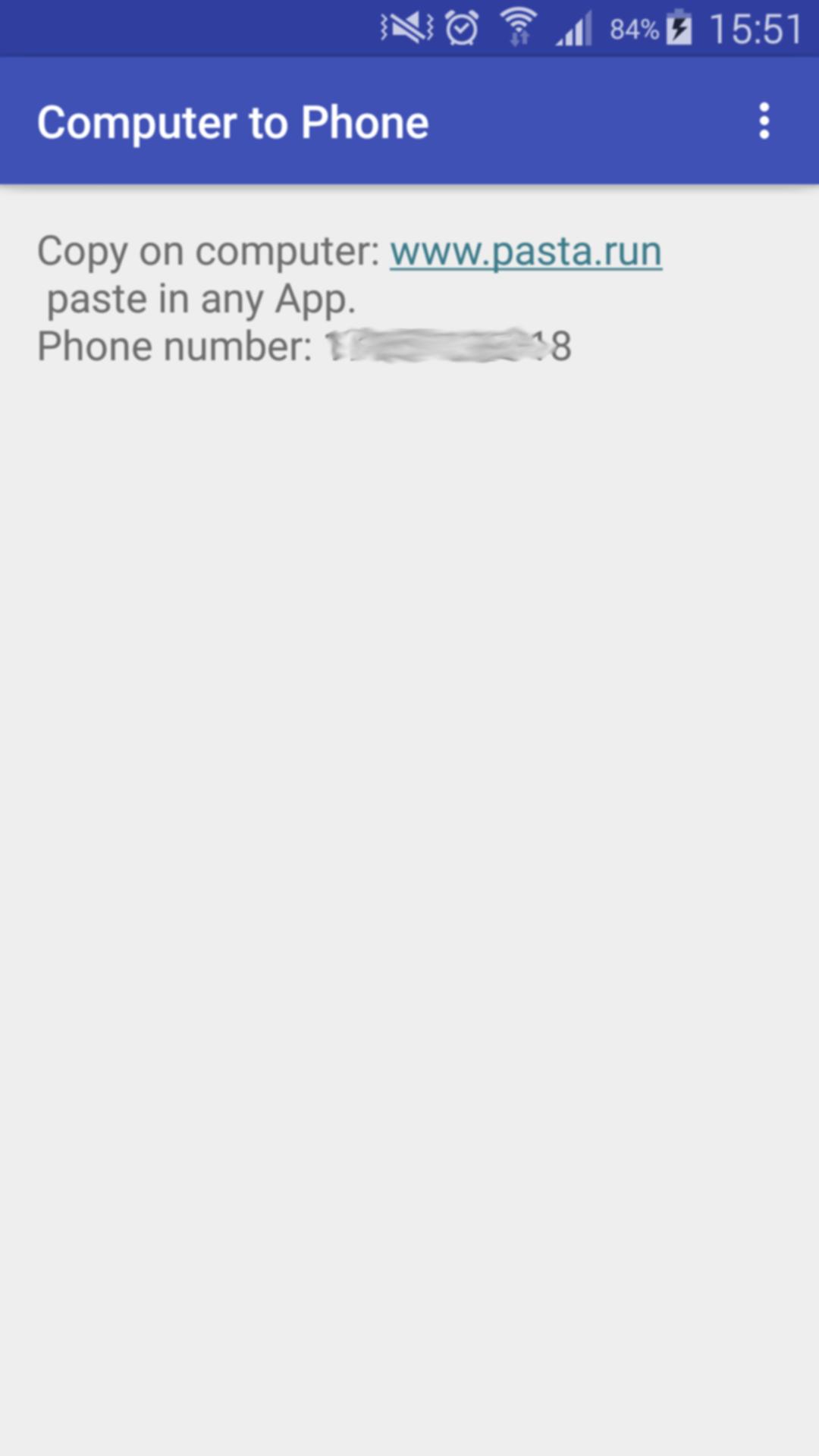
1- Open the App on your phone
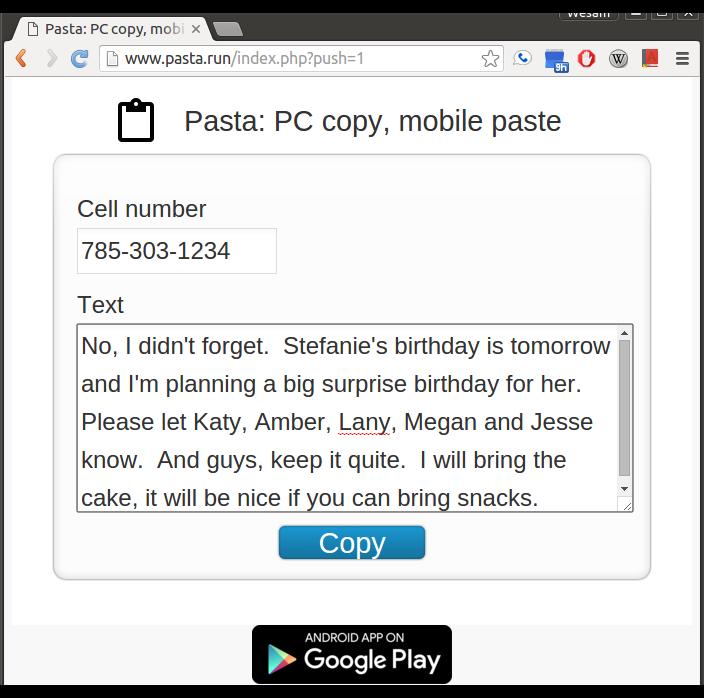
2- On your computer, visit: www.pasta.run
3- Enter cell number
4- Enter URL (link) to send
5- Hit the "Copy" button
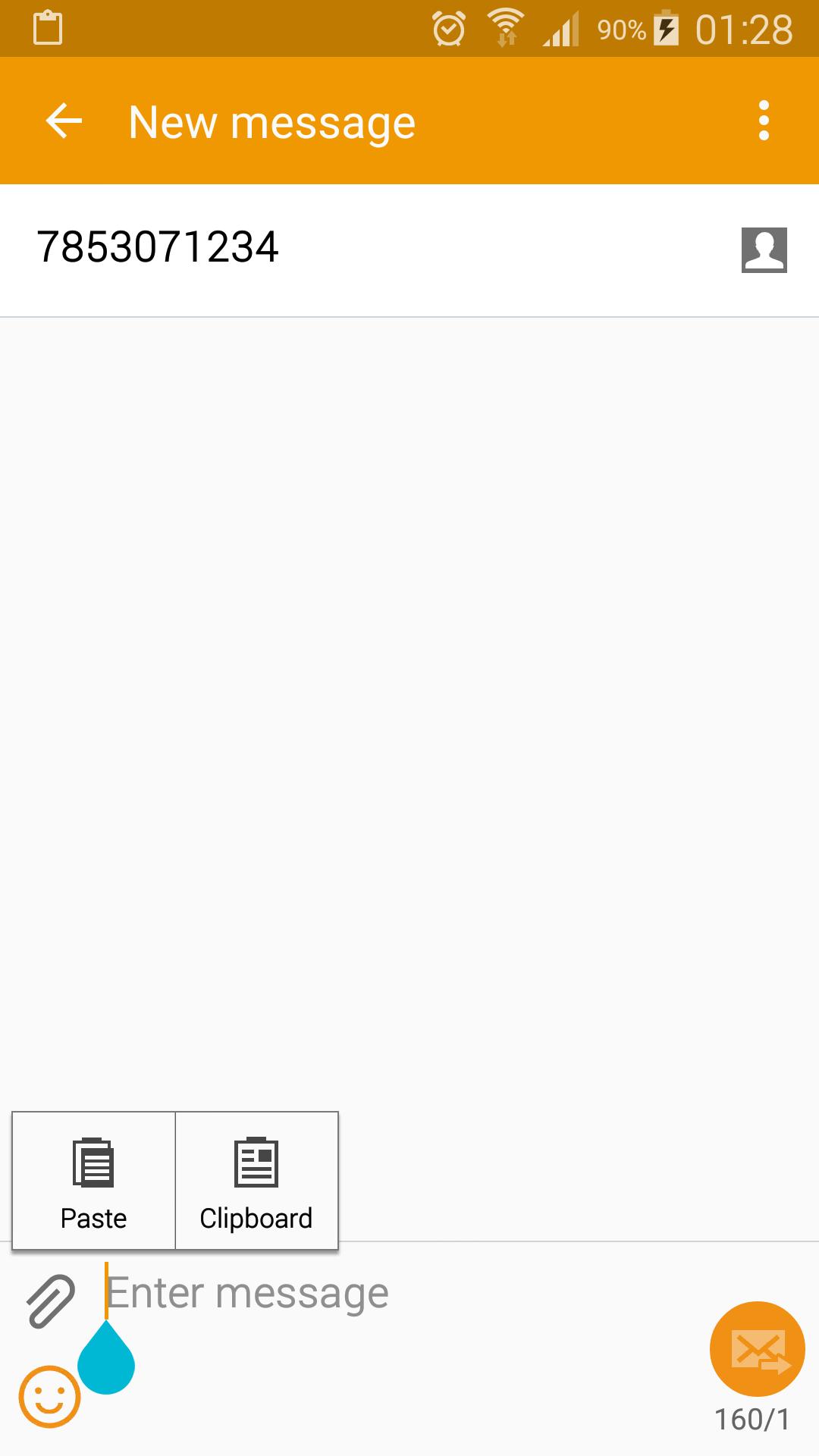
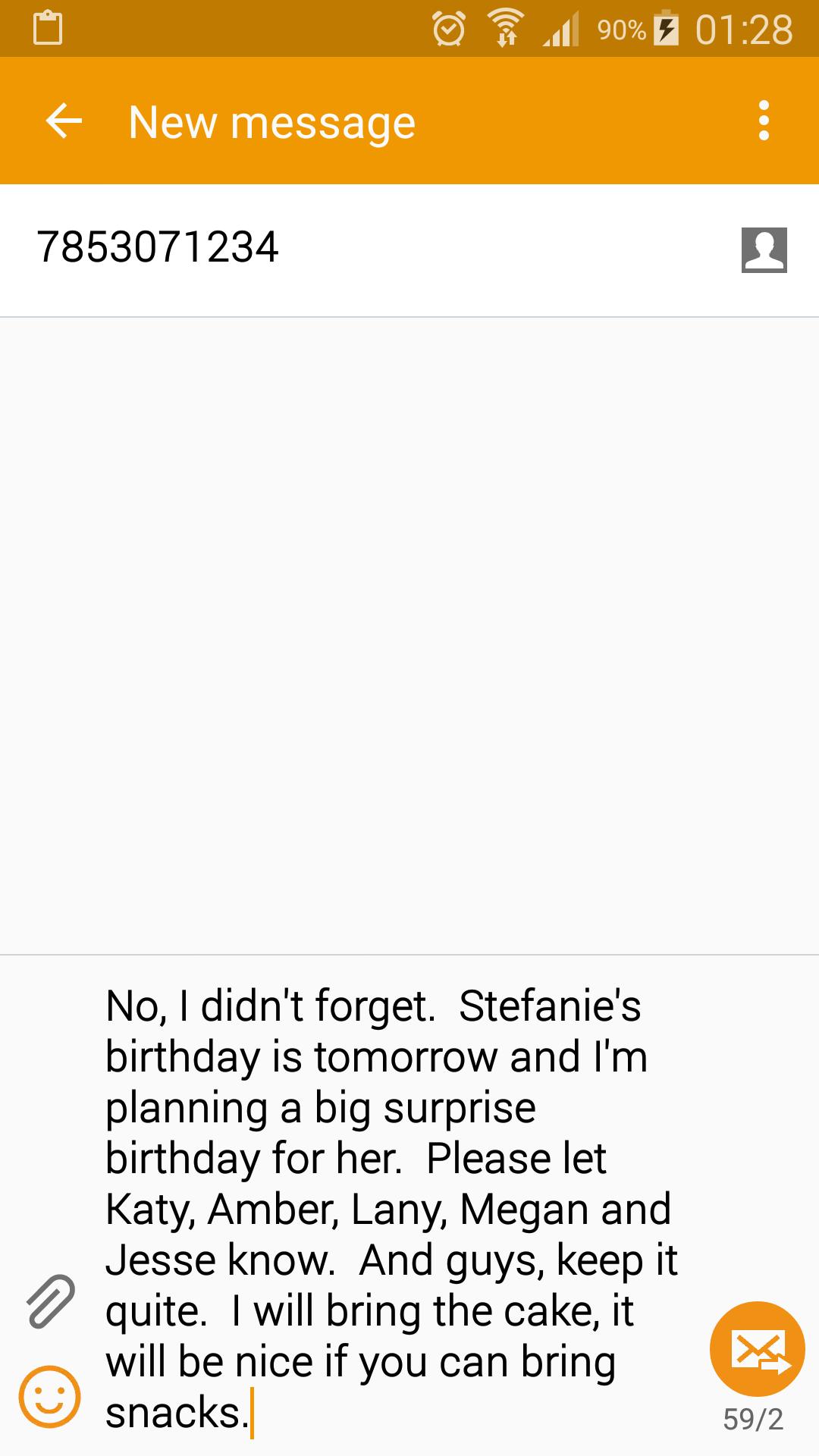
Receive a notification on your phone indicating your URL (link) is available to paste in any App (text messaging, email, web browser...). Paste it.
You need to start Push URL to Phone after install. It works in the background and is a very light weight application. You don't have to keep Push URL to Phone active to receive your message.
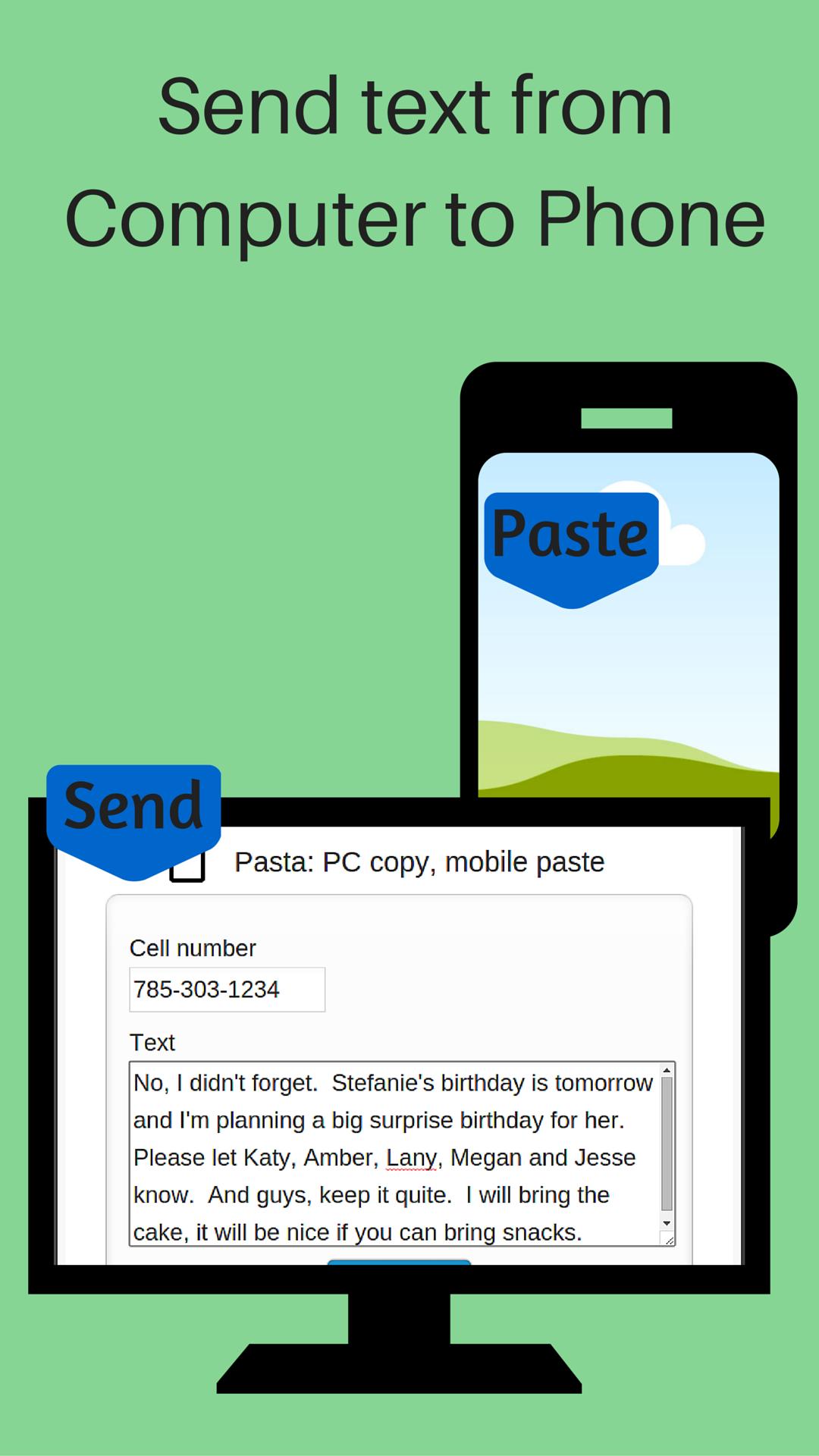
Don't use your mobile device's keyboard to write a long message or URL. On your computer, visit www.pasta.run, type your message and hit copy. Pick up your mobile device and paste your message in any app. An easy way to share and send text from your computer to your phone.
You only need and Internet connection to send your text. No software installation is needed on your computer.
If you don't have wifi or data service when you copy your message, it will be delivered once your phone connects to the Internet. Your message is discarded and never stored on our servers once it's delivered to your device.
ข้อมูล แอป เพิ่มเติม
เวอร์ชันล่าสุด
5.0อัปโหลดโดย
Hoàng Võ
ต้องใช้ Android
Android 4.0.3+
Category
ฟรี เครื่องมือ แอปการจัดประเภทเนื้อหา
Everyone
รายงาน
ปักธงว่าไม่เหมาะสมมีอะไรใหม่ใน 5.0 เวอร์ชันล่าสุด
Last updated on Jun 11, 2016
เวอร์ชันนี้มีการแก้ไขข้อบกพร่องเล็กน้อยและการปรับปรุงทั่วไป อัปเดตเป็นเวอร์ชันล่าสุดเพื่อประสบการณ์ที่ดีที่สุด
Copy Paste ภาพหน้าจอ
Copy Paste รุ่นเก่า
3.8 MBJun 11, 2016