
关于Keyboard Copy
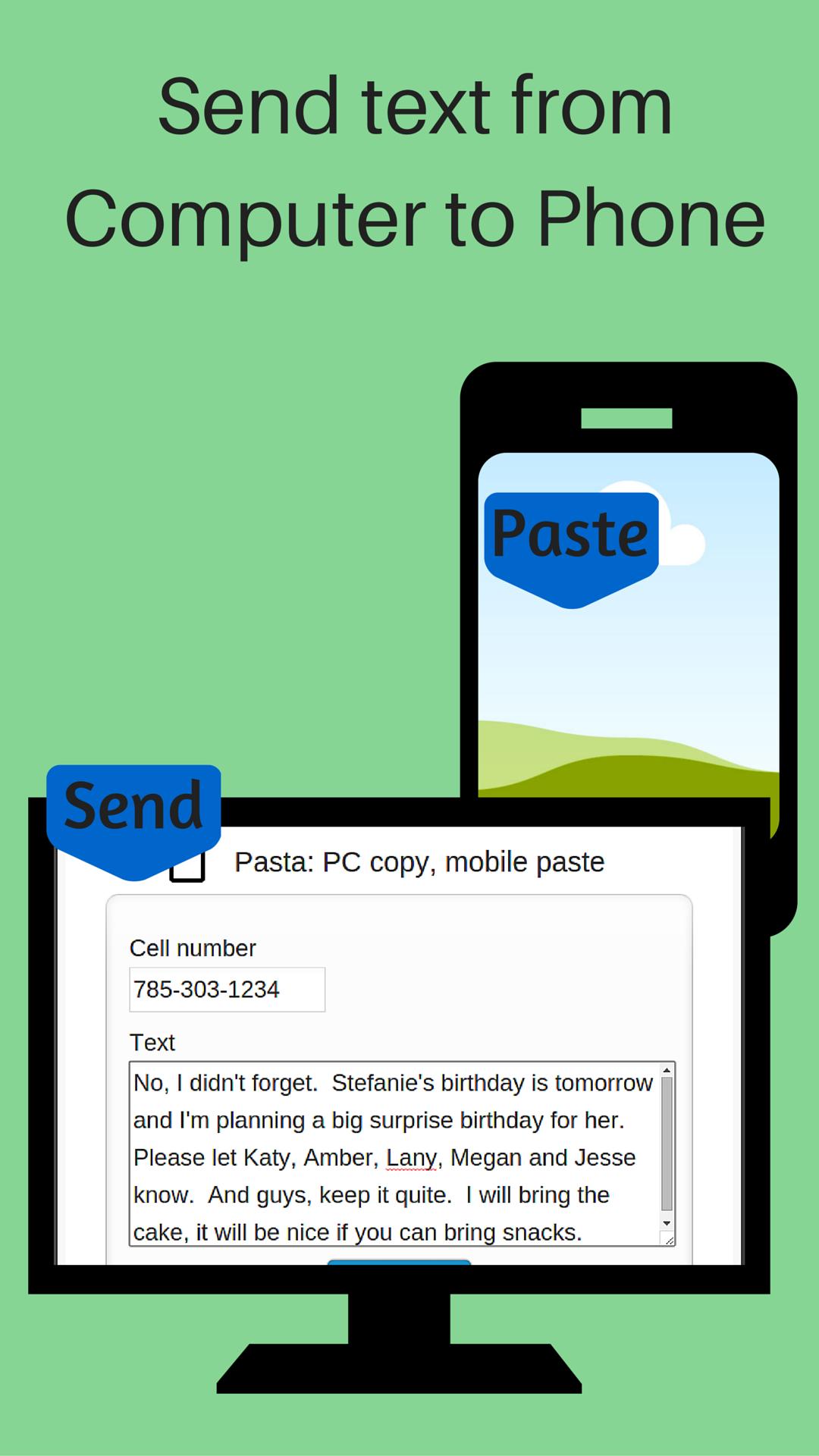
键入您的计算机上的信息,并使用您的手机上。
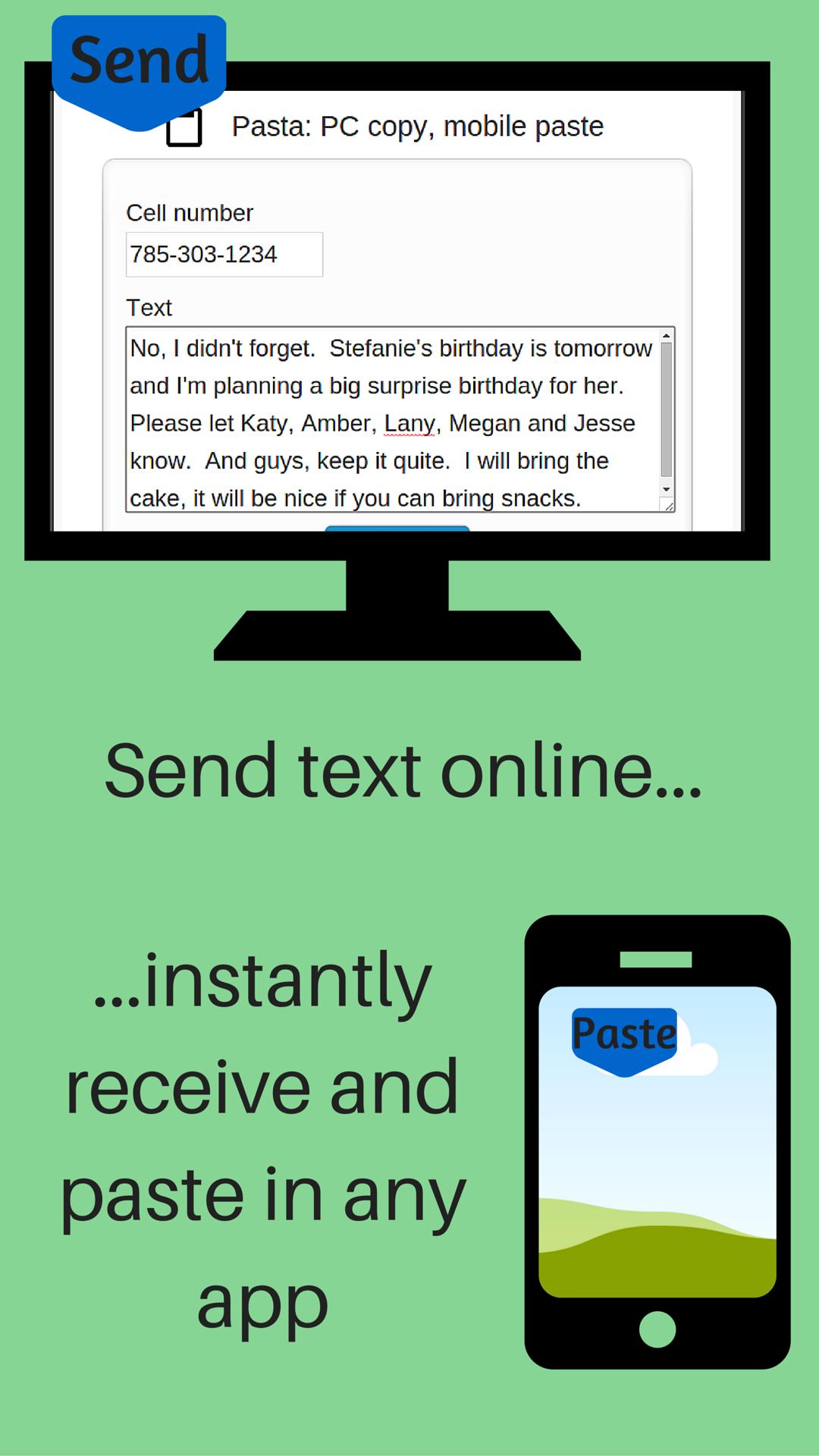
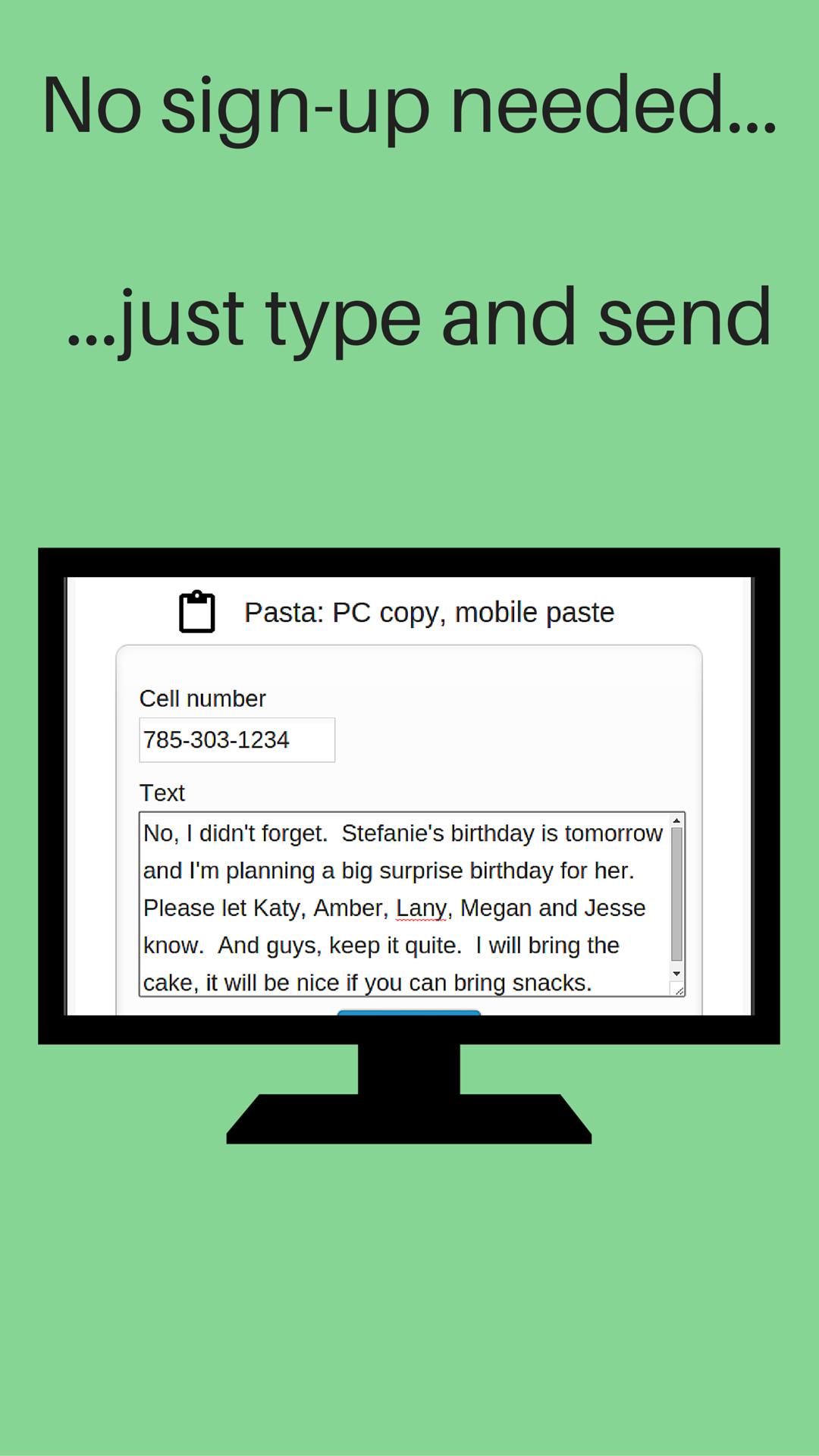
Send messages from your computer to your phone. No sign-up, registration or computer software installation needed.
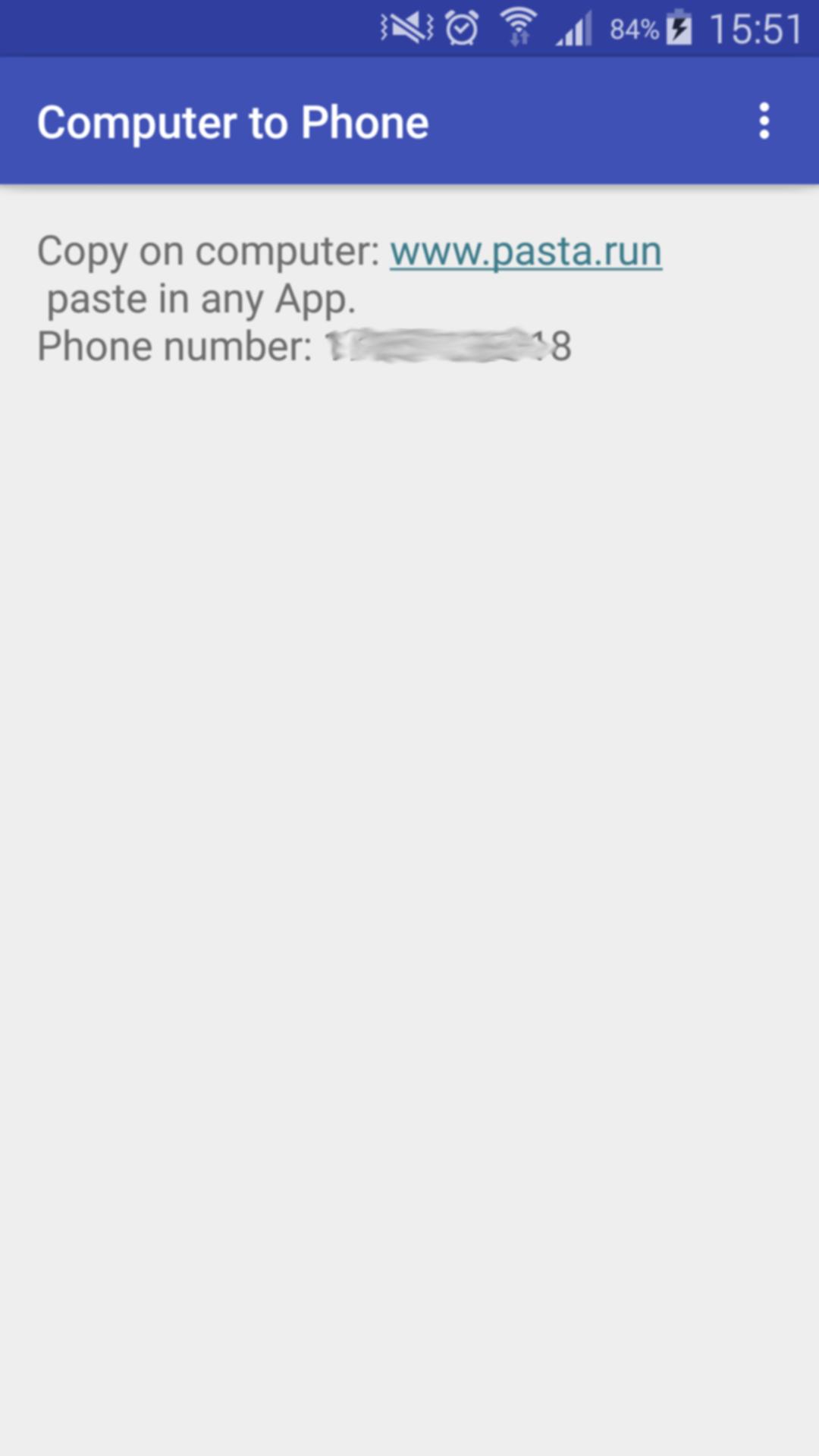
After you install Computer to Phone on your phone:
1- Open the App on your phone
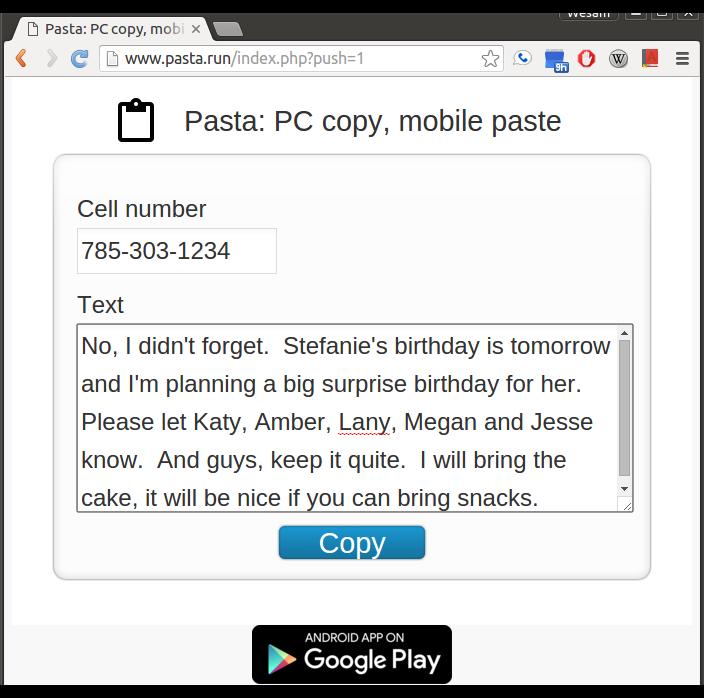
2- On your computer, visit: www.pasta.run
3- Enter cell number
4- Enter message to send
5- Hit the "Copy" button
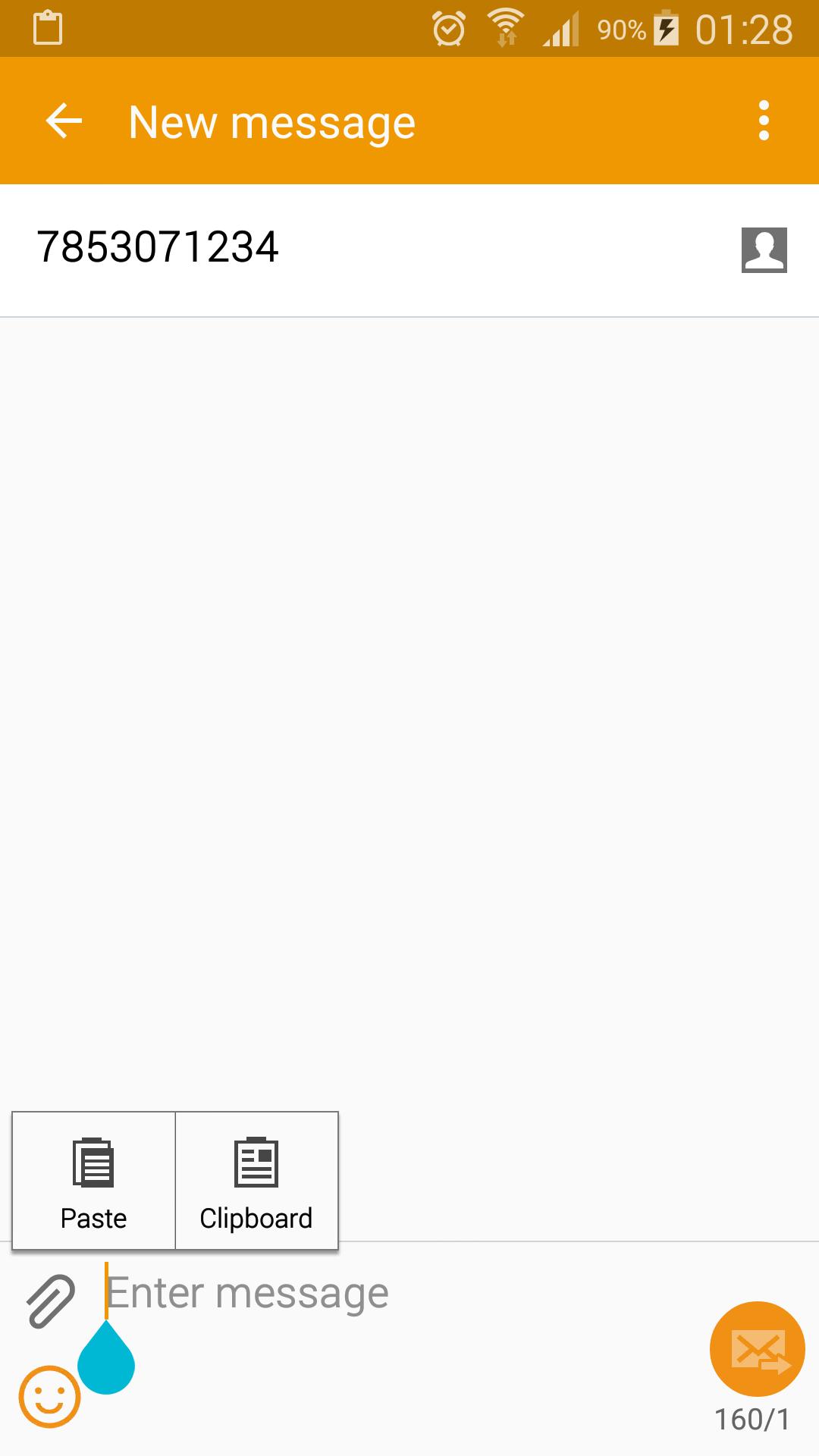
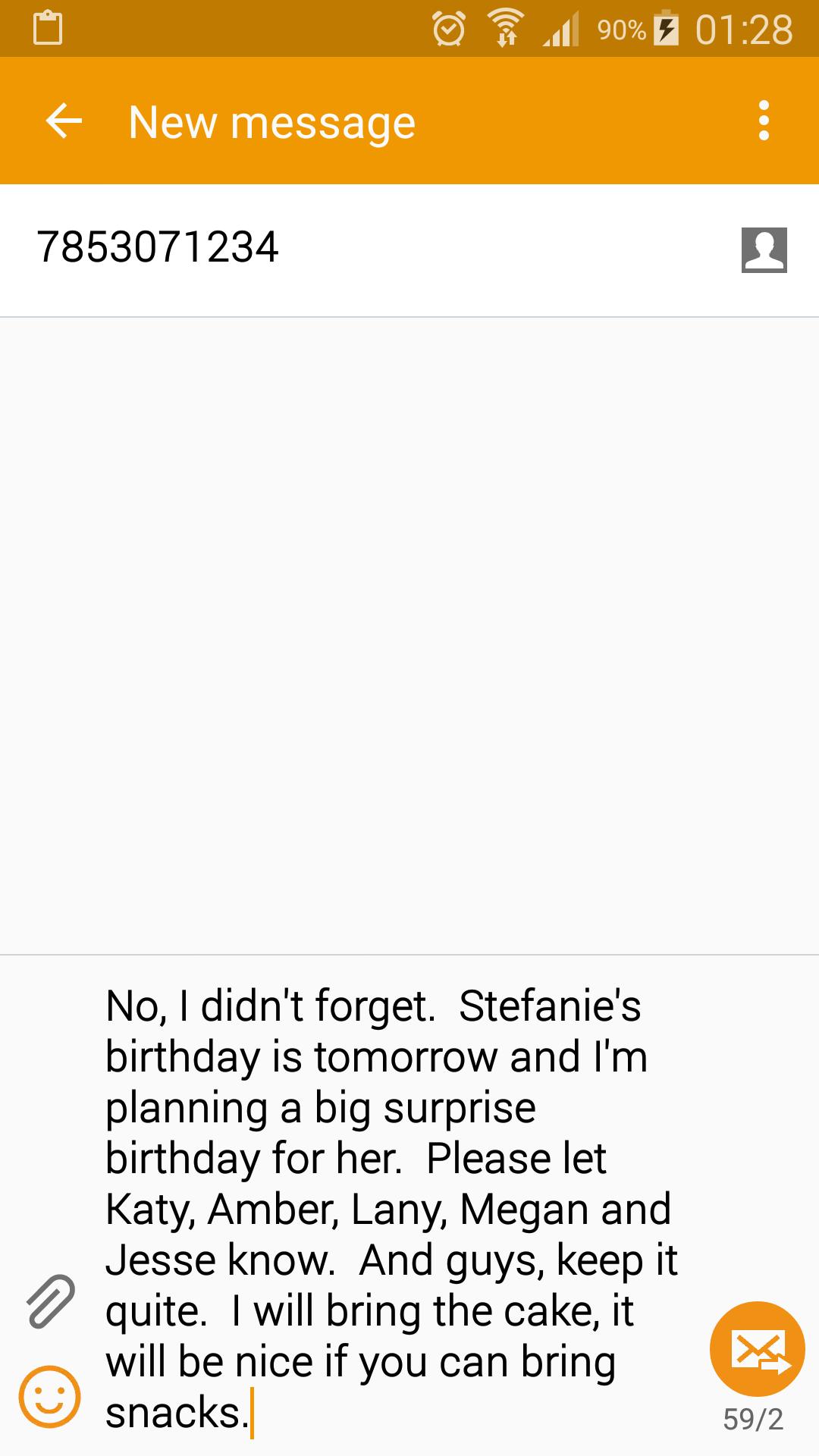
Receive a notification on your phone indicating your message is available to paste in any App (text messaging, email, web browser...). Paste it.
You need to start Computer to Phone after install. It works in the background and is a very light weight application. You don't have to keep Computer to Phone active to receive your message.
Don't use your mobile device's keyboard to write a long message or URL. On your computer, visit www.pasta.run, type your message and hit copy. Pick up your mobile device and paste your message in any app. An easy way to share and send text from your computer to your phone.
You only need and Internet connection to send your text. No software installation is needed on your computer.
If you don't have wifi or data service when you copy your message, it will be delivered once your phone connects to the Internet. Your message is discarded and never stored on our servers once it's delivered to your device.
最新版本5.0更新日志
Last updated on 2016年06月12日
此版本包含小幅错误修复和常规改进。请更新至最新版本,以获得更佳体验。
Keyboard Copy 屏幕截图
Keyboard Copy历史版本
3.8 MB2016年06月12日