




À propos de Copy Paste
Send URL (link) from your computer web browser to your phone
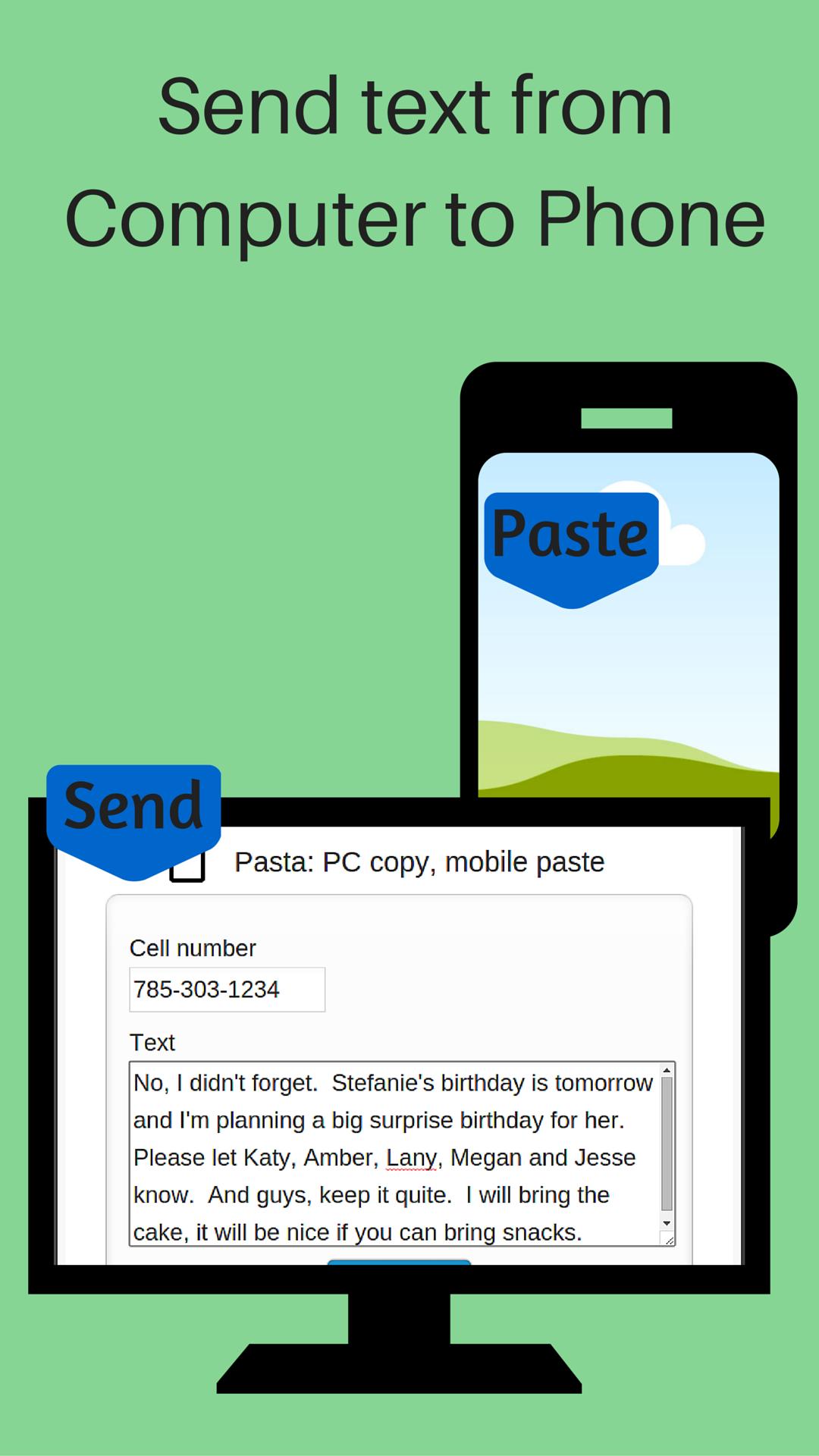
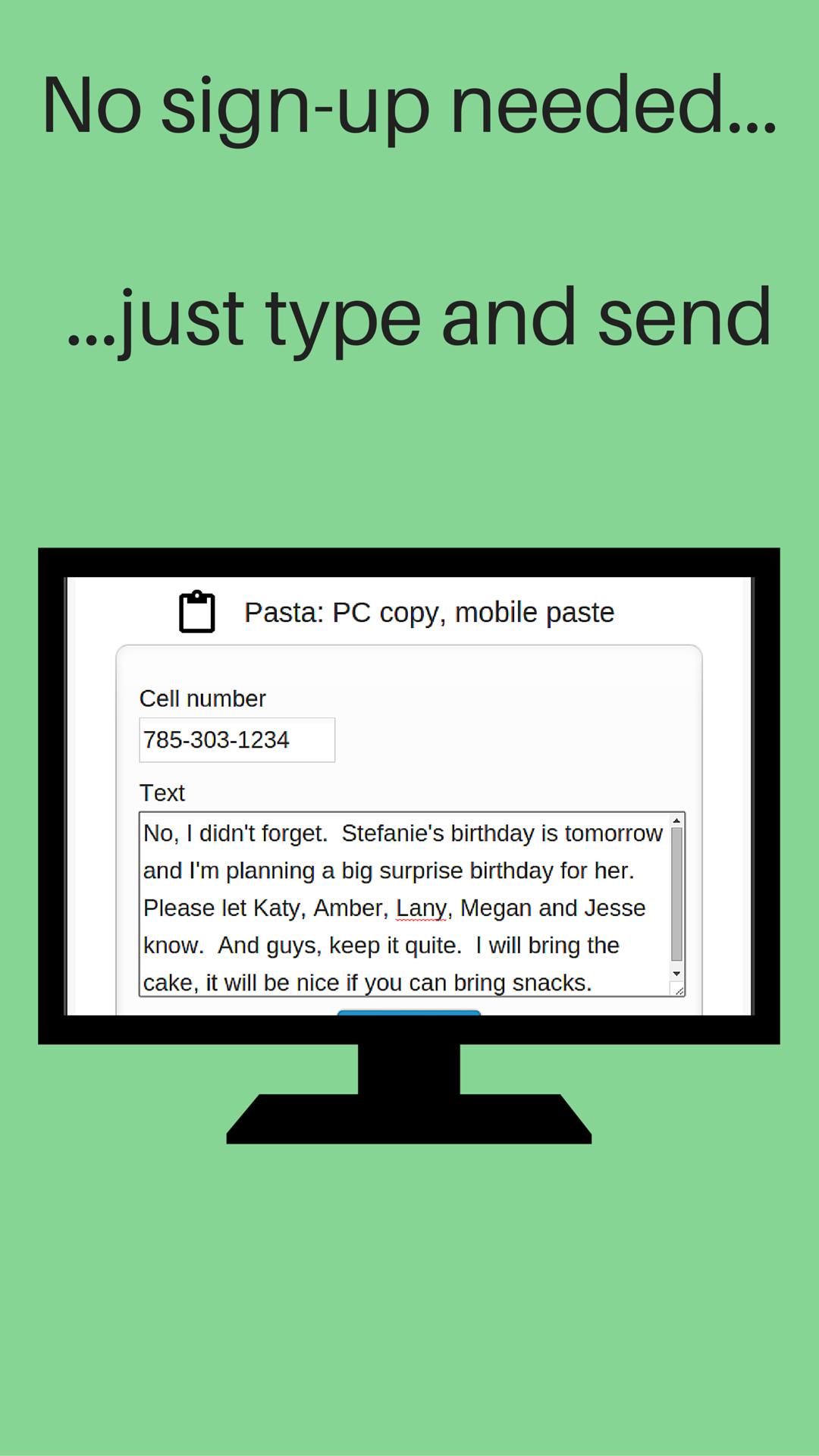
Send URL (link) from your computer to your phone. No sign-up, registration or computer software installation needed. The URL is sent to your phone's clipboard where you can paste it in any app.
After you install Push URL to Phone on your phone:
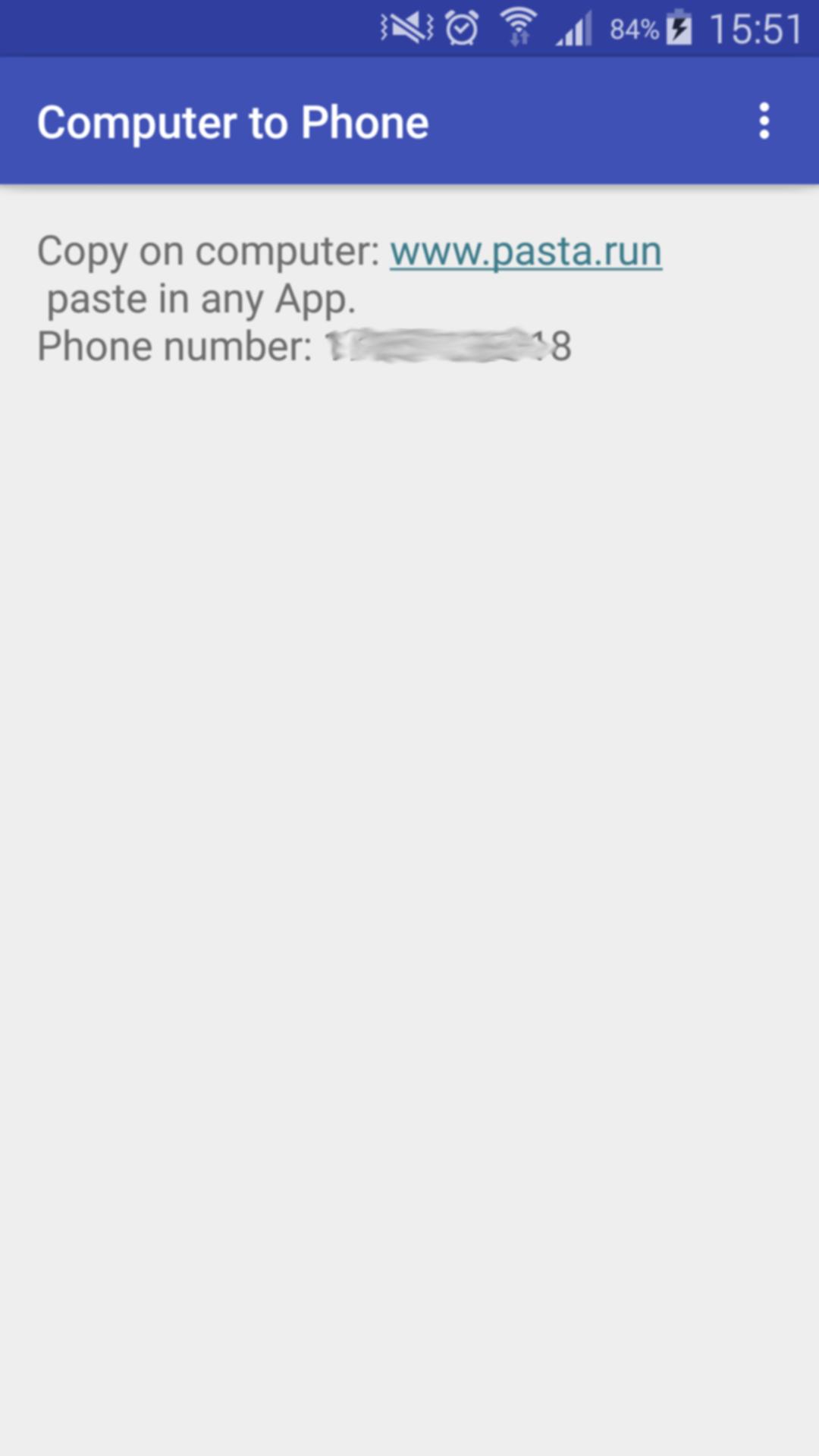
1- Open the App on your phone
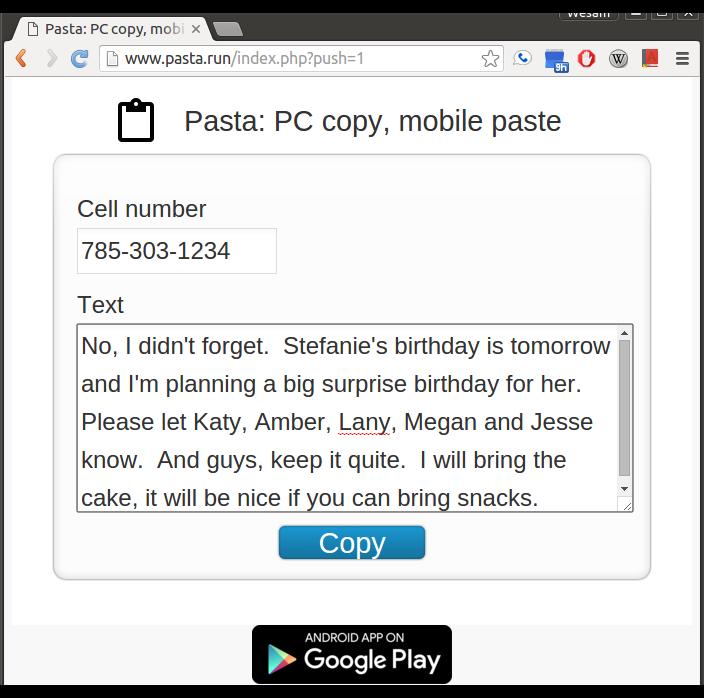
2- On your computer, visit: www.pasta.run
3- Enter cell number
4- Enter URL (link) to send
5- Hit the "Copy" button
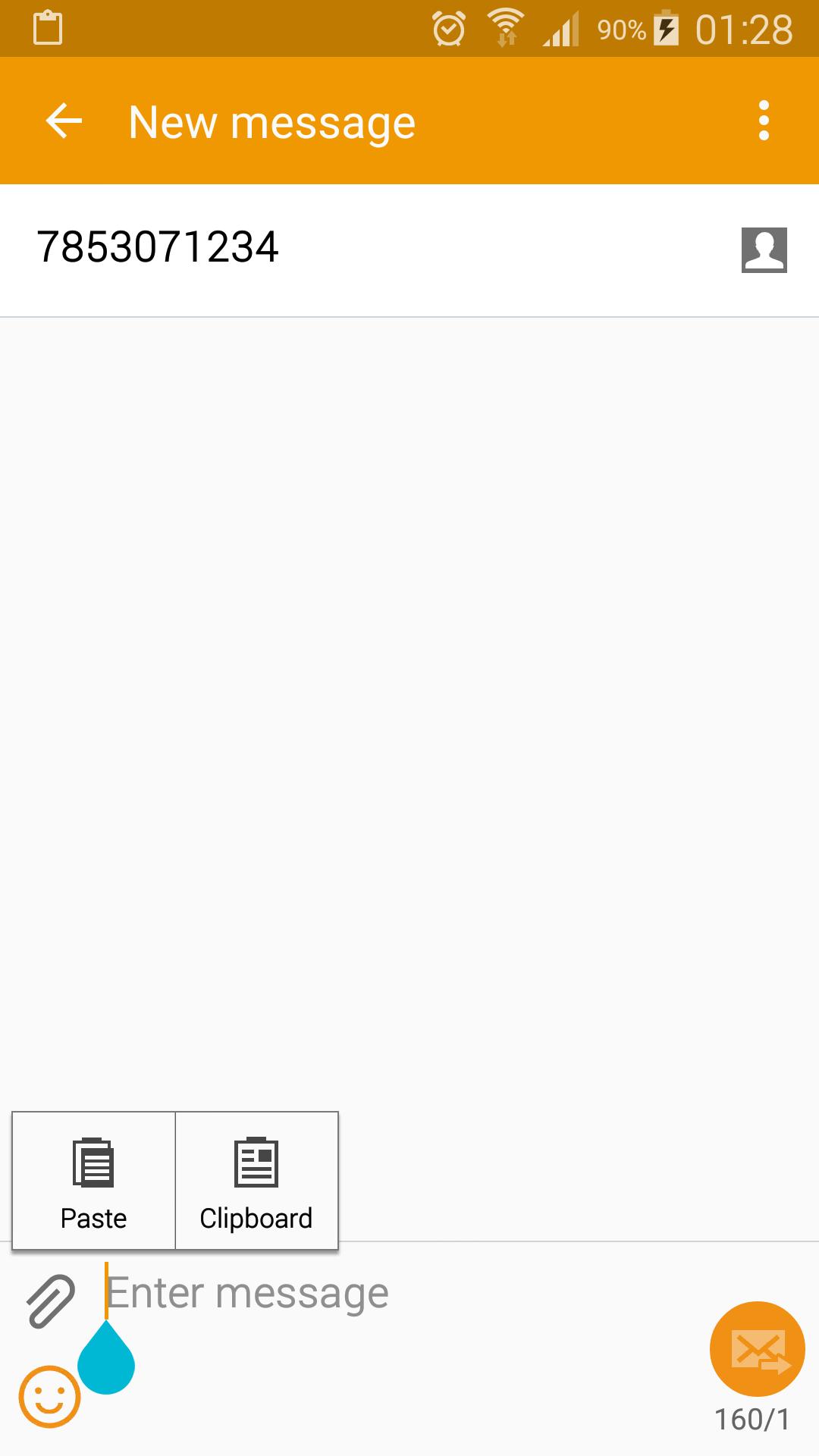
Receive a notification on your phone indicating your URL (link) is available to paste in any App (text messaging, email, web browser...). Paste it.
You need to start Push URL to Phone after install. It works in the background and is a very light weight application. You don't have to keep Push URL to Phone active to receive your message.
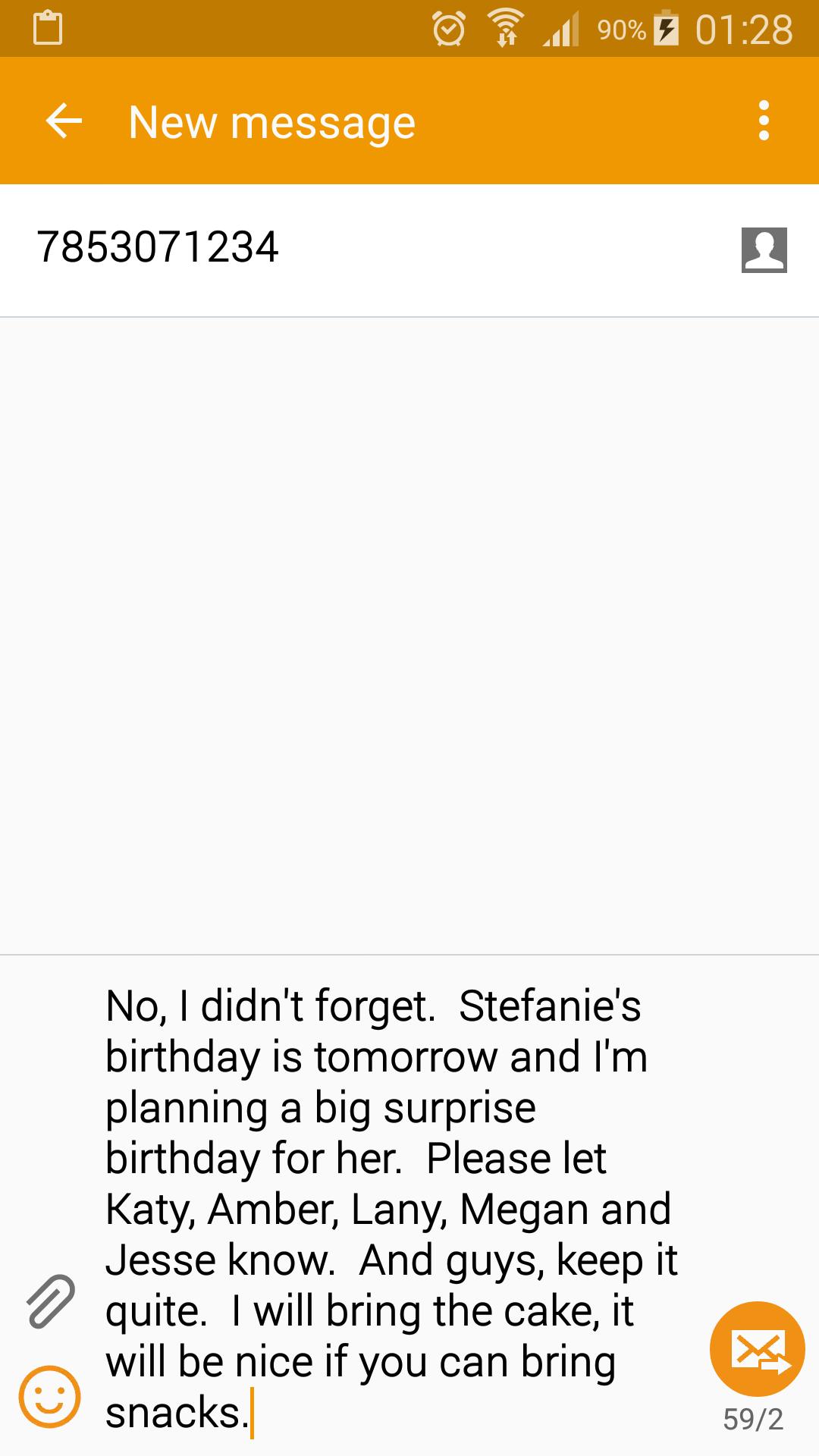
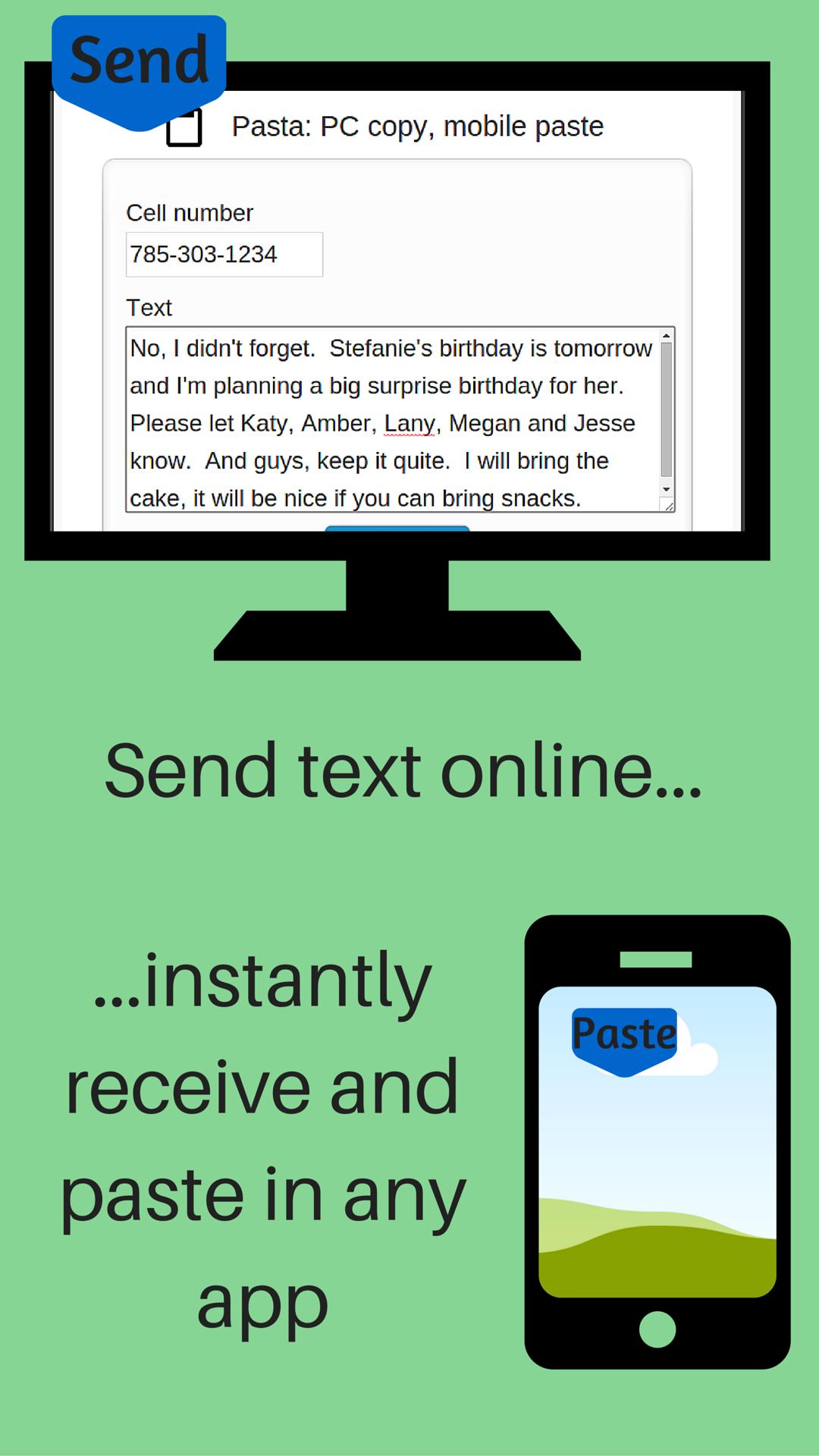
Don't use your mobile device's keyboard to write a long message or URL. On your computer, visit www.pasta.run, type your message and hit copy. Pick up your mobile device and paste your message in any app. An easy way to share and send text from your computer to your phone.
You only need and Internet connection to send your text. No software installation is needed on your computer.
If you don't have wifi or data service when you copy your message, it will be delivered once your phone connects to the Internet. Your message is discarded and never stored on our servers once it's delivered to your device.
Informations Application supplémentaires
Dernière version
5.0Telechargé par
Hoàng Võ
Nécessite Android
Android 4.0.3+
Catégories
Gratuit Outils APPLICATIONClassification du contenu
Everyone
Signaler
Signaler comme inappropriéQuoi de neuf dans la dernière version 5.0
Last updated on Jun 11, 2016
Cette version comprend des corrections de bugs mineurs et des améliorations générales. Installez la dernière version pour profiter d’une expérience optimale.
Copy Paste Captures d'écran
Vieilles versions de Copy Paste
3.8 MBJun 11, 2016

Balises associées













Articles populaires dans les dernières 24 heures
- Instructions pour télécharger la dernière version 19.23.33 de YouTube APK pour Android 2024
- Comment télécharger Netflix APK dernière version 8.126.0 build 7 50767 pour Android 2024
- Comment télécharger la dernière version 13.3.0.42 de Snapchat APK pour Android 2024
- Comment télécharger CapCut - Video Editor APK dernière version 12.6.0 pour Android 2024





Tous les avisAjouter des avis