Scan Date:Aug 1, 2026
Show More

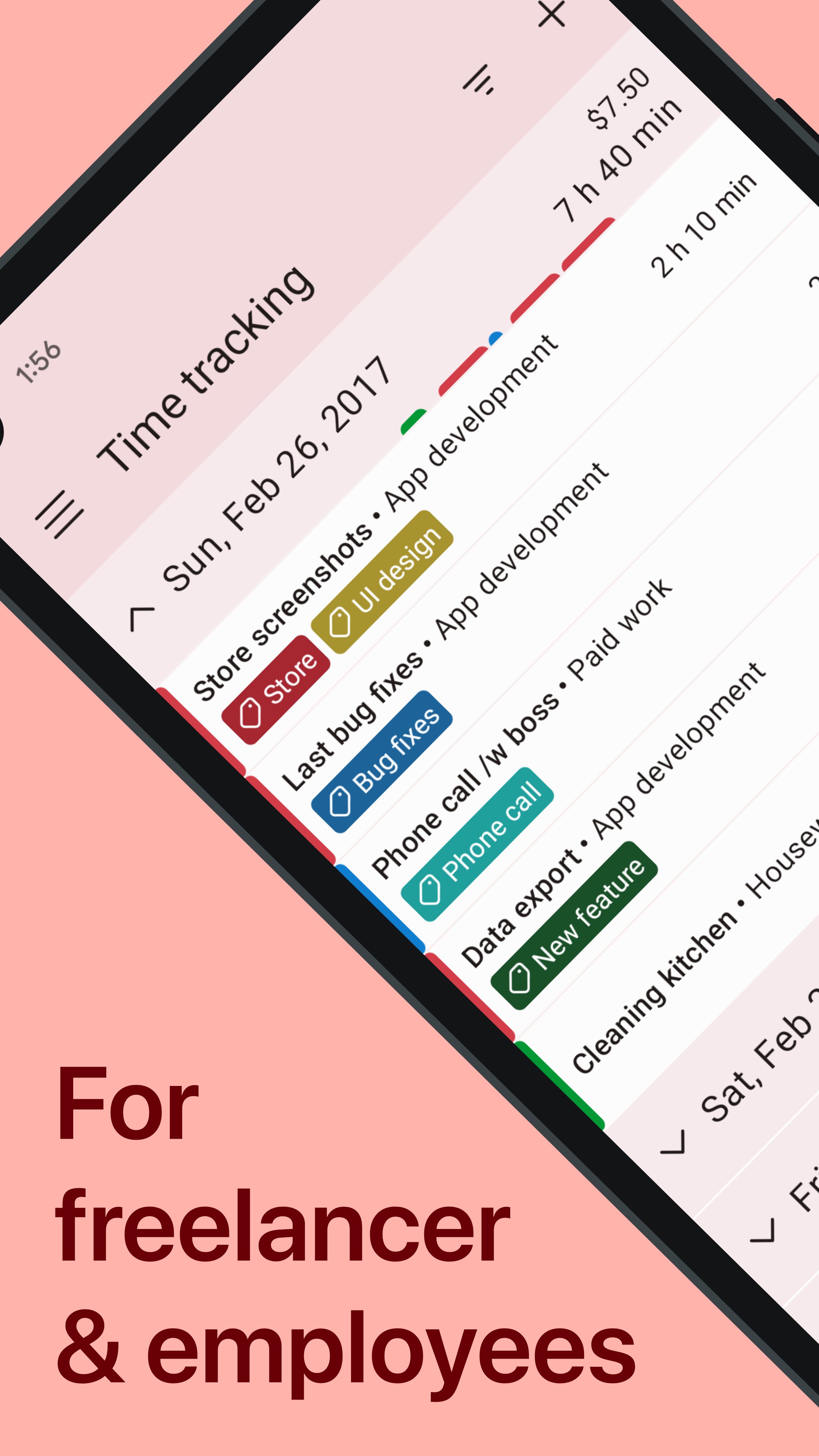
Track work hours without turning your day into admin work. WorkingHours is a time tracker, timesheet and personal work log for freelancers, hourly workers, employees, contractors and consultants who need to record time, earnings, overtime and billable hours.
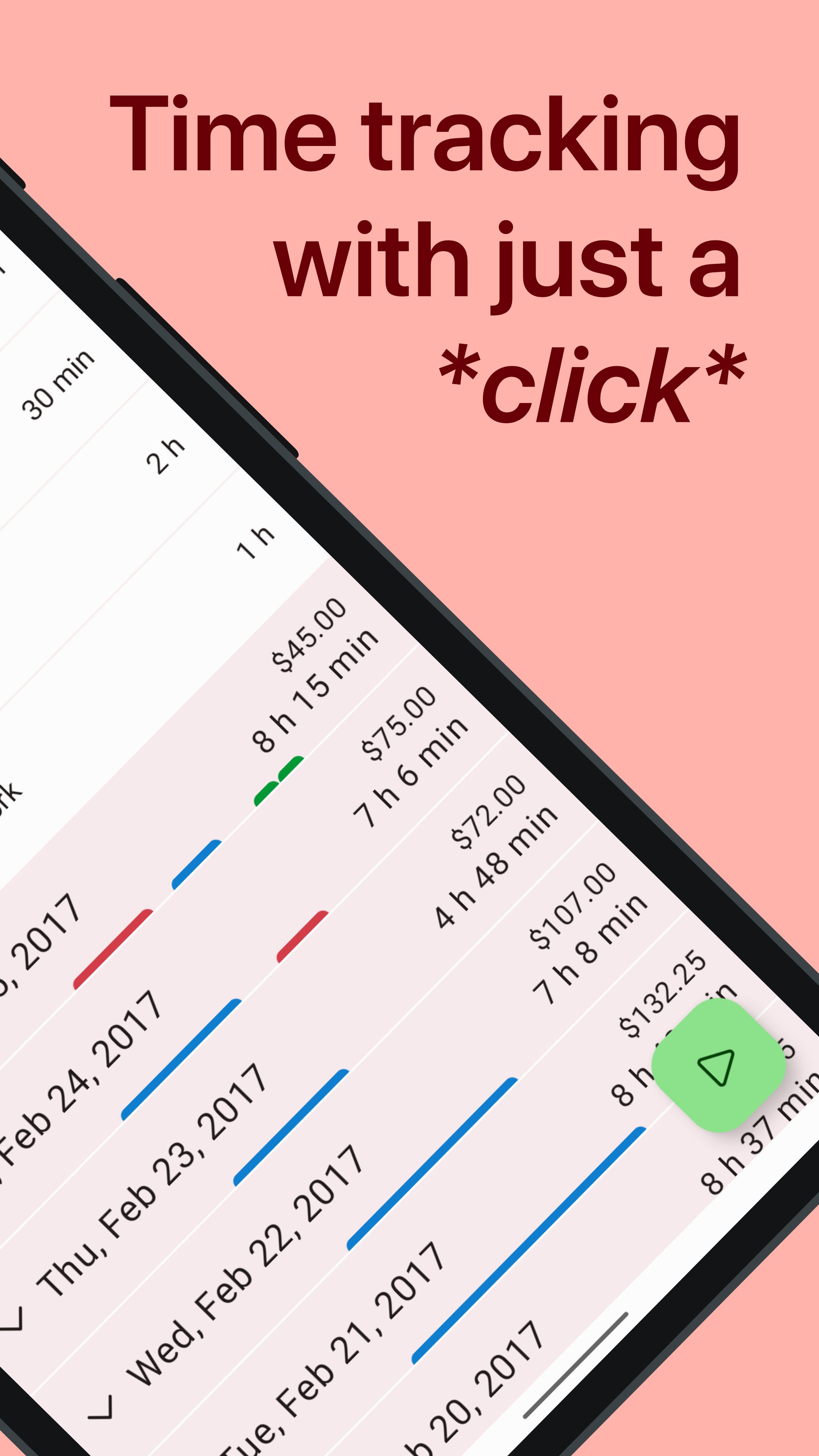
Start, pause and stop the work timer as your day unfolds, or add and correct entries manually. Organize your hours by project, task and tag, review visual reports, export a time sheet and use tracked time to prepare invoices.
Track time your way
• Start, pause and stop a work timer
• Pause and resume for breaks, or subtract breaks automatically
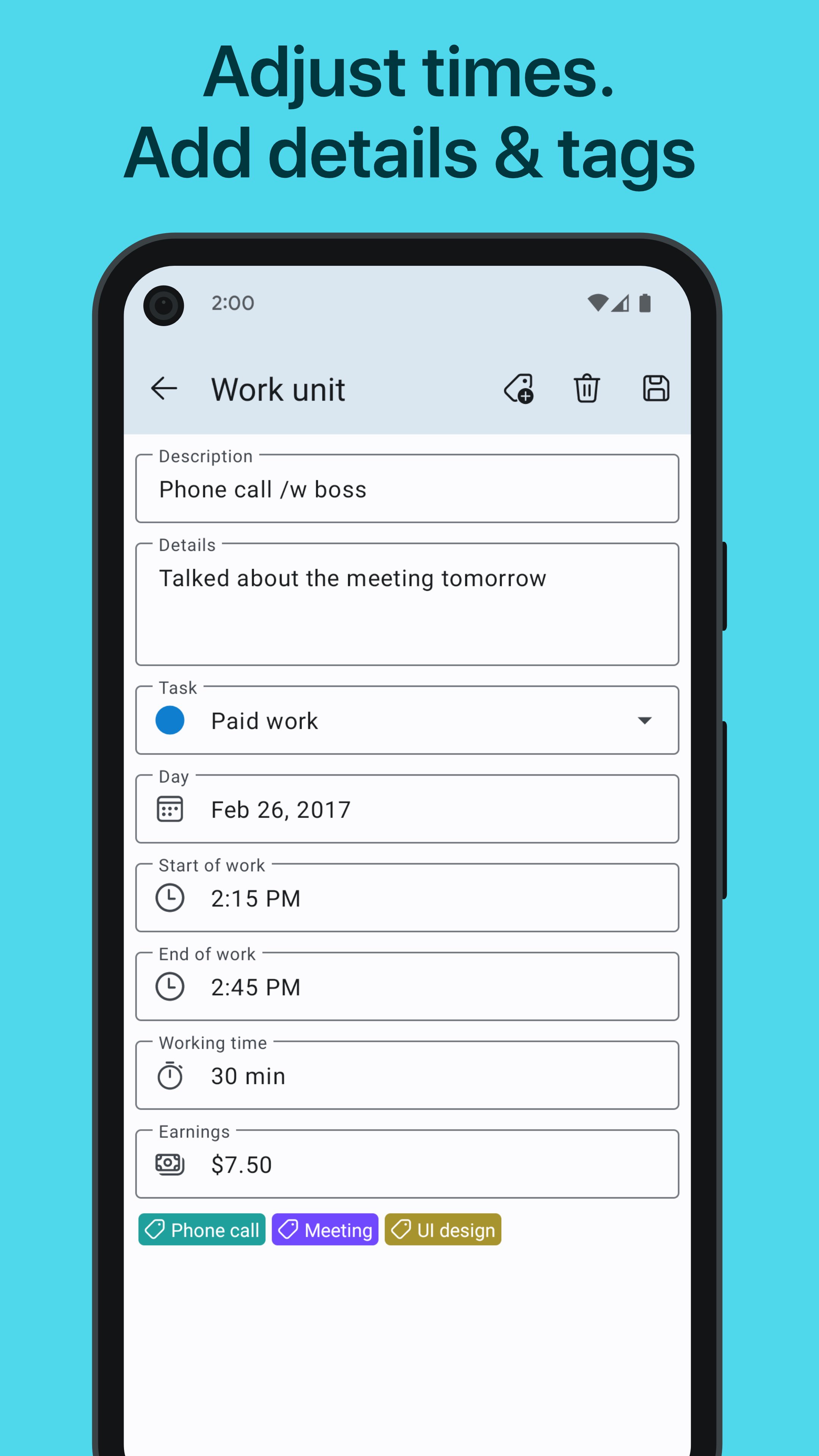
• Add, edit and correct time entries whenever needed
• Automatically split work sessions that continue past midnight
• Use WorkingHours as a freelance time tracker, shift tracker or personal time clock
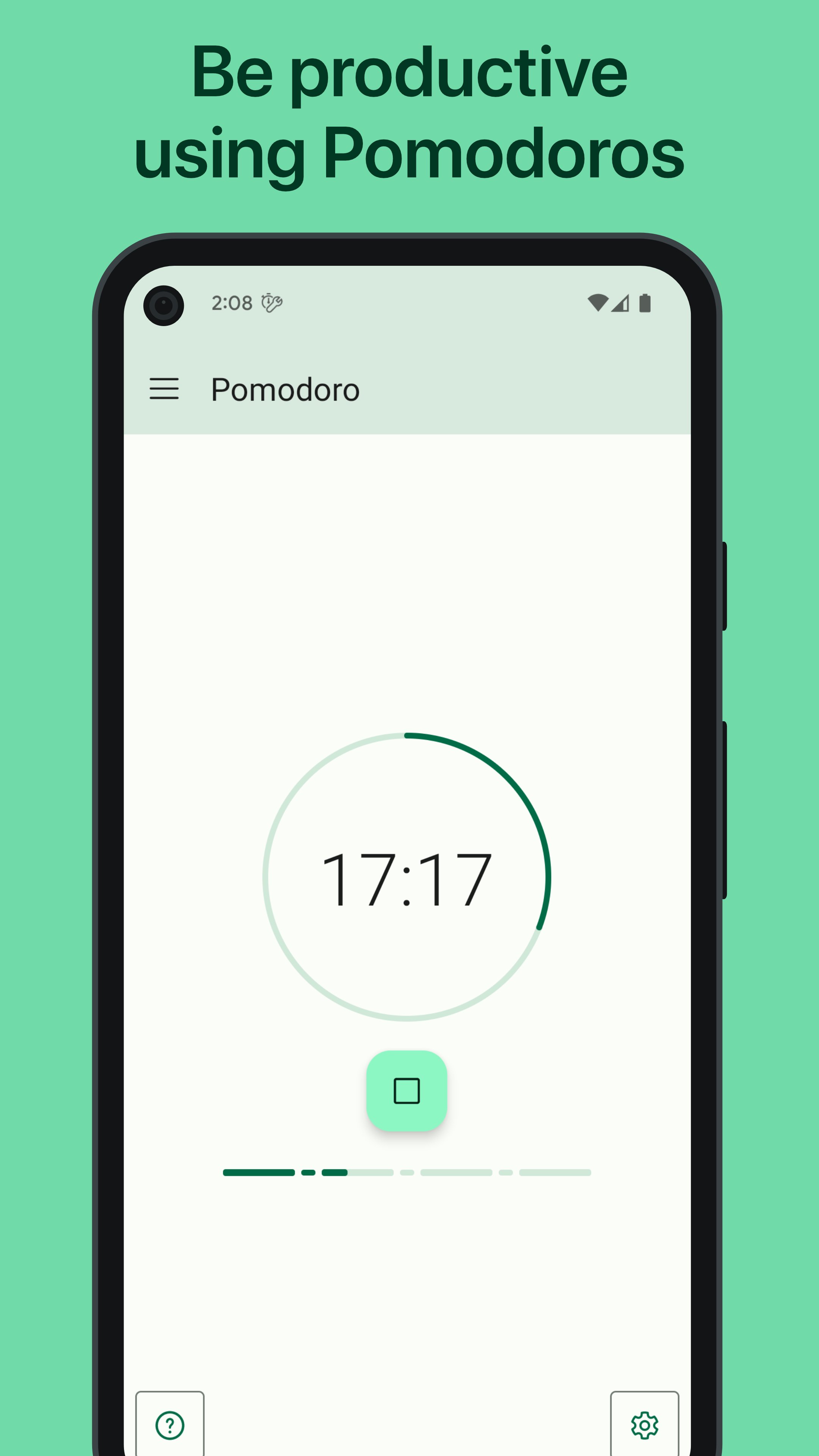
• Run Pomodoro focus sessions with a structured task timer
Organize hours and earnings
• Group work by tasks, projects and tags
• Add notes and descriptions to individual entries
• Track hourly rates, fixed fees, earnings and billable hours
• Use the overtime tracker to keep a clear log of extra hours
• Apply tag rules that add, subtract, multiply or divide time or earnings
• Automatically assign tags to projects or new entries
Review, export and invoice
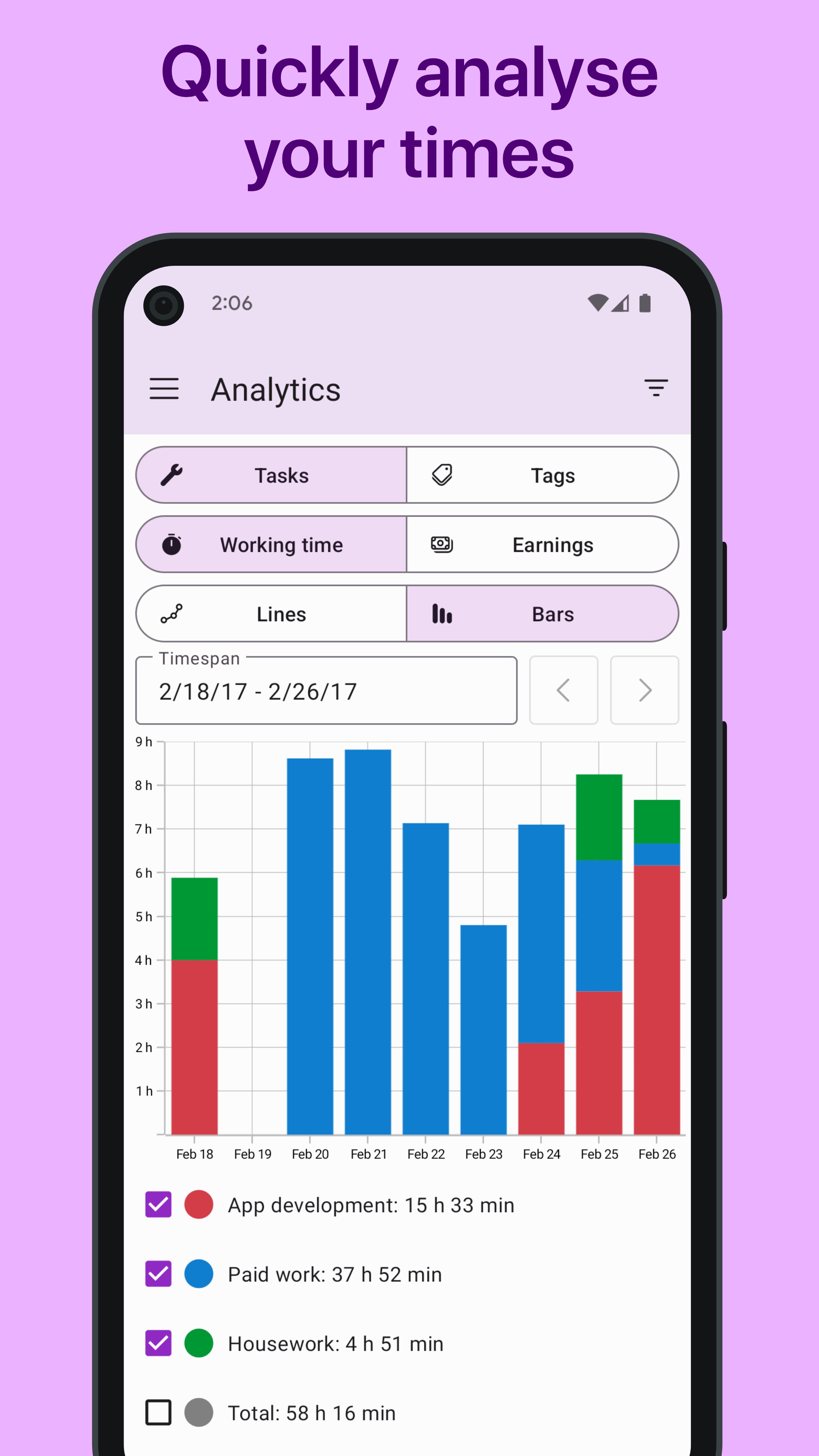
See where your time goes with charts and visual reports. Switch reports between duration and revenue, then filter or search work entries by task, tag or date.
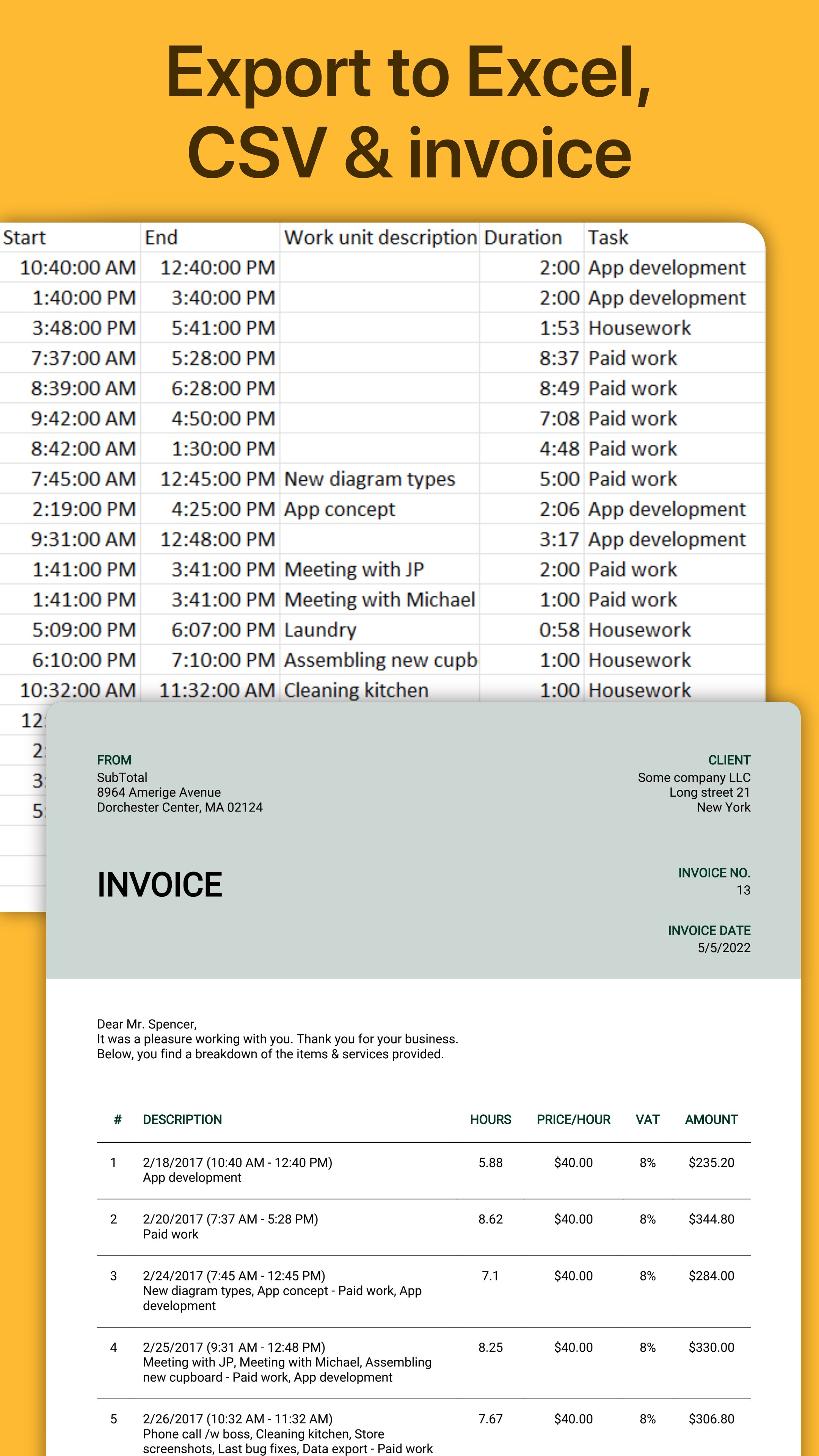
Export timesheets to Excel or CSV, choose the columns you need, and group results by workday, week, month, task or tag. When you need a PDF invoice, SubTotal can create one from your WorkingHours data.
Whether you need a project time tracker, hours worked calculator or simple work hours tracker, WorkingHours keeps the details ready for reviewing projects, checking overtime and preparing billing records. Use the timer like a punch clock, then review your totals like a time card calculator.
Faster timer controls
Manage the timer from widgets and notifications. Geofencing can start or stop time tracking when you arrive at or leave a workplace, while NFC tags provide another quick way to control the timer.
Calendar and cross-device continuity
View and import appointments from your system or Outlook calendar to help complete your work log.
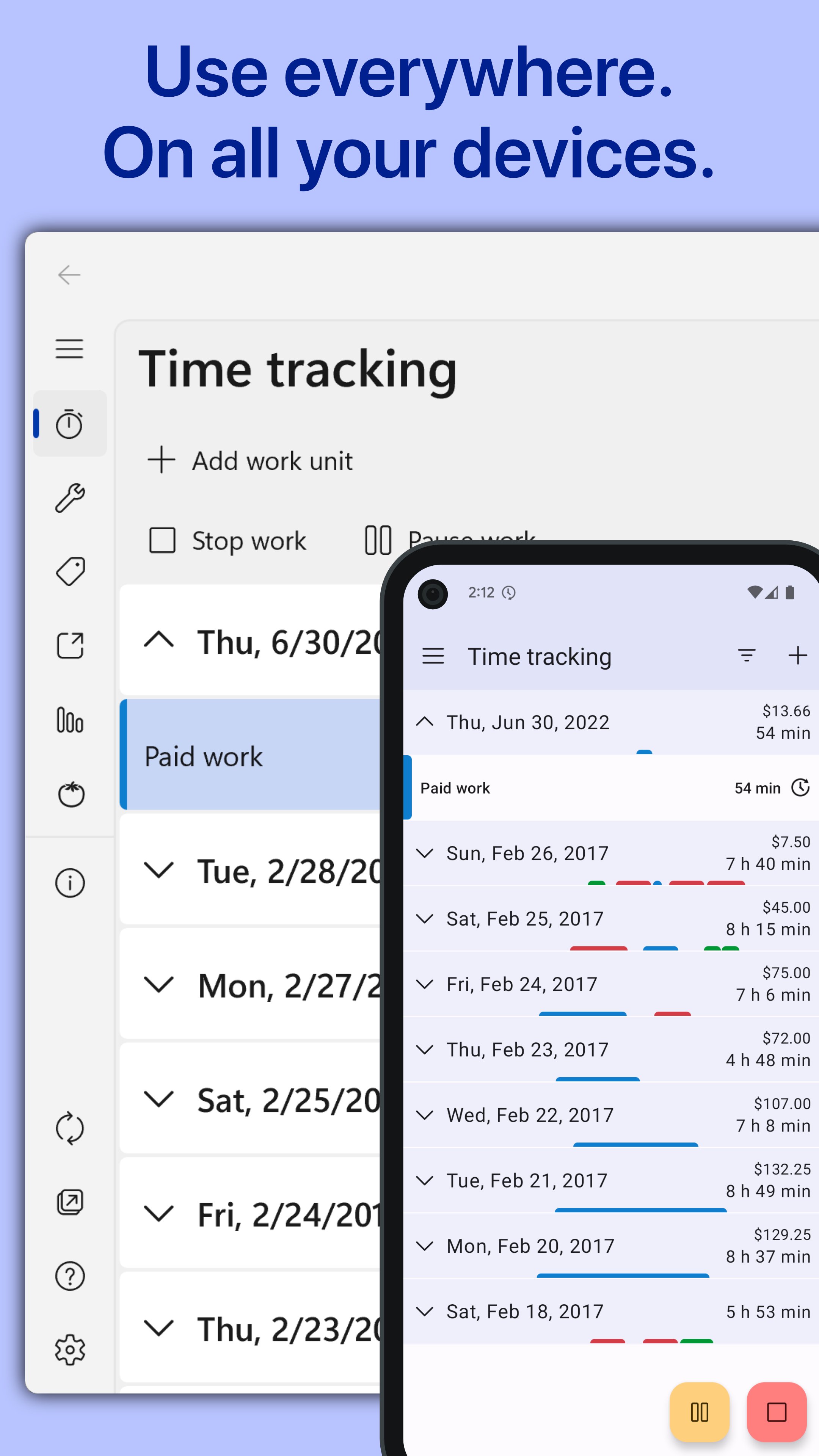
Optional sync uses your own supported cloud storage—OneDrive, Google Drive, Dropbox, iCloud or WebDAV—and requires no WorkingHours account or registration. Track time on your phone or tablet, then continue reviewing and editing your timesheet across supported Windows, iOS and macOS versions on your laptop or desktop.
Free to use, optional Pro
WorkingHours is free to use. Advanced features can be tested with a 7-day Pro trial. Pro includes cloud sync, Excel and CSV export, focus sessions, unlimited tasks, widget and notification timer controls, geofencing and ad removal. Choose either a one-time purchase or a monthly subscription with the same features.
Your purchase or subscription is linked to your Google Play account and unlocks Pro for Android. A separate Pro purchase may be required on other platforms.
Latest Version
2.17.4Uploaded by
Daniel Martinez Mondragon
Requires Android
Android 8.0+
Category
Free Business AppContent Rating
Everyone
Security Report
Report
Flag as inappropriateLast updated on Aug 1, 2026
• Fixed tag inheritance when continuing work entries
• Improved sync sign-in reliability with browser-based authentication
• Refined settings and color picker screens for a more consistent experience
• Improved file handling for exports and database/settings imports
• Added performance and reliability improvements for timelines, sync, and exports


APKPure - A multi-platform app store primarily focused on Android, providing extensive app-related content. Discover the app you want easier, faster, and safer, with quick and efficient downloads and installations.