Scan Date:May 10, 2026
Show More
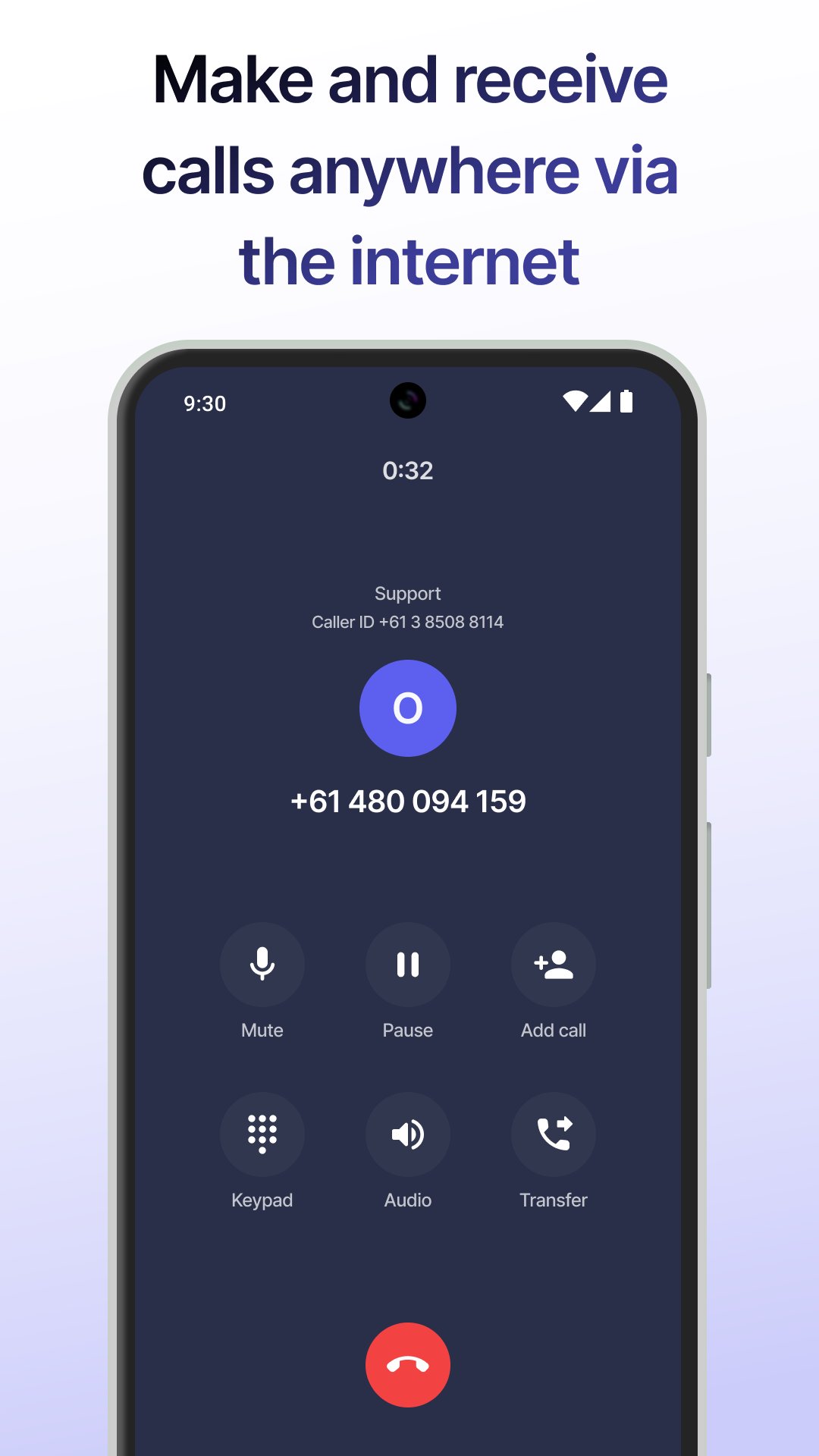
The Webphone is built to offer you the flexibility of handling your business calls from anywhere in the world that has an internet connection. With a clean, user-friendly interface, we simplify the complexities of VoIP technology, ensuring a seamless experience for you.
FEATURES:
Caller Identification: Know exactly which number a call is coming to, along with the number’s associated name.
Conference Calls: Easily add a third person to your conversation during calls.
Call Transfers: Transfer calls, whether blind or attended.
Caller ID Customization: Choose from your list of phone numbers for outgoing calls, with a convenient search option for quick selection.
Quick Redial: Redial the last call by pressing the call button when the phone field is empty.
Call History: Utilize search and filters including date range and call type to locate calls. View detailed call information including the dialled number, the caller ID used, call duration, date and time of the call. In addition, you can swiftly call back using the original caller ID.
Other Settings: Toggle Do Not Disturb (DND) mode, manage avatars, and request password resets.
To access Webphone, you'll need an account created in the VoIPcloud customer portal.
Latest Version
2.2.0Uploaded by
Nico Martinez
Requires Android
Android 12.0+
Category
Free Communication AppContent Rating
Everyone
Security Report
Report
Flag as inappropriateLast updated on May 10, 2026
— Introducing the 'Call parking' page under the 'Services' tab
— View calls placed on hold in call parking in real time: pick them up or transfer
— When a new call comes into the parking lot, you will receive a notification (you can turn them off)
— A search has been added to the 'Voicemail' screen
— Quickly change the status of a voicemail by tapping its icon in the list
— You can now turn off haptic feedback in the app and disable green notifications when performing actions



APKPure - A multi-platform app store primarily focused on Android, providing extensive app-related content. Discover the app you want easier, faster, and safer, with quick and efficient downloads and installations.