關於Screen Mirroring
屏幕鏡像
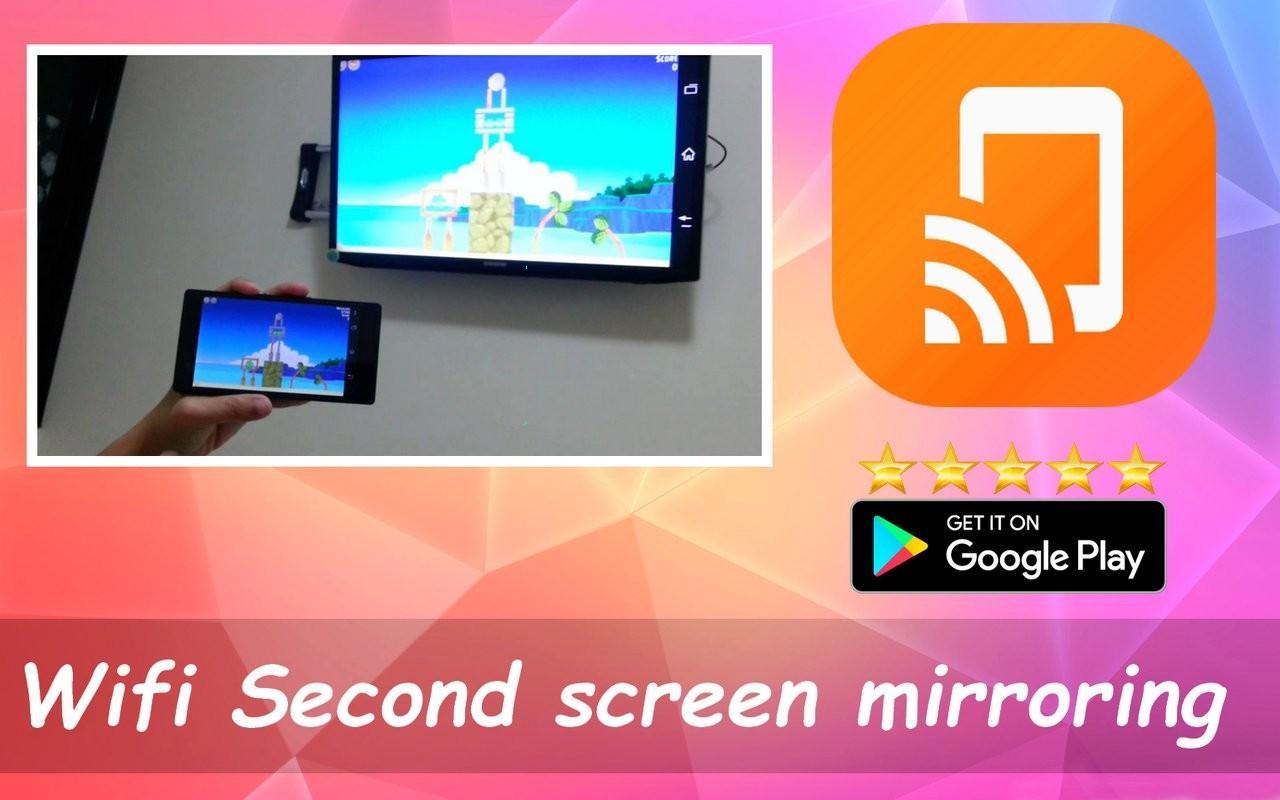
Screen Cast Assistant app will help user to search and Mirror/Share/Cast users android mobile or tablet's screen on Miracast or Google Cast enabled smart TV(Television) Or Display or Wireleass dongles or adapters.
Screen Mirroring will allow user to play or stream videos, music, photos with both Audio Video from Android smart phone to TV with out loosing AV sync. Screen Mirroring Or Screen Casting uses technology called Miracast or Google cast. Screen cast works only on mobiles with android version 4.2 and above.
Miracast or Screen Mirroring able to play videos, music, photos, etc in my smartphone with any devices (smartphone, smartTV, laptop, tablet, etc) at anywhere.
Screen Mirroring provides an easy shortcut and widget to use the Miracast external display screen casting feature included in Android 4.2 and above!
With this app, user will more conveniently be able to mirror own screen or use the cast feature from supported devices.
To Share/mirror mobile screen to SmartTV or Wifi Display dongle connected to TV,
Following steps needs to performed:
1. Check your TV wheather it supports Wireless Display / Miracast.
2. Make sure TV is connected to the same WiFi network as your mobile device. You can't connect it with wired connection (LAN).
3. Make sure your Android device version is 4.2 or higher.
4. Make sure your device inbuilt hardware of Miracast.
5. Download and run Miracast App.
How to use?
Firstly App open then click on wi-fi display you will go on cast screen directly.
Enable the TV Miracast.
Tap on start wifi of the application.
Miracast application should be enabled.
Both will connect automatically to each other then you can see same mobile screen show on Smart TV.
Ease of Use: The app is fast event in 3g-4g-6g network and easy to browse .
Miracast gives you -
- Truly amazing graphics
- Amazing animations
- Carefully crafted option more apps
最新版本7.57.5更新日誌
Last updated on 2018年05月03日
此版本包含小幅錯誤修正和一般改善。請更新至最新版本,以獲得最佳體驗。
Screen Mirroring 螢幕截圖