Screen Mirroring 정보
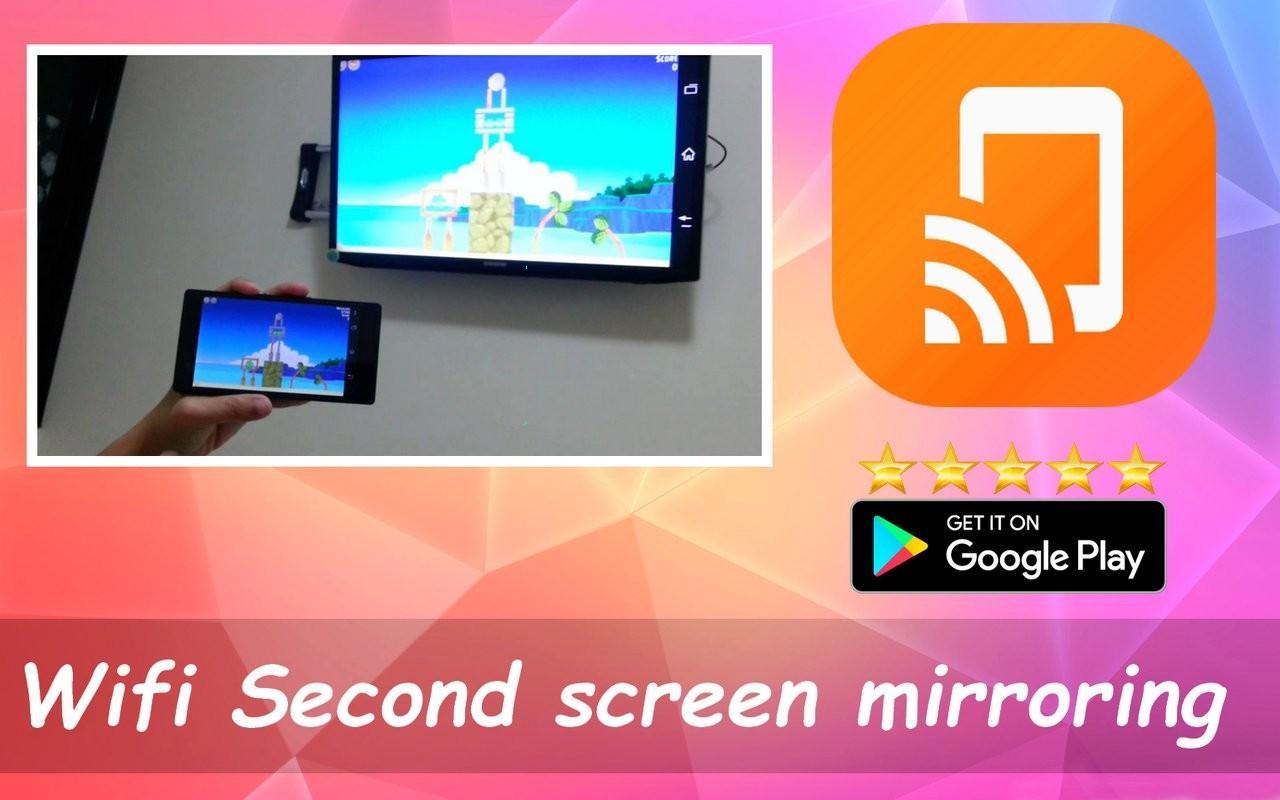
Screen Cast Assistant app will help user to search and Mirror/Share/Cast users android mobile or tablet's screen on Miracast or Google Cast enabled smart TV(Television) Or Display or Wireleass dongles or adapters.
Screen Mirroring will allow user to play or stream videos, music, photos with both Audio Video from Android smart phone to TV with out loosing AV sync. Screen Mirroring Or Screen Casting uses technology called Miracast or Google cast. Screen cast works only on mobiles with android version 4.2 and above.
Miracast or Screen Mirroring able to play videos, music, photos, etc in my smartphone with any devices (smartphone, smartTV, laptop, tablet, etc) at anywhere.
Screen Mirroring provides an easy shortcut and widget to use the Miracast external display screen casting feature included in Android 4.2 and above!
With this app, user will more conveniently be able to mirror own screen or use the cast feature from supported devices.
To Share/mirror mobile screen to SmartTV or Wifi Display dongle connected to TV,
Following steps needs to performed:
1. Check your TV wheather it supports Wireless Display / Miracast.
2. Make sure TV is connected to the same WiFi network as your mobile device. You can't connect it with wired connection (LAN).
3. Make sure your Android device version is 4.2 or higher.
4. Make sure your device inbuilt hardware of Miracast.
5. Download and run Miracast App.
How to use?
Firstly App open then click on wi-fi display you will go on cast screen directly.
Enable the TV Miracast.
Tap on start wifi of the application.
Miracast application should be enabled.
Both will connect automatically to each other then you can see same mobile screen show on Smart TV.
Ease of Use: The app is fast event in 3g-4g-6g network and easy to browse .
Miracast gives you -
- Truly amazing graphics
- Amazing animations
- Carefully crafted option more apps
최신 버전 7.57.5의 새로운 기능
Last updated on May 3, 2018
이 버전에는 사소한 버그 수정과 전반적인 개선 사항이 포함되어 있습니다. 최상의 환경을 위해 최신 버전으로 업데이트하세요.
Screen Mirroring 스크린 샷