

Scan Date:Apr 28, 2026
Show More

TM Panel supports transport staff who work with the TransMach Ticketing System in daily operations. It brings essential ticketing tasks to a mobile device so teams can handle work while out on routes. Because work often happens away from a desk, the app focuses on fast checks and controlled updates with clear on screen guidance. TM Panel APK is intended for official TransMach deployments and is not a consumer app or a game.
TM Panel lets you scan tickets issued within the TransMach Ticketing System and confirm validity on site. The camera reads supported codes and displays simple results so staff can make quick decisions while boarding or at checkpoints. This approach helps keep lines moving during busy periods without switching tools.
Generate travel passesWhen a passenger qualifies for a pass, you can create it directly in TM Panel. The app guides you through the required fields and saves the record within the TransMach environment. This keeps approved passengers aligned with your organization’s rules while reducing paperwork.
Cancel tickets when neededIf a mistake occurs or plans change, you can cancel a ticket from the app. TM Panel shows relevant ticket details before you confirm, which helps prevent accidental actions. After confirmation, the system reflects the change so records remain consistent for reporting and follow up.
Built for field staffThe interface prioritizes clear options and quick actions so you can work efficiently on the move. Buttons and status messages are designed for visibility in typical transport settings, which supports use during live service. This layout reduces steps, especially when handling repeated tasks throughout a route.
Official TransMach integrationTM Panel is the official application from TransMach Systems Ltd for organizations using the TransMach Ticketing System. Compatibility with existing deployments helps maintain consistent behavior across approved devices and configurations. This focus supports operational control and reduces the need for multiple tools in day to day workflows.
This app is intended for staff and operators working within an existing TransMach Ticketing System deployment. It is not related to gaming searches such as TM Panel FF and is not designed for general entertainment use. If your organization does not use TransMach, this app will not provide relevant functions.
According to the developer, the app does not share data with third parties. It may collect data such as location and device IDs to support ticketing and operational use. Review the Data safety details on this page to understand what is collected and how it is handled during service.
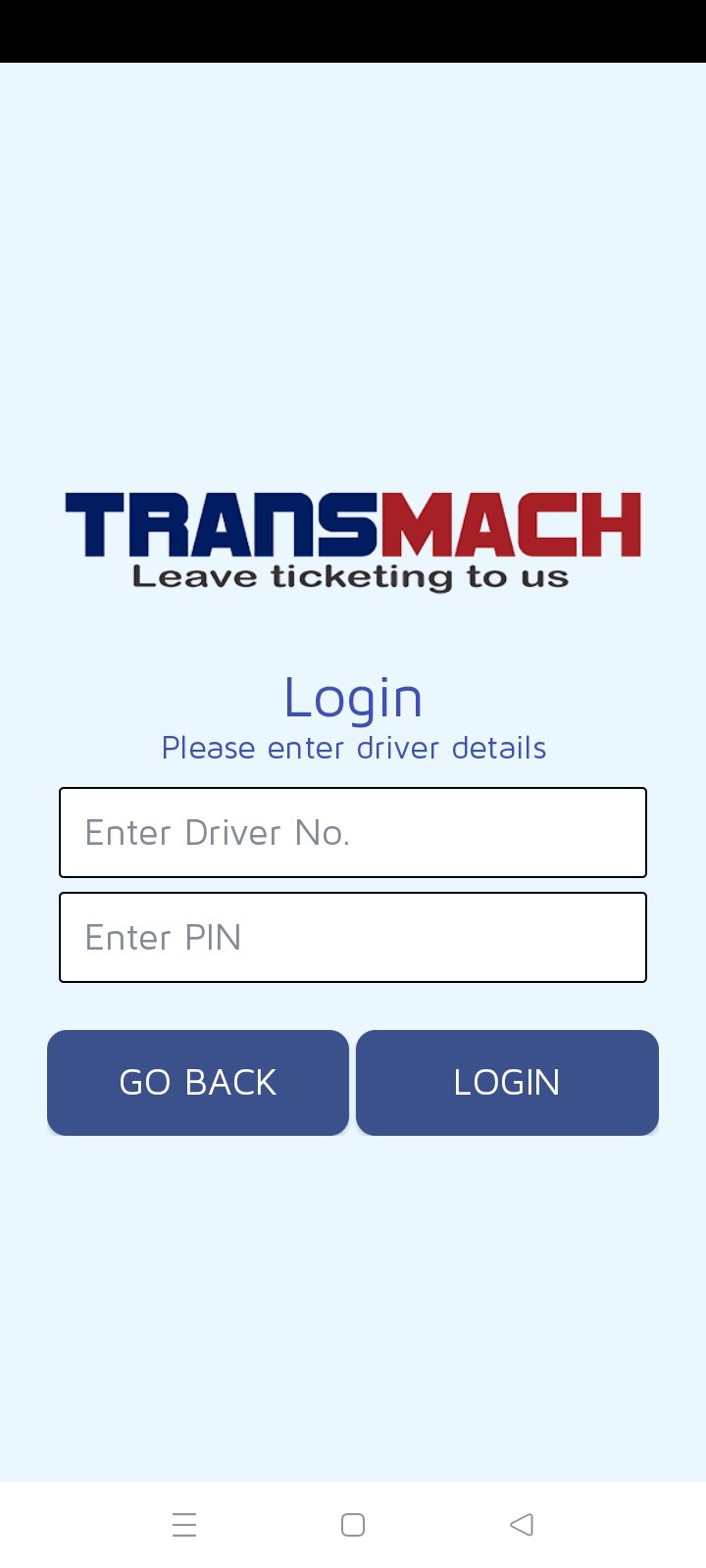
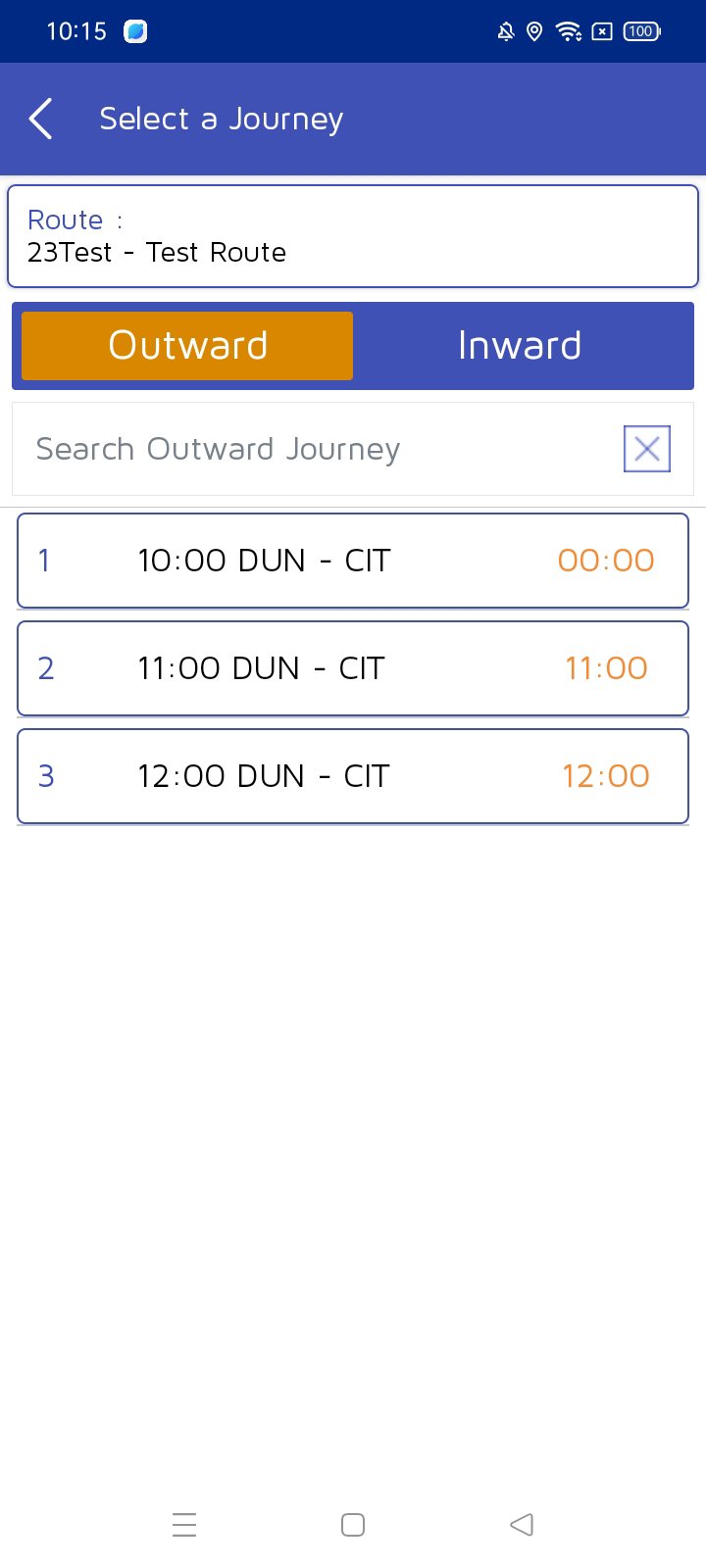
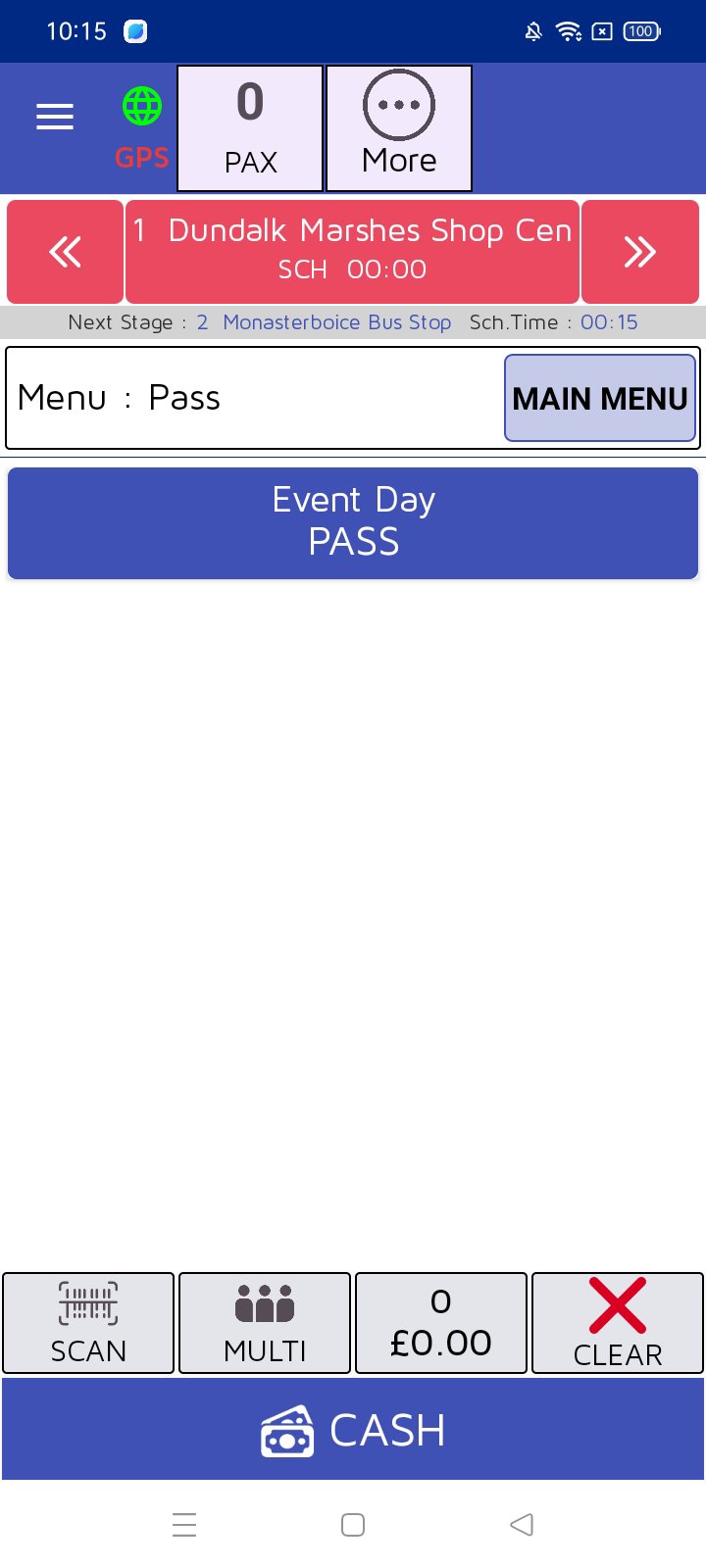
Before installing, review the screenshots on this page to see ticket scanning, validation confirmation, pass creation, and cancellation flows. These visuals show typical in app steps, which can help you understand how tasks appear during service. For questions about access or setup, contact TransMach Systems Ltd using the official details below.
This short guide outlines basic in app actions for staff working within a TransMach deployment. For setup and permissions, follow your organization’s instructions before you download TM Panel.
TM Panel provides mobile controls for ticket validation, pass generation, and cancellations within the TransMach Ticketing System. It is designed for staff who need to handle essential work during live service. For the most recent fixes and improvements, install the TM Panel latest version from this page.
For official resources and assistance, use the links below.
Latest Version
11.0Uploaded by
Joshua Giovanni
Requires Android
Android 5.0+
Category
Free Travel & Local AppContent Rating
Everyone
Security Report
Report
Flag as inappropriateLast updated on Apr 28, 2026
This release includes minor bug fixes and general improvements. Update to the latest version for the best experience.





APKPure - A multi-platform app store primarily focused on Android, providing extensive app-related content. Discover the app you want easier, faster, and safer, with quick and efficient downloads and installations.