
About Task Timer Calendar
Do more, faster: Complete Task Timer together with Google Calendar
Do more, faster: Complete Task Timer together with Google Calendar
NEW: Graphical statistics and internal/external interrupts management!
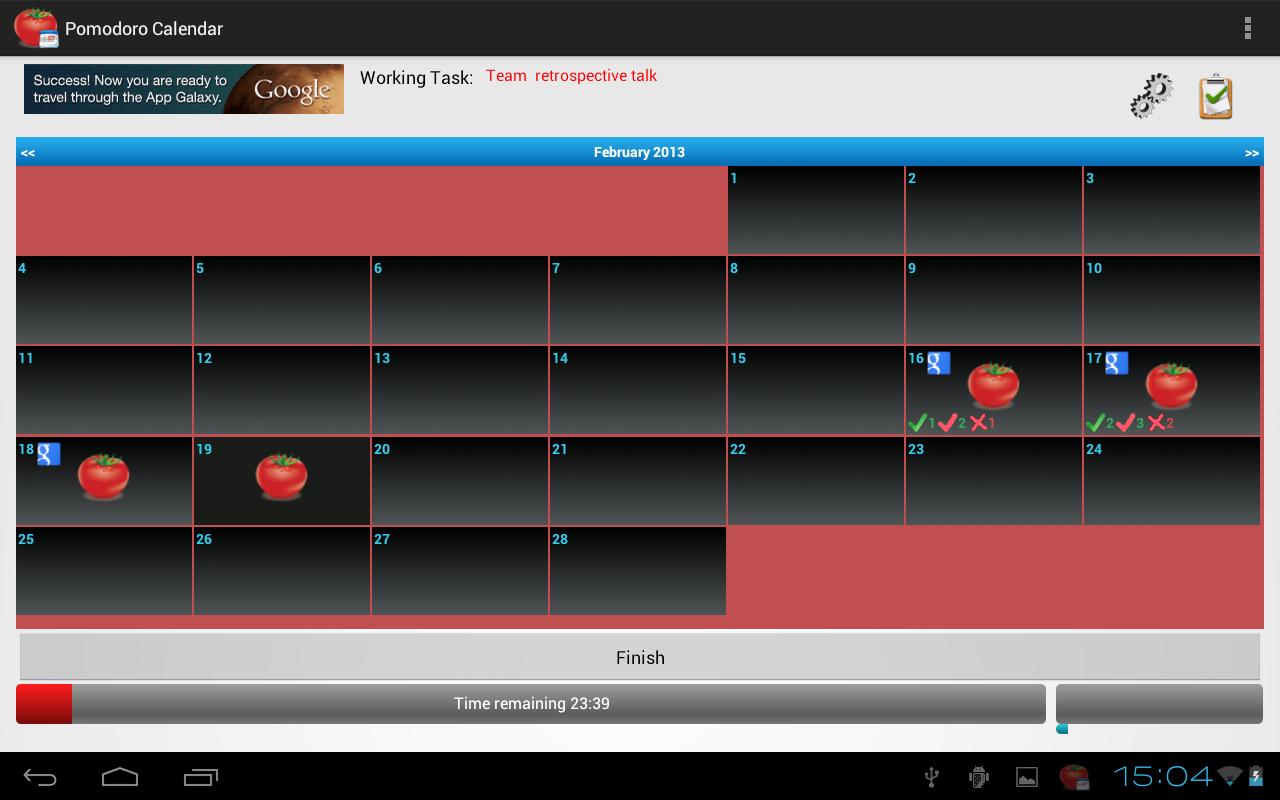
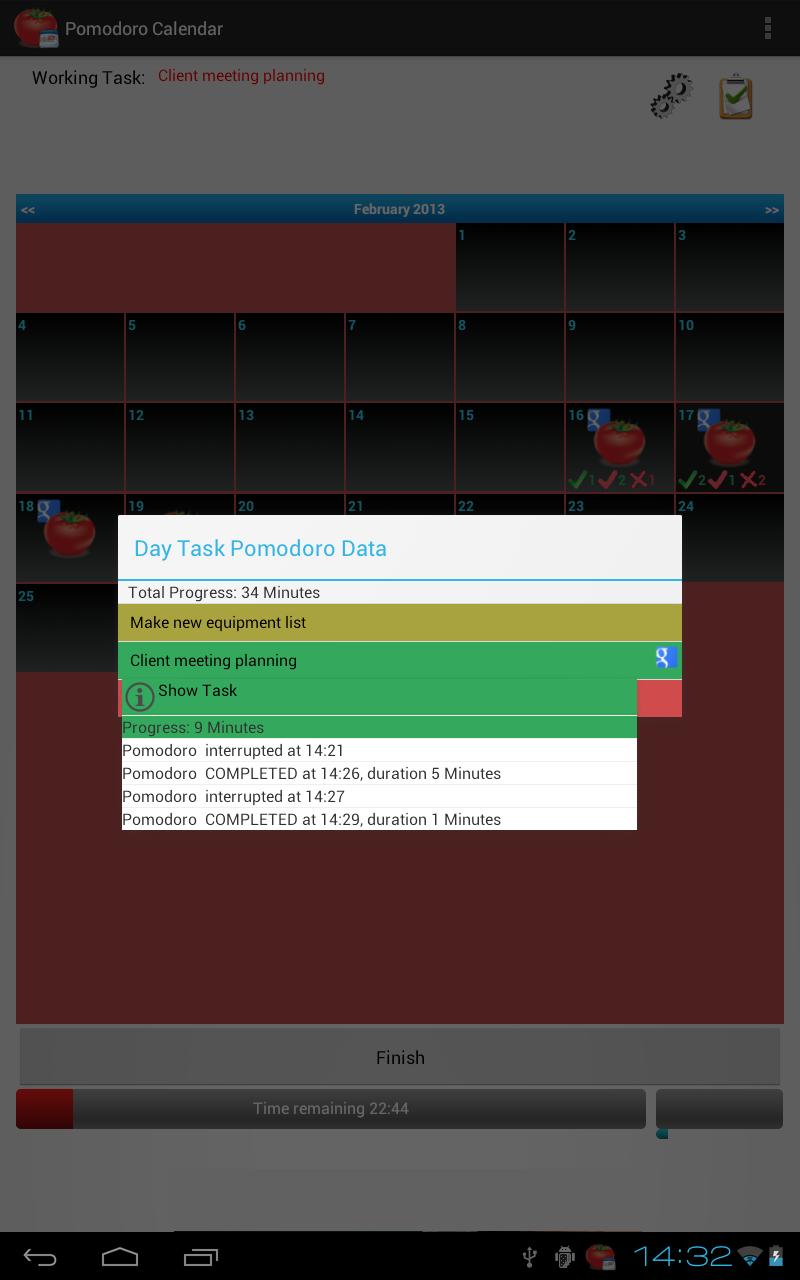
● Check out your daily tasks through an intuitive calendar
● Create new tasks or import from your Google Calendar tasks
● Synchronize your tasks with Google Calendar, creating a detailed tracking of your, or your team's activities
● Fully customizable
● Interface adapted to each type of device, mobile or tablet
● Agile methodologies, increases your productivity
If you like the app, please take a second to evaualte it in Google Play
Please, feel free to send any comments, suggestions or requests to alberto.mqo@gmail.com
You may also want to give support by getting the pay - no Ads version, "Task Timer Calendar Pro"
Important: You must have installed and synchronized Google Calendar application on your device to enable this functionality.
Additional APP Information
Latest Version
1.3.154Uploaded by
Alnd Sindi
Requires Android
Android 2.2+
Category
Free Productivity AppContent Rating
Unrated · Warning – content has not yet been rated. Unrated apps may potentially contain content appropriate for mature audiences only.
Report
Flag as inappropriateWhat's New in the Latest Version 1.3.154
Last updated on Oct 8, 2015
● Minor bug fixes
● Option to change default date format
● Option to disable data connectivity during activity
● Graphical statistics and internal / external interrupts management
● Solved problem when importing from Ice Cream Sandwich and prior android versions
● Auto-complete disabled, added new option to Complete tasks
● Import daily tasks and import tasks on date range
● Auto-sync imported tasks option
● Automatically estimating number of Task divisions when importing from Google Calendar
Task Timer Calendar Screenshots