Scan Date:Jul 10, 2026
Show More


Spotify helps when you want one place for songs, talk shows, and long listens on the go. You can start listening free on mobile with occasional ads, or switch to Premium for more control. The app keeps your library organized so you can find recent plays quickly, and it works consistently across supported devices. For quick access, download Spotify and sign in with your account to pick up your listening wherever you left off.
Massive catalog across music, podcasts, and audiobooks
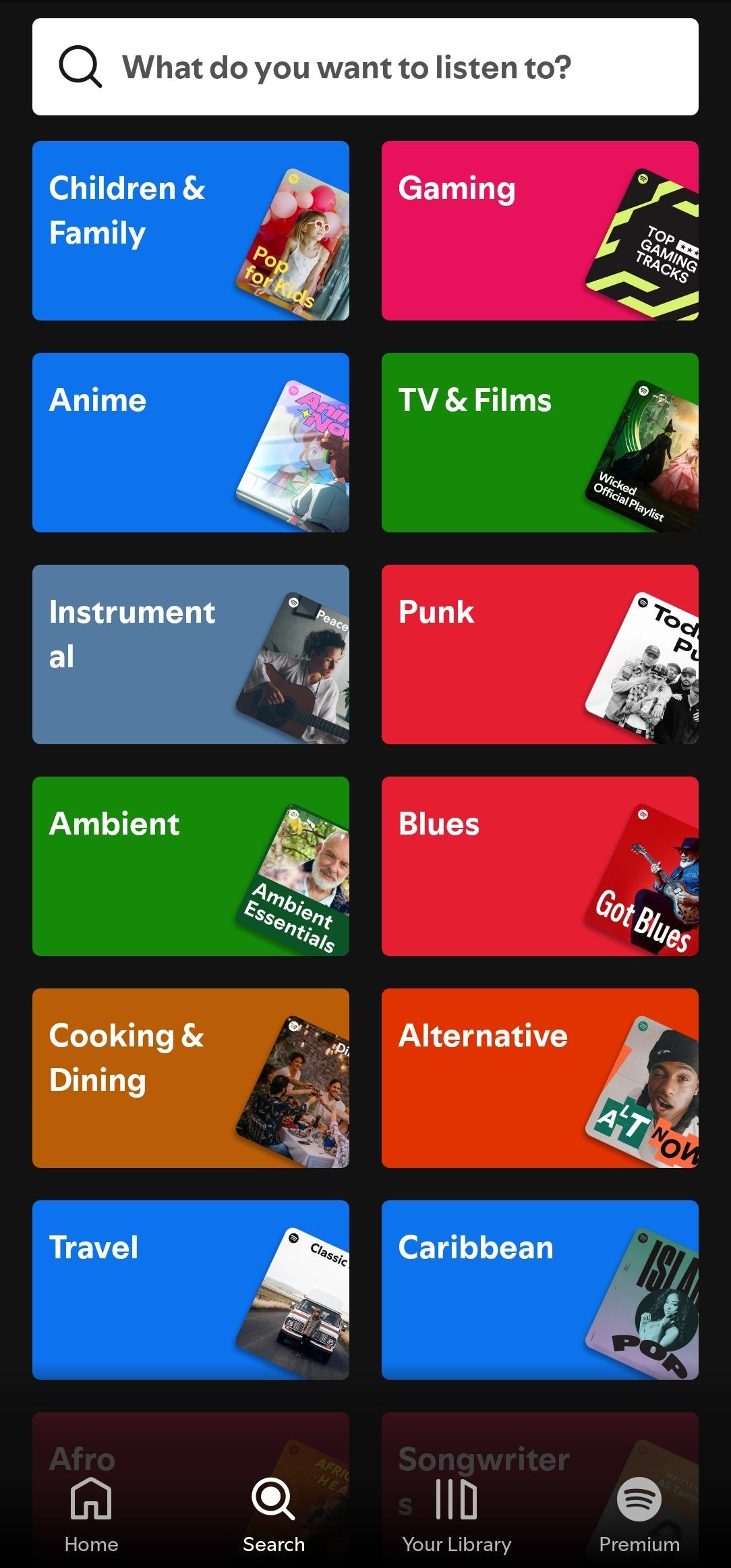
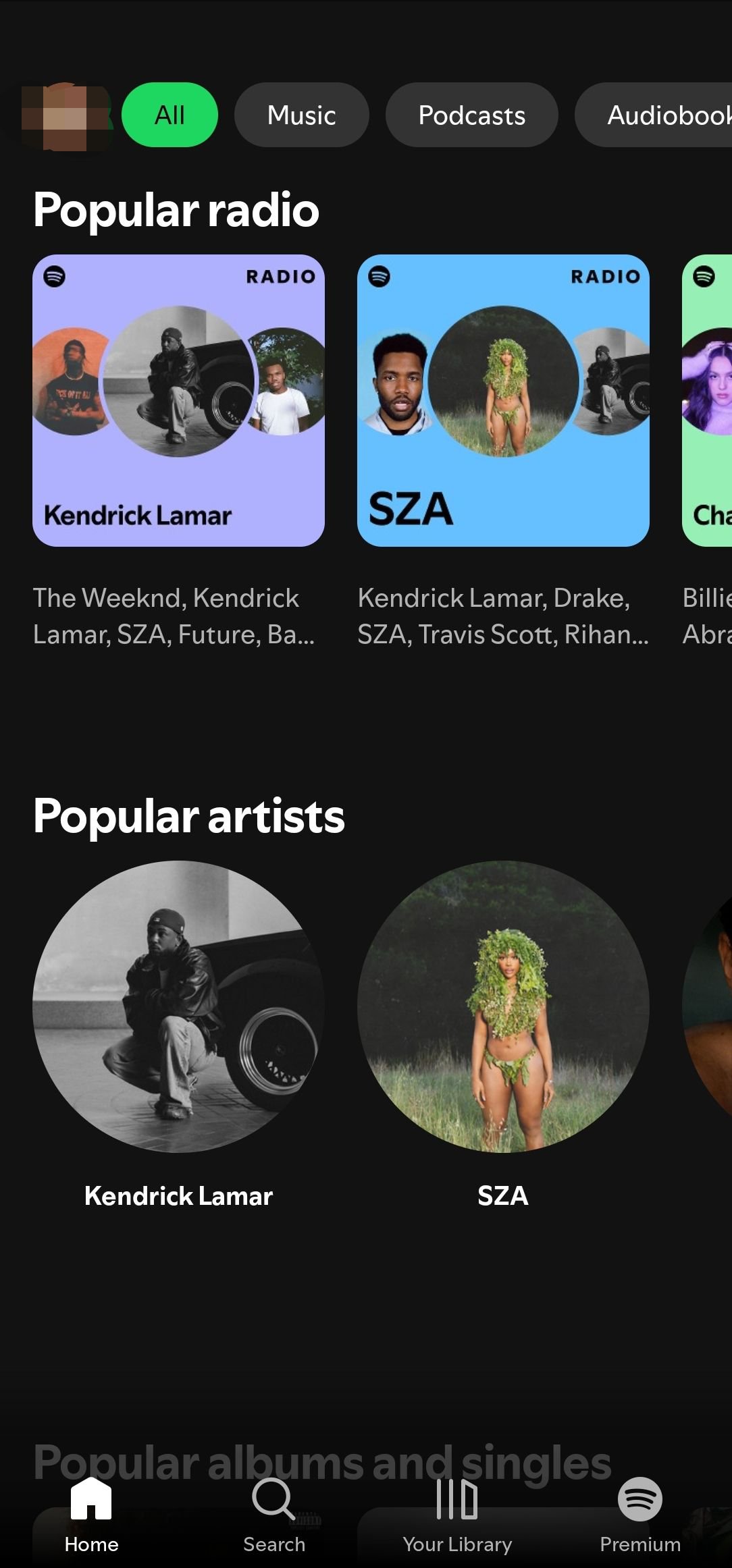
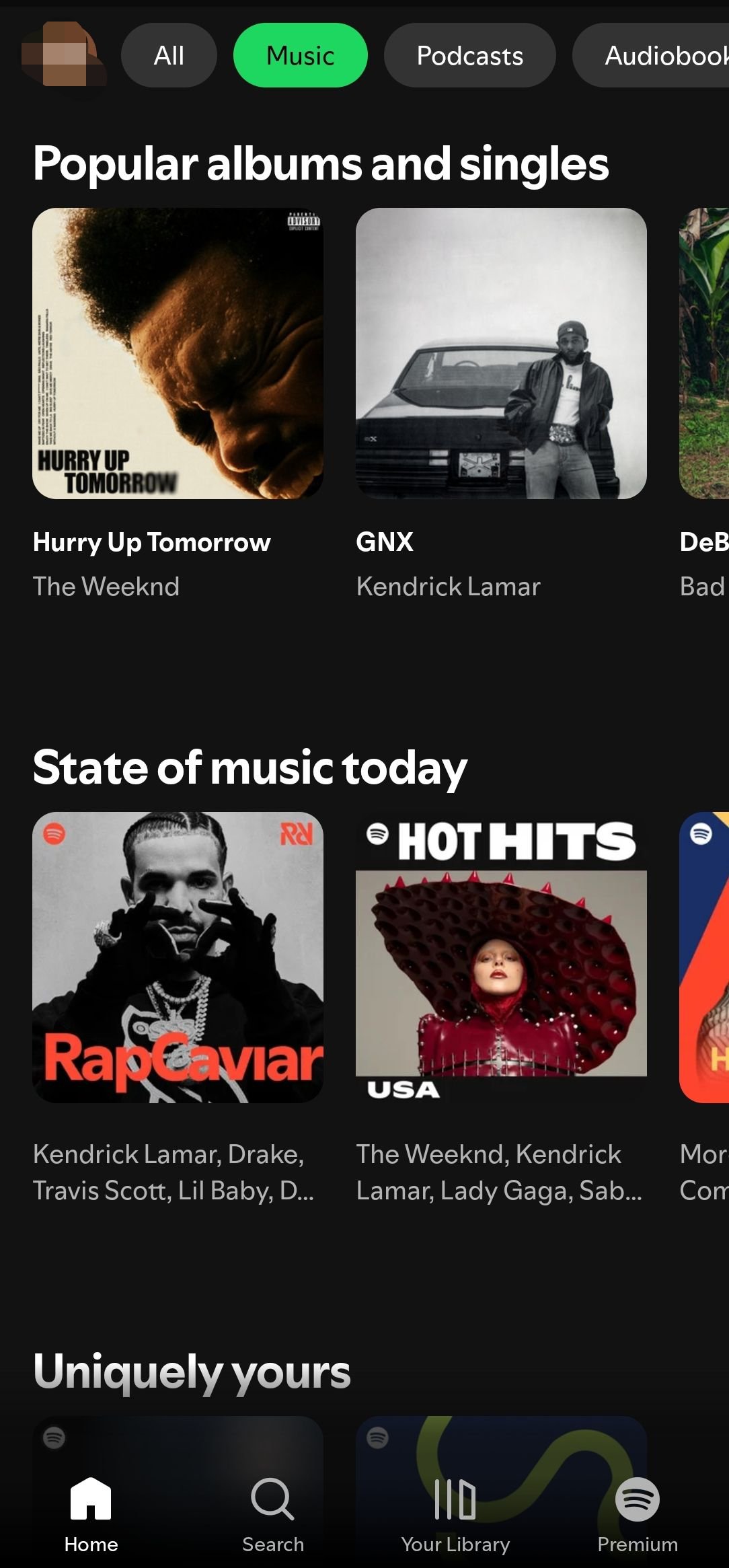
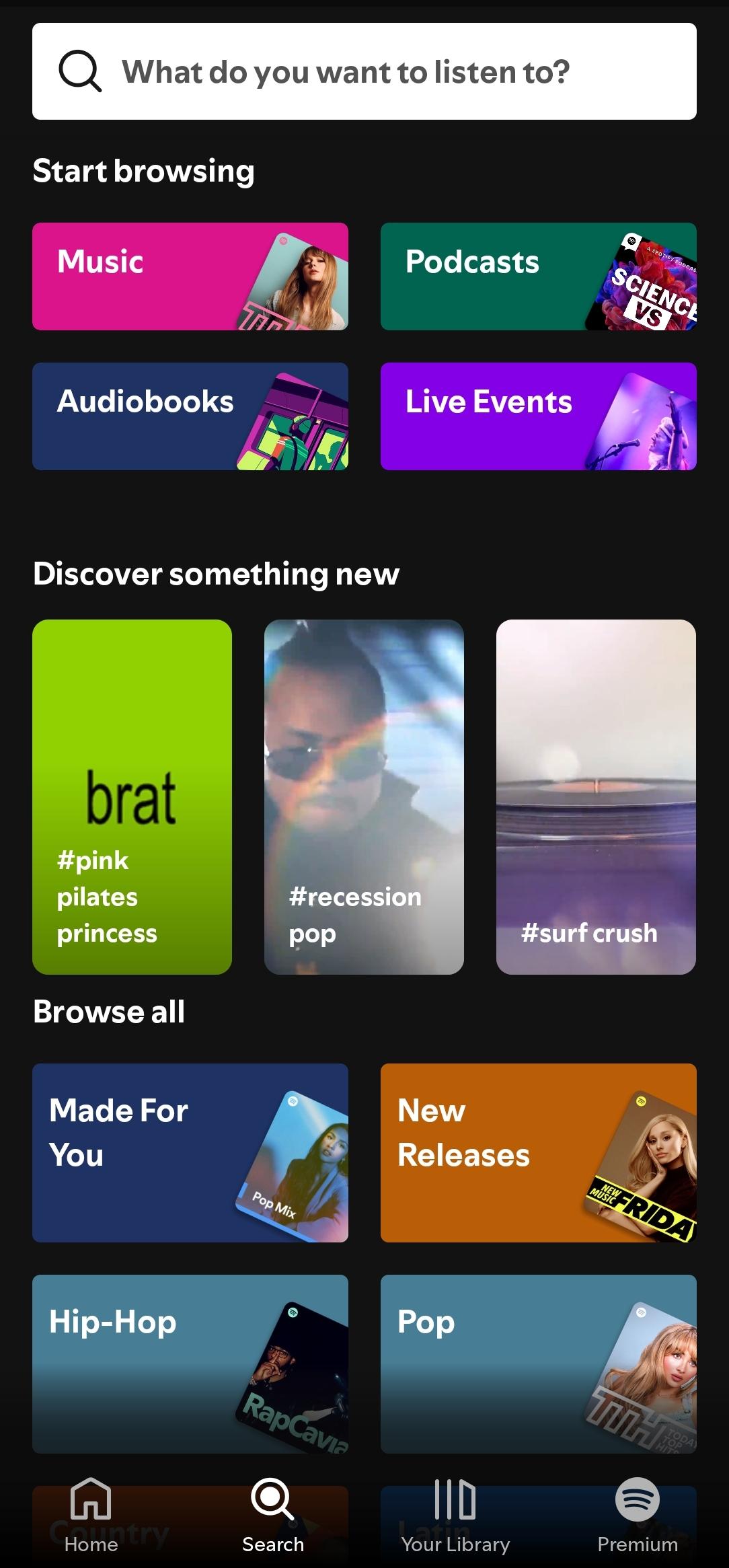
Spotify offers over 80 million songs, more than 4 million podcasts, and around 300 thousand audiobooks. You can explore by genre, charts, artists, and new releases, then save what you like to your library. Local and global charts help you track what is trending in your country, so it is easy to keep up with new hits.
Personalized discovery that adapts to you
Spotify learns your taste and updates Daily Mixes, radio, and curated playlists to match your listening habits. You can browse country and genre hubs to find fresh picks that reflect your region. If you only remember a line, lyric based search helps you locate the track fast and get back to listening.
One account that works across devices
It keeps your library in sync on mobile, tablet, desktop, Web Player, TV, car integrations, PlayStation, Xbox, Chromecast, smart speakers, and Wear OS. Start a playlist on your phone, then continue on a living room speaker without losing your place. Your settings and saved content stay consistent, so moving between devices feels familiar.
Create playlists and manage your shows
With Spotify, you can build mood-based playlists and organize sessions for the gym, study time, or relaxing. Follow artists and podcasts to see new releases as they land, and save podcast episodes into playlists for steady binge listening. Sharing links lets friends open your playlists and try the tracks you recommend.
Premium options for ad-free, offline, on-demand control
Spotify Premium removes ads, enables offline downloads, and gives you on-demand playback. Plans include Individual, Duo, Family, and Student, where available, so you can choose what fits your household. Audiobooks are available with Premium in Australia, the United Kingdom, and the United States. If you prefer to keep costs down, Spotify lets you play on mobile with occasional ads.
Content availability, charts, and features can vary by country due to licensing. Plan names and pricing may also differ by region, and not all payment options are supported everywhere. Streaming uses data, so consider a Wi Fi connection for long sessions or use offline downloads with Premium.
Some users choose manual installation with a Spotify APK on Android devices. Installing the Spotify latest version APK usually provides the newest improvements and the most reliable experience. Feature availability can depend on your region and device type, so results may differ from one phone or tablet to another.
This quick guide covers the basics on a phone so you can start playing without confusion. To begin, Download Spotify Android APK and open the app.
Open Spotify, then sign up with your email or log in to an existing account. Follow the prompts to set basic preferences and allow permissions if asked.
Choose a few artists or genres to personalize your Home feed. Use the Search tab to find a song, podcast, or audiobook by title, creator, or lyrics.
Tap a title to start listening. On the Now Playing screen, manage the queue, adjust repeat and shuffle, and control playback.
Go to Your Library to create a new playlist. Add songs and podcast episodes, then follow artists and shows to see updates in your Home and Library.
Select a target device if you want to listen on a speaker, TV, console, or car where supported. If you are on Premium, tap Download on playlists or episodes to save them for offline use.
Spotify brings a large catalog, helpful discovery, and consistent playback across devices, with options to listen free or upgrade for more control. For quick setup and the newest build, download and install Spotify APK on APKPure and then you can sign in to start listening within minutes.
For official information and help, use the resources below.
Website: https://www.spotify.com
Support: https://support.spotify.com
Latest Version
9.1.64.1676Uploaded by
Cida Paula
Requires Android
Android 7.0+
Category
Free Music & Audio AppContent Rating
Teen
Security Report
Report
Flag as inappropriateLast updated on Jul 10, 2026
We’re always making changes and improvements to Spotify. To make sure you don’t miss a thing, just keep your Updates turned on.



APKPure - A multi-platform app store primarily focused on Android, providing extensive app-related content. Discover the app you want easier, faster, and safer, with quick and efficient downloads and installations.