
About Smart Switch
Smart switch - phone clone Transfer Data and file sharing for Send Anywhere data
Smart switch - phone Clone Transfer data old Phone to new Phone. Transfer my old phone data to new phone file sharing app transfer files to new phone safely with out loosing data . Smart switch - File Sharing move data can perform smart things & transfer data from phone to phone conveniently via hot spot and Wifi. Share data including images, videos, audio files, contacts, messages, data files, contacts etc.
Smart Switch - Phone Clone & File Transfer lets users easily transfer data b/w devices and them migrate their data to their new phones. With Smart Switch, you can move your contacts, photos, videos, messages, music with just a few taps. The best part about this Data Transfer - File Sharing App is that it does not require the internet, Bluetooth, or cables to transfer data. This app transfers data by connecting two devices by creating a personal hotpot.
Just copy all your data from your old phone and transfer it to your new phone using Smart Switch - Data Transfer. Transfer large amounts of data within a minute.
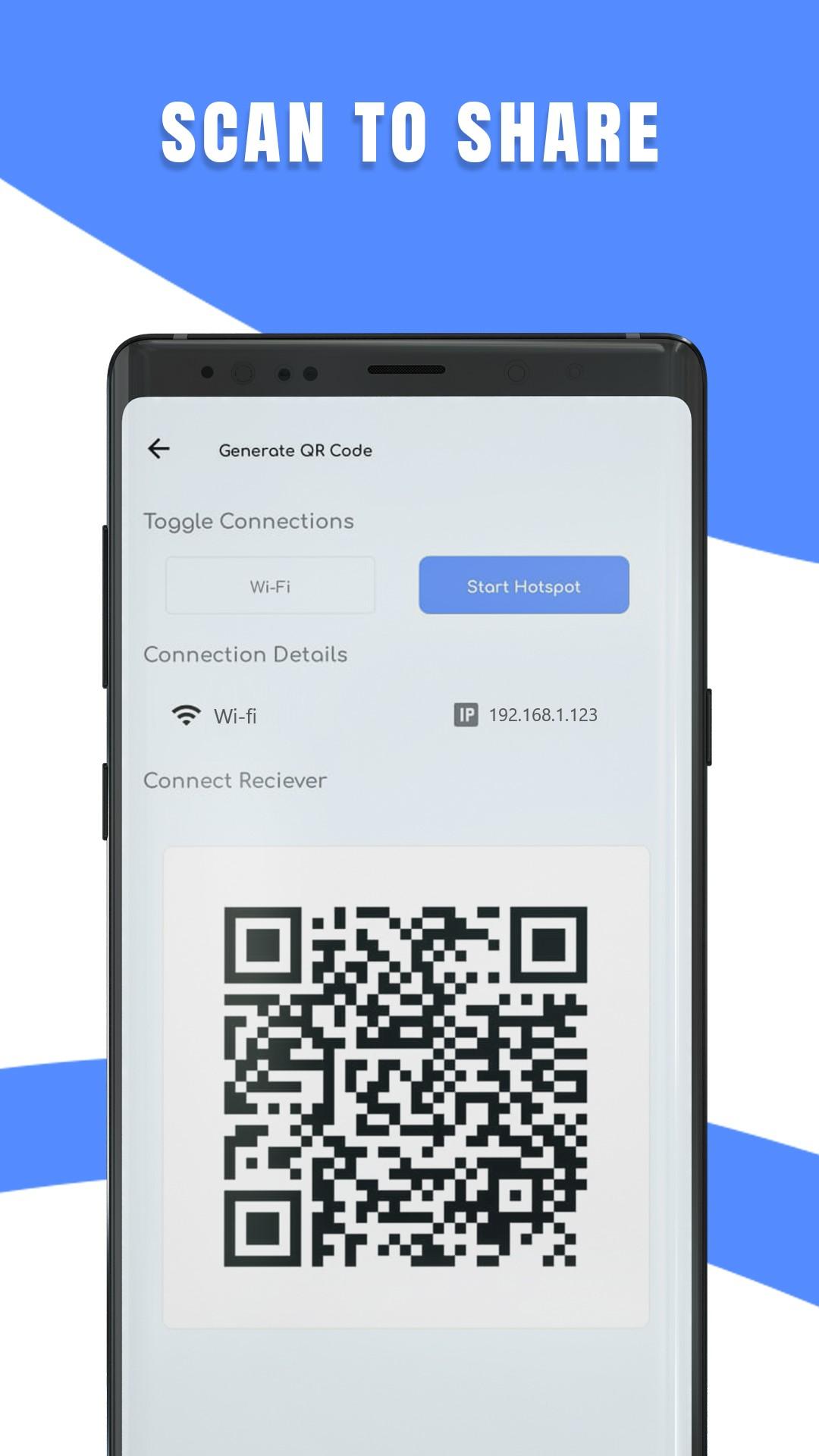
If you want to share any file or transfer data to another android devices, follow the steps; After uploading your data, you can generate a QR code & share that code with the receiver, who will then be able to scan the code & download the files. This allows a completely safe & secure smart transfer of the files. QR code is one of the easiest ways used for data transfer.
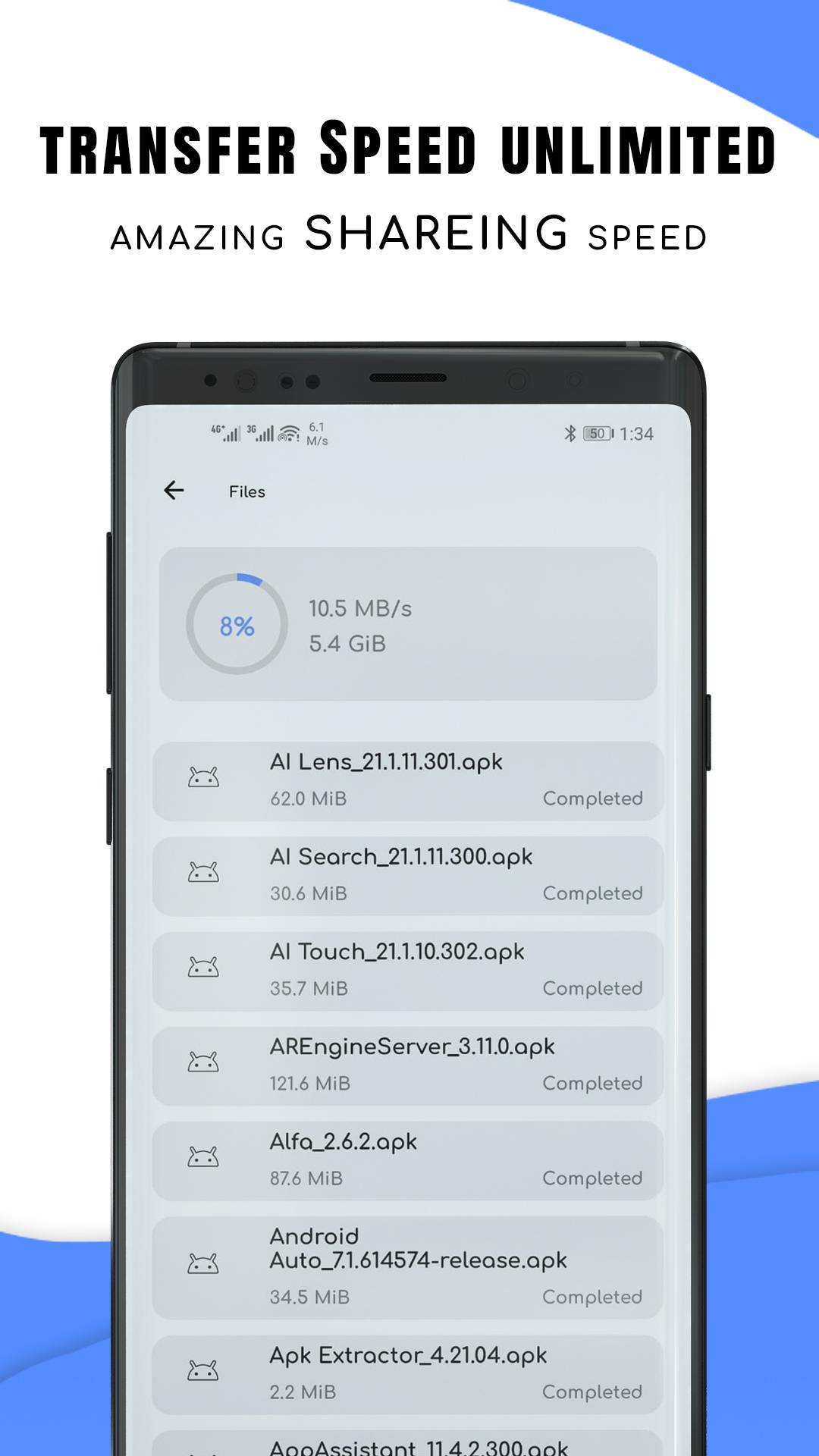
Smart Switch - File Sharing comes with a very clean & mini malistic UI that is easy to use. Firstly, smart switch - Phone Clone App shows how much space you have left on your smartphone. Secondly, it allows easy & smart data transfer. Smart switch - Phone Clone lets you select multiple files for transferring at the same time. Moreover, the phone transfer app shows an estimated completion time for the data transfer, & all transfer history is stored in an easily way.
Features:
- Moves all your data to your new smartphone.
- Works with the internet, cables, or Bluetooth. Transfer data without any interference.
- Data Transfer - Smart Data Transfer is secure at both ends. Simply scan the QR code to start the transfer.
- The Data transfer speeds are upto 200 times faster than Bluetooth.
- The app lets you select data you need to transfer.
- Once you select everything you need to transfer, the app shows you an estimated completion time. - Shows your transfer history in one place.
- The app displays free & used space on your phone.
- Comes with well-designed & easy to use UI.
- Call Info feature will let you know who is calling and manually search for numbers outside your contact book
Smart Switch - Phone Clone & File Sharing app which securely mobile transfer data to another smartphone device. There isn’t need to anxious regarding copying data and move data, which is private and confidential to a new phone purchase by the user so smart switch - Transfer & Downlead mobile is ultimate solution. Smart share app is design for phone to File Transfer and facilitate user to switch around and transfer data from phone to phone rapidly and securely.
Smart switch - Phone clone help user to create backup of all data available inside your smart phone and can conveniently restore data whenever and wherever user intended. The file transfer app give user facility to backup history, bookmarks, system setting, music playlists, images, videos, indeed all things what user needed. Data transfer & mobile smart switch is a long process and normally consumed a lot of time however user can transfer to android within seconds because smart data app establish a secure and fast connection between devices through Wifi. Therefore transfer data from phone to phone as rapid as possible with guaranteed files security.
Additional APP Information
Latest Version
3.1Uploaded by
Кирилл Самосюк
Requires Android
Android 6.0+
Category
Free Tools AppContent Rating
Everyone
Report
Flag as inappropriateWhat's New in the Latest Version 3.1
Last updated on Apr 15, 2023
This release includes minor bug fixes and general improvements. Update to the latest version for the best experience.
Smart Switch Screenshots