


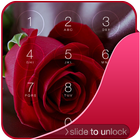

About Rose Lock Screen
Rose Lock Screen, i Style Locker, OS9 locker
Rose Lock screen is one of the best Locker for secure your phone screen.
You have to just enable pass code from settings in this application and create own password for lock your phone screen.
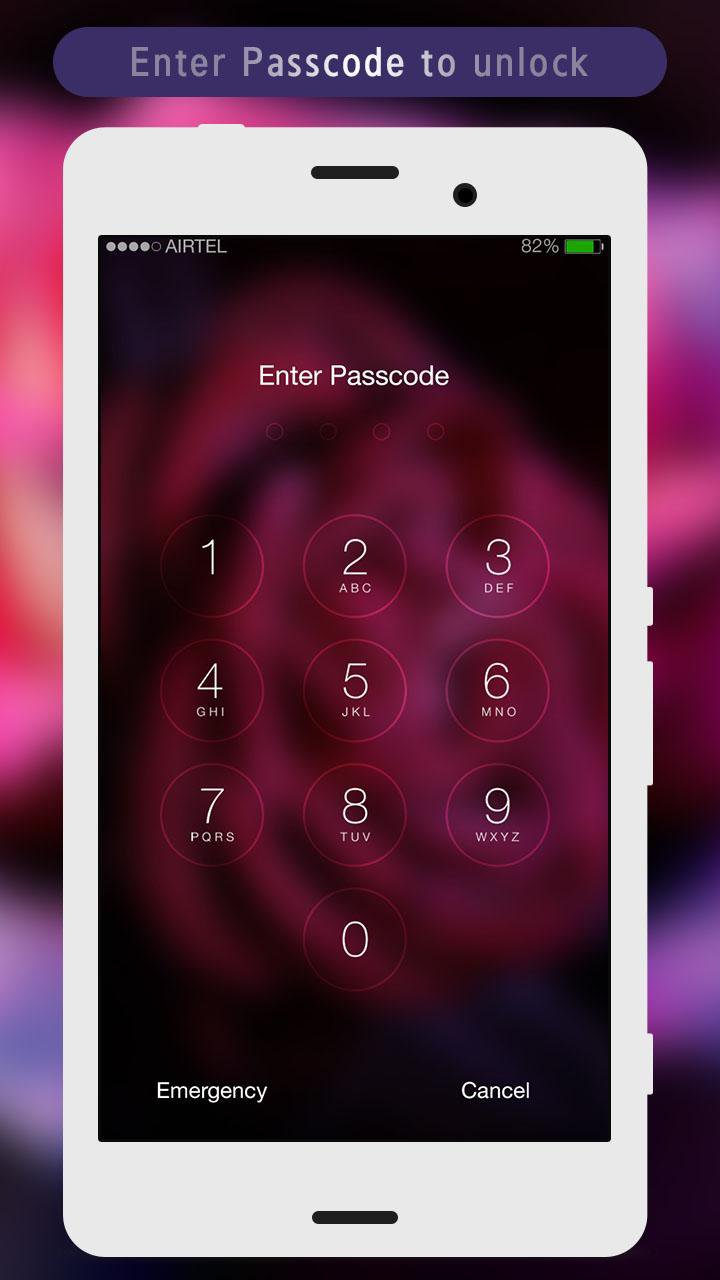
Rose Lock screen lets you customize your mobile lock screen with your name, photo and your background.
How to Use:
1. Open the app settings, and Enable Lock Screen to enable it.
2. Click the Disable System Lock in case you use the system lock.
3. Click on Passcode Lock to set your own Password.
4. Enable or Disable vibration and sound as you like.
5. Customize clock Setting Like (Time Format, Time Color, and Date Color).
6. Enable or Disable the status bar setting as you like.
7. You can customize your mobile lock screen with your name and color by Lock Name Settings.
8. Set Lock Screen Wallpaper to switch to different beautiful backgrounds.
9. You can also set your image in your lock screen with this Rose Lock Screen.
Feature
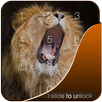
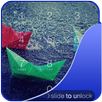
*Slide to unlock.
*Enter pin to unlock.
*A lot of beautiful wallpapers to choose
*Unlock sound enable/disable.
*Unlock vibration enable/disable.
*Set your Name ,Your Image in lock screen.
*Customize Setting for Time , Status Bar ,and Lock Screen name.
Now download and enjoy this Rose Lock Screen.
Additional APP Information
Latest Version
1.2Uploaded by
John Herone Labra
Requires Android
Android 2.3.4+
Category
Free Personalization AppContent Rating
Everyone
Report
Flag as inappropriateWhat's New in the Latest Version 1.2
Last updated on Jul 30, 2016
* Pattern lock feature added
* Performance improved
Rose Lock Screen Screenshots


Old Versions of Rose Lock Screen
All Versions
Related Tags












Popular Articles In Last 24 Hours
- Call of Duty: Modern Warfare 4 at Gamescom 2026: Everything We Know So Far
- Gamescom 2026 Opening Night Live: What to Expect from Geoff Keighley's Kickoff Show
- Gamescom 2026 Sold Out: Every Exhibition Space Booked for the First Time in History
- Gears of War: E-Day at Gamescom 2026: First Public Playable Demo Details




