




O App Locker 2018 pro
App Locker 2018 chroni prywatność, dają swojemu telefonowi All-round ochronę.
App Locker can lock apps, photos, videos and other private data with password lock or pattern lock. App Locker is a free app lock and privacy guard to prevent intruders & snoopers from peeping at your private data, hide sensitive photos and videos by encrypting your Gallery, keep children or snoopers away from messing up your settings, deleting important things or making in-app purchase. Customize app lock settings as you want, more secure and smart to lock all privacy in one small App Locker.
-------FAQ------
1. How to set my password at the first time?
Open AppLock -> Draw a pattern or
Open AppLock -> Enter PIN code
Note: For android 5.0+, allow Applock to use usage access permission -> Find AppLock -> Allow usage access
2. How to change my password?
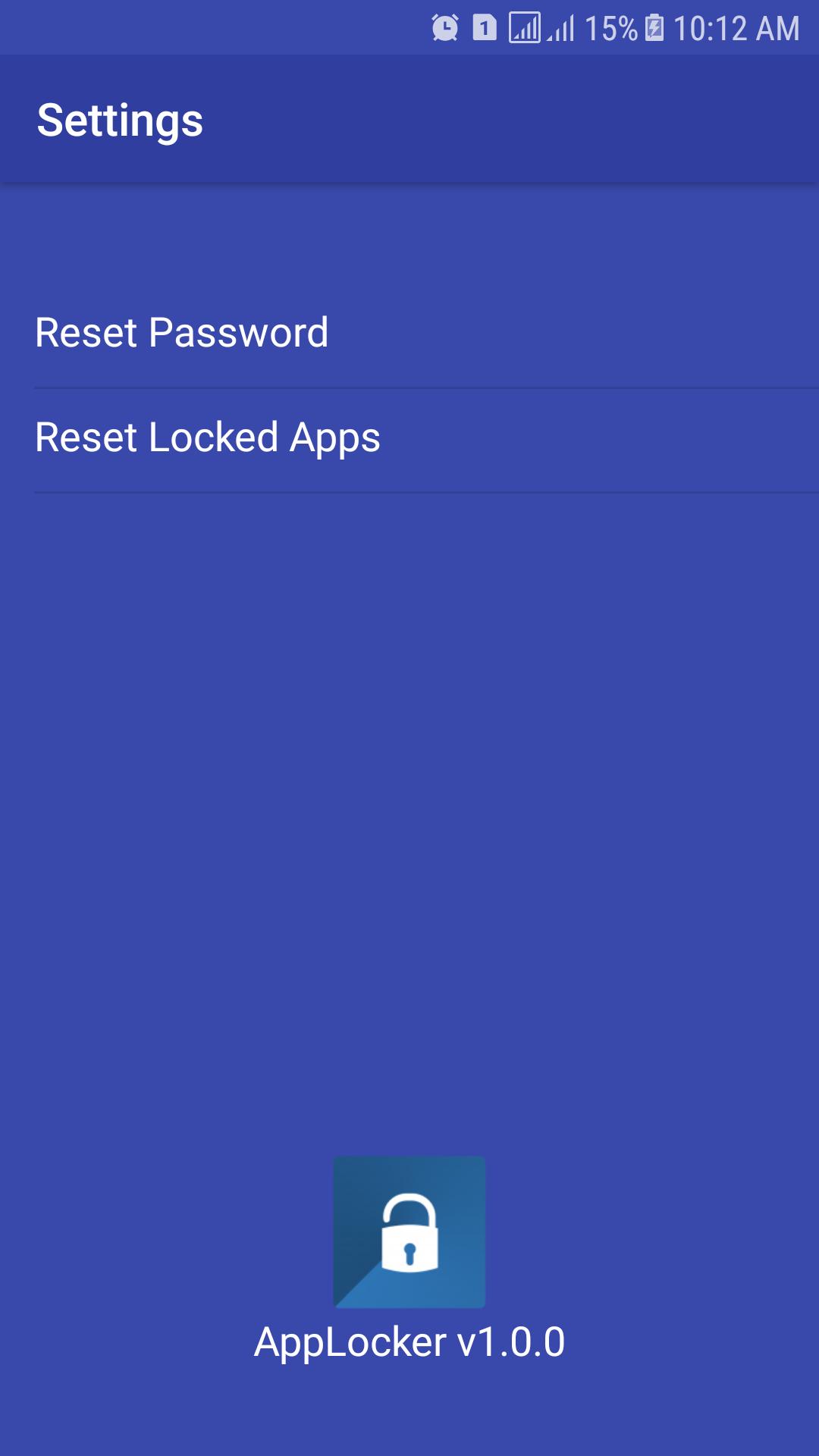
Open AppLock -> Settings
Reset password -> Enter new password -> Reenter password
3. What should I do if I forget the AppLock password?
At present, you can reinstall AppLock if you forget the password.
► Features:
★ Lock system app and 3rd party with App Lock advance feature
★ PATTERN and PIN for lock in portrait and landscape screen mode
★ Protect uninstalled and installed.
★ Hidden icon of AppLock
★ Dial to open App Lock
★ Widget icon for open and switch on/off lock App Lock service
★ Start this App Lock immediately when your phone start/restart/boot.
★ Interface easy to use, easy to lock any apps
Dodatkowe informacje APLIKACJA
Ostatnia Wersja
1.0.1Przesłane przez
Bánh Bao
Wymaga Androida
Android 4.0.3+
Kategoria
Darmowe Narzędzia AplikacjaOcena treści
Everyone
Co nowego w najnowszej wersji 1.0.1
Last updated on Jul 2, 2018
Ta wersja zawiera drobne poprawki błędów i ogólne ulepszenia. Zaktualizuj ją, aby uzyskać najlepsze wrażenia.
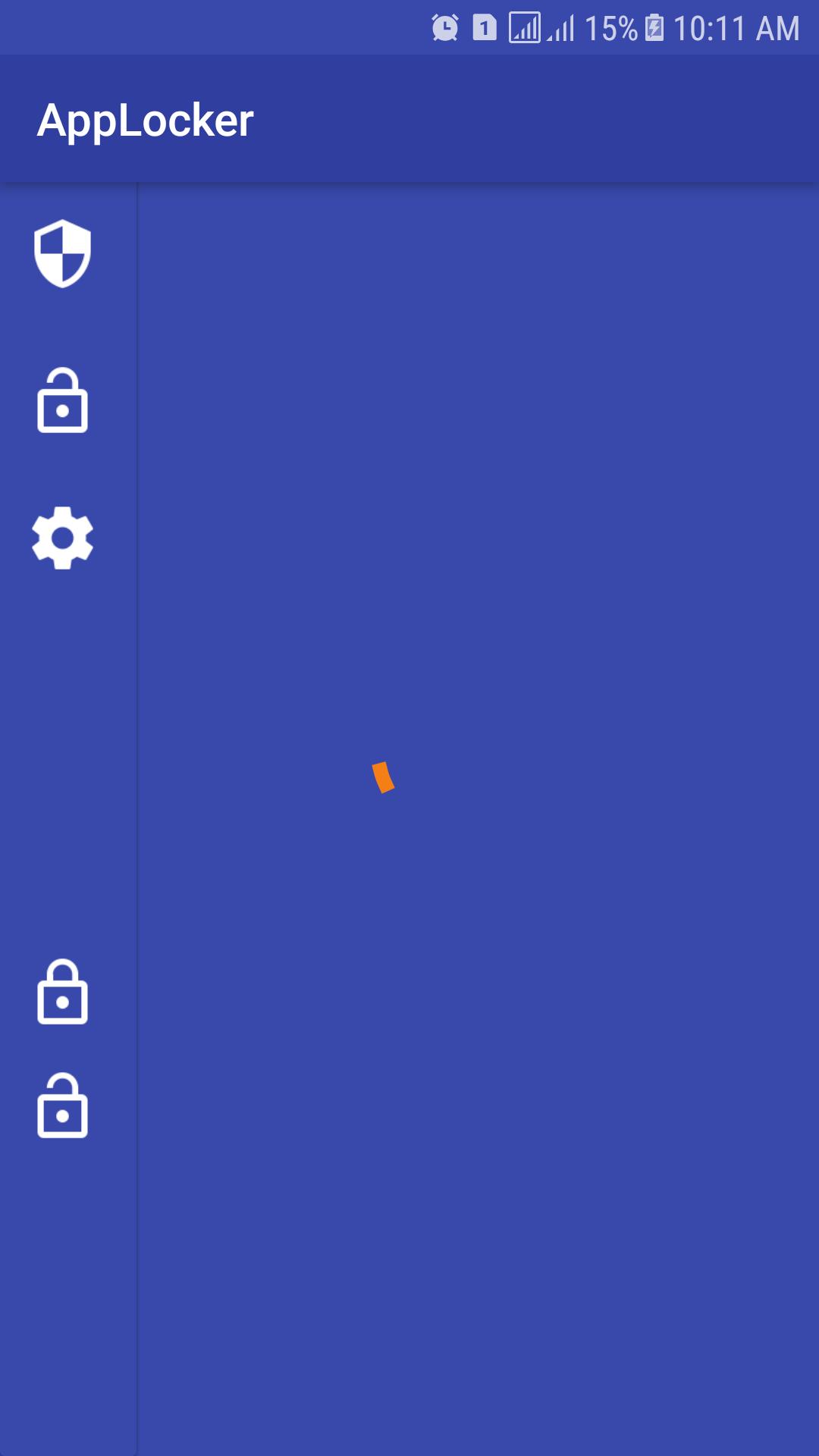
App Locker 2018 pro Zrzuty ekranu





Stare wersje App Locker 2018 pro
3.5 MBJul 2, 2018

Powiązane Tagi










Zostaw recenzję dla App Locker 2018 pro
Dodaj recenzje