
关于App Locker 2018 pro
应用储物柜2018保护您的隐私,让您的手机全方位保护。
App Locker can lock apps, photos, videos and other private data with password lock or pattern lock. App Locker is a free app lock and privacy guard to prevent intruders & snoopers from peeping at your private data, hide sensitive photos and videos by encrypting your Gallery, keep children or snoopers away from messing up your settings, deleting important things or making in-app purchase. Customize app lock settings as you want, more secure and smart to lock all privacy in one small App Locker.
-------FAQ------
1. How to set my password at the first time?
Open AppLock -> Draw a pattern or
Open AppLock -> Enter PIN code
Note: For android 5.0+, allow Applock to use usage access permission -> Find AppLock -> Allow usage access
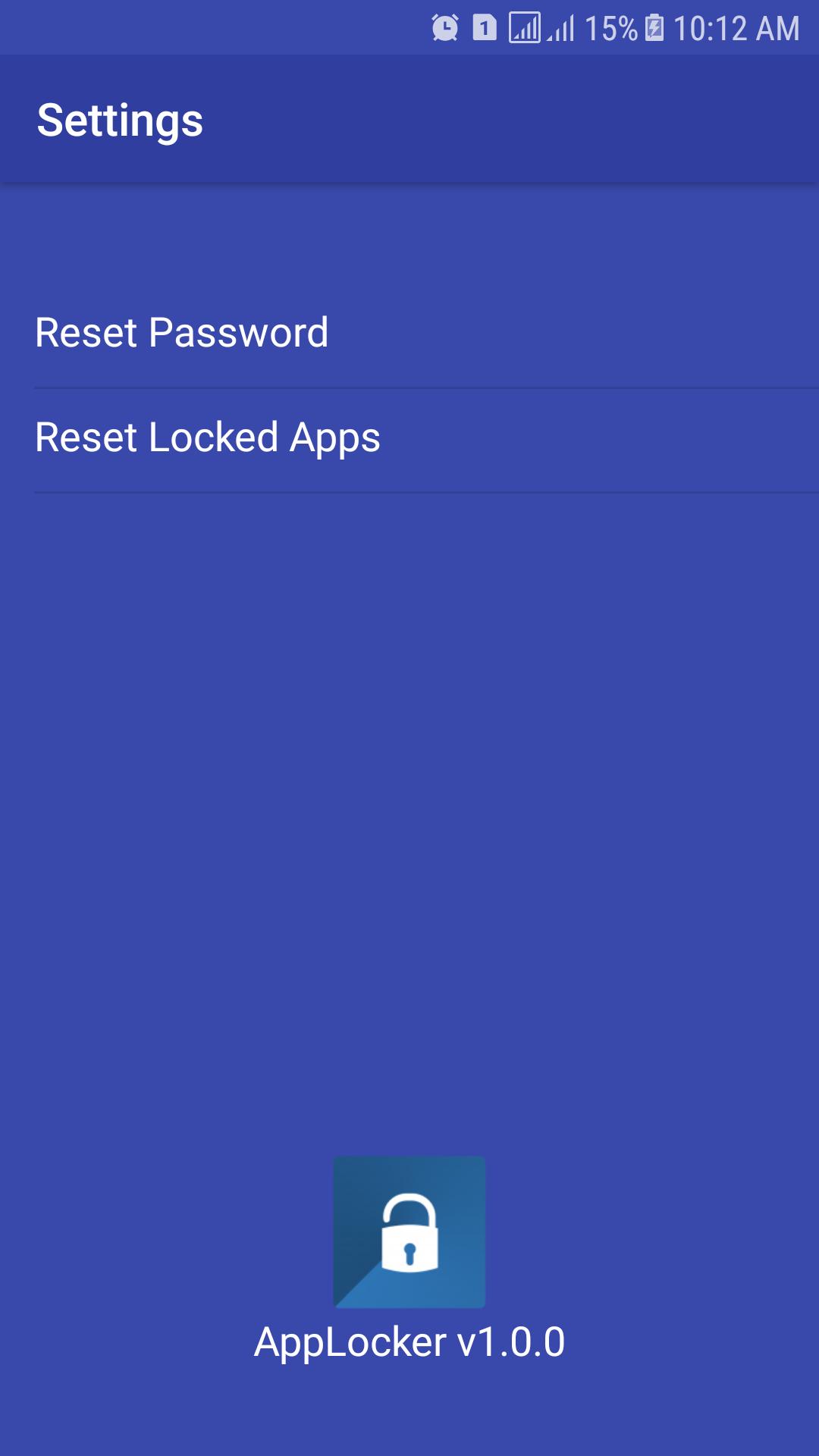
2. How to change my password?
Open AppLock -> Settings
Reset password -> Enter new password -> Reenter password
3. What should I do if I forget the AppLock password?
At present, you can reinstall AppLock if you forget the password.
► Features:
★ Lock system app and 3rd party with App Lock advance feature
★ PATTERN and PIN for lock in portrait and landscape screen mode
★ Protect uninstalled and installed.
★ Hidden icon of AppLock
★ Dial to open App Lock
★ Widget icon for open and switch on/off lock App Lock service
★ Start this App Lock immediately when your phone start/restart/boot.
★ Interface easy to use, easy to lock any apps
最新版本1.0.1更新日志
Last updated on 2018年07月02日
此版本包含小幅错误修复和常规改进。请更新至最新版本,以获得更佳体验。
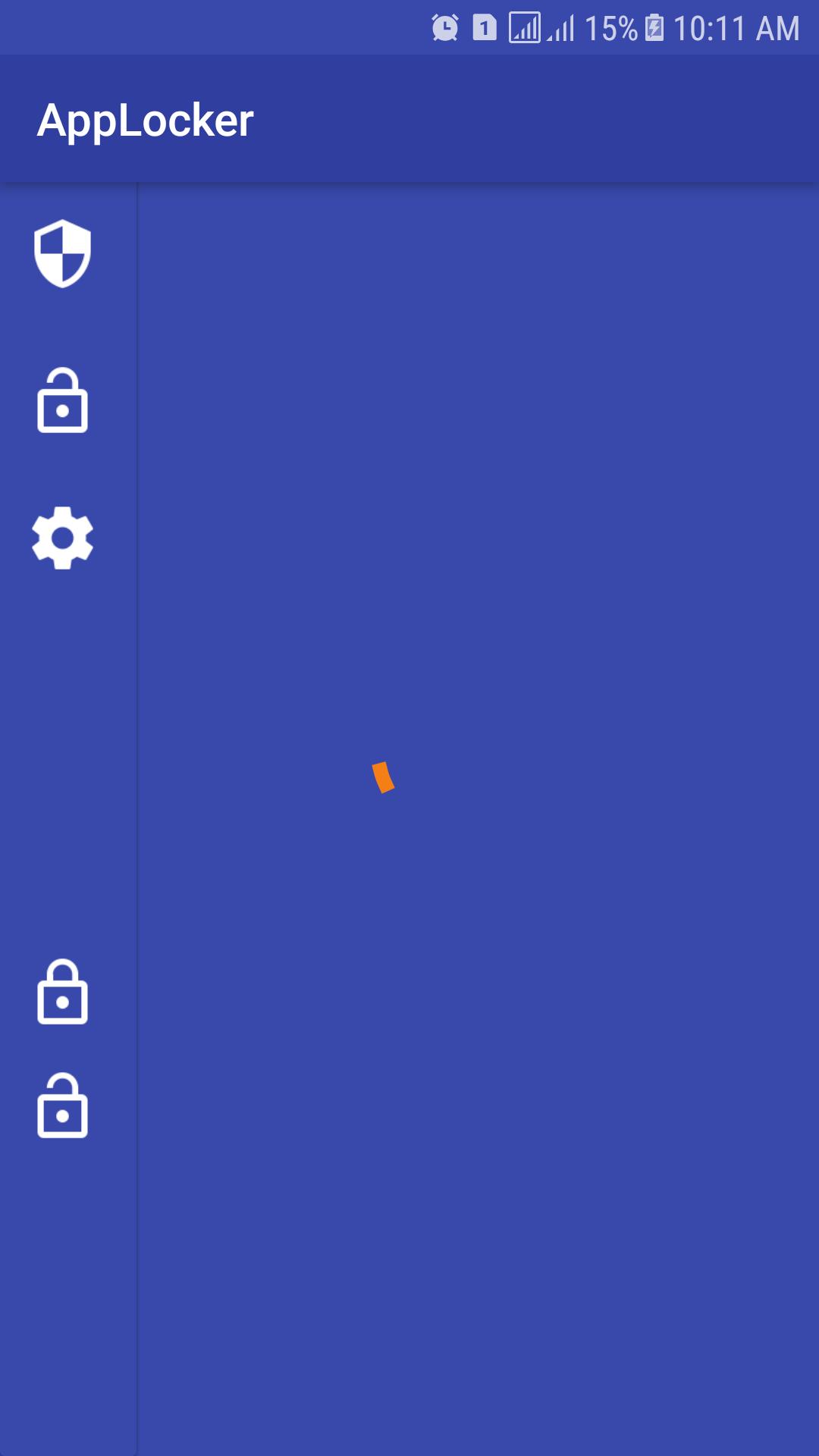
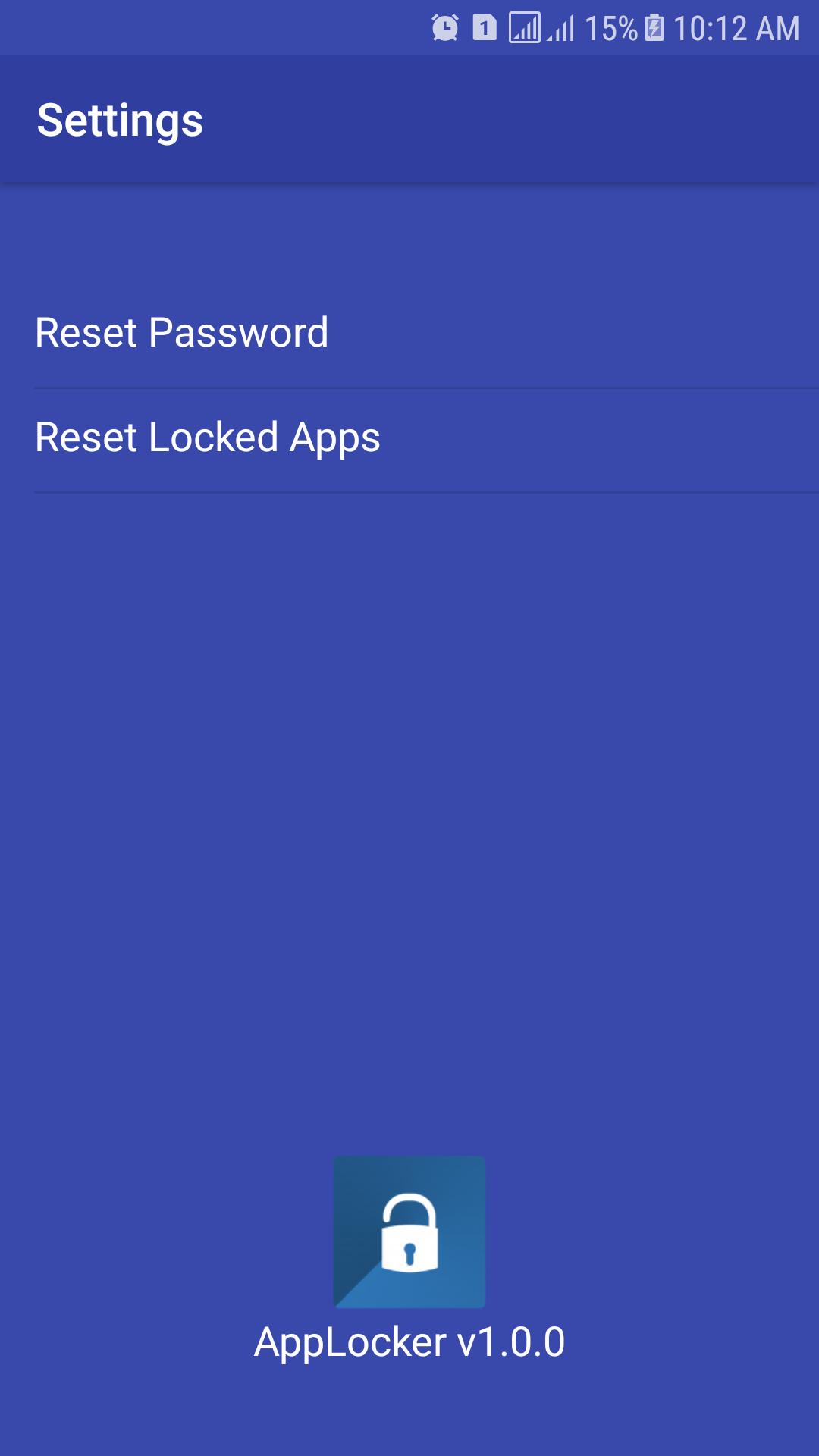
App Locker 2018 pro 屏幕截图





App Locker 2018 pro历史版本
3.5 MB2018年07月02日