


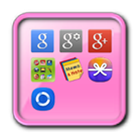

Over Widget App Folder
Deze applicatie is een map widget.
This application is a folder widget.
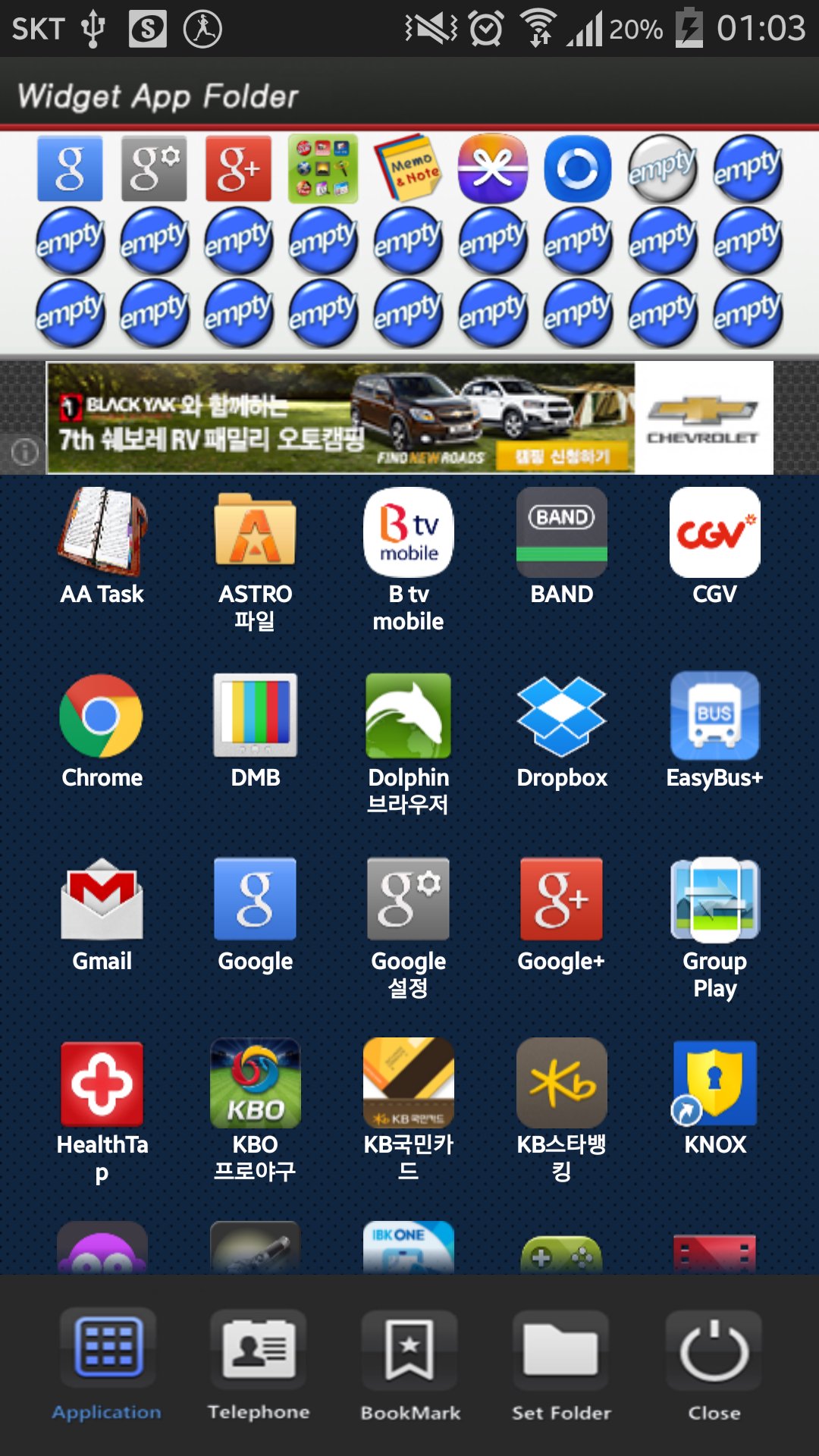
One folder can contain 16 Apps. and manage the screen effectively.
This color folder widget contains various colors and animations.
This App. has 10 colors and the color of text and widget folder can be changed.
**[Color Folder Widget Instruction]**
1. Press the main screen during about 2 seconds.
2. Select widget menu and then select Widget App Folders app.
3. The widget folder is created on the screen.
**[Put the Apps. into the Folder]**
1. Select the widget folder and click the set symbol at the right upper part.
2. Select the Apps. what you want to put. Then you can check the select apps. at the upper part.
3. To cancel a selection, click the selected apps. at the upper part.
4. Click the backspace button and OK popup to finish.
Aanvullende APP -informatie
Laatste Versie
1.0Geüpload door
Reza Maulana
Android vereist
Android 2.3.2+
Categorie
Gratis Tools APPInhoudsbeoordeling
Everyone
Melden
Rapporteer als ongepastWat is er nieuw in de nieuwste versie 1.0
Last updated on Sep 5, 2015
Deze versie bevat kleine bugfixes en algemene verbeteringen. Werk bij naar de nieuwste versie voor de beste ervaring.
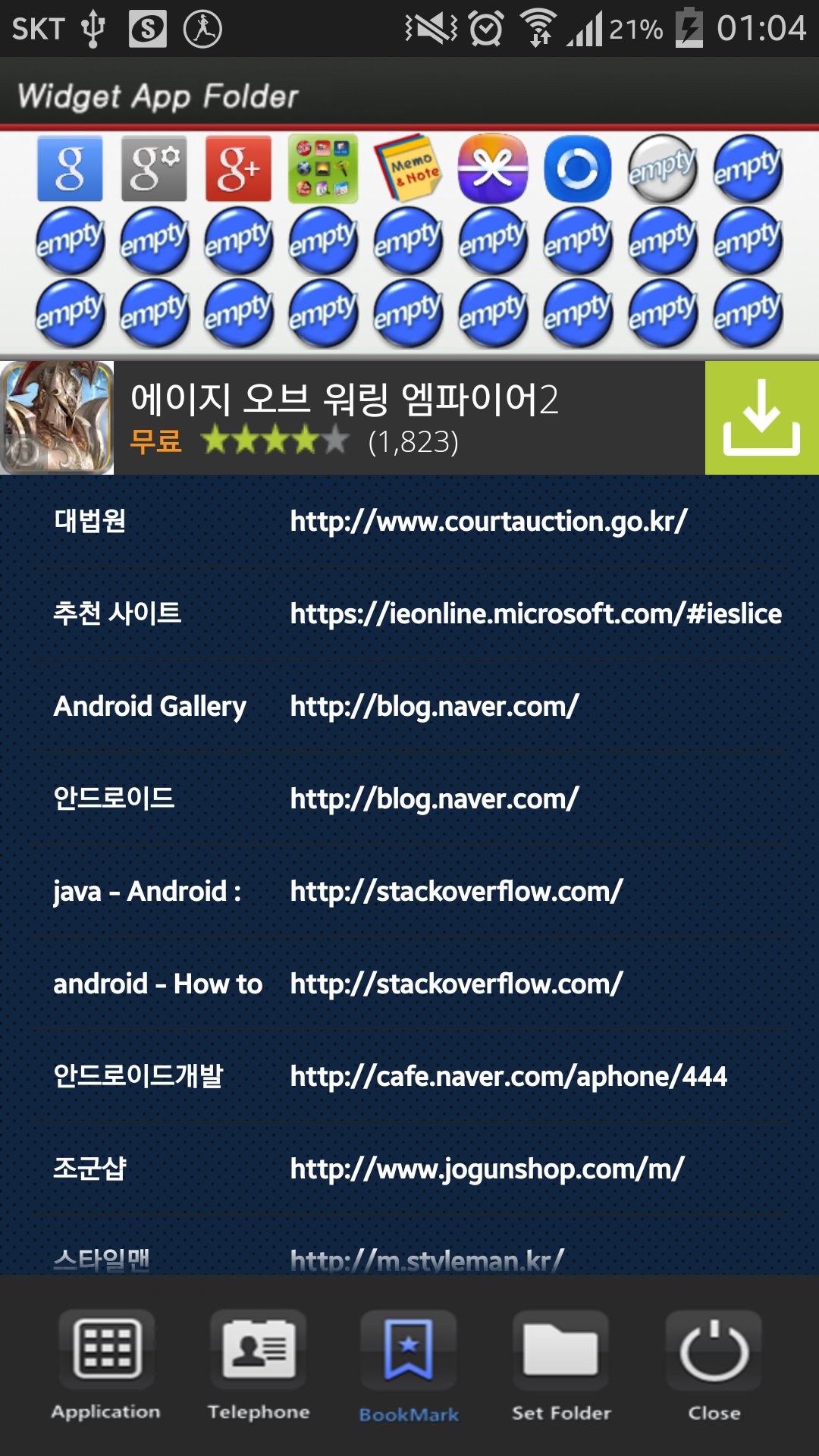
Widget App Folder Screenshots





Oude versies van Widget App Folder
1.9 MBSep 5, 2015

Gerelateerde Tags

















Alle recensiesReviews toevoegen