


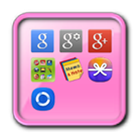

Über Widget App Folder
Diese Anwendung ist ein Widget-Ordner.
This application is a folder widget.
One folder can contain 16 Apps. and manage the screen effectively.
This color folder widget contains various colors and animations.
This App. has 10 colors and the color of text and widget folder can be changed.
**[Color Folder Widget Instruction]**
1. Press the main screen during about 2 seconds.
2. Select widget menu and then select Widget App Folders app.
3. The widget folder is created on the screen.
**[Put the Apps. into the Folder]**
1. Select the widget folder and click the set symbol at the right upper part.
2. Select the Apps. what you want to put. Then you can check the select apps. at the upper part.
3. To cancel a selection, click the selected apps. at the upper part.
4. Click the backspace button and OK popup to finish.
Zusätzliche APP Informationen
Aktuelle Version
1.0Von hochgeladen
Reza Maulana
Erforderliche Android-Version
Android 2.3.2+
Kategorie
Gratis Tools APPAltersfreigabe
Everyone
Was ist neu in der neuesten Version 1.0
Last updated on Sep 5, 2015
Diese Version enthält kleinere Fehlerbehebungen und allgemeine Verbesserungen. Aktualisiere auf die neueste Version, um die bestmögliche Nutzererfahrung zu erhalten.
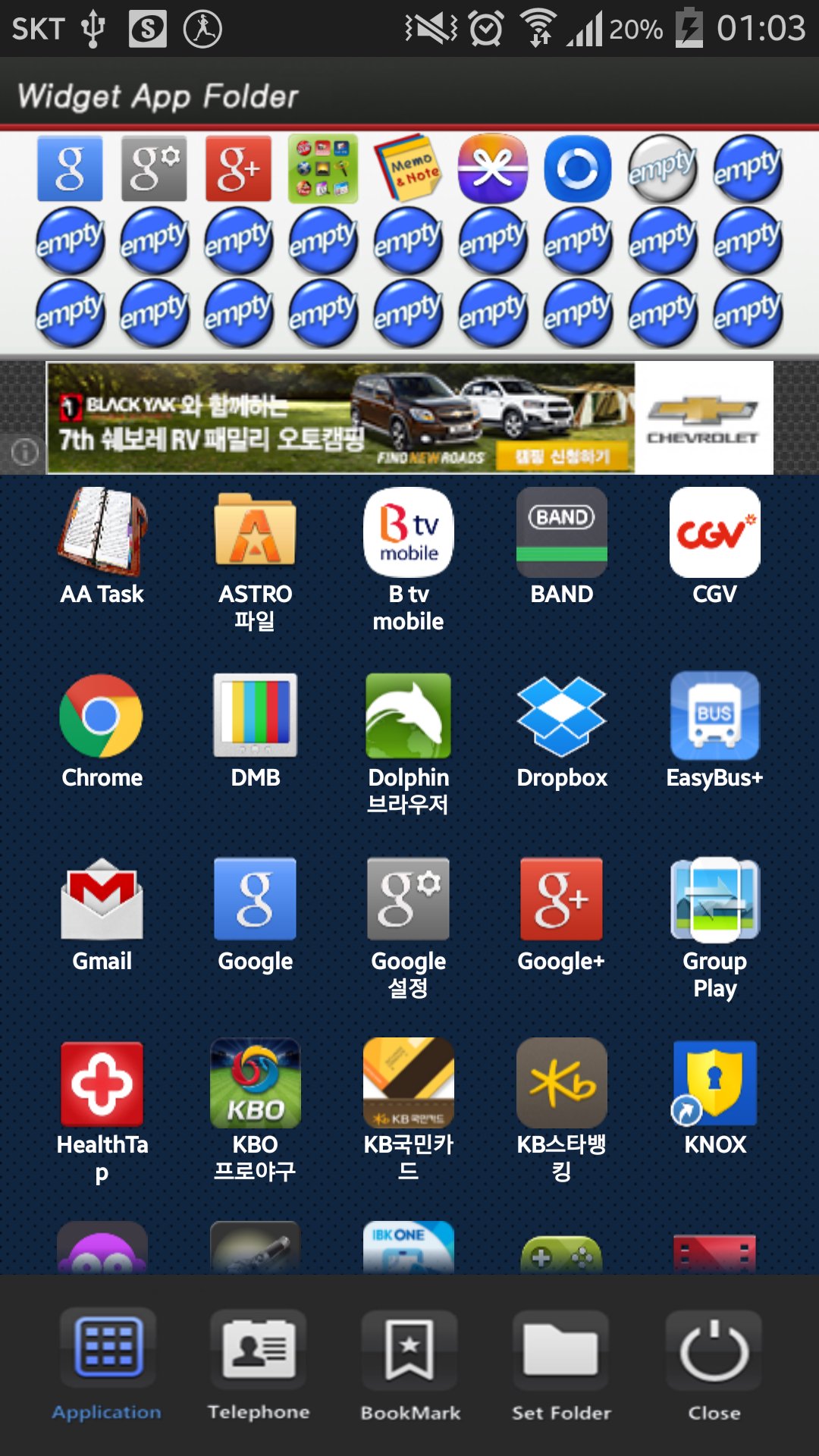
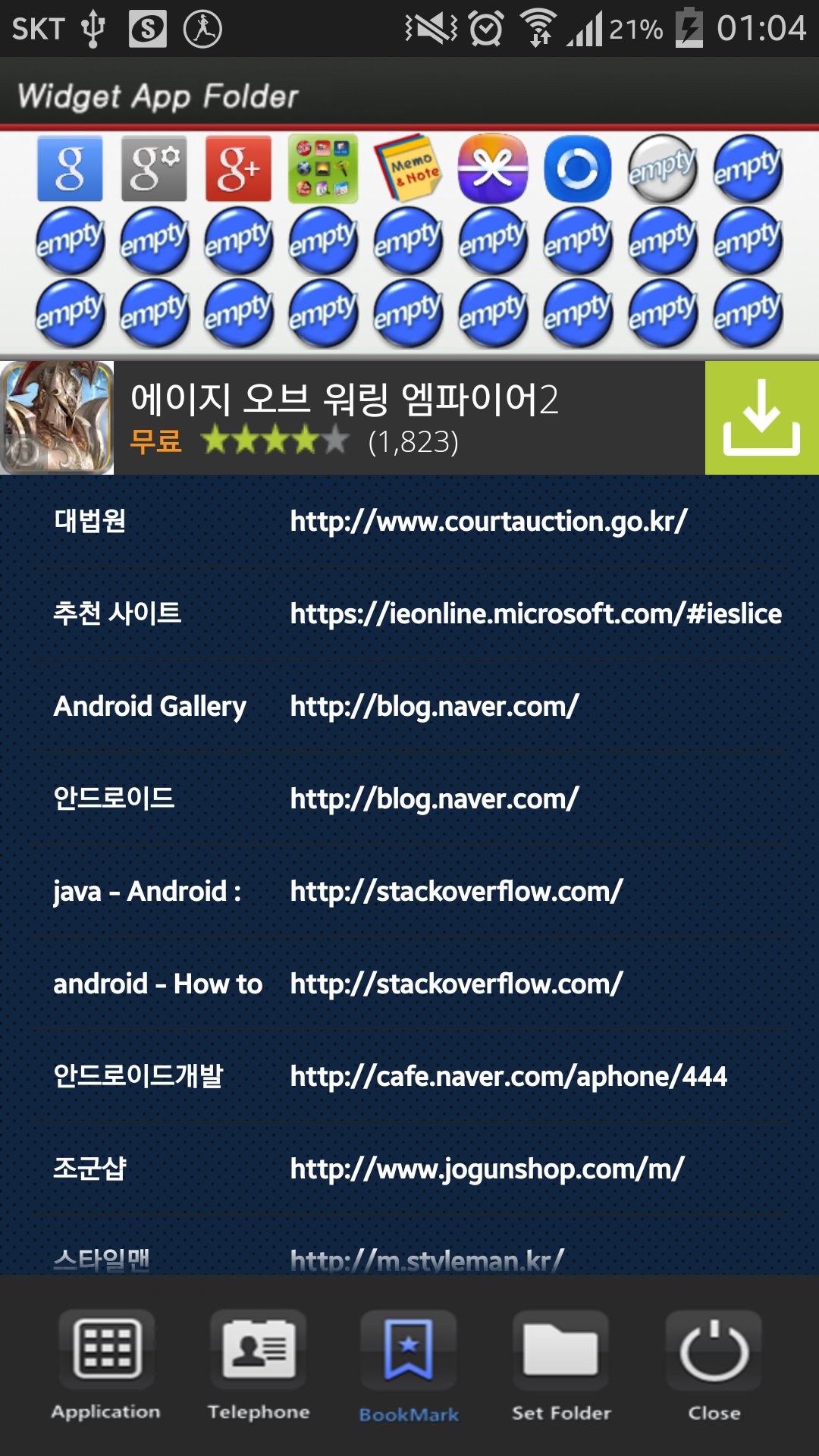
Widget App Folder Screenshots





Alte Versionen von Widget App Folder
1.9 MBSep 5, 2015

Verwandte Tags














Beliebte Artikel in den letzten 24 Stunden
- Anleitung zum Download die neueste Version von YouTube APK für Android 2026
- Anleitung zum Download die neueste Version 7.25.301 von YouTube for Android TV APK für Android 2026
- Anleitung zum Download die neueste Version 17.10.5 von Lidl Plus APK für Android 2026
- Anleitung zum Download die neueste Version 3.20.8002 von APKPure APK für Android 2026





Alle BewertungenBewertungen hinzufügen