Scan Date:Dec 21, 2024
Show More

This app streams games, programs, or your full desktop from a PC on your local network or the Internet running NVIDIA GeForce Experience (NVIDIA-only) or Sunshine (all GPUs). Mouse, keyboard, and controller input is sent from your Android device to your PC.
Streaming performance may vary based on your client device and network setup. HDR requires an HDR10-capable device, a GPU that can encode HEVC Main 10, and HDR10-enabled game. Games that use DXGI/OS HDR also require an HDR display connected to your host PC.
Features
• Open-source and completely free (no ads, IAPs, or "Pro")
• Streams games purchased from any store
• Works on your home network or over the Internet/LTE
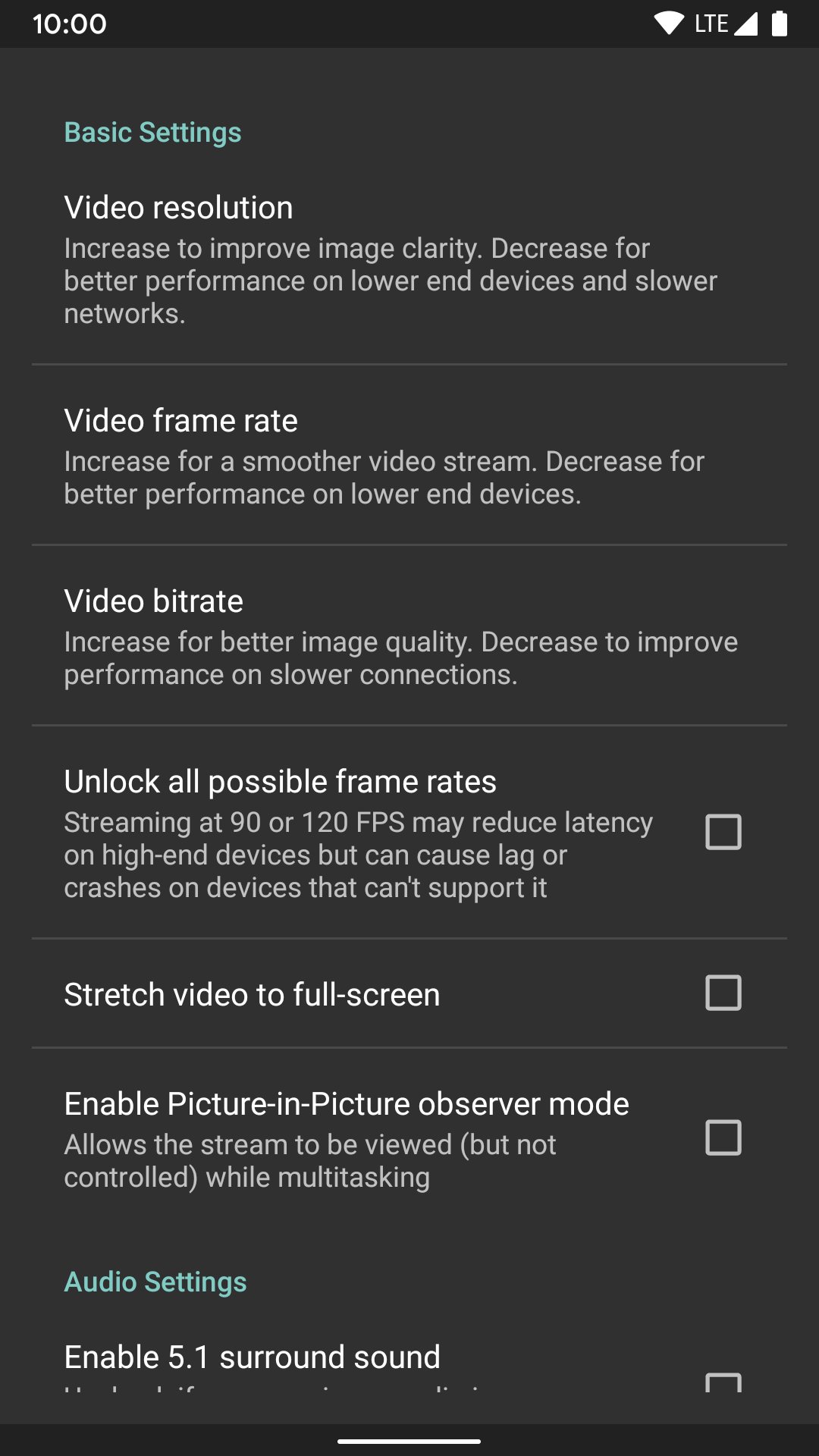
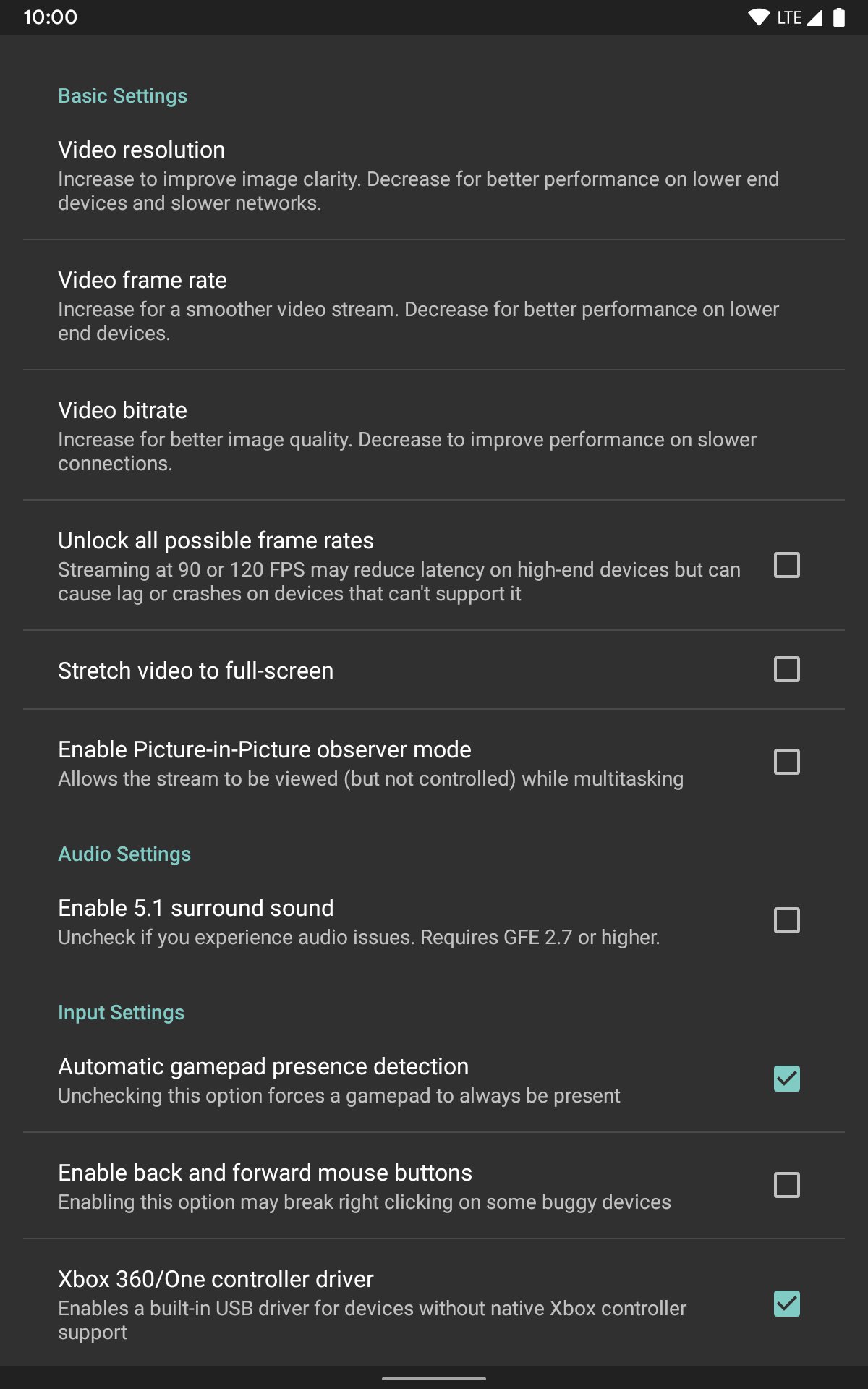
• Up to 4K 120 FPS HDR streaming with 7.1 surround sound
• H.264, HEVC, and AV1 codec support (AV1 requires Sunshine and a supported host GPU)
• Keyboard and mouse support (best with Android 8.0 or later)
• Stylus/S-Pen support
• Supports PS3/4/5, Xbox 360/One/Series, and Android gamepads
• Force feedback and gamepad motion sensor support (Android 12 or later)
• Local co-op with up to 16 connected controllers (4 with GeForce Experience)
• Mouse control via gamepad by long-pressing Start
Quick Setup Host Instructions for GeForce Experience (NVIDIA-only)
• Make sure GeForce Experience is open on your PC. Turn on GameStream in the SHIELD settings page.
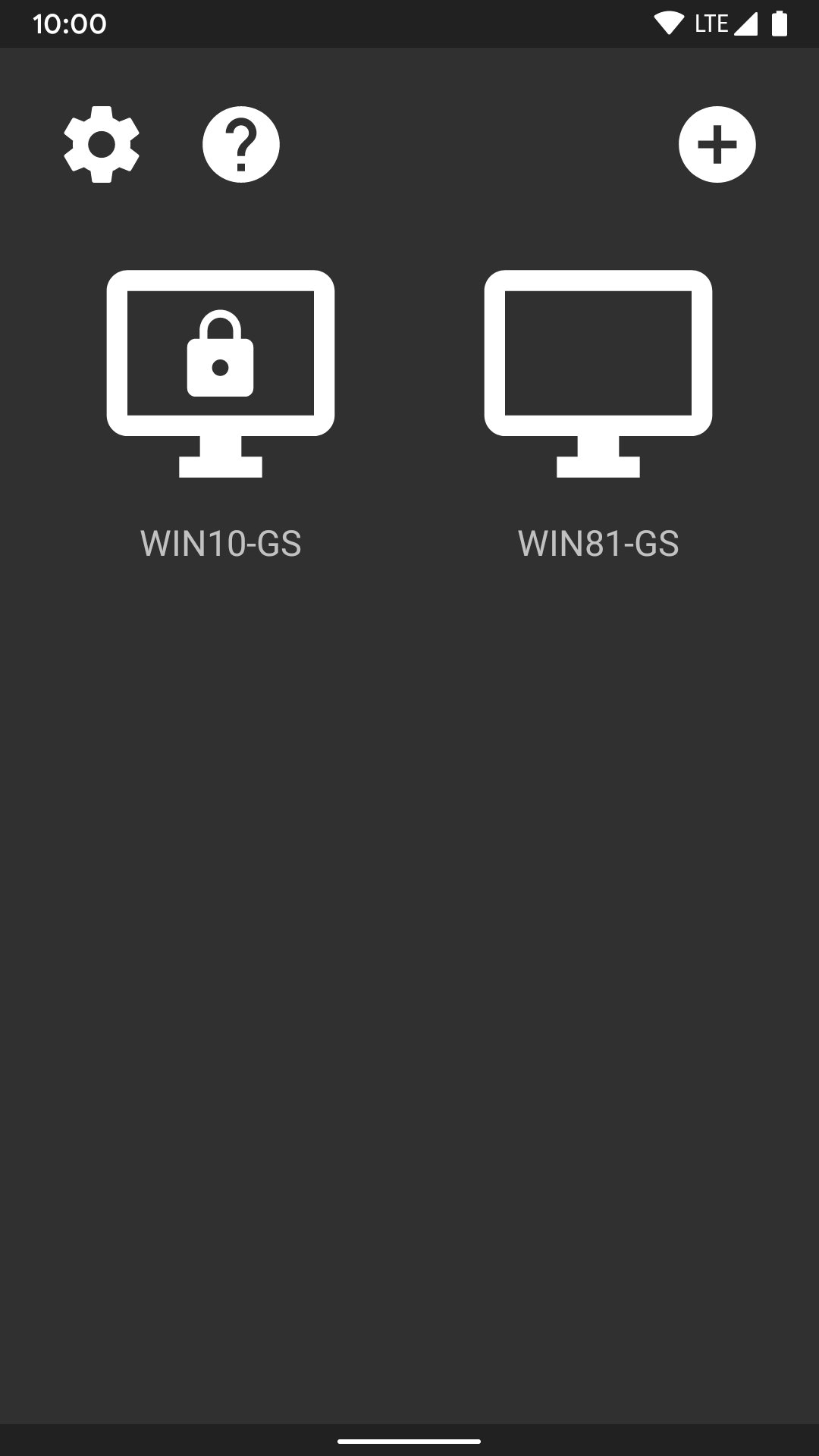
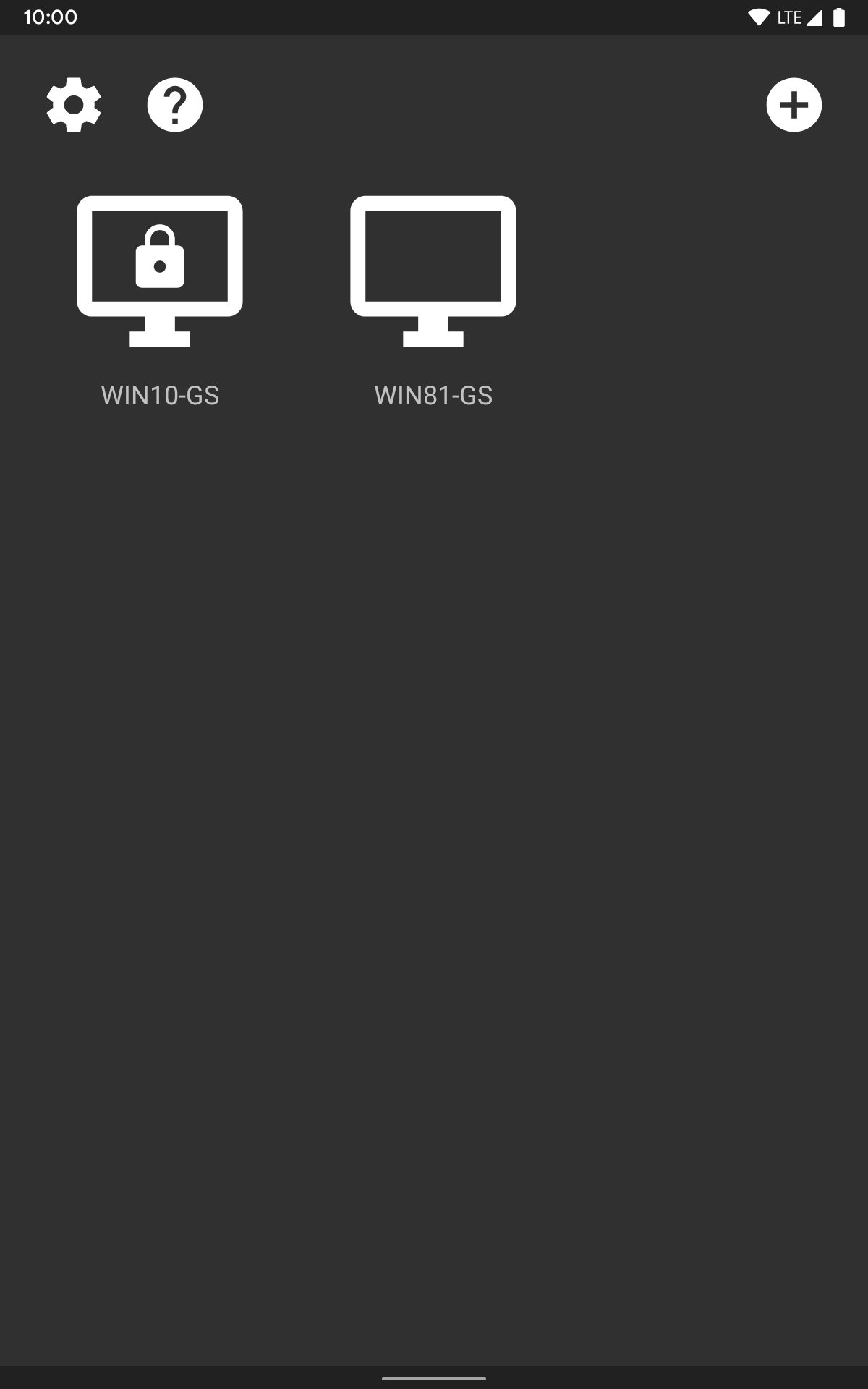
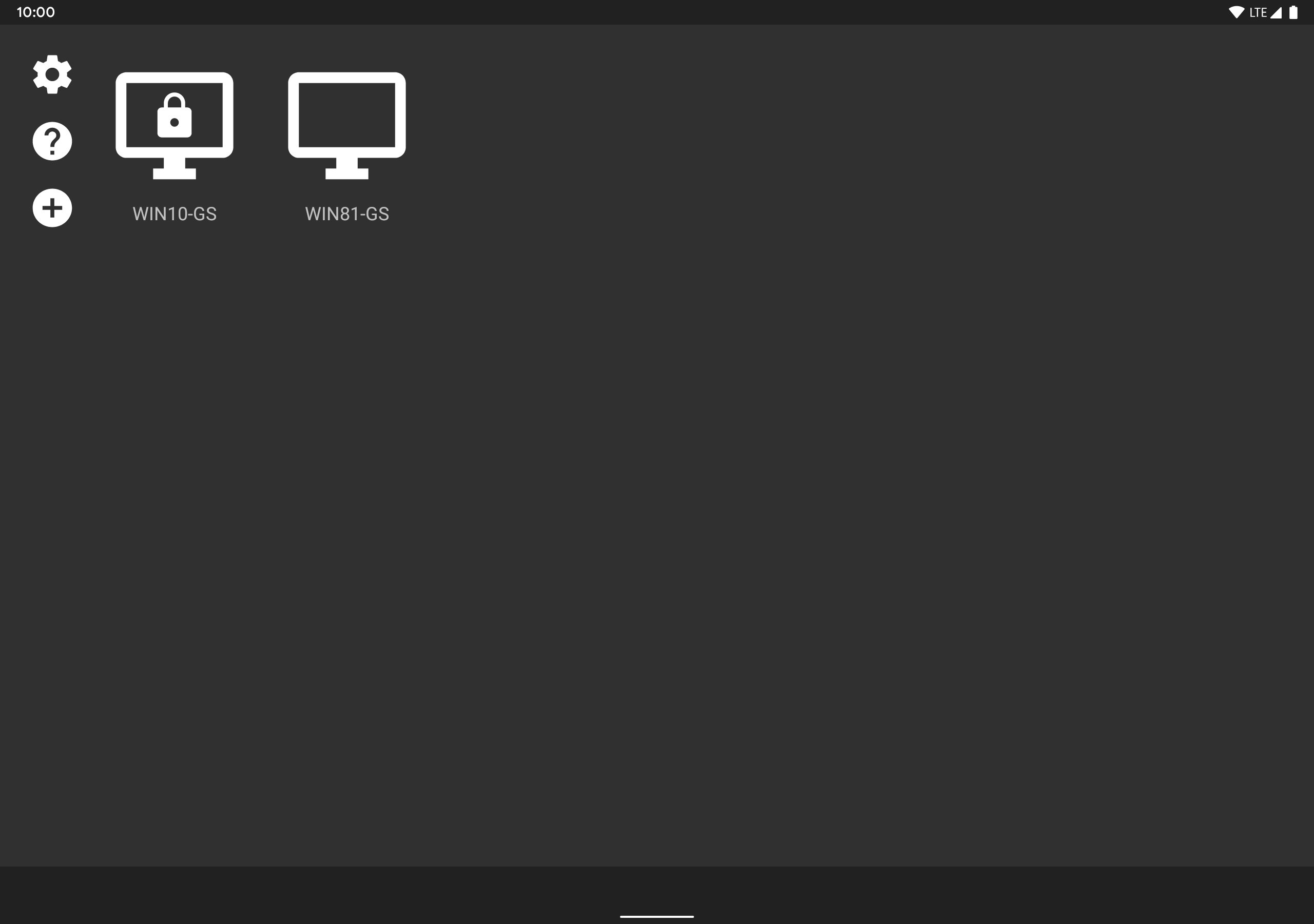
• Tap on the PC in Moonlight and type the PIN on your PC
• Start streaming!
Quick Setup Host Instructions for Sunshine (all GPUs)
• Install Sunshine on your PC from https://github.com/LizardByte/Sunshine/releases
• Navigate to the Sunshine Web UI on your PC for first-time setup
• Tap on the PC in Moonlight and type the PIN in the Sunshine Web UI on your PC
• Start streaming!
To have a good experience, you need a mid to high-end wireless router with a good wireless connection to your Android device (5 GHz highly recommended) and a good connection from your PC to your router (Ethernet highly recommended).
Detailed Setup Instructions
See the full setup guide https://bit.ly/1skHFjN for:
• Adding a PC manually (if your PC is not detected)
• Streaming over the Internet or LTE
• Using a controller connected directly to your PC
• Streaming your full desktop
• Adding custom apps to stream
Troubleshooting
A detailed troubleshooting guide is available here: https://bit.ly/1TO2NLq
If you still can't solve your issue or just have a question, join our Discord server to chat with the Moonlight community: https://moonlight-stream.org/discord
Disclaimer: This app is not affiliated with NVIDIA Corporation. Please do not contact them for support. Instead, use the troubleshooting link at the bottom of the app description.
This app is open-source under the GPL. The code can be found here: https://github.com/moonlight-stream/moonlight-android
Legal: All trademarks cited here are the property of their respective owners.
Latest Version
12.1Uploaded by
Ahmed Raheem
Requires Android
Android 4.1+
Category
Free Entertainment AppContent Rating
Everyone
Security Report
Report
Flag as inappropriateLast updated on Apr 26, 2024
v12.1
- Added support for full end-to-end stream encryption with Sunshine*
- Fixed immediate connection termination error when streaming over some Internet connections*
- Added option to adjust emulated rumble intensity
- Added option to scroll in controller mouse emulation mode
- Improved connection reliability during temporary network interruptions
- Fixed pass-through of special Sunshine key combos to the host
* Requires upcoming Sunshine v0.22.0 release or current Sunshine nightly build




APKPure - A multi-platform app store primarily focused on Android, providing extensive app-related content. Discover the app you want easier, faster, and safer, with quick and efficient downloads and installations.