QR code scan 정보
QR code scan
QR code scan
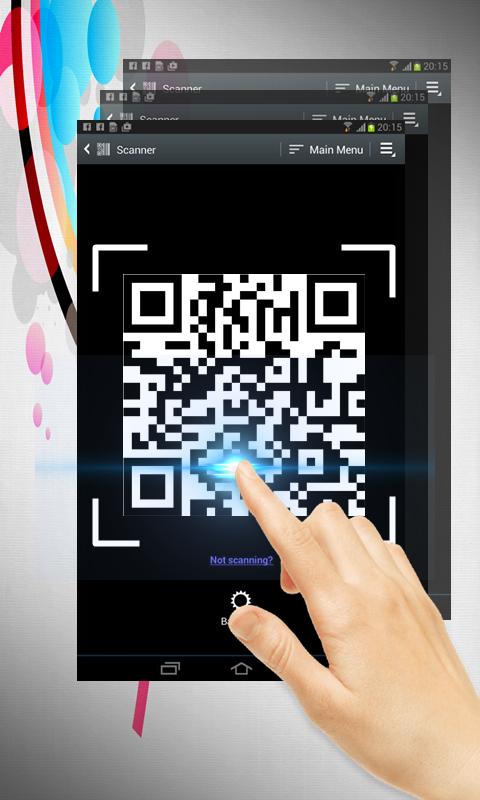
QR code scan is extremely easy to use; simply point to QR you want to scan and app will automatically detect and scan it. No need to press any buttons, take photos or adjust zoom.
When scanning a QR code, if the code contains a website URL, you will automatically be taken to the site. If the code just contains text, you'll immediately see it. For other formats such as phone numbers, email addresses, or contact info, you will be prompted to take the appropriate action.
Simple user guide as following:
To scan the QR code, simply open the application, align the code. QR Code Reader will automatically recognize any QR code. When scanning the QR code, if the code contains a URL, you can open browser to the site by press browser button . If the code contains only text, you can instantly see.
추가 앱 정보
최신 버전 4의 새로운 기능
Last updated on Dec 11, 2017
이 버전에는 사소한 버그 수정과 전반적인 개선 사항이 포함되어 있습니다. 최상의 환경을 위해 최신 버전으로 업데이트하세요.
QR code scan 스크린 샷