دربارهی QR code scan
QR code scan
QR code scan
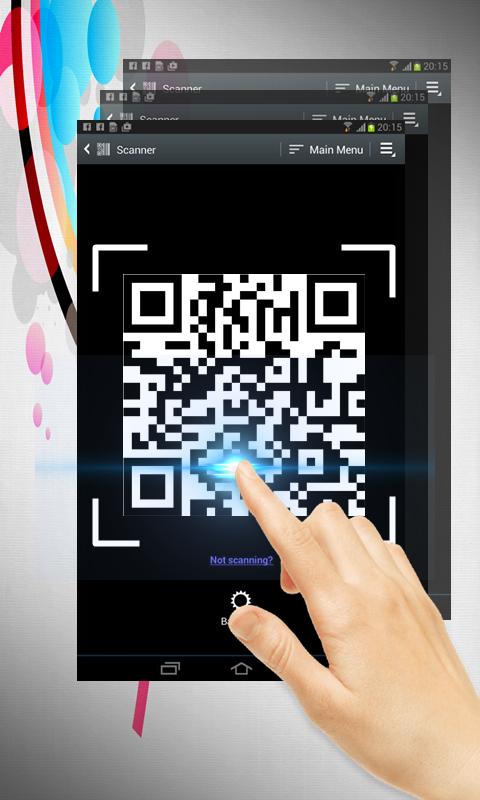
QR code scan is extremely easy to use; simply point to QR you want to scan and app will automatically detect and scan it. No need to press any buttons, take photos or adjust zoom.
When scanning a QR code, if the code contains a website URL, you will automatically be taken to the site. If the code just contains text, you'll immediately see it. For other formats such as phone numbers, email addresses, or contact info, you will be prompted to take the appropriate action.
Simple user guide as following:
To scan the QR code, simply open the application, align the code. QR Code Reader will automatically recognize any QR code. When scanning the QR code, if the code contains a URL, you can open browser to the site by press browser button . If the code contains only text, you can instantly see.
اطلاعات تکمیلی برنامه
آخرین نسخه
4بارگذاری شده توسط
Daniels Unique
نیاز به اندروید
Android 4.0+
دسته بندی
رایگان برنامه خرید و فروشرتبهبندی محتوا
Everyone
گزارش
گزارش محتوای نامناسبجدیدترین چیست در نسخهی 4
Last updated on 11/12/2017
این نسخه شامل رفع اشکالات جزئی و بهبودهای عمومی است. برای بهترین تجربه، برنامه را به جدیدترین نسخه به
QR code scan اسکرین شات ها