




Informazioni su Developer Options
opzioni sviluppatore SHORTCUT per dispositivo Android.
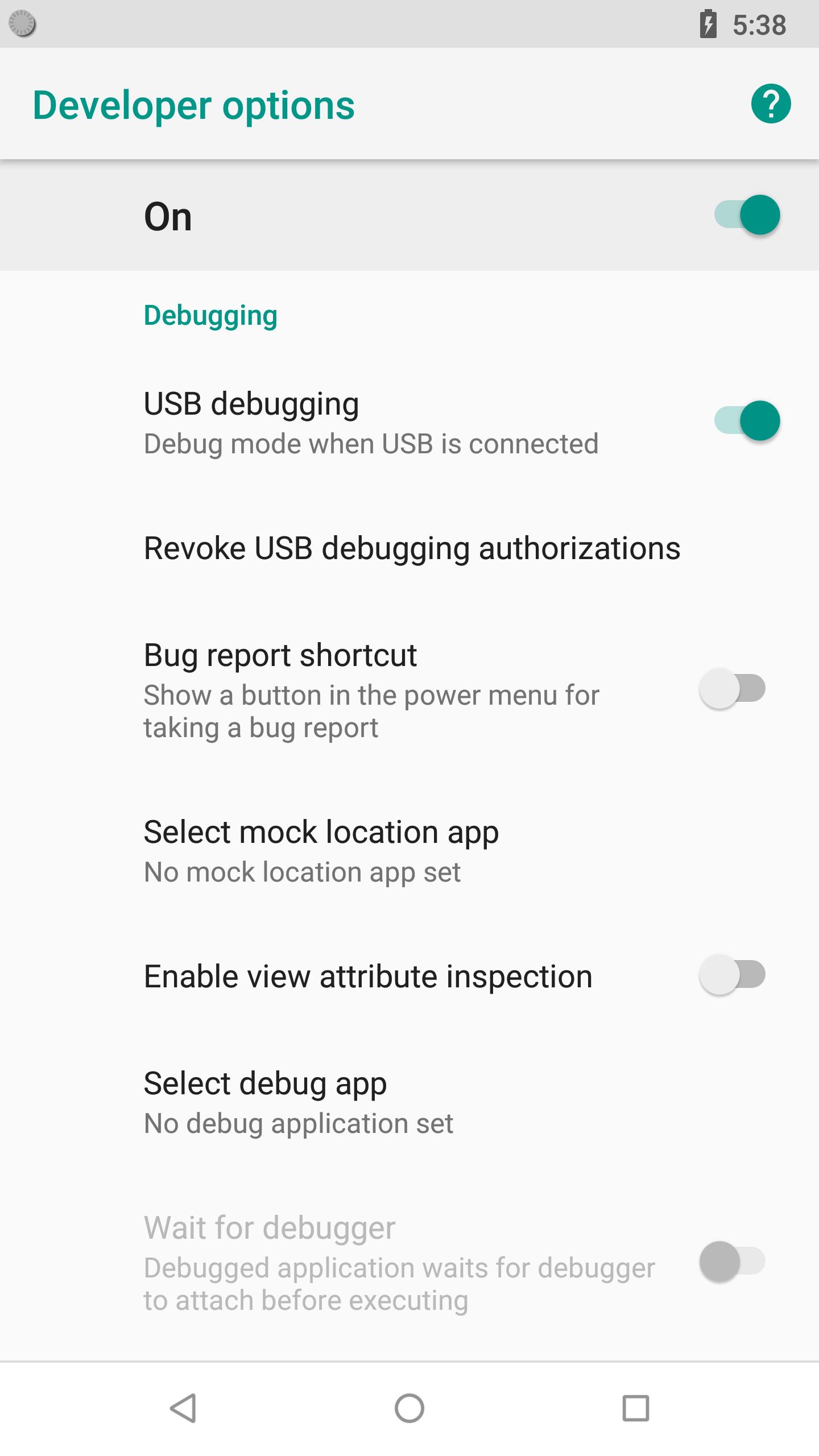
Developer Options include:
- USB Debugging option.
- Stay awake (Screen will never sleep while charging)
- Running services.
- OEM unlocking (Allow the bootloader to be unlocked)
- Picture color modes (Use sRBG)
- Quick settings developer tiles
- Show taps (Show visual feedback for taps)
- Force RTL Layout direction (Force screen layout direction to RTL for all locales)
- Background process limit
- Profile GPU rendering
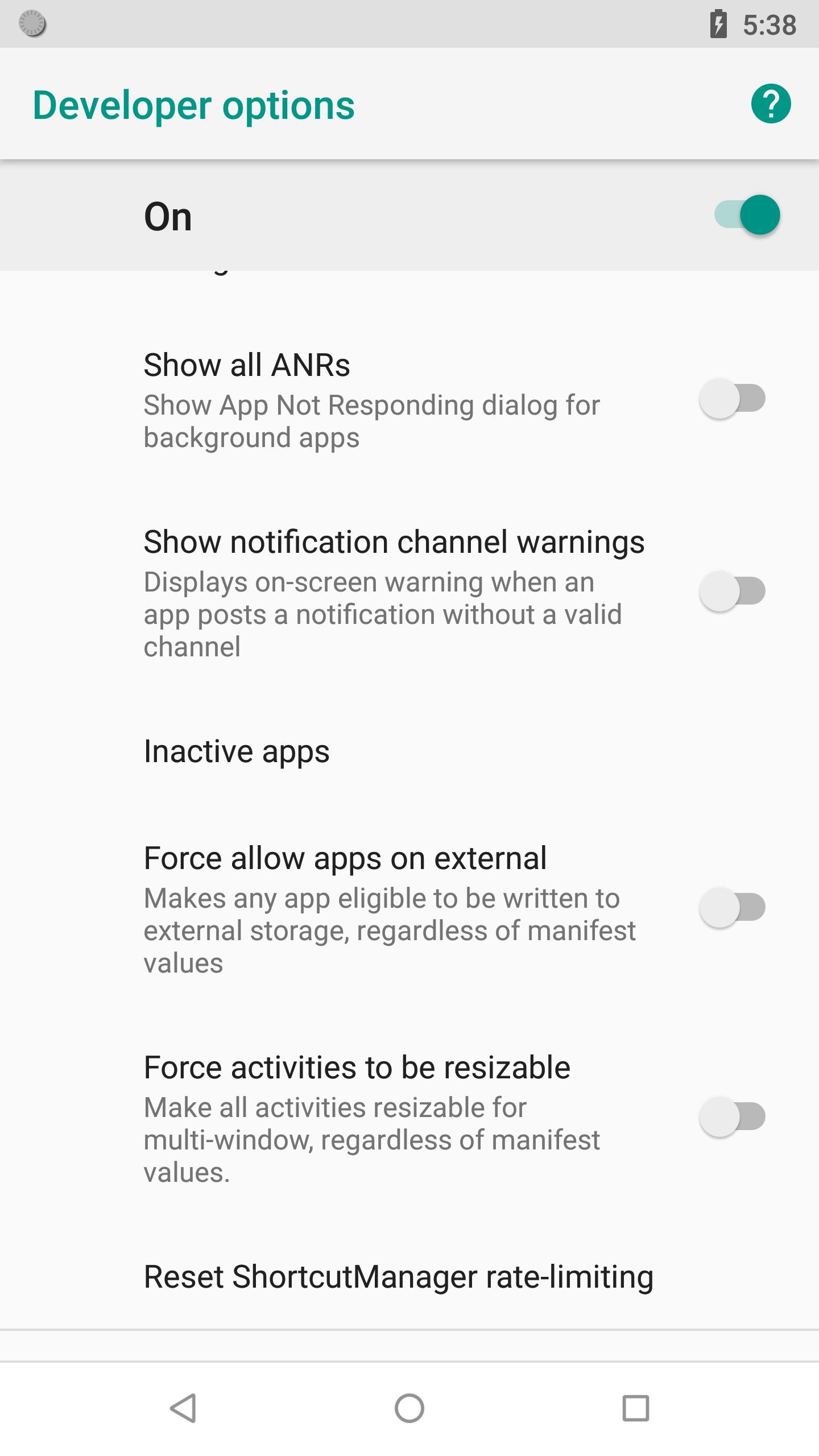
- Show all ANRs (Show App Not Responding dialog for background apps)
- Force allow apps on external (Makes any app eligible to be written to external storage, regardless of manifest values)
Manually enable developer options for Android:
Go to Settings > About device > Build number. Tap Build number seven times. Go back to Settings, where you'll find a Developer options.
Informazioni APP aggiuntive
Ultima versione
1.4Caricata da
Abdalmonem Tawfig Abdalbagi
È necessario Android
Android 4.0+
Categoria
Gratuita Strumenti APPClassificazione dei contenuti
Everyone
Segnala
Segna come inappropriataNovità nell'ultima versione 1.4
Last updated on Nov 14, 2018
Many bug fixes and underlying performance improvements
Developer Options Screenshot




Vecchie versioni di Developer Options
20.5 KBNov 14, 2018

Tag correlati





Articoli popolari nelle ultime 24 ore
- Come scaricare l'APK di Google Play Services ultima versione 24.23.33 (190408-644073686) per Android 2024
- Come scaricare l'APK di Facebook ultima versione 467.1.0.52.83 per Android 2024
- Come scaricare l'APK di Google Traduttore ultima versione 8.10.58.640328148.3-release per Android 2024
- Come scaricare ClasseViva Famiglia APK ultima versione 5.3.3 per Android 2024




Lascia una recensione per Developer Options (22KB)
Aggiungi recensioni