




Über Developer Options
Entwickleroptionen SHORTCUT für Android-Geräte.
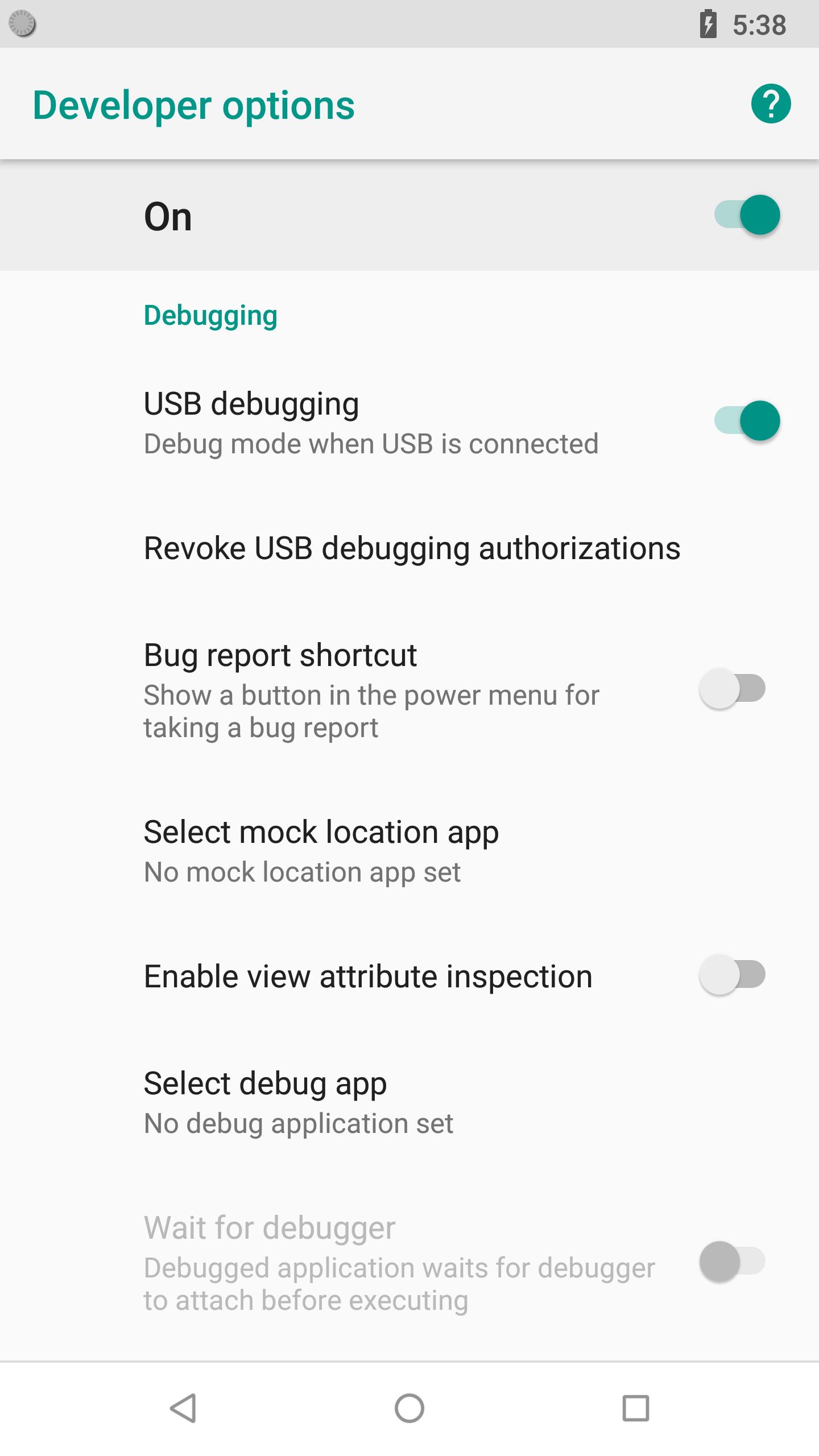
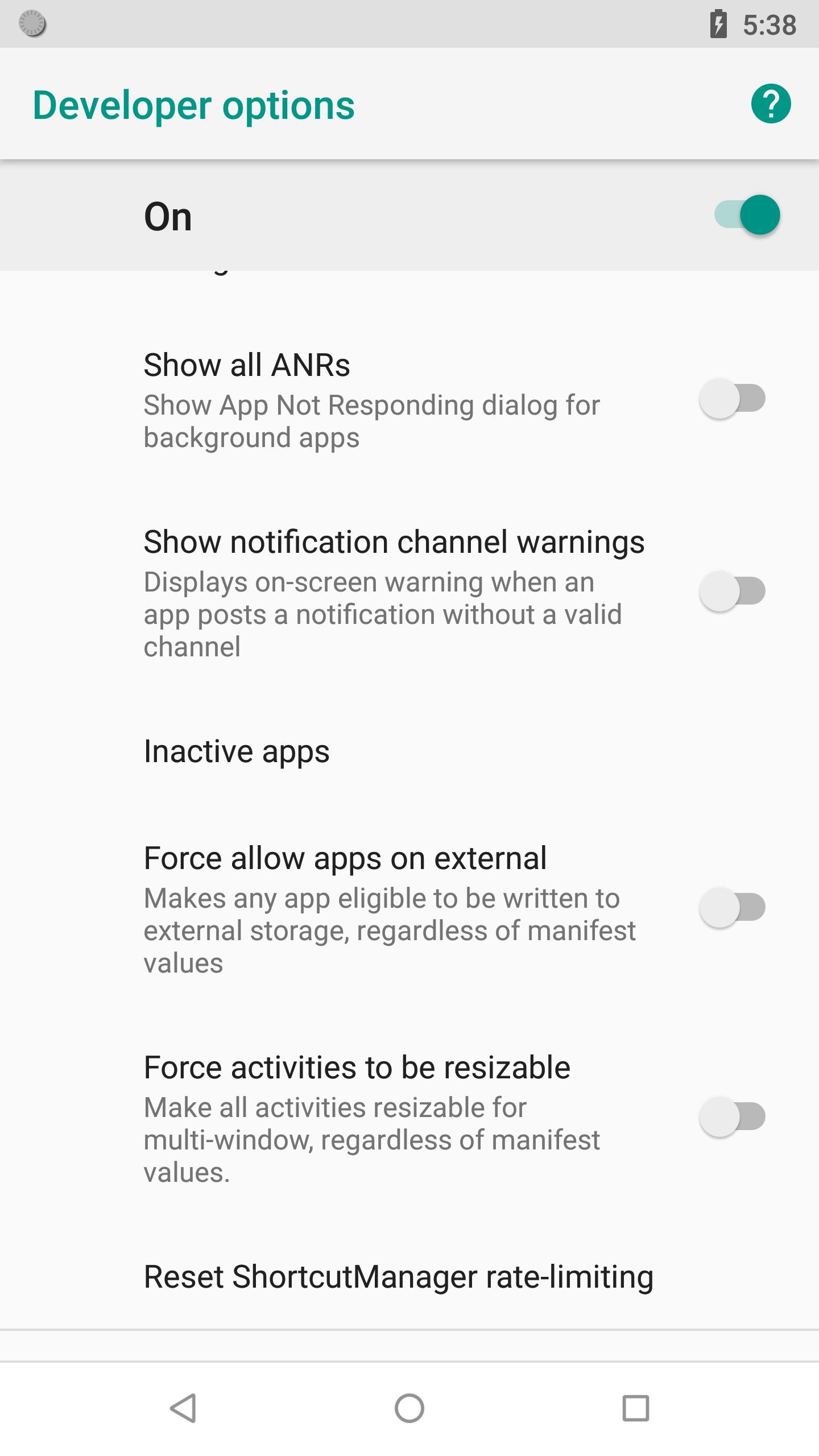
Developer Options include:
- USB Debugging option.
- Stay awake (Screen will never sleep while charging)
- Running services.
- OEM unlocking (Allow the bootloader to be unlocked)
- Picture color modes (Use sRBG)
- Quick settings developer tiles
- Show taps (Show visual feedback for taps)
- Force RTL Layout direction (Force screen layout direction to RTL for all locales)
- Background process limit
- Profile GPU rendering
- Show all ANRs (Show App Not Responding dialog for background apps)
- Force allow apps on external (Makes any app eligible to be written to external storage, regardless of manifest values)
Manually enable developer options for Android:
Go to Settings > About device > Build number. Tap Build number seven times. Go back to Settings, where you'll find a Developer options.
Zusätzliche APP Informationen
Aktuelle Version
1.4Von hochgeladen
Abdalmonem Tawfig Abdalbagi
Erforderliche Android-Version
Android 4.0+
Kategorie
Gratis Tools APPAltersfreigabe
Everyone
Was ist neu in der neuesten Version 1.4
Last updated on Nov 14, 2018
Many bug fixes and underlying performance improvements
Developer Options Screenshots




Alte Versionen von Developer Options
20.5 KBNov 14, 2018

Verwandte Tags








Beliebte Artikel in den letzten 24 Stunden
- Anleitung zum Download die neueste Version 6.0302 von VidMate - HD Video Downloader & Live TV APK für Android 2026
- Anleitung zum Download die neueste Version 21.37.42 von YouTube APK für Android 2026
- Anleitung zum Download die neueste Version 5.30.340 von YouTube for Android TV APK für Android 2026
- Anleitung zum Download die neueste Version 17.10.4 von Lidl Plus APK für Android 2026





Hinterlassen Sie eine Bewertung für Developer Options (22KB)
Bewertungen hinzufügen