Scan Date:Jul 31, 2026
Show More


Ghost Dark Aura Panel FF supports mobile players who want quick guidance and clear on screen aids without changing any game. With a compact overlay and simple controls, it focuses on visibility and device awareness during matches. You choose when tools appear, so the view stays clean while you play Free Fire or other shooters. It stays separate from your gameplay and works as a visual reference. To get started, find Ghost Dark Aura Panel FF APK and use it as a companion.
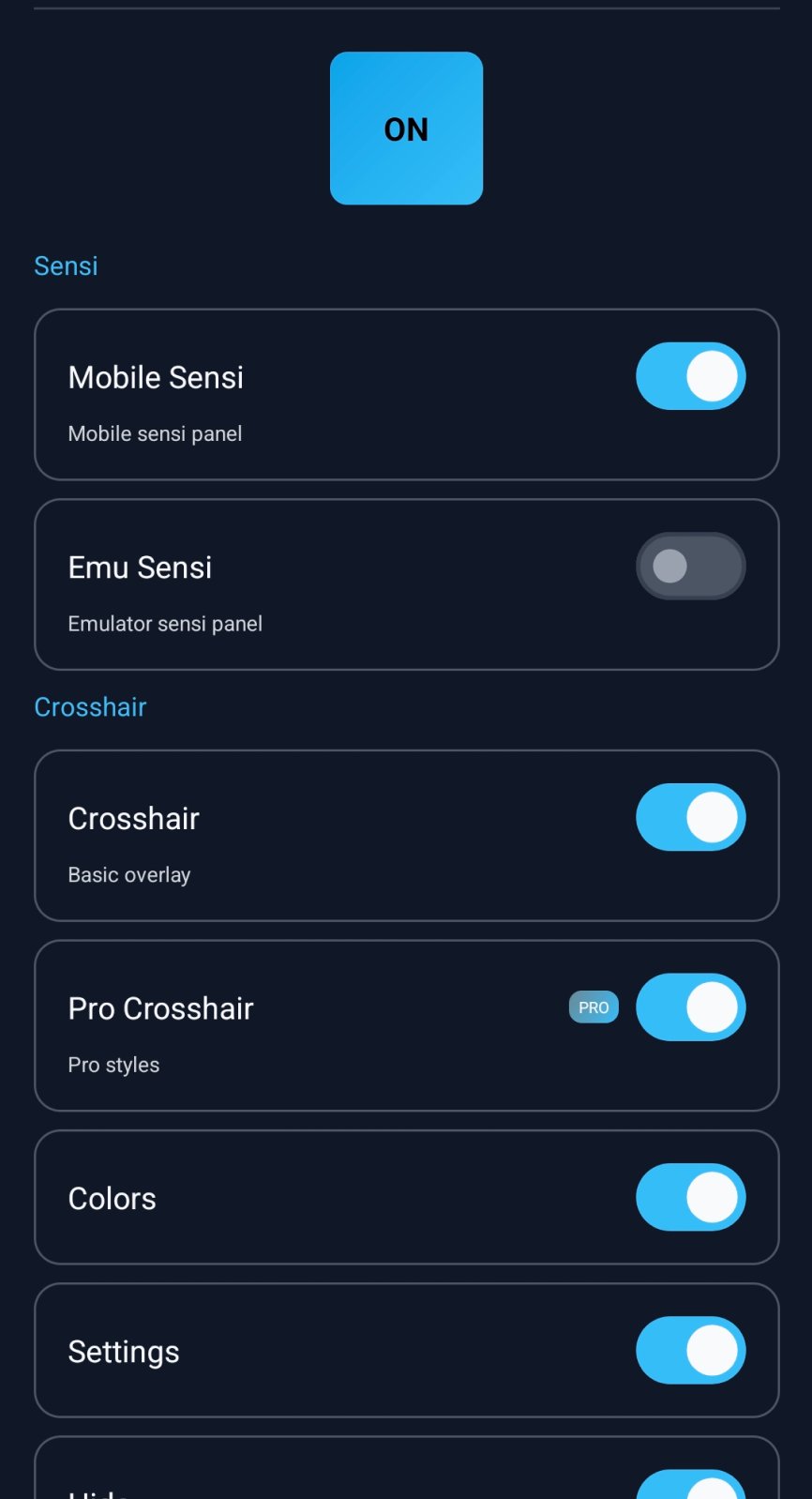
You can show a static crosshair from a small floating panel while you play. The overlay stays on top of your screen and does not interact with the game. Turn it on or off whenever you need clarity during aim.
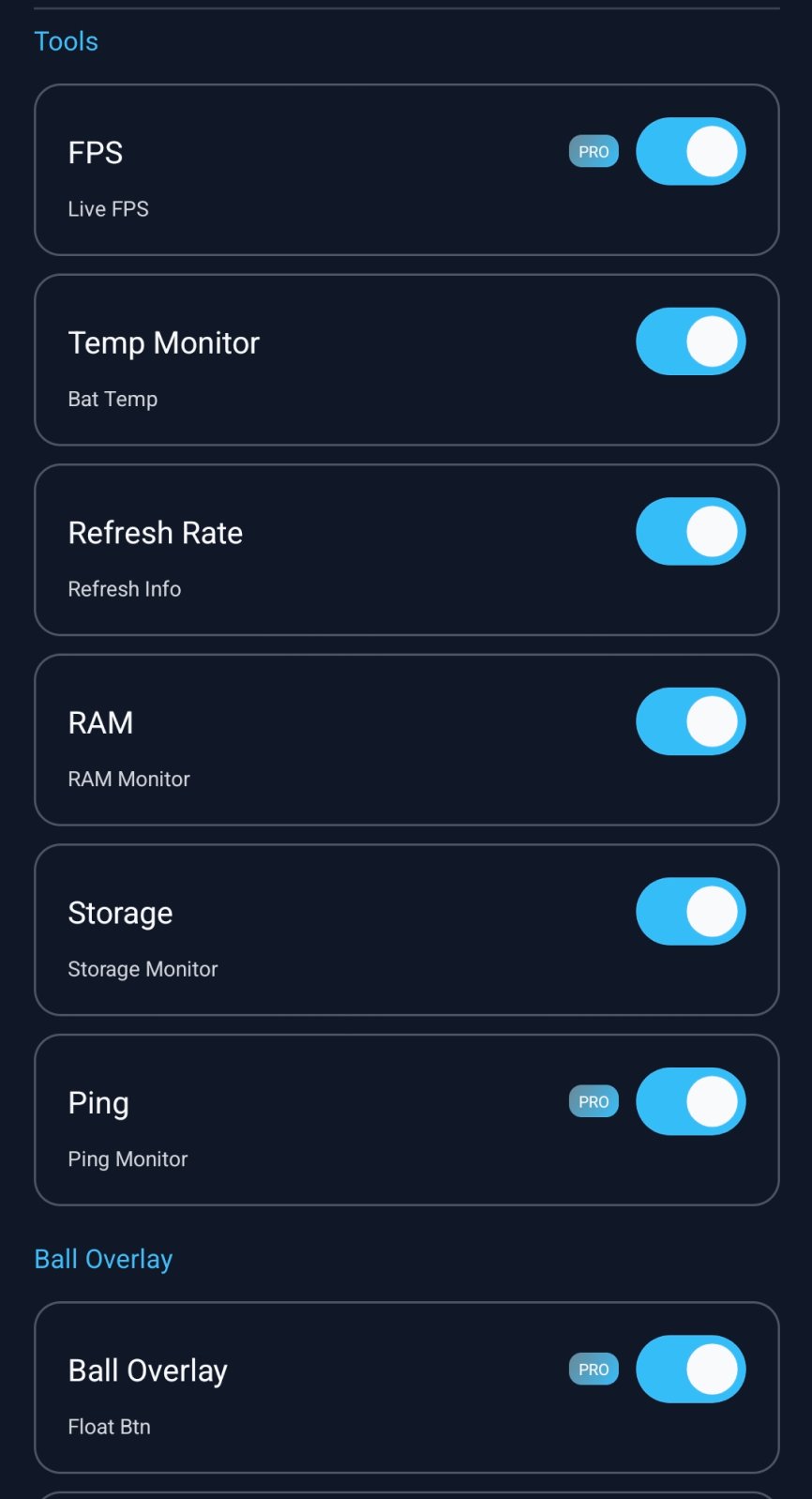
Performance HUDGhost Dark Aura Panel FF can display real time FPS, RAM use, and battery temperature in a clean view. This heads up helps you sense device load and adjust settings accordingly. It remains compact, so your play area stays readable.
Sensitivity reference tipsYou get high, medium, and low sensitivity values as guidance. Enter the values manually inside your game settings to match your preference. This approach keeps control with you and avoids any automated changes.
Independent tool, not a modGhost Dark Aura Panel FF works separately from every game and does not inject or automate any action. It avoids gameplay altering controls and focuses only on visual aids and status guidance. This design supports fair play and platform policies.
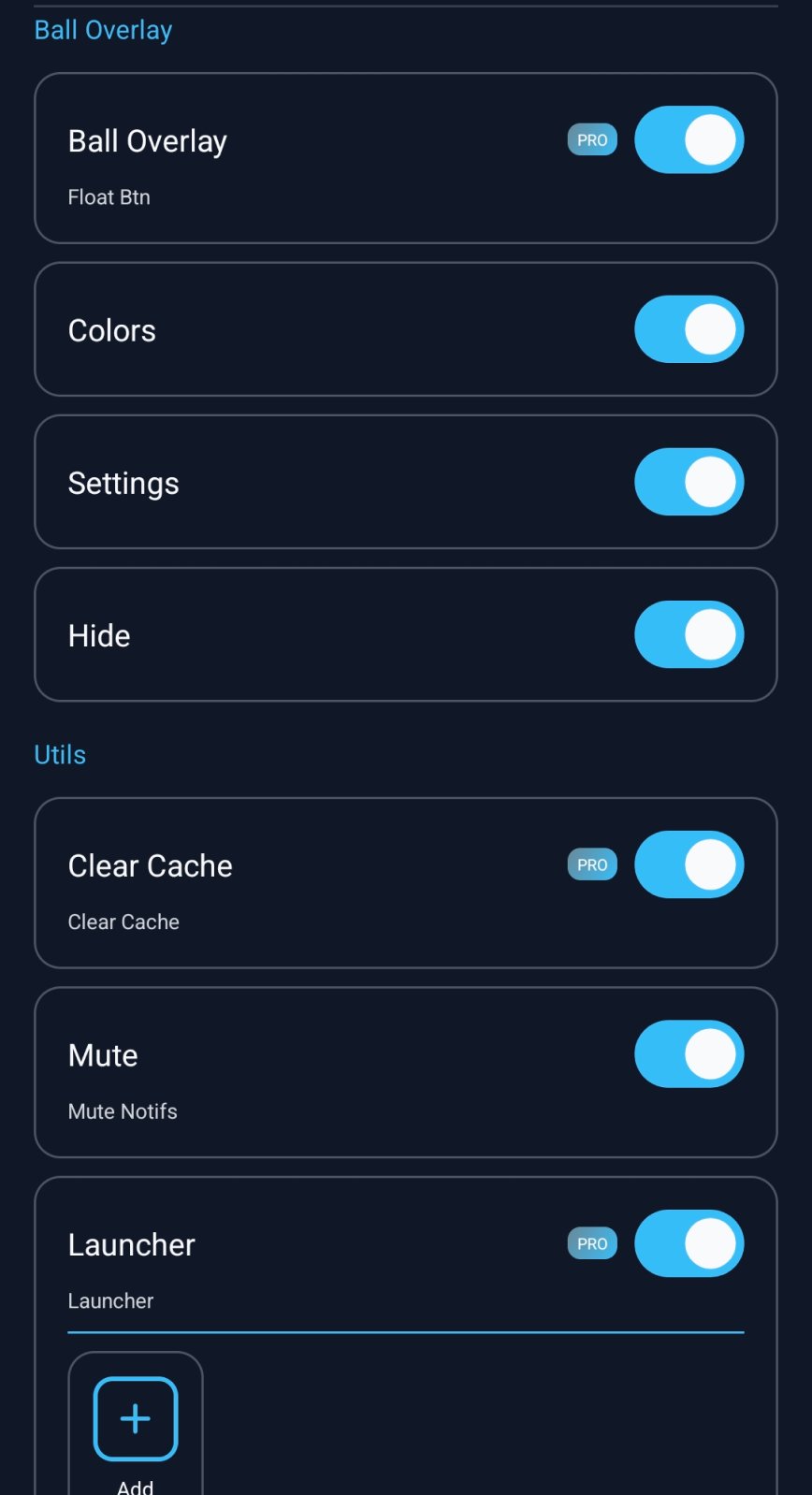
Lightweight panel and quick togglesThe interface is simple, with clear switches for the overlay and stats. You decide when to show tools and when to hide them, so they never get in your way. Setup is quick, and the panel remains minimal during matches.
This app is a visual and reference tool, not a cheat or mod. You will need to grant overlay permission so the panel can appear over your screen. It is built with Free Fire in mind, yet the guidance and overlay can help in other shooters and mobile titles as well.
Contains ads and offers in app purchases. The developer states that data is encrypted in transit, and no data is collected from users. If you prefer new releases, look for Ghost Dark Aura Panel FF latest version when checking updates, as it may include fixes or usability improvements.
After you download Ghost Dark Aura Panel FF, it opens with a simple floating panel. The process stays clear and does not alter any game, so you remain in control at every step.
Ghost Dark Aura Panel FF offers on screen visuals and device insights while leaving gameplay untouched. It suits Free Fire and other shooters where clear aim and status awareness help you focus. To begin quickly, find Ghost Dark Aura Panel FF APK and set up the overlay.
For support or more details, use the following official sources.
Latest Version
1.1.0Uploaded by
Daw Myat Myat Maw
Requires Android
Android 8.0+
Category
Free Tools AppContent Rating
Everyone
Security Report
Report
Flag as inappropriateLast updated on Jul 31, 2026
This release includes minor bug fixes and general improvements. Update to the latest version for the best experience.


APKPure - A multi-platform app store primarily focused on Android, providing extensive app-related content. Discover the app you want easier, faster, and safer, with quick and efficient downloads and installations.