
About GFX Tool Master
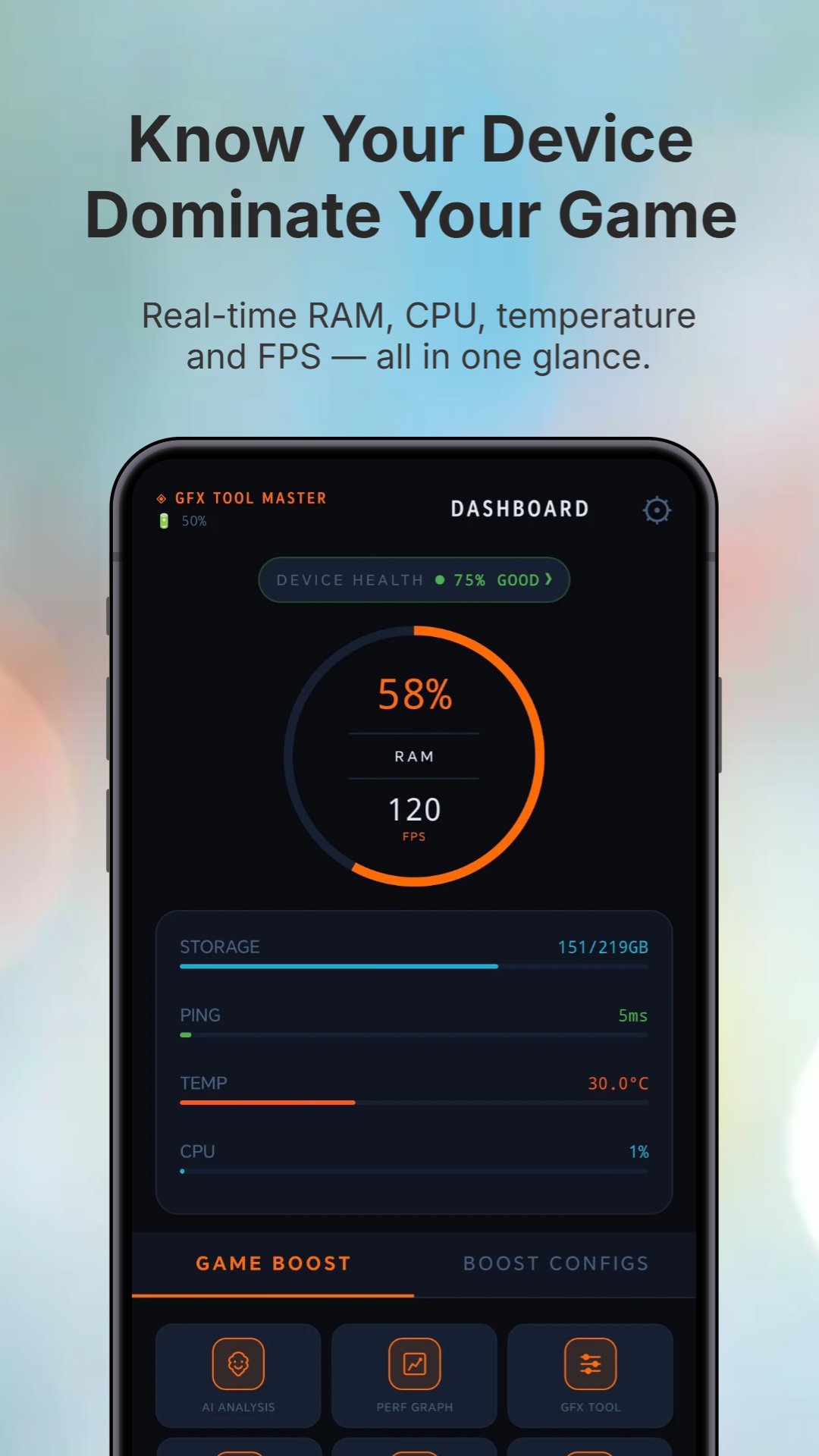
Boost gaming performance. Monitor RAM, CPU & temp in real-time.
GFX Tool Master is a utility companion and hardware monitoring tool designed for mobile gamers.
📊 REAL-TIME HARDWARE MONITORING
Keep track of your device telemetry while gaming:
- RAM Usage: View active memory utilization in GB or percentage.
- Thermal Status: Monitor CPU and battery temperatures.
- Battery Info: Track battery charge levels and connection status.
- Storage Status: Monitor remaining storage space on your device.
- Screen Refresh Rate: View active display refresh rate (Hz).
🎮 SESSION UTILITY LOCKS
- Wake Lock: Prevents your screen and CPU from going into deep sleep during gameplay.
- Wi-Fi Lock: Helps maintain a stable Wi-Fi connection by preventing the wireless interface from entering power-saving mode.
- Do Not Disturb Mode: Helps block notifications during gaming sessions (requires notification access permission).
🛠 GFX CONFIG GENERATOR
Generate custom graphics configuration files (such as UserCustom.ini) based on your chosen settings:
- FPS Targets (30 FPS, 60 FPS, 90 FPS, etc.)
- Resolution options
- Graphic quality settings
- Shadow and anti-aliasing choices
Note: This tool only generates configuration files. The generated files must be copied manually by the user to the respective game directories. The app does not automate, inject, or modify any third-party game files directly.
🔍 FLOATING MONITORING OVERLAY
Display a small, non-obtrusive overlay widget on your screen to track RAM usage, CPU load, and temperature in real-time while using other apps (requires overlay permission).
📈 PERFORMANCE HISTORY LOGS
Record and view history graphs of your RAM usage, CPU load, and temperature to analyze your device's behavior over time.
⚠️ DISCLAIMER & IMPORTANT INFO
- GFX Tool Master does NOT optimize or speed up your device hardware beyond its factory limits.
- The app does not automate file modifications for third-party games. Any generated configuration files must be copied manually by the user.
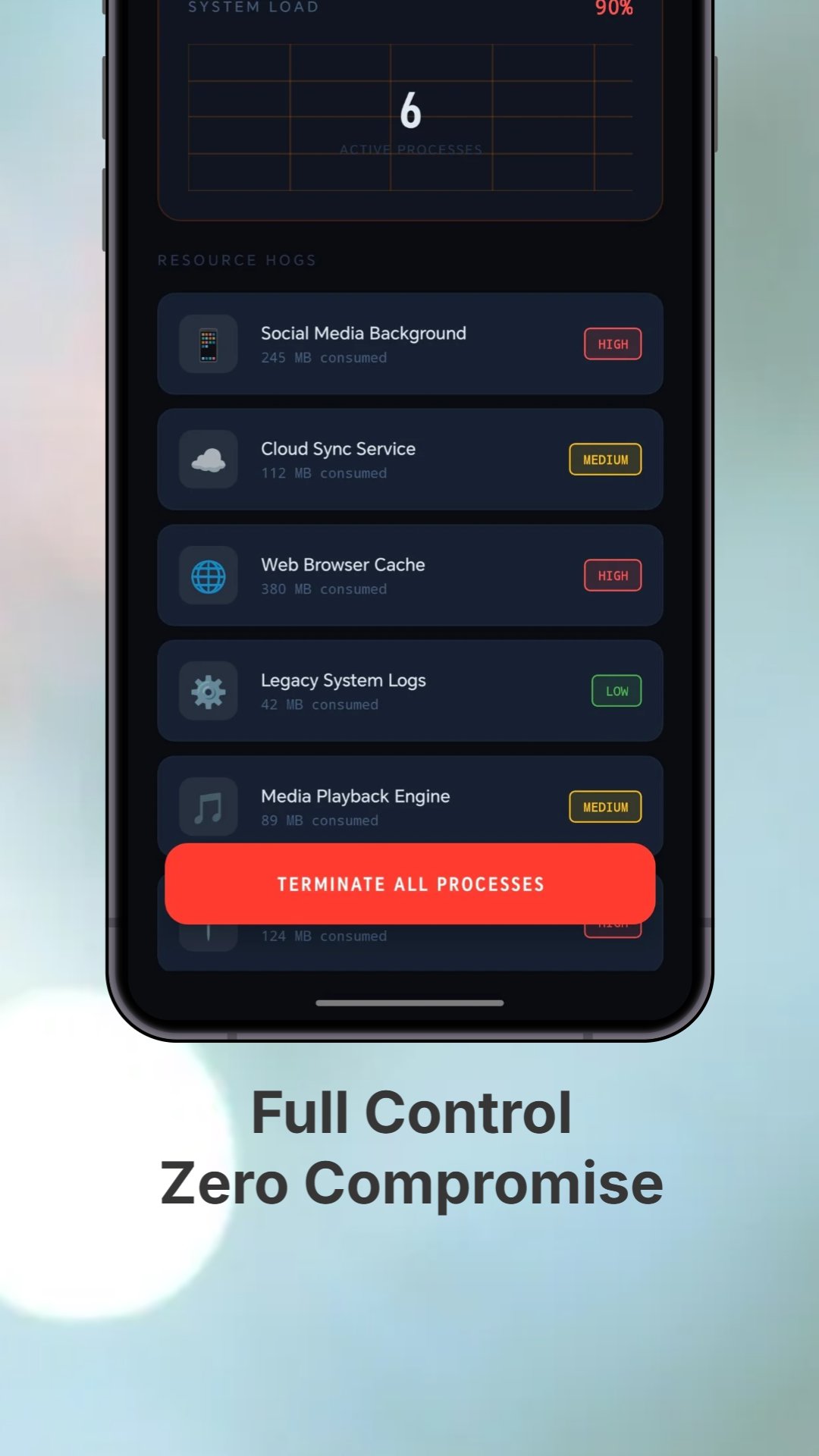
- Terminating background processes (via the Background Manager) is a standard system utility tool to free up resources and does not guarantee an increase in game frame rates.
Additional APP Information
Latest Version
Varies with deviceRequires Android
Category
Tools AppContent Rating
Everyone
Report
Flag as inappropriateWhat's New in the Latest Version Varies with device
Last updated on Jul 2, 2026
This release includes minor bug fixes and general improvements. Update to the latest version for the best experience.
GFX Tool Master Screenshots