

Package Name:com.thehisham.ftpserver
SHA-256:275c63721d096dffd6f78f24c0d3b21f92f471eaf1541f3cbebc2c1e277c2090
Show More
Easily turn your Android device into a local FTP server and access files from other devices on the same Wi-Fi network.
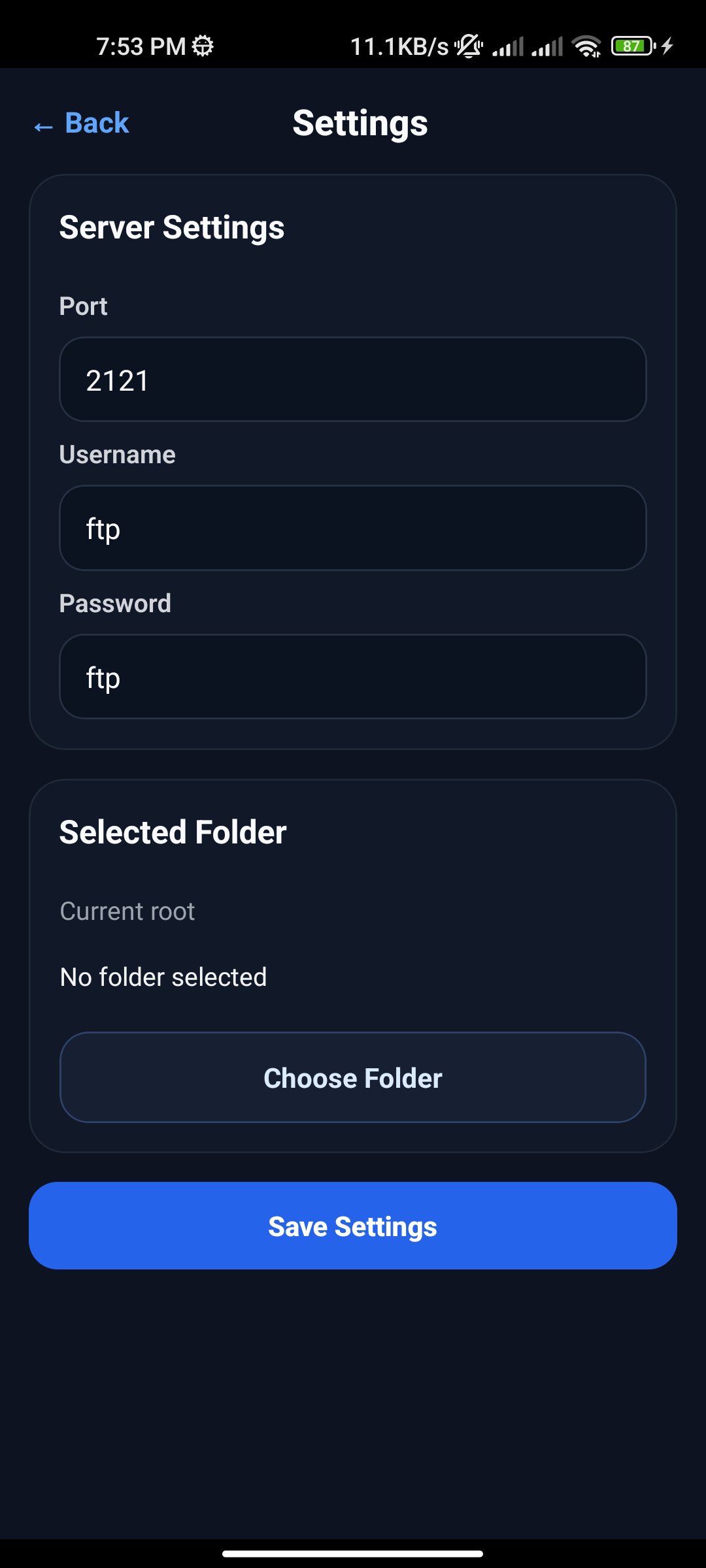
This app gives you a simple way to start, stop, and manage an FTP server directly from your phone. Choose a folder, set your port, username, and password, then connect from your PC, tablet, or another phone using the FTP address shown in the app.
Key features
- Start and stop your local FTP server in one tap
- Share files over your local Wi-Fi or hotspot connection
- Choose the root folder you want to make accessible
- Set a custom port, username, and password
- View server status, LAN IP, port, and FTP URL in one place
- Clean and simple dashboard for quick control
How it works
1) Open the app
2) Select the folder you want to share
3) Set your login details and port
4) Start the server
5) Connect from another device using the FTP URL
This app is useful for:
Transferring files between phone and PC
- Accessing files from other devices on your local network
- Quickly sharing folders without cables
- Running a lightweight FTP server from your Android device
Designed for simplicity, speed, and convenient local file access.
Latest Version
1.0Uploaded by
Nan EhEh Shue Shue
Requires Android
Android 7.0+
Category
Free Tools AppContent Rating
Everyone
Security Report
Check Now
Report
Flag as inappropriateLast updated on Mar 5, 2026
Initial release.






APKPure - A multi-platform app store primarily focused on Android, providing extensive app-related content. Discover the app you want easier, faster, and safer, with quick and efficient downloads and installations.