




About File Explorer
File Explorer application - Free
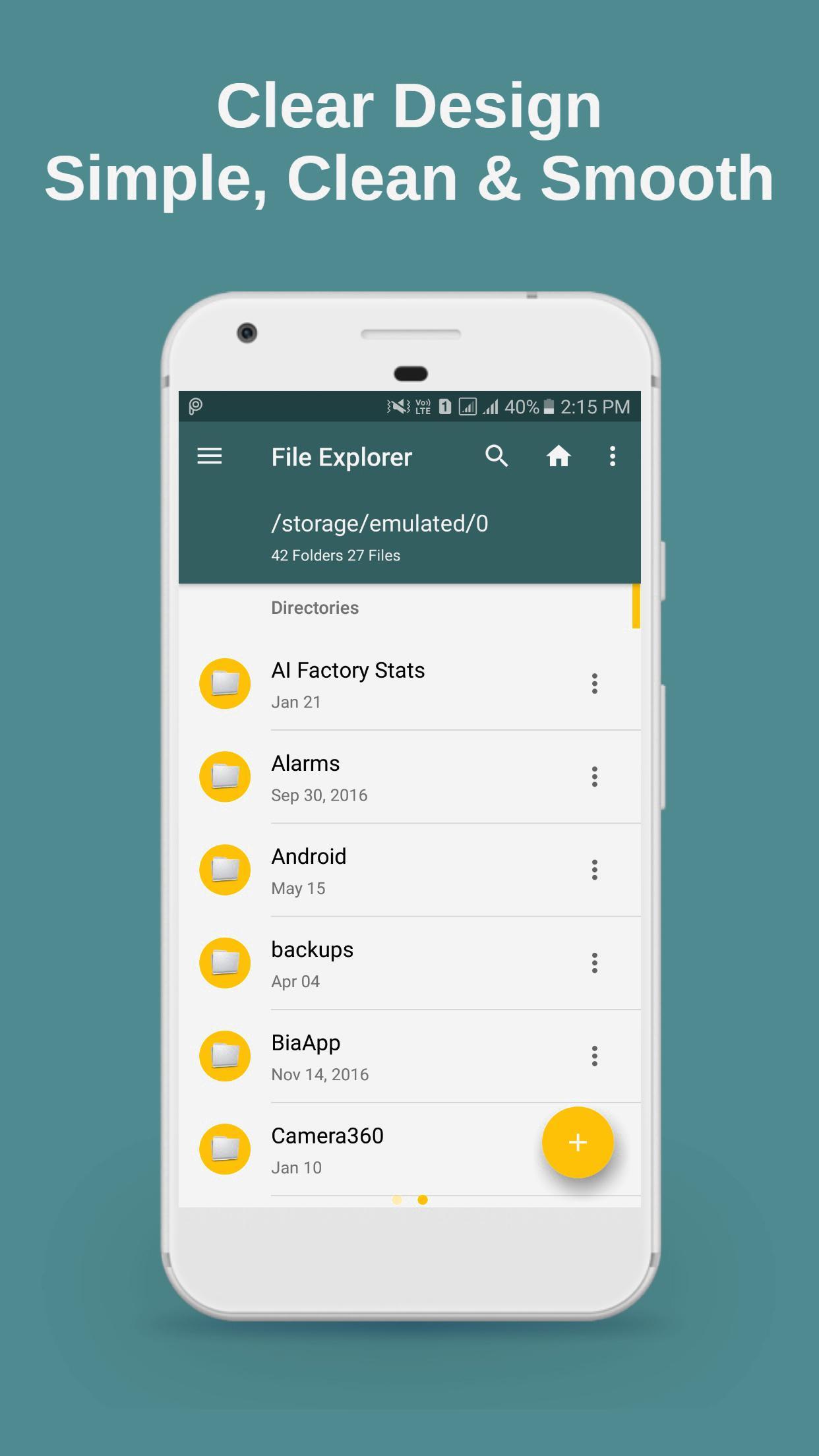
File Explorer helps you to manage your files and folders very efficiently and easily. It lets you to explore your storage, file, document or folder on your local or SD card storage.
Key features of File Explorer
- With File Explorer you can browse, search, copy, rename, delete, find, add to bookmark, compress, hide, share and many more.
- Application Manager.
- Support file shortcut on Home screen for easily access.
- Search and share files.
- List and grid view for file explorer.
- SMB file sharing.
- Compress and decompress.
- Multiple selection and various sorting support.
- Quickly access to images, videos, audio, history, bookmarks or search for any file.
- Multiple themes.
- Root explorer for advanced users.
Additional APP Information
Latest Version
8.0Uploaded by
Re da Moussi
Requires Android
Android 4.0+
Category
Free Tools AppContent Rating
Everyone
Report
Flag as inappropriateWhat's New in the Latest Version 8.0
Last updated on Aug 10, 2018
This release includes minor bug fixes and general improvements. Update to the latest version for the best experience.
File Explorer Screenshots


Old Versions of File Explorer
All Versions
Related Tags













Leave a review for File Explorer
Add Reviews