Scan Date:Jul 22, 2026
Show More


Zable is built for users who want to handle everyday borrowing and credit tracking without moving between several tools. It brings credit card, loan, credit score, and account management tasks into one app, so you can review your position before making financial decisions. As a result, the Zable APK may suit users who want a clearer view of applications, repayments, and credit progress from an Android phone.
Check eligibility before applying
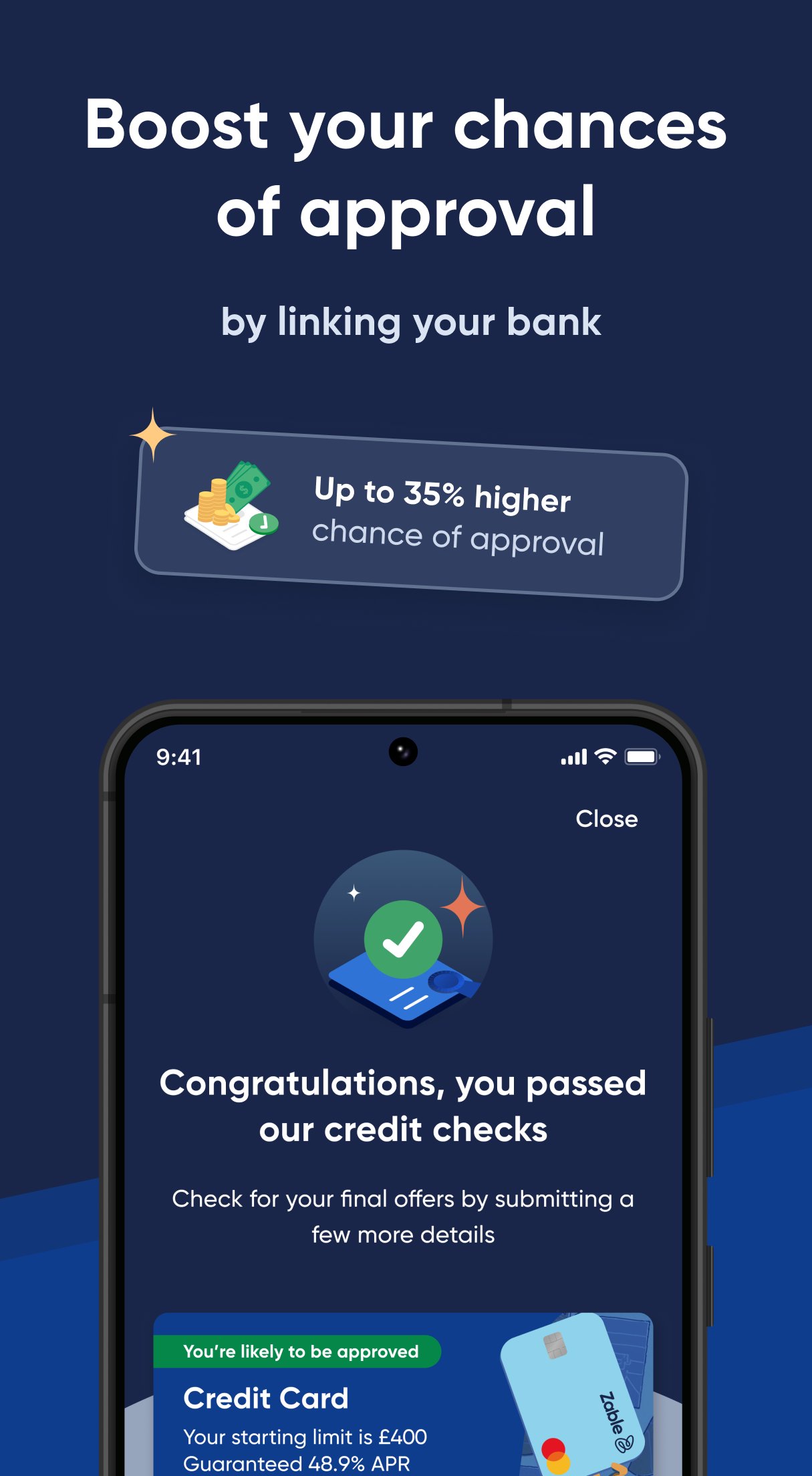
Zable lets you check whether you may be eligible for a credit card or personal loan before you apply. This check does not affect your credit score, so you can review your options with less risk. After that, you can decide whether to continue with an application based on the result shown in the app.
Apply for credit cards and loans in the app
Zable supports paperless applications for credit cards and personal loans. You can complete the application process directly on your phone instead of handling printed forms. This makes the Zable app useful for users who want to apply, review details, and follow the next steps in one place.
Manage transactions and repayments
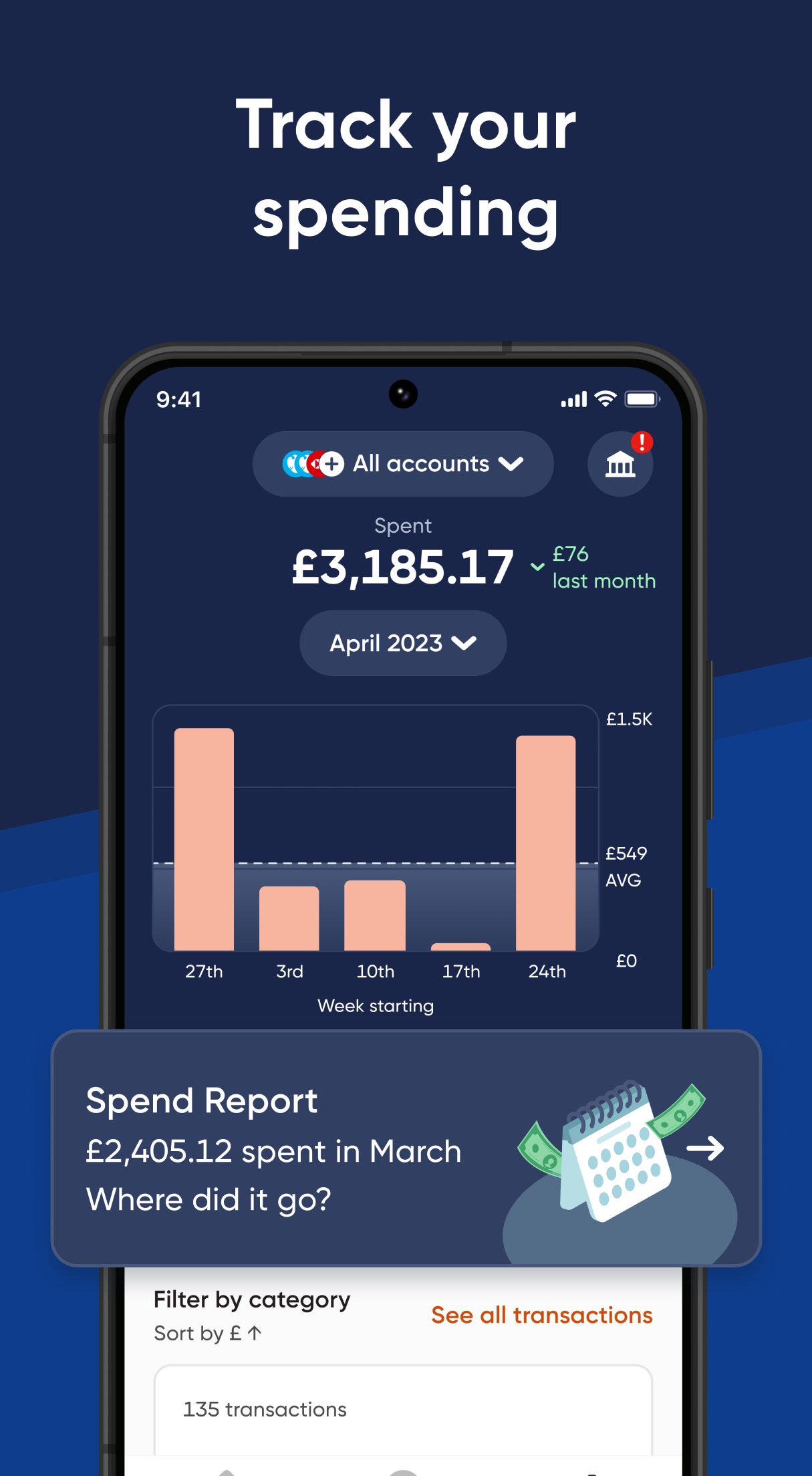
Zable helps you keep track of credit card transactions, loan payments, repayments, and account activity. You can use the app to review what has been spent, what is due, and how your account is moving over time. In addition, having these details together can make it easier to plan repayments and avoid missing important account activity.
View credit score insights
Zable provides free access to your Equifax credit score, including score history and factors that may affect eligibility for cards or loans. You can use this information to understand how your credit profile changes over time. Because the app also connects these insights with borrowing options, it may help you make more informed choices before applying.
Use credit building tools
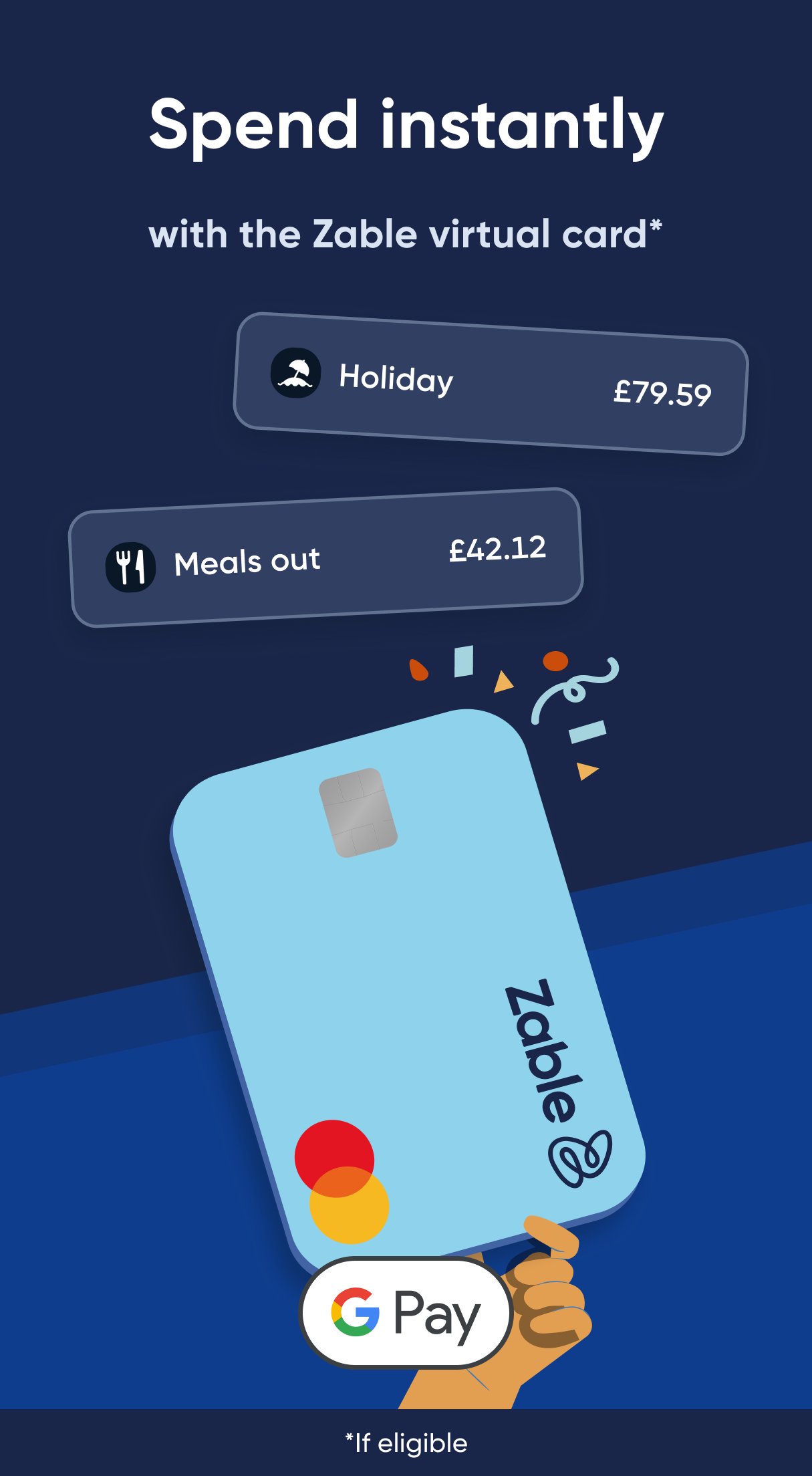
Zable includes tools designed to support credit building over time. These include automatic credit limit reviews, rent reporting, and spend tracking. You can also use Google Pay support where available, and many approved customers may be able to use a virtual card quickly after approval.
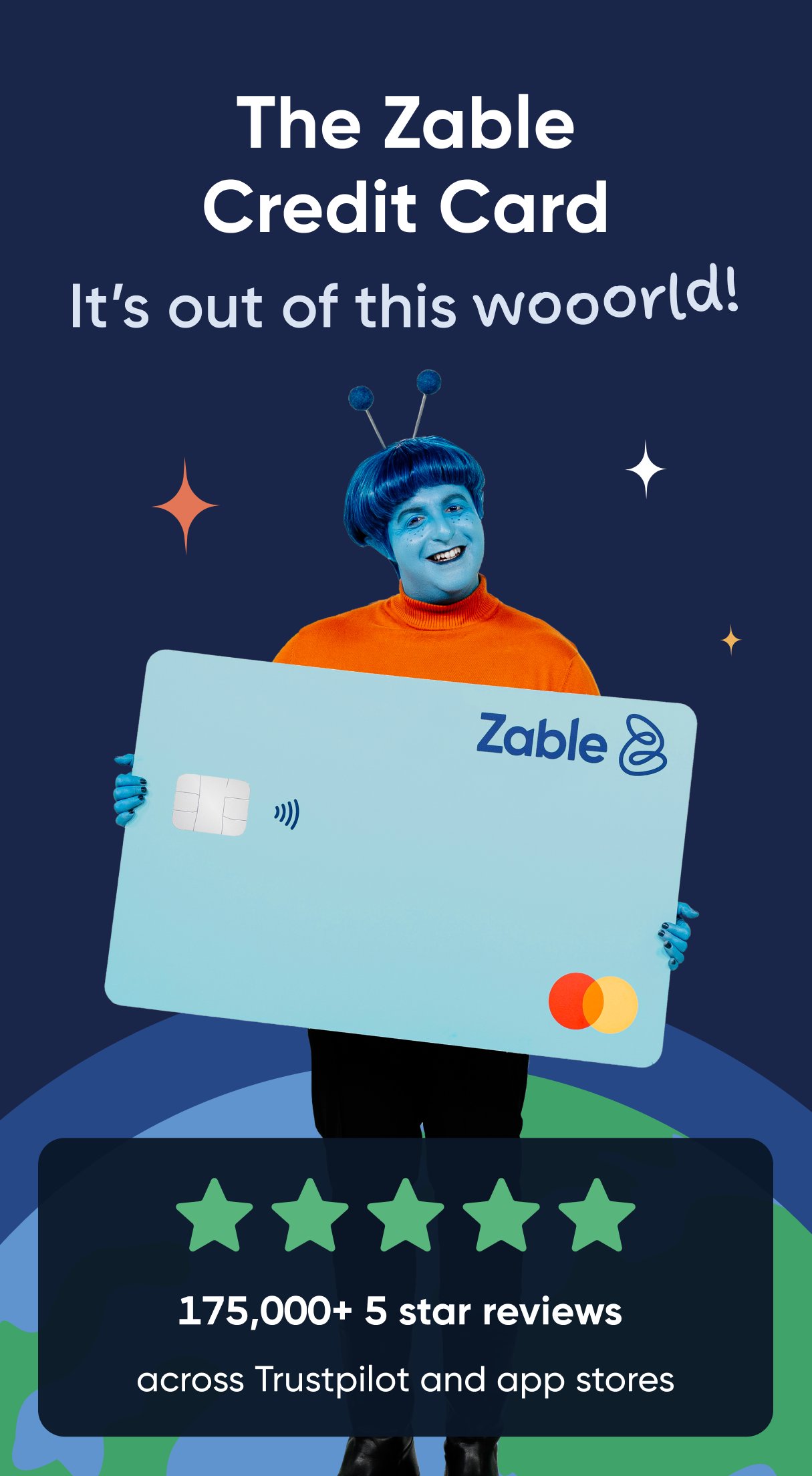
Zable focuses on users who want credit cards, loans, credit score tracking, and spending control in a single app. It may be relevant if you are comparing a Zable credit card, looking at Zable loans, or checking whether a finance product fits your current situation. The app description also states that Zable has served over 1 million credit card and loan customers, while its website says it is trusted by over 2 million customers.
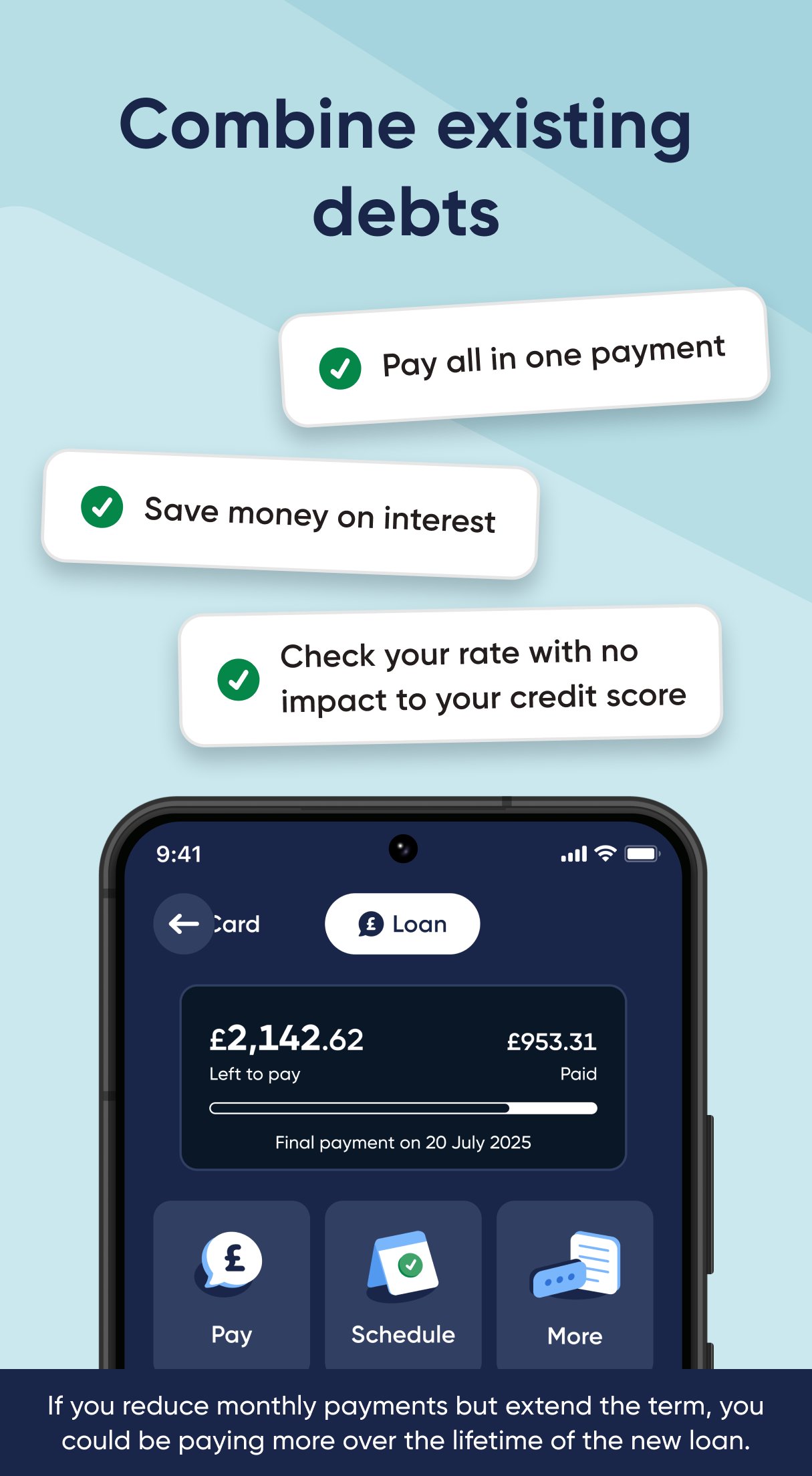
The app may also be useful for users who are considering flexible finance options. These can include debt consolidation loans, balance transfer cards, bad credit credit cards, rent reporting, and utility bill switching. Before applying, users should review the details shown in the app and consider whether repayments are manageable.
After installing the Zable latest version, you can start by setting up your account and reviewing the options shown in the app. The process is designed around checking eligibility first, then applying or managing accounts if you choose to continue.
Zable gives Android users a single place to check eligibility, apply for credit products, track repayments, and follow credit score changes. You can download Zable if you want to manage these finance tasks from one mobile app.
Official information is available through the following channels:
Latest Version
5.25.0Uploaded by
Shang Duc Duc
Requires Android
Android 9.0+
Category
Free Finance AppContent Rating
Everyone
Security Report
Report
Flag as inappropriateLast updated on Jul 22, 2026
Your favourite finance app just keeps getting better with new features and bug fixes.




APKPure - A multi-platform app store primarily focused on Android, providing extensive app-related content. Discover the app you want easier, faster, and safer, with quick and efficient downloads and installations.