



Giới thiệu về Screen to Android Lite
Điều khiển máy tính của bạn từ xa từ thiết bị Android của bạn
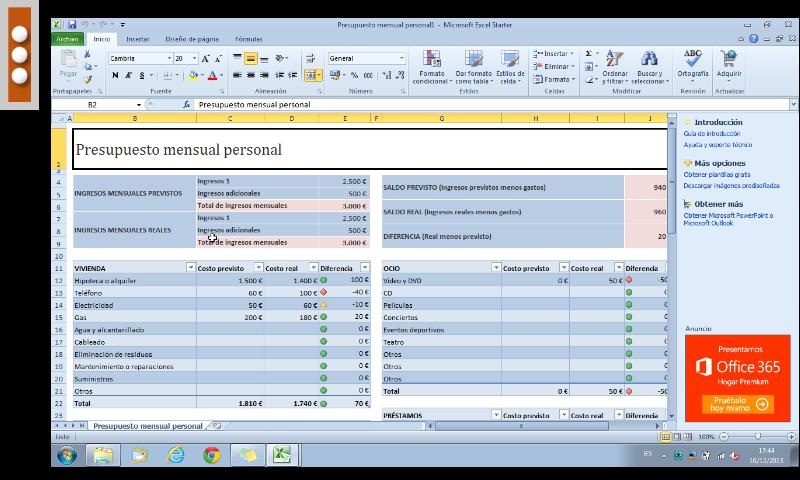
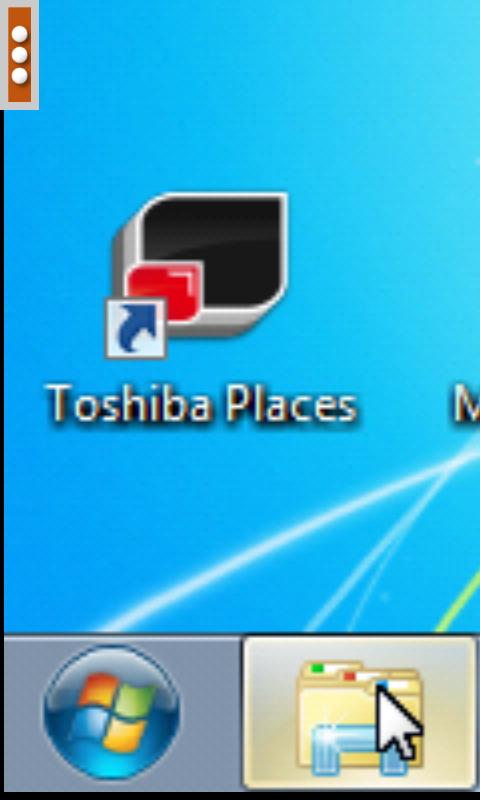
Control your PC remotely from your device (phone, tablet).
Have access to your email and files, you can edit and send them as if you were in front of your computer.
Full control over the mouse, keyboard and of course the desktop.
Download the server from here https://sites.google.com/site/mlcscreenserver, and follow the installation instructions.
The server handles the sending of the desktop to your device.
Features
* Left, right and double click.
* Beep sound with mouse clicks.
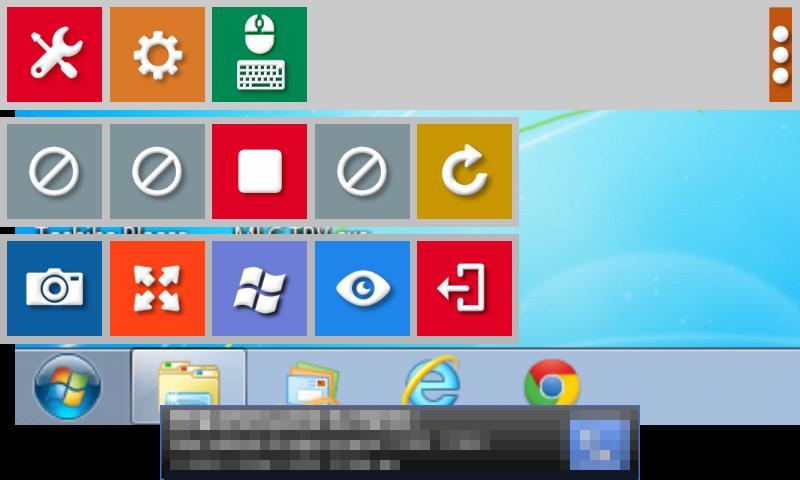
* Button for screenshots of the desktop in real time.
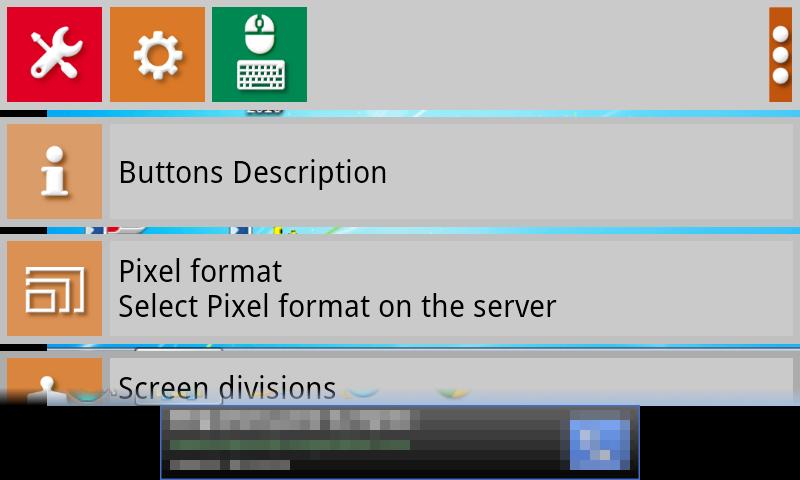
* Select the type of keyboard.
* 8, 16, 24 and 32 bit color.
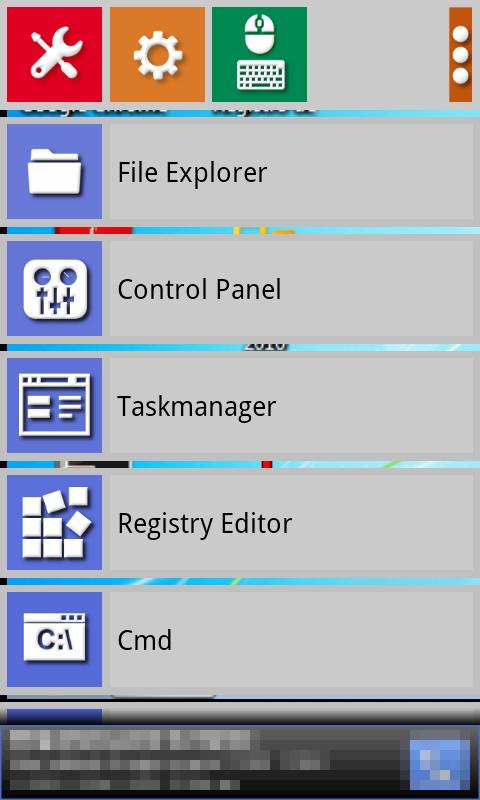
* Button to open certain applications directly on the PC. Very useful for administrators.
* You can also restart and shutdown.
* VIEW ONLY button, mouse and keyboard disabled.
* Added Ctrl + C and Ctrl + V keys on the special menu.
* Special Ctrl + V, key lets you paste the clipboard contents of the computer (images and text) directly to a file on your device.
* Connection accepts IP addresses and dynamic DNS services, as well as WiFi and 3G / 4G
Thông tin thêm Ứng dụng
Phiên bản mới nhất
2.7Được tải lên bởi
Felipe Souza
Yêu cầu Android
Android 2.3.2+
Danh mục
Miễn phí Liên lạc ỨNG DỤNGXếp hạng nội dung
Everyone
Báo cáo
Gắn cờ là không phù hợpCó gì mới trong phiên bản mới nhất 2.7
Last updated on Apr 28, 2017
• Compatibility with larger aspect ratio on new flagship devices
Screen to Android Lite Ảnh chụp màn hình



Phiên bản cũ của Screen to Android Lite
Tất cả các phiên bản
Các thẻ có liên quan


















Hãy để lại đánh giá cho Screen to Android Lite
Thêm Đánh giá