

About URForms
Enjoy millions of the latest Android apps, games, music, movies, TV, books, magazines & more. Anytime, anywhere, across your devices.
Easily create a custom database and data entry screens with dropdowns, date choosers, and validation. Enter and store your custom data on device. List and search functionality for your fields. Stores data in local SQLite tables. Backup/restore data including image/files and forms to .csv files on SD Card.
Free, Source available (Apache 2.0 license, github). Does not ask for internet or other non-storage permissions.
No ads or in-app purchases.
How to use:
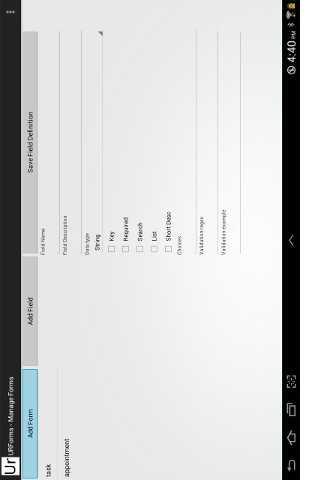
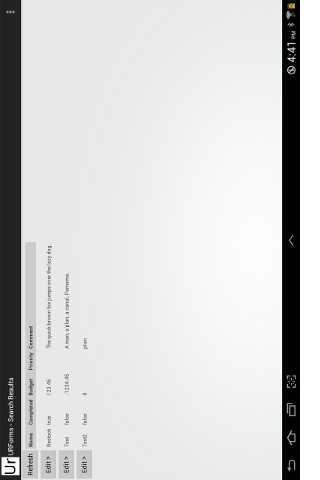
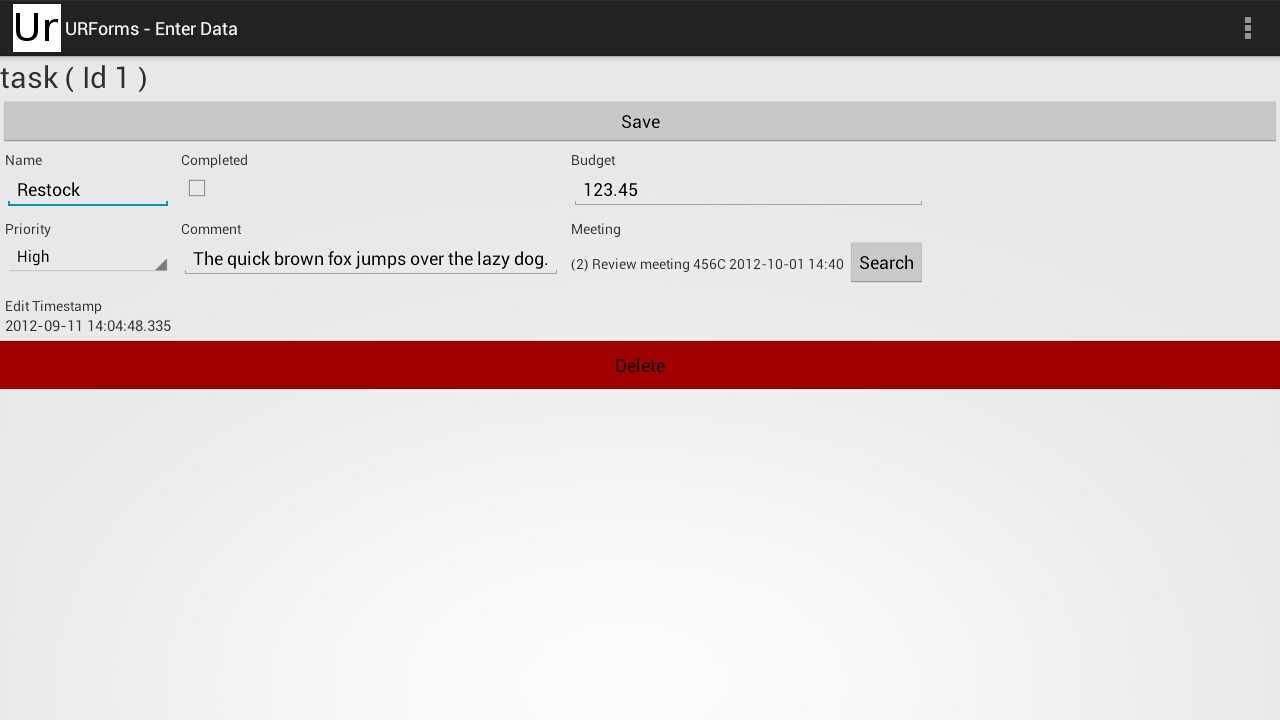
Add a new form by selecting "Manage Forms" from the menu in the upper right. (A couple example forms are provided) Add fields to the form. Fields are text unless you change the data type to for example Checkbox, Date, or Choices. For Choices, you can enter a list of comma separated values in the Choices entry field. These will be presented in a drop down on the form. You can optionally set the field to be required and add a validation regex which is a field format. Google regex for commonly used regexes, for example, numeric only, or phone number. Save the changes and then select Search / Enter data from the menu. Select the form type from the list on the left. You can add a new entry or search existing entries using the criteria fields below the search button. From the search screen you can edit the entries.
File system file chooser from Paul Burke
For Advanced users --
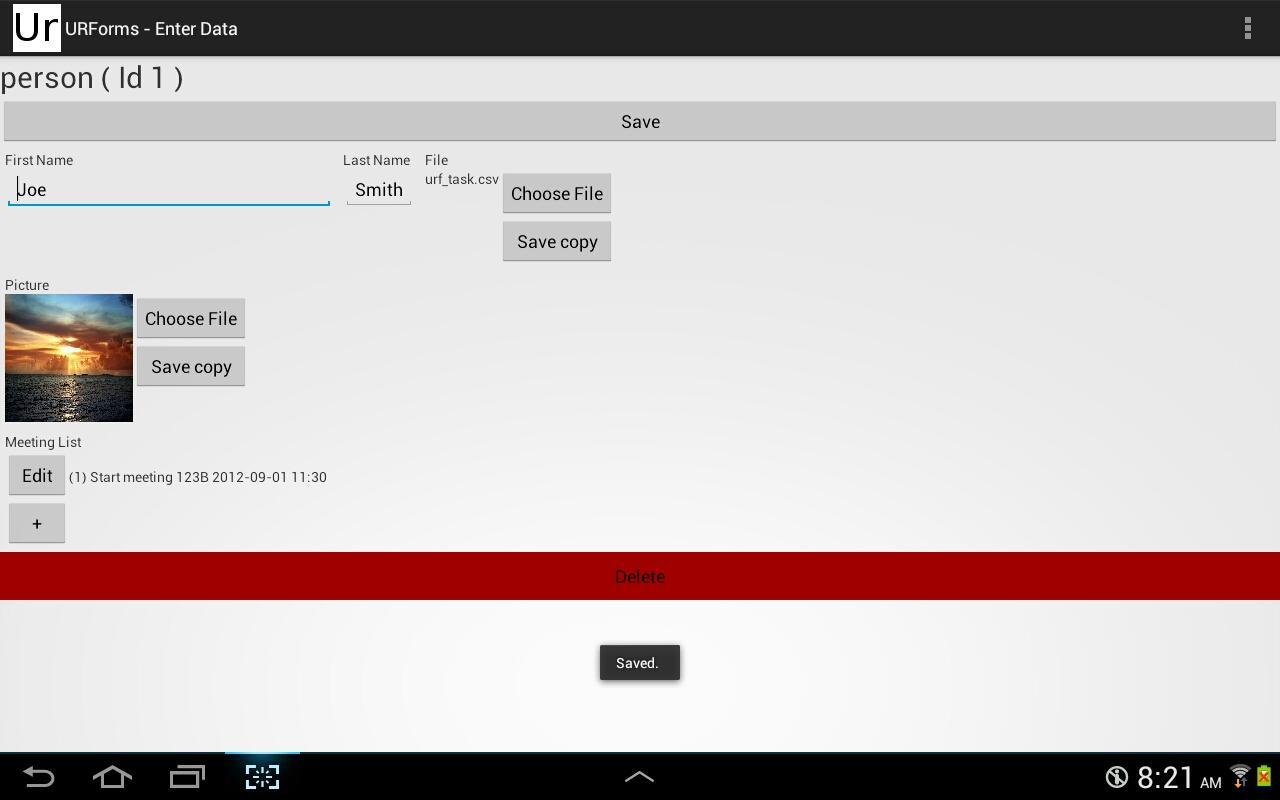
Reference field types: One form field can point to a record in another form. In Form Manager, set a new field to "reference" data type, and enter the "referenced form name". Then on the other referenced form, check the "short desc" box on one or more fields. When entering data it will show a select button to select a record from the other form data. This allows a foreign key type of relationship.
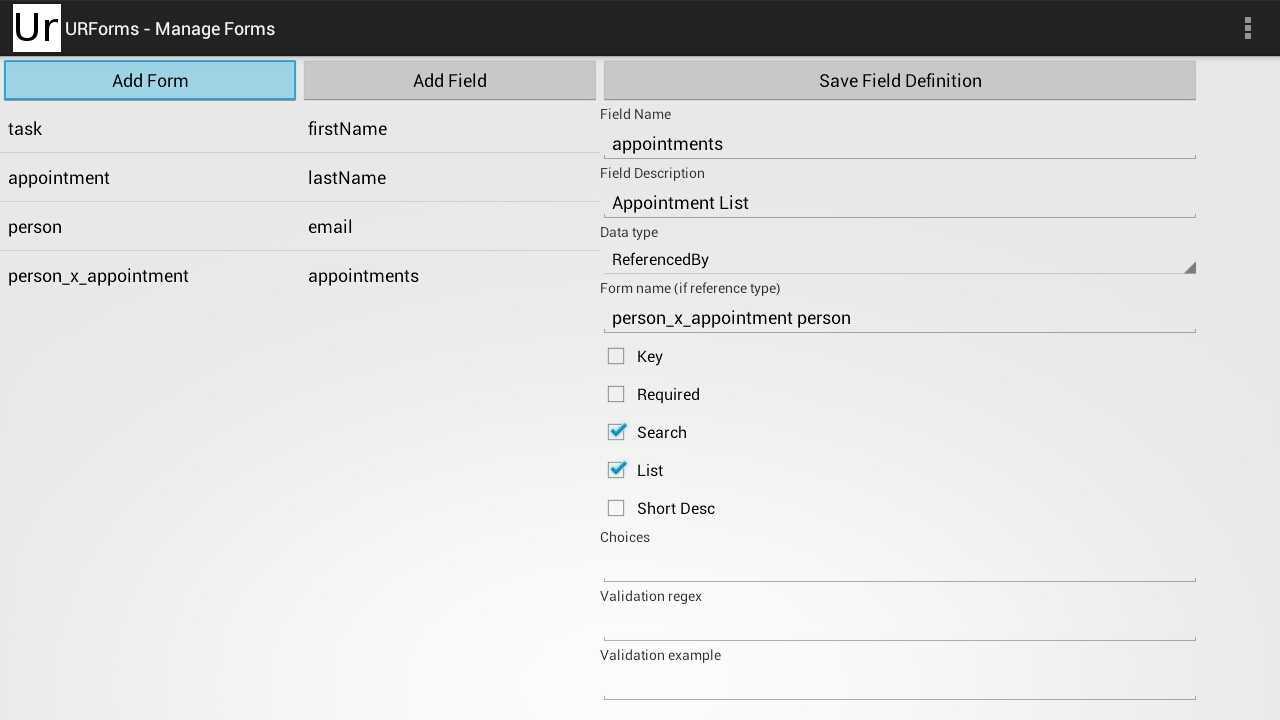
ReferencedBy type. The purpose of this field is to display a list of items that reference the current form. For example a list of people attending a meeting.
The "Form Name Field Name" should be the name of the form that references this form, followed by a space, and then the name of the field on the other form that references this form. The sample data created on a new install has an example of a many-to-many relationship that can be created in this way.
Additional APP Information
Latest Version
1.14Uploaded by
Tarek Bouazza
Requires Android
Android 4.0+
Category
Free Business AppContent Rating
Unrated · Warning – content has not yet been rated. Unrated apps may potentially contain content appropriate for mature audiences only.
Report
Flag as inappropriateWhat's New in the Latest Version 1.14
Last updated on Apr 3, 2016
Default field desc to name for new field. (version 1.14)
URForms Screenshots



Old Versions of URForms
212.6 KBApr 3, 2016